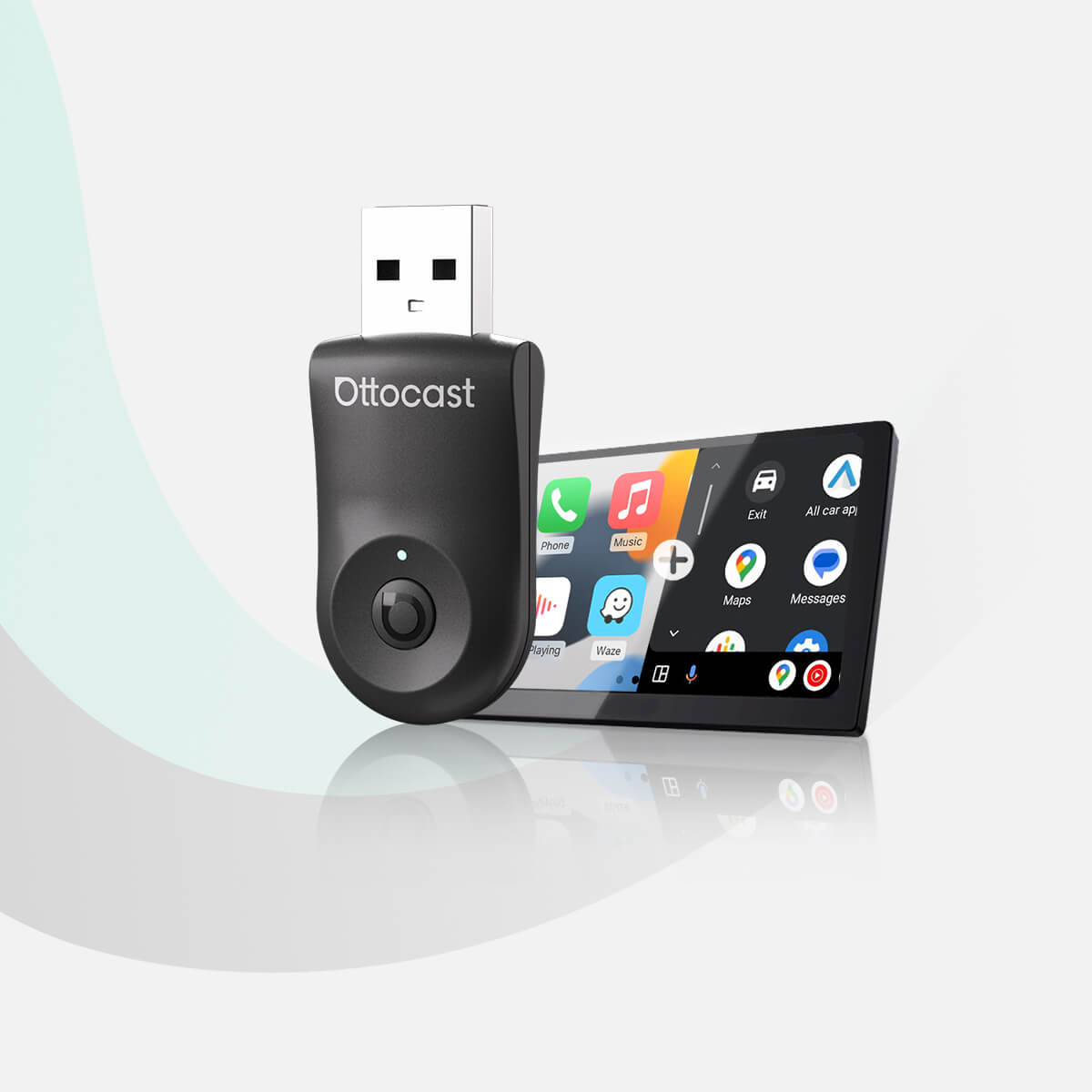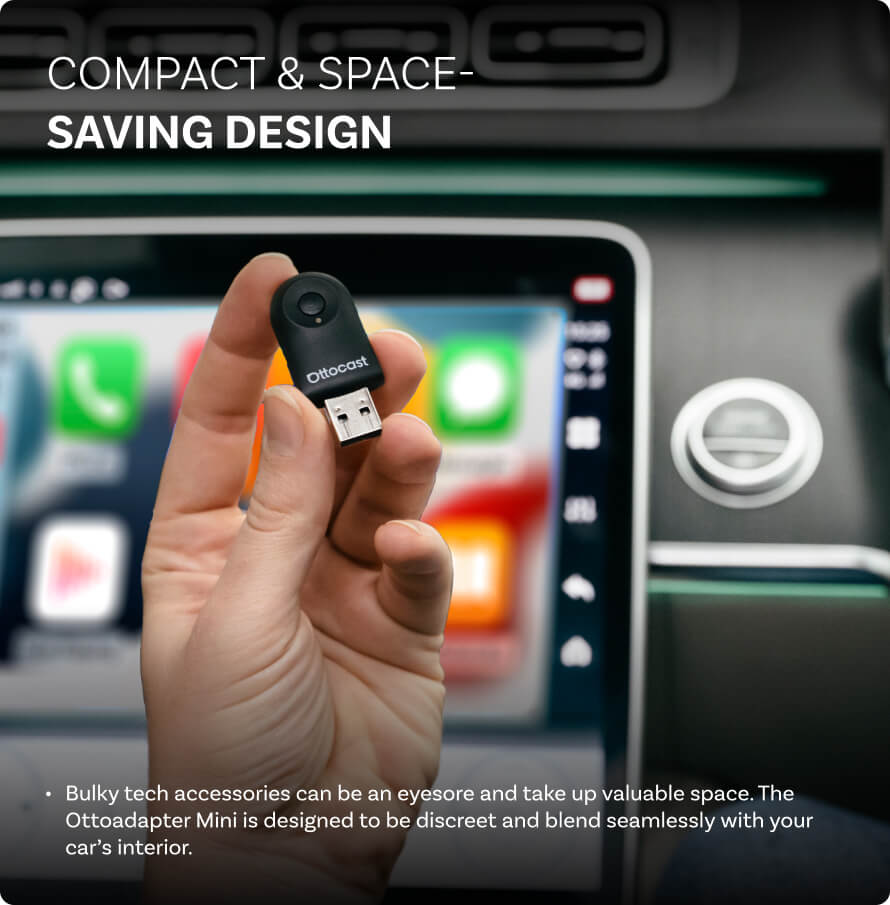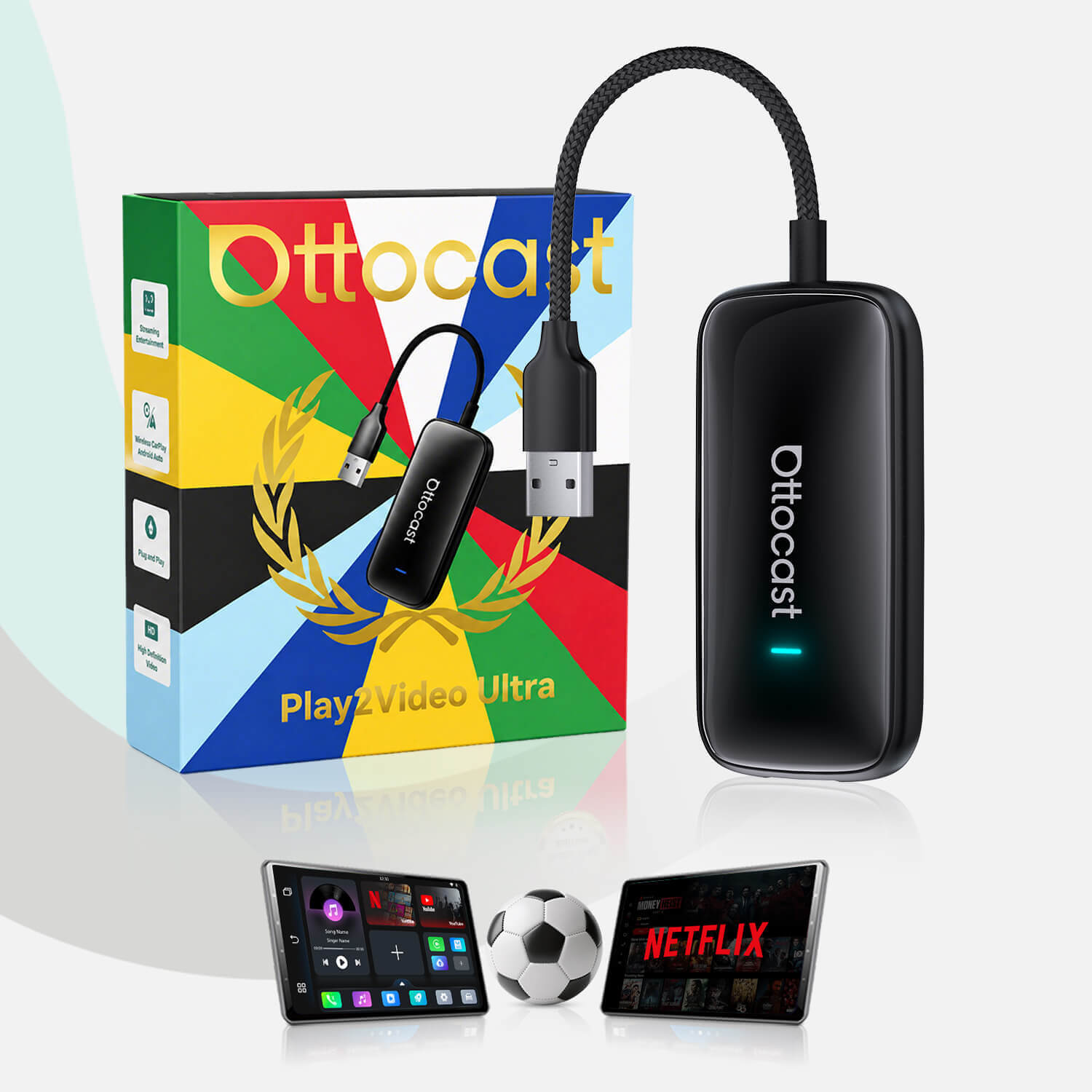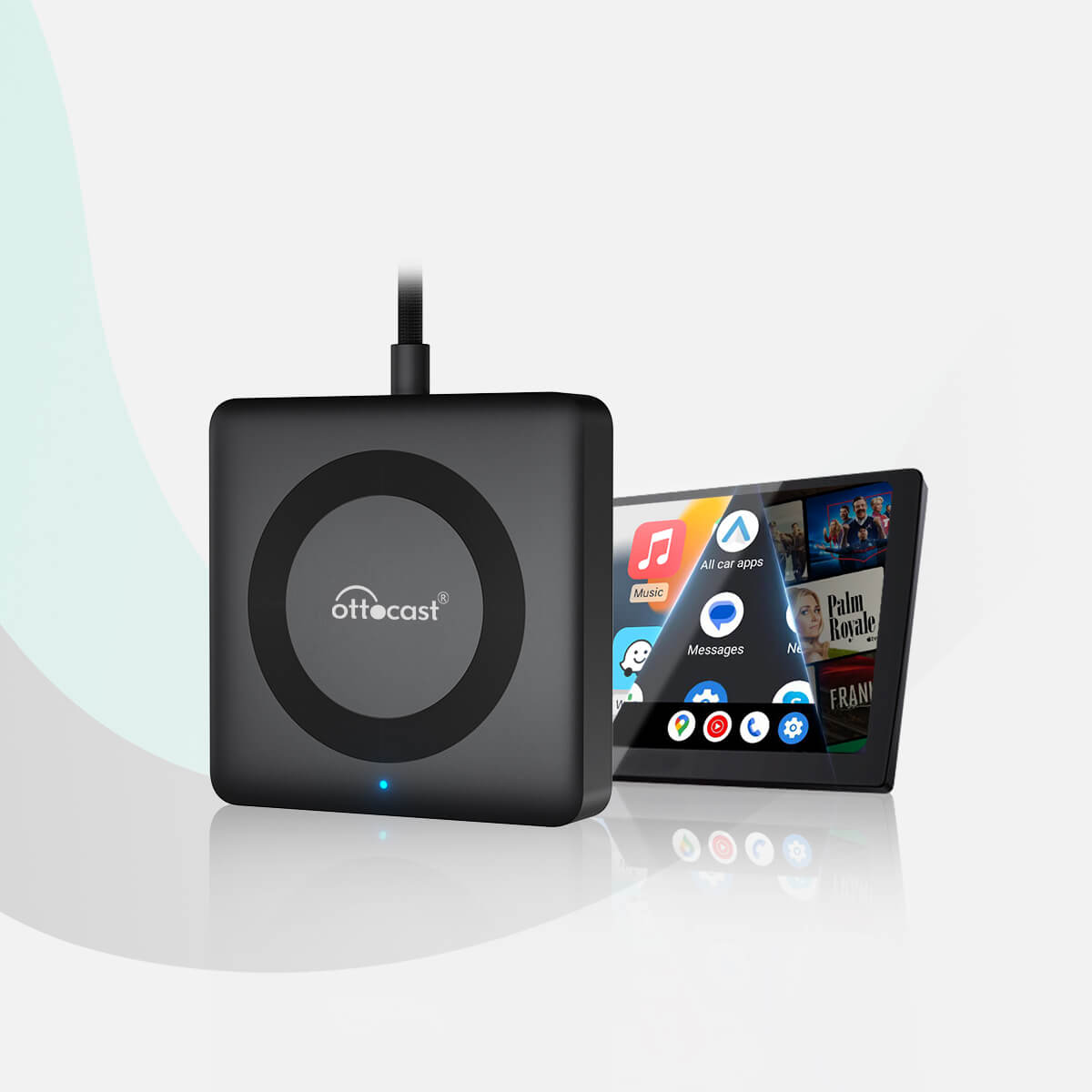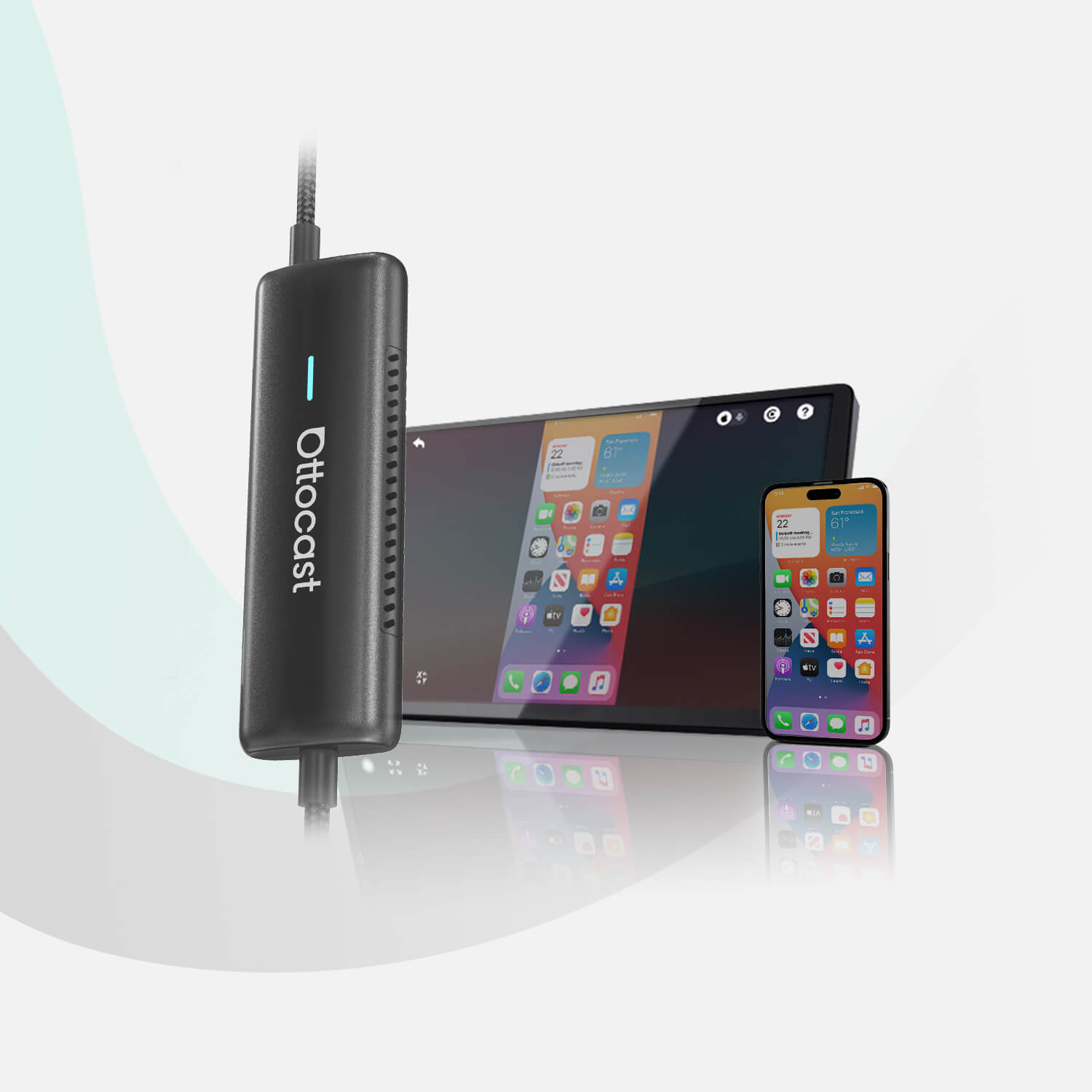
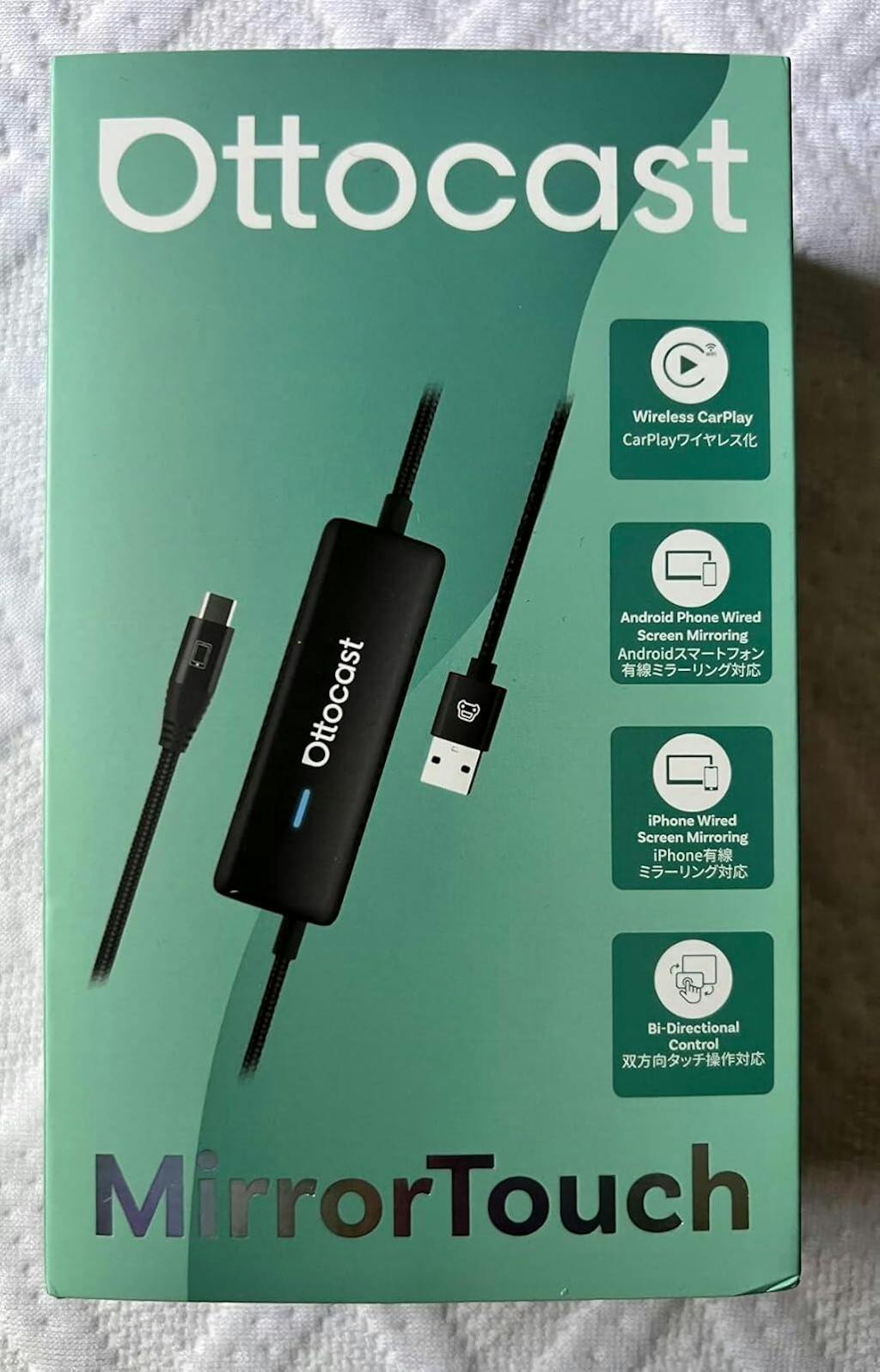
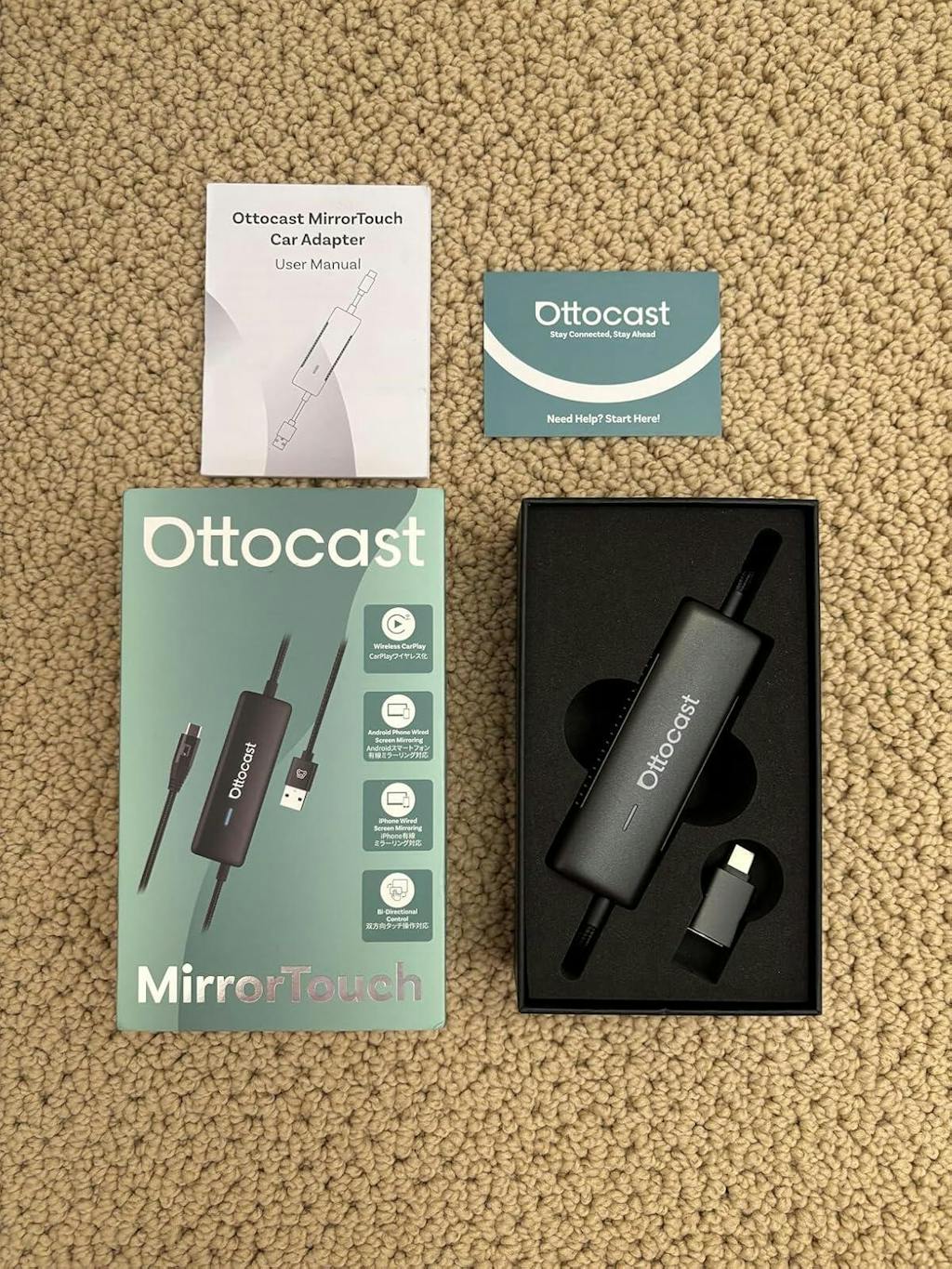
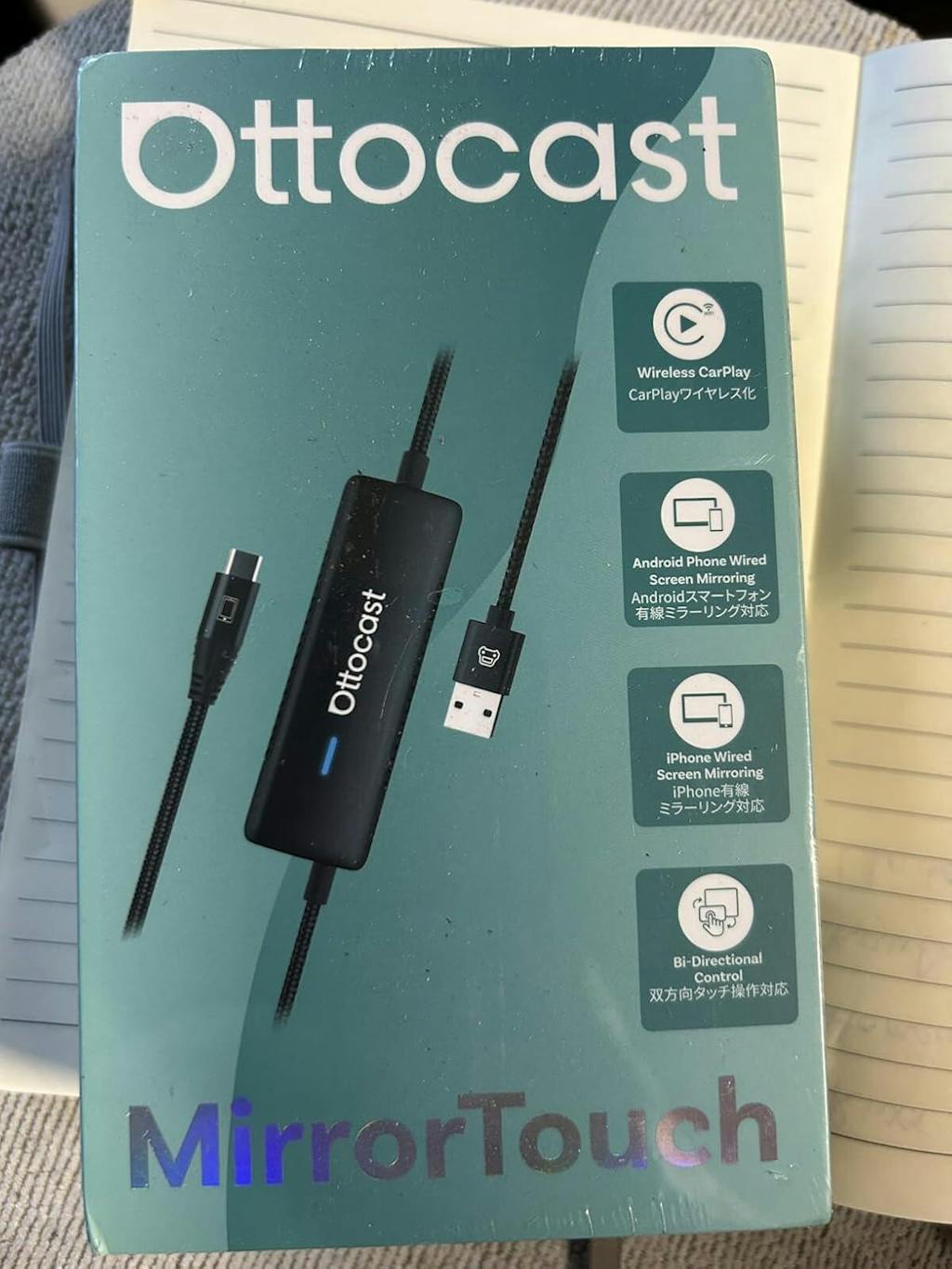
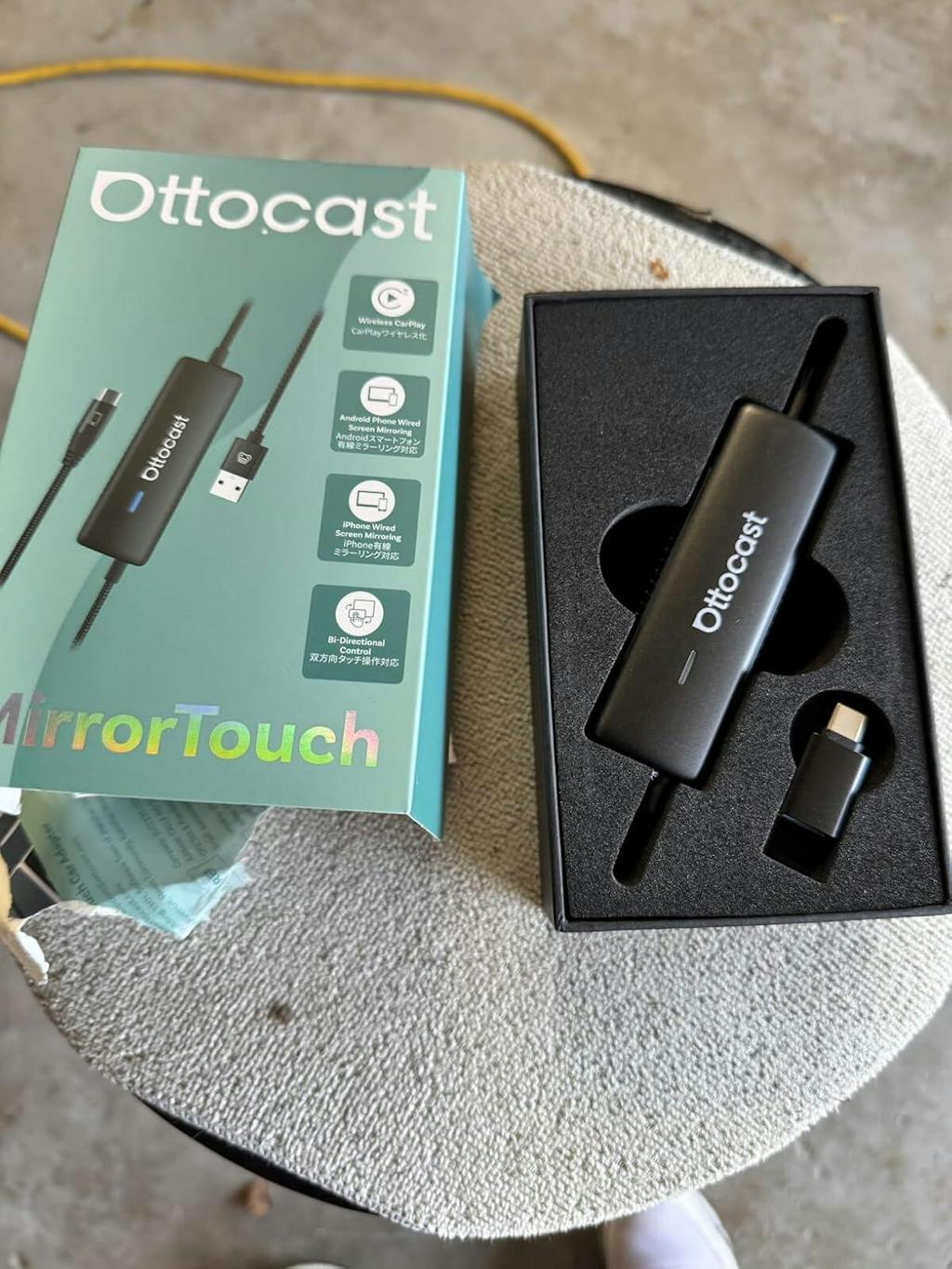
मिरर टच वायरलेस कारप्ले एडाप्टर
PRICE
अतिरिक्त उत्पाद बेचें
वारंटी उत्पाद
आपके वाहन के लिए समाधान मिल गया!
वाहन चुना गया
Audi A4, 2018
हमने पुष्टि की है कि आपकी गाड़ी में फैक्ट्री कारप्ले नहीं है. चिंता मत करें! नीचे दिखाया गया Ottoscreen AI एक पूर्ण समाधान है जो आपकी कार में स्मार्ट फीचर्स और फुल स्क्रीन कारप्ले आसानी से लाने के लिए डिज़ाइन किया गया है।
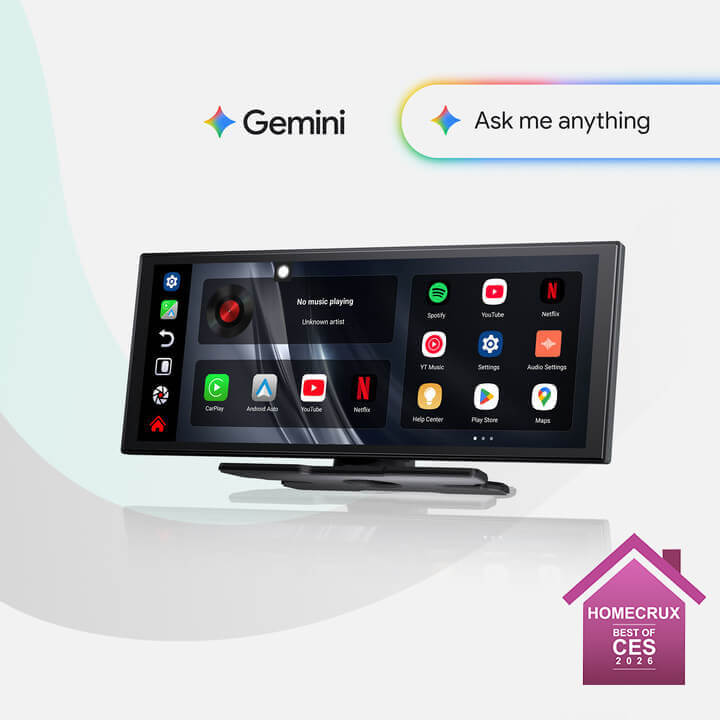
Ottoscreen AI
परफेक्ट मैच!
वाहन चुना गया
Audi A4, 2018
आपकी कार में वायरड कारप्ले है, जो हमारे उत्पादों के लिए तैयार है। और अधिक खोजने के लिए ब्राउज़ करना जारी रखें।
पुष्टि आवश्यक है
वाहन चुना गया
Audi A4, 2018
हमें खेद है, आपका मॉडल हमारे डेटाबेस में नहीं है। कृपया एक महत्वपूर्ण विवरण की पुष्टि करें: क्या आपकी कार में वायर्ड Apple CarPlay है?
नीचे दिए गए गाइड वीडियो को देखें या अपनी कार की विशेषताओं को जल्दी से खोजने और पुष्टि करने के लिए Gemini या ChatGPT जैसे AI टूल का उपयोग करें। यदि इसमें वायर्ड CarPlay है, तो हमारे उत्पाद आपके लिए बिल्कुल उपयुक्त हैं!
वायरलेस कारप्ले पाया गया
वाहन चुना गया
Audi A4, 2018
चूंकि आपके पास पहले से ही वायरलेस CarPlay है, इसलिए अपनी कार में वीडियो देखने के लिए हमारा Ottoaibox i3 देखें।

OttoAibox i3 BMW कारप्ले AI बॉक्स
परफेक्ट मैच!
वाहन चुना गया
Audi A4, 2018
आपकी कार संगत है — और अधिक खोजने के लिए ब्राउज़ करना जारी रखें जो आपको पसंद आएगा।
वायर्ड एंड्रॉइड ऑटो पाया गया
वाहन चुना गया
Audi A4, 2018
हमने पाया कि आपका वाहन केवल वायर्ड Android Auto का समर्थन करता है, वायर्ड CarPlay का नहीं। यह आपकी कार के साथ संगत नहीं है। चिंता मत करें! नीचे दिखाया गया A2Air Pro Adapter आपके लिए एकदम सही है।
Requires USB-C DisplayPort Phone + Factory Wired CarPlay
-
Vehicle:Your vehicle must have factory wired CarPlay.
-
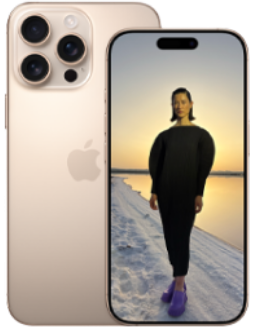
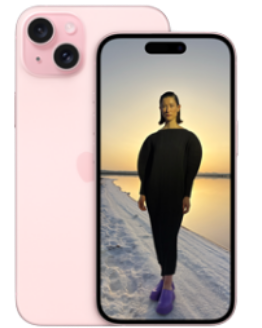
Phone:Android phones with DP (DisplayPort) screen mirroring supportiPhone 15 series and newer via USB-C DisplayPort output
Factory Wireless CarPlay Vehicles (e.g. some BMW models): Recommended Model: OttoAibox i3
How to Check Wired CarPlay / Android Auto Support
बिक्री के बाद की नीति

30-दिन की वापसी

1-वर्ष की वारंटी

समर्पित सहायता
साझा करें
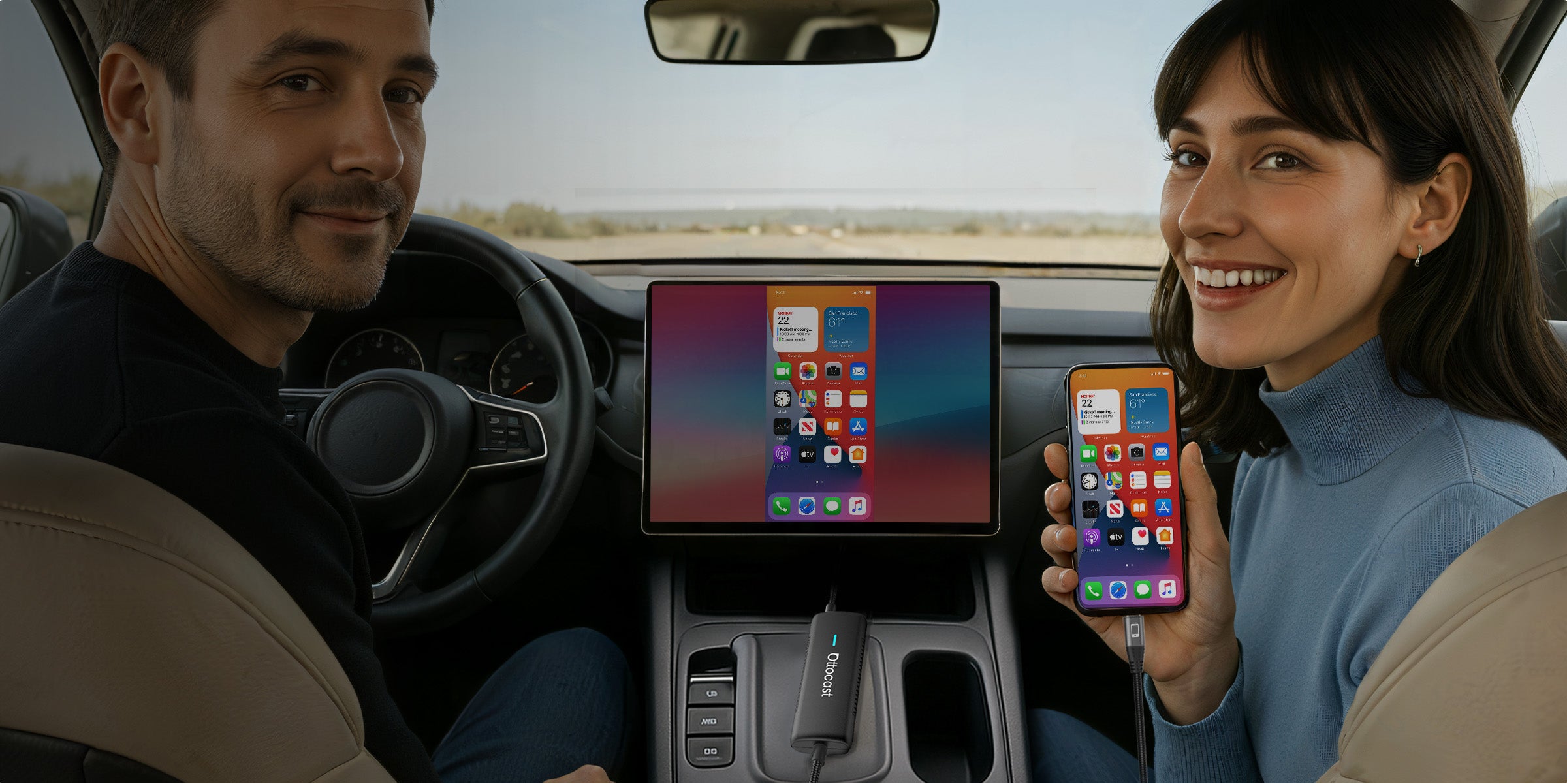
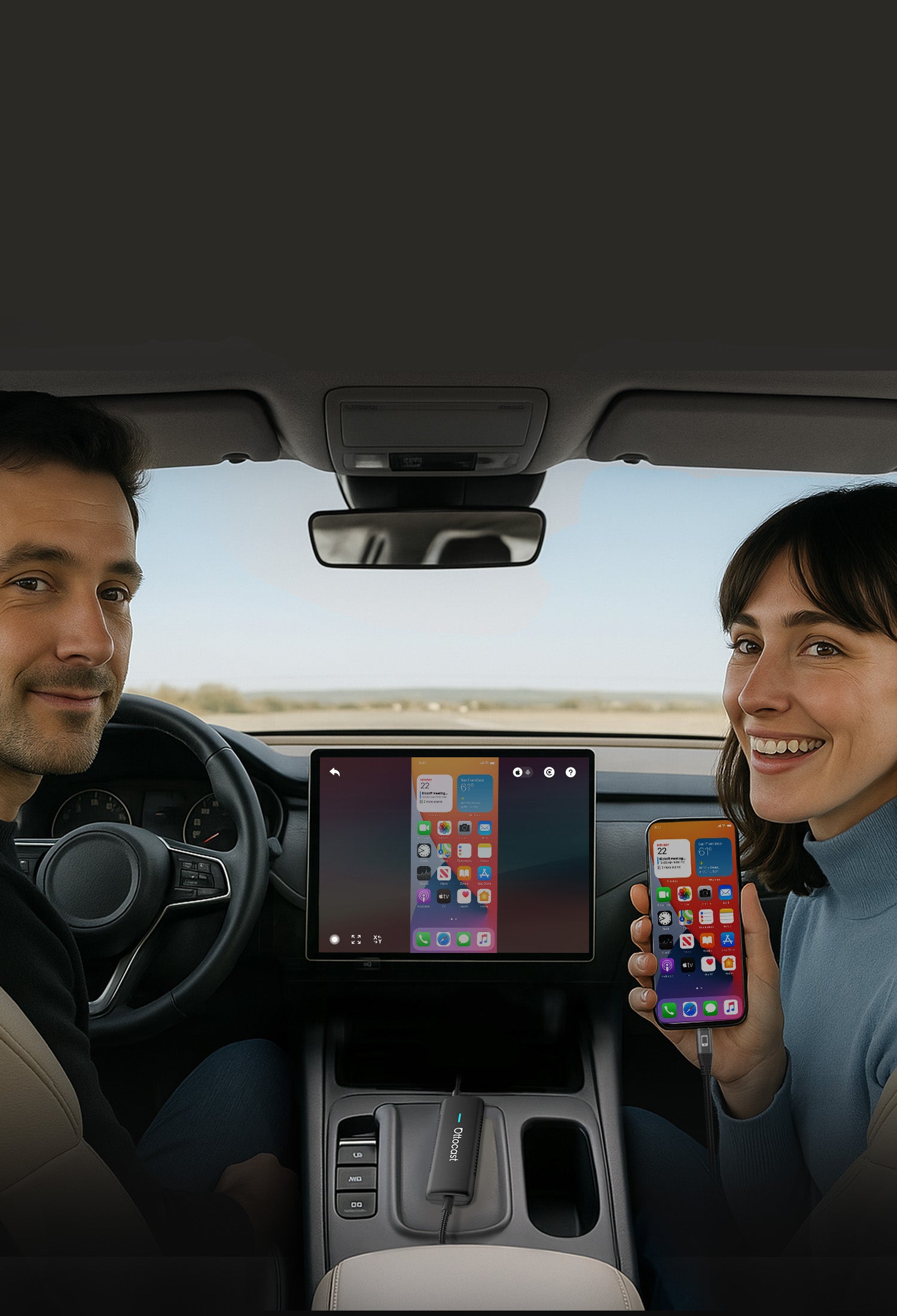


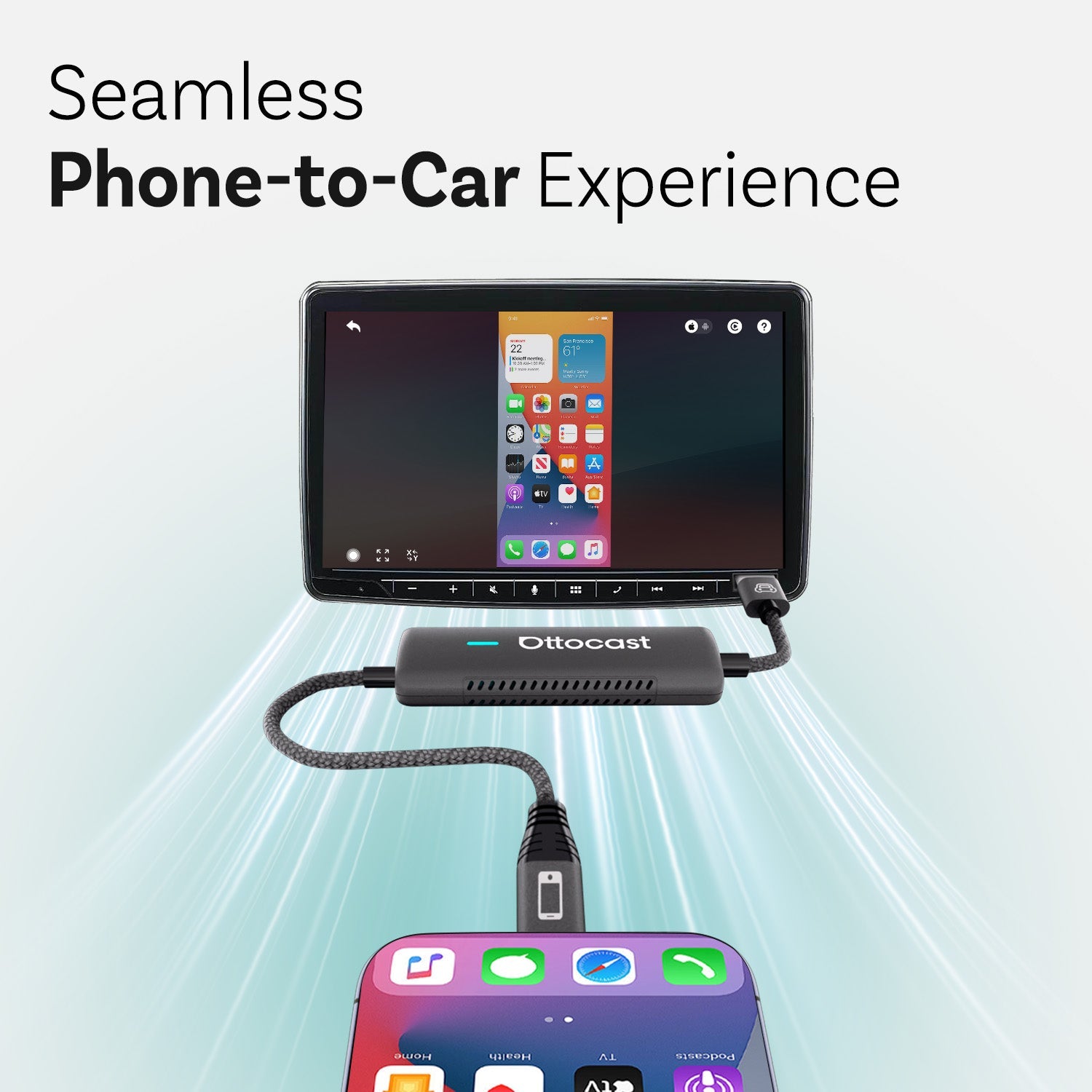
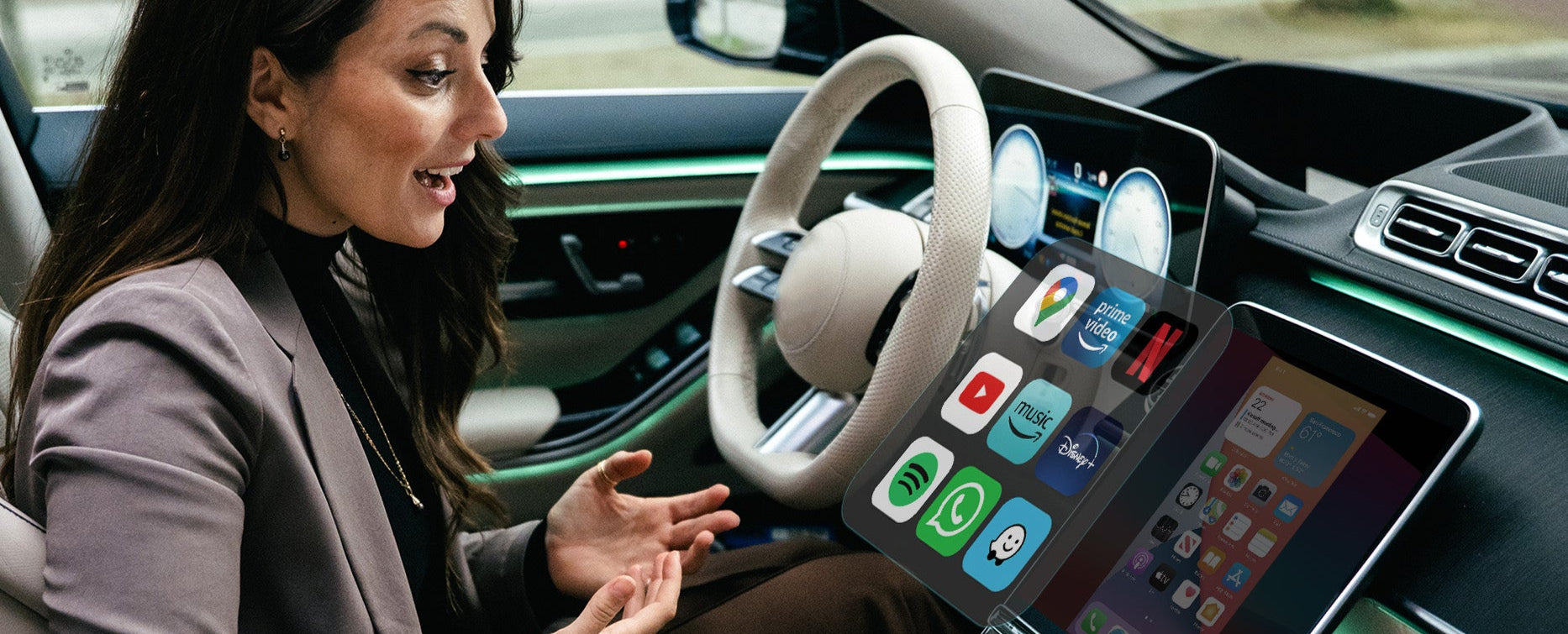
बिना रुकावट का फोन-से-कार अनुभव


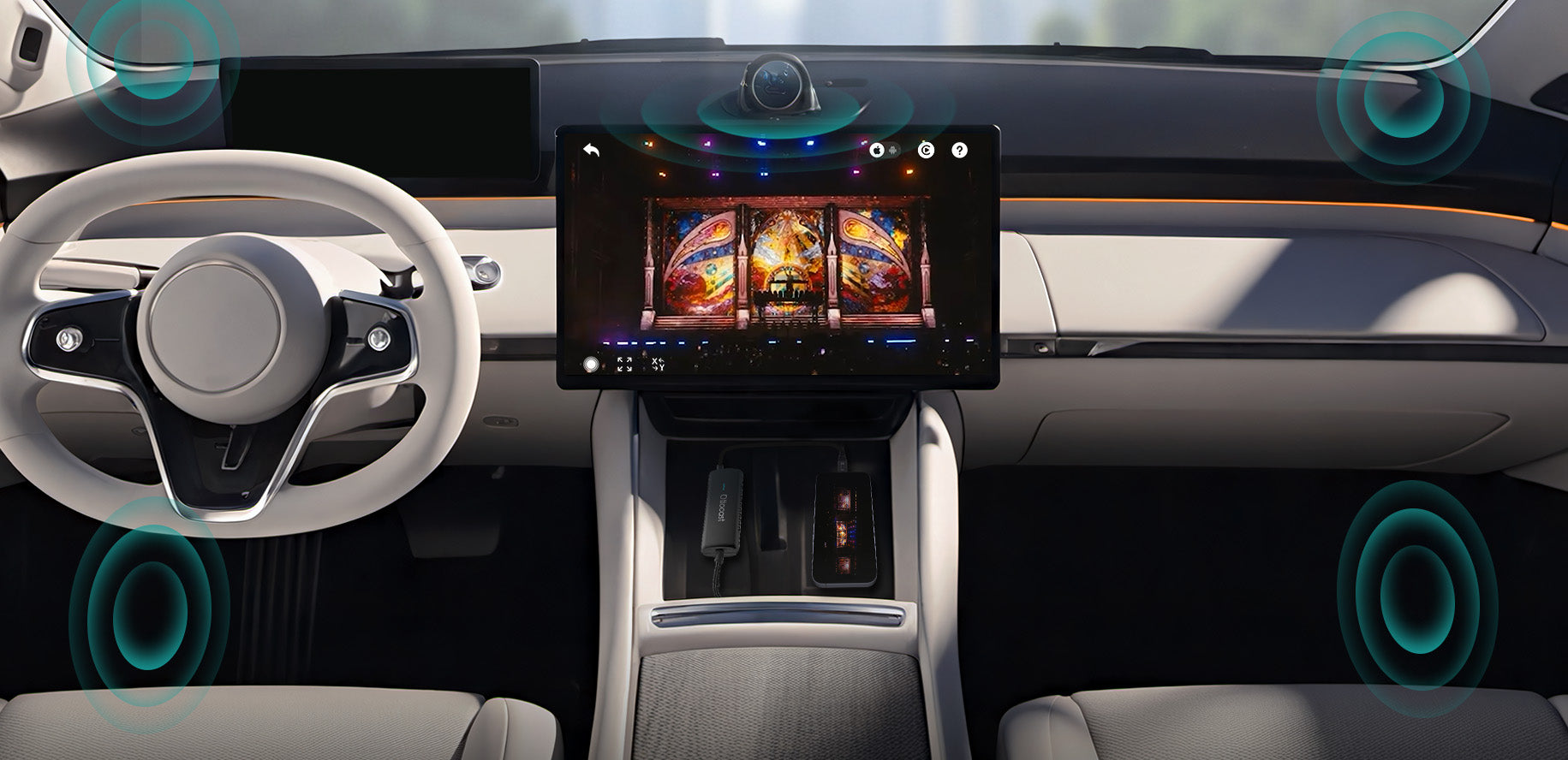
सभी ध्वनियों को एकीकृत करें
कार के बिल्ट-इन ऑडियो सिस्टम में
आपकी यात्रा को और अधिक स्मार्ट और सुरक्षित बनाना
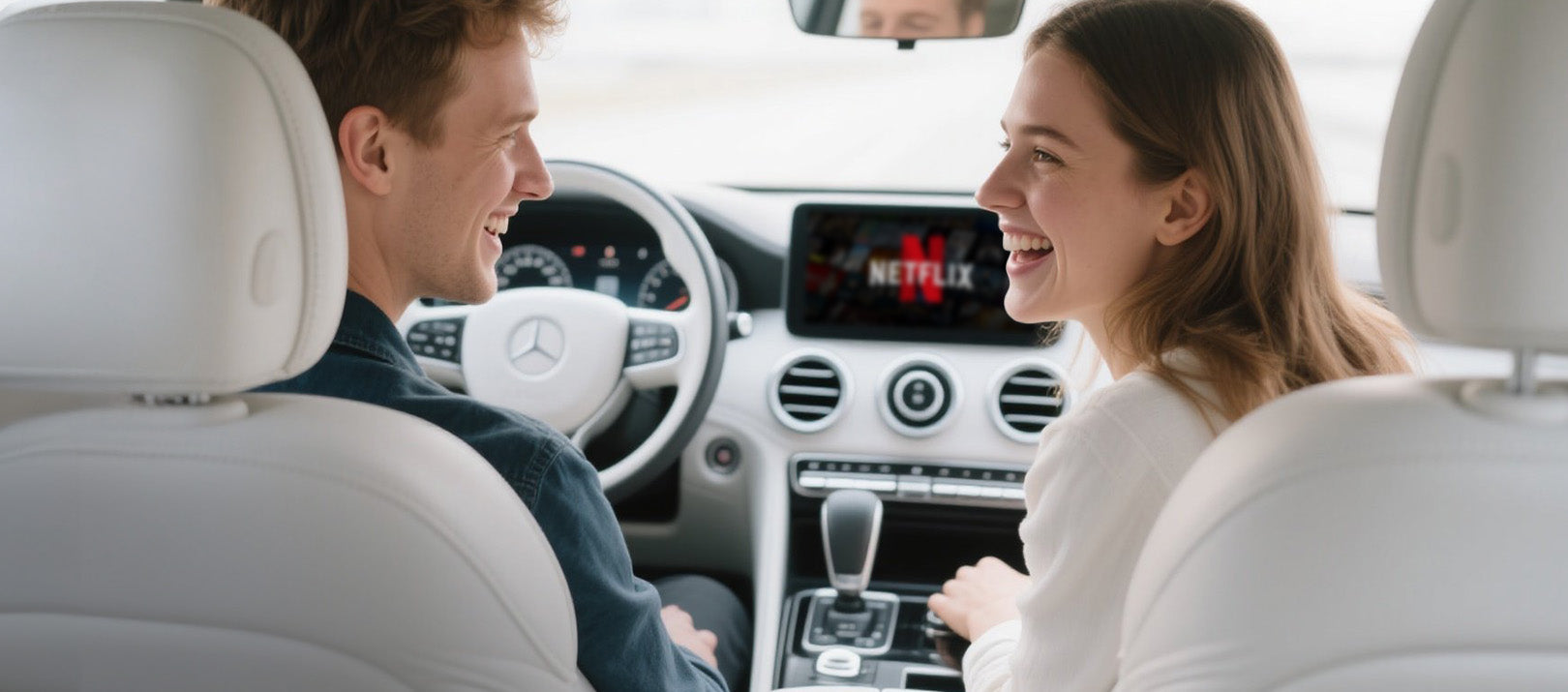

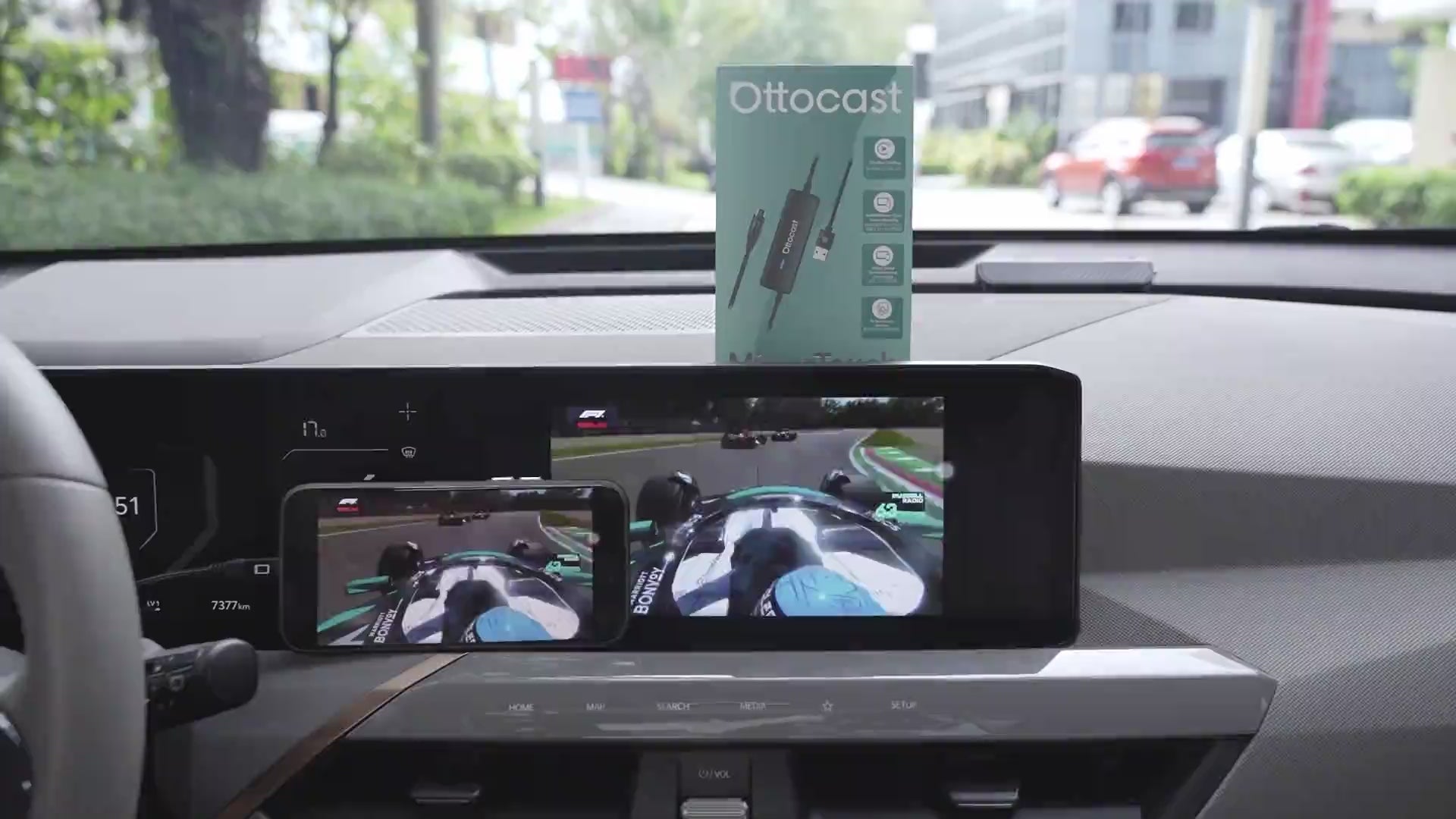
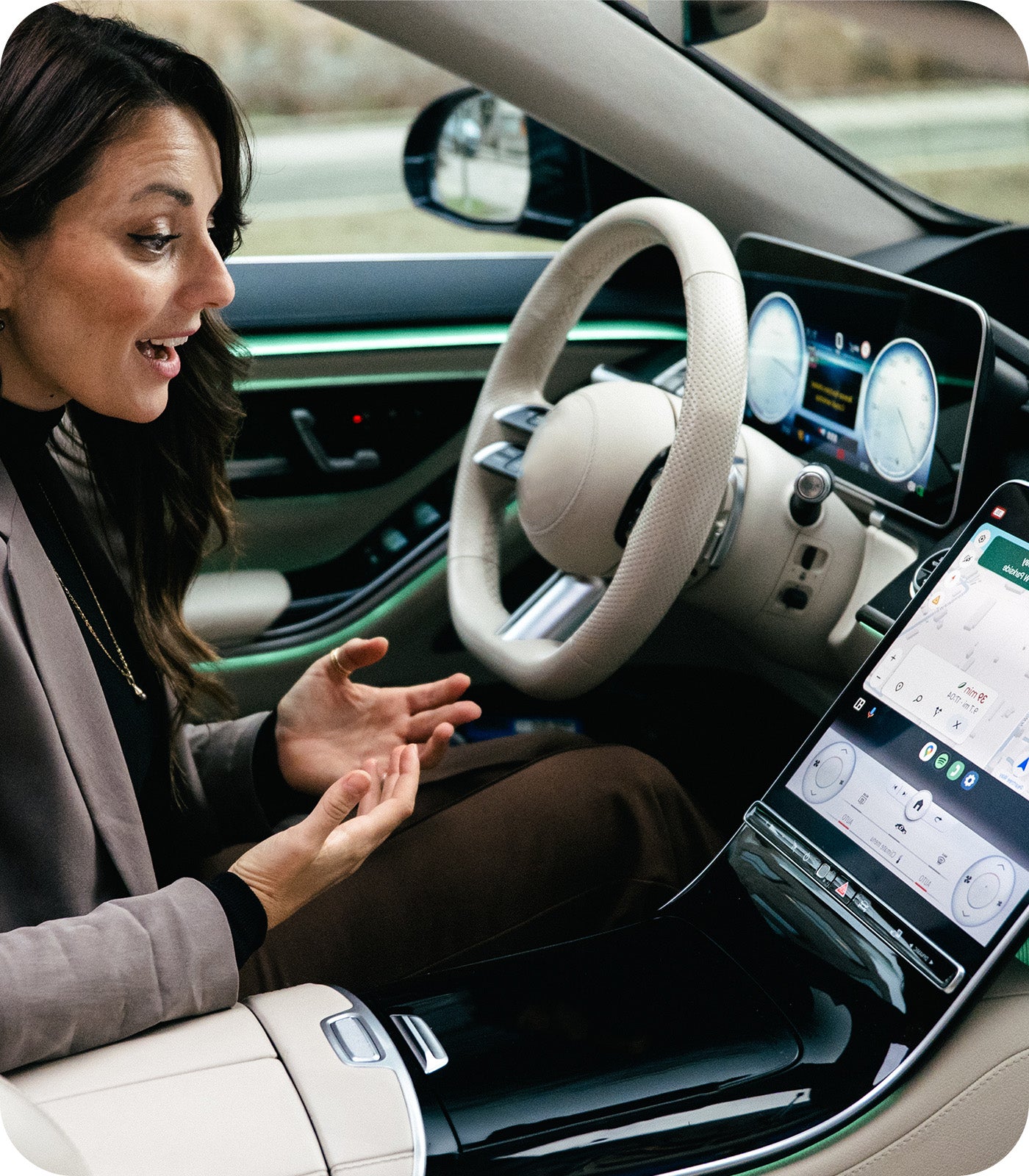
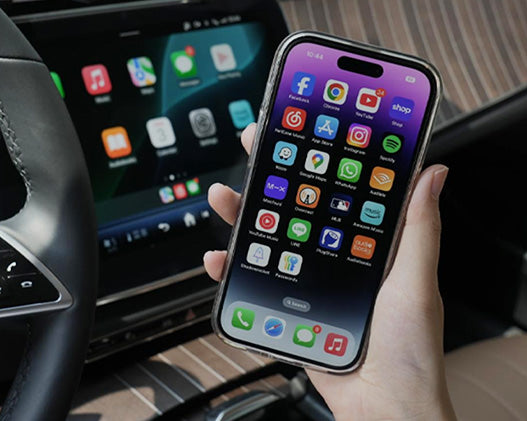
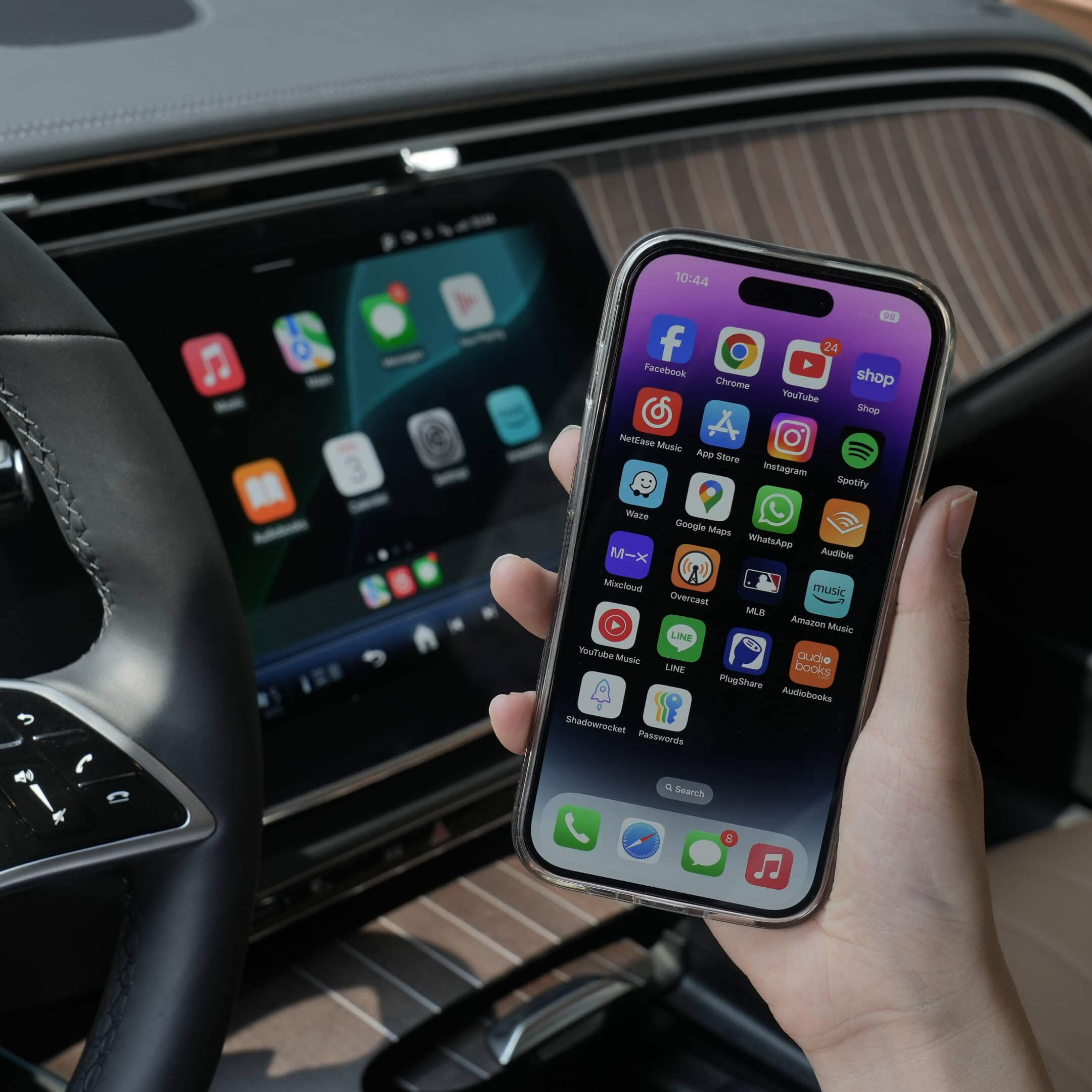
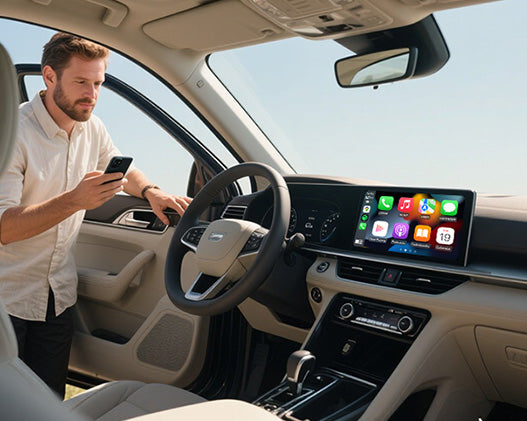
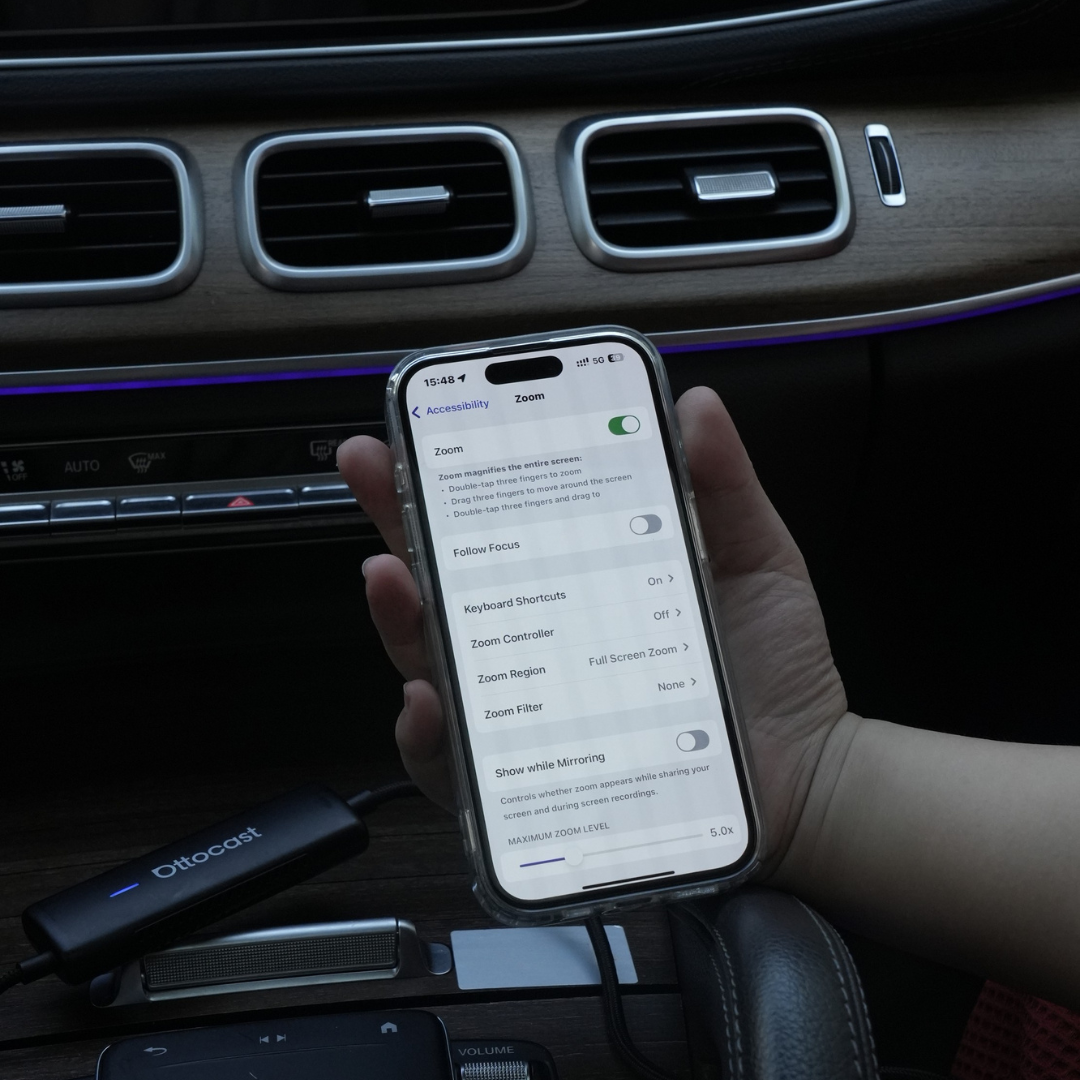
जैसे ही आप कार में बैठते हैं, आपकी कार स्क्रीन आपके फोन की सारी जानकारी दिखाती है
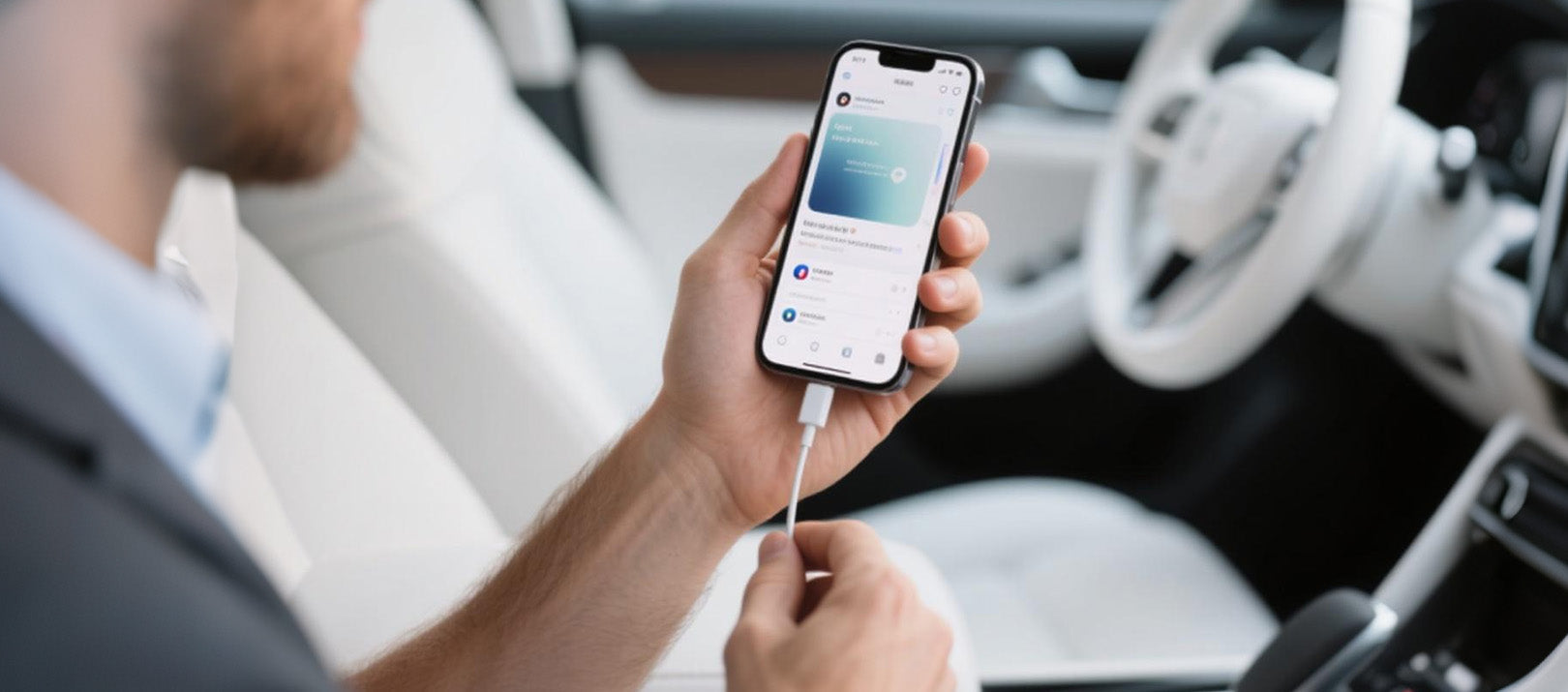

मिरर टच हर सवारी की शुरुआत को वास्तव में सहज बनाता है
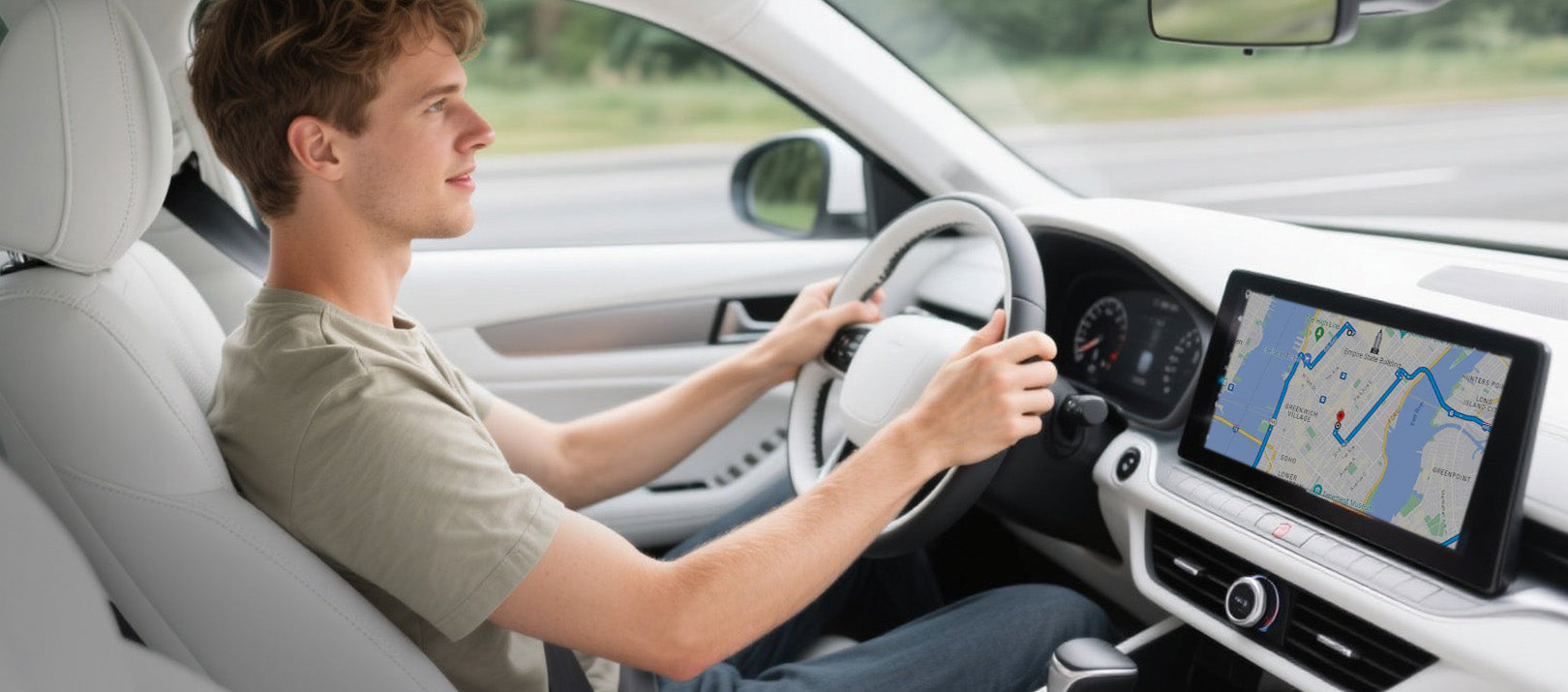

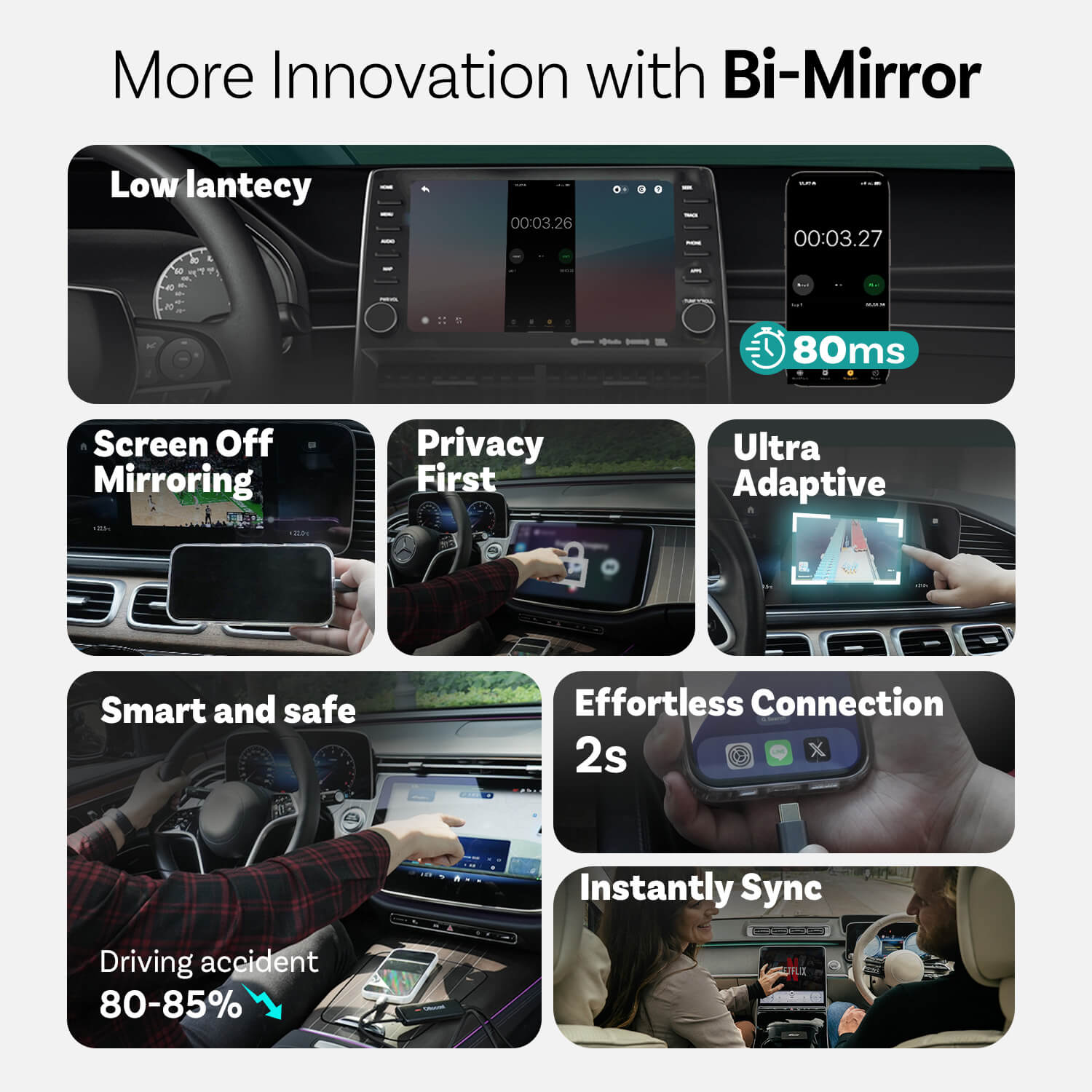
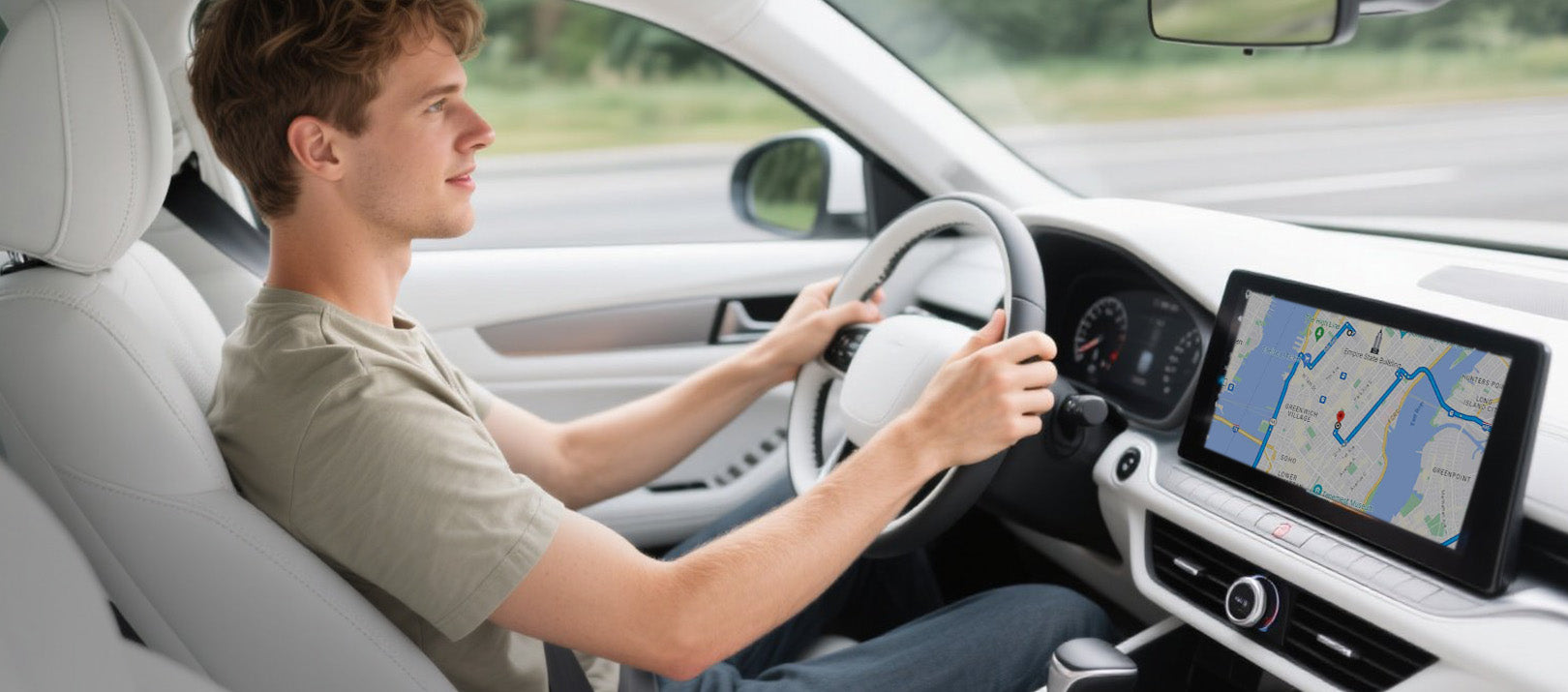
ड्राइविंग दुर्घटना को लगभग 80-85% कम करने के लिए फोन के बजाय डैशबोर्ड का उपयोग करें
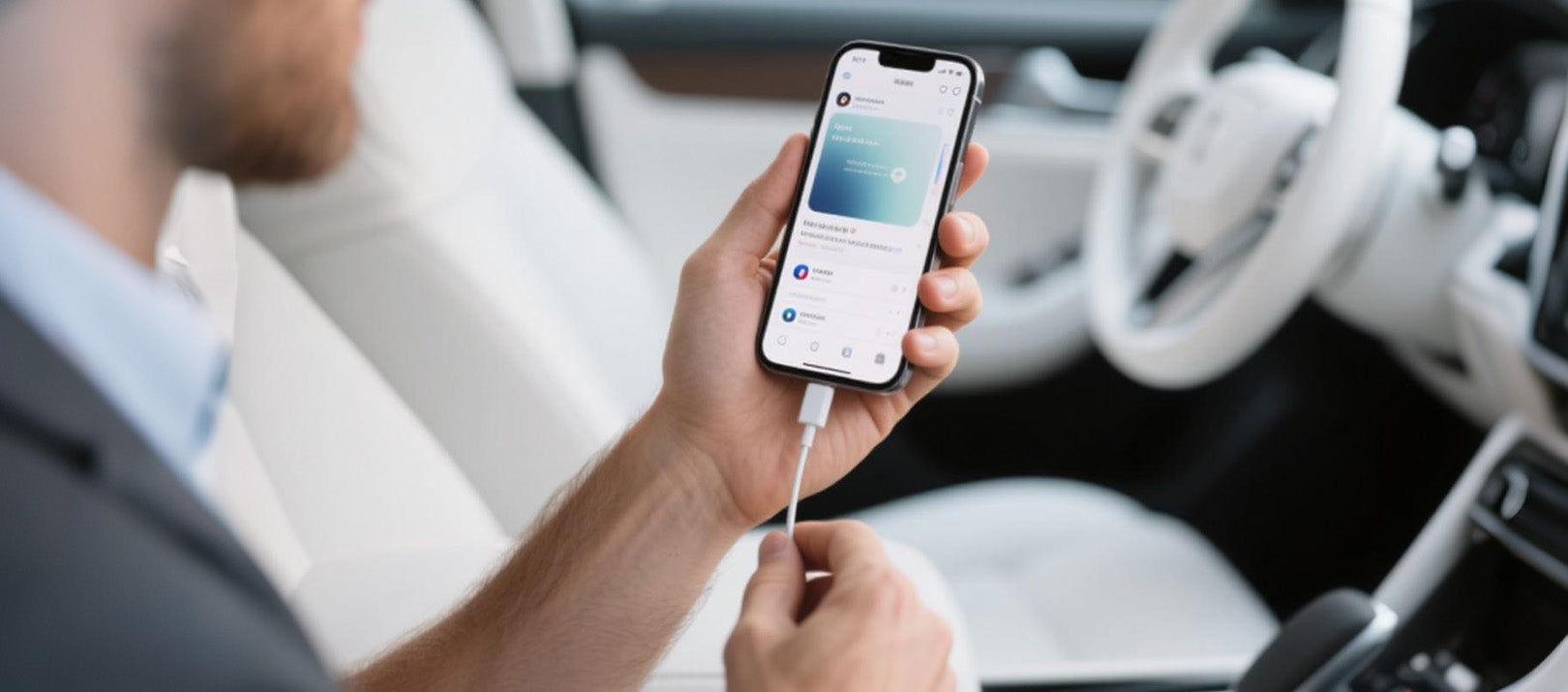
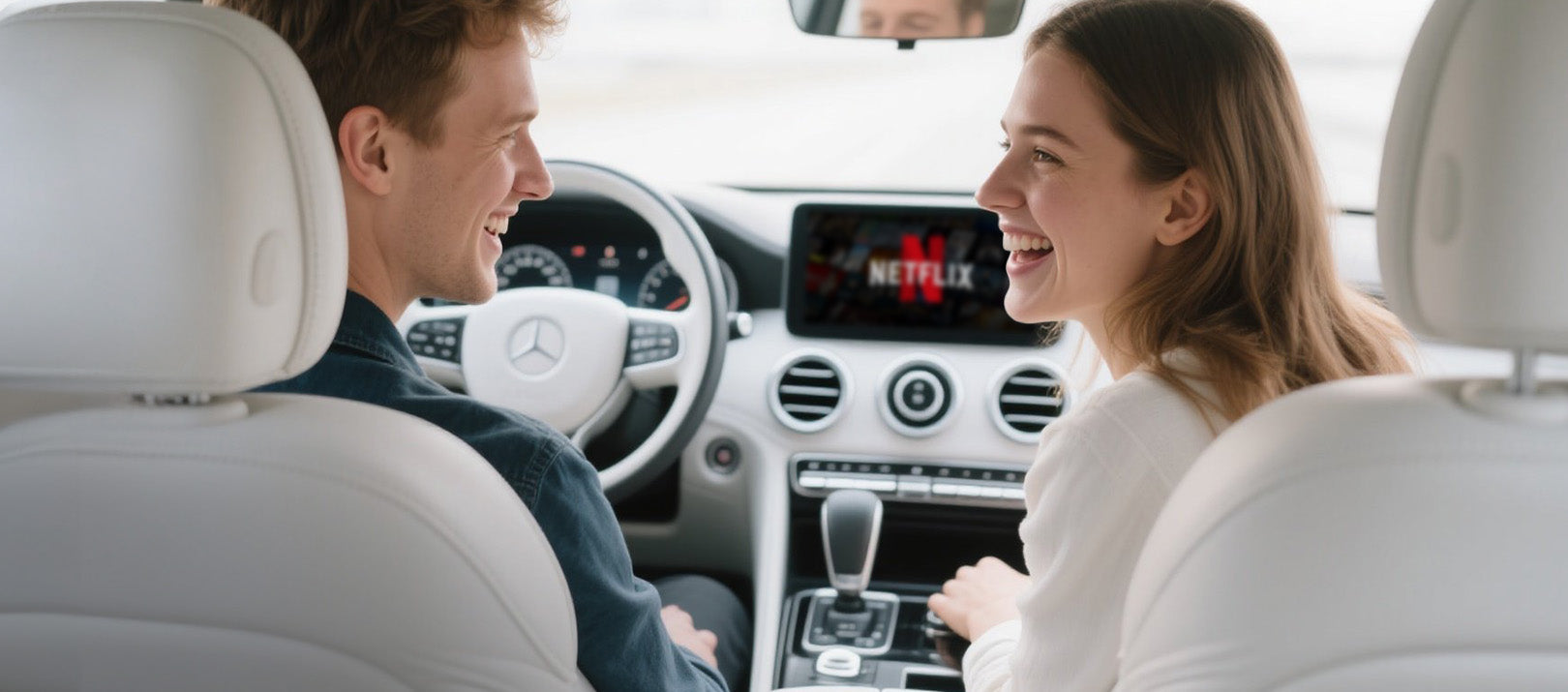
मिरर टच से नवाचार
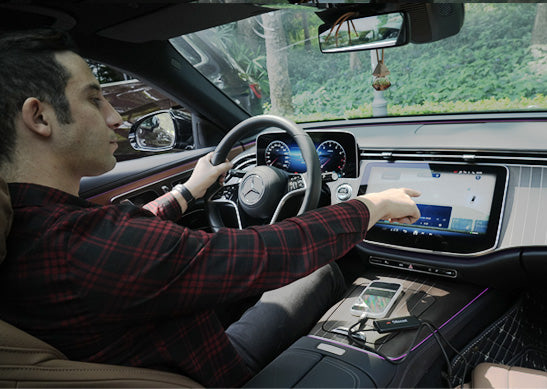
गोपनीयता पहले
आपके संदेश, लॉगिन और इतिहास केवल आपके फोन पर ही रहते हैं।
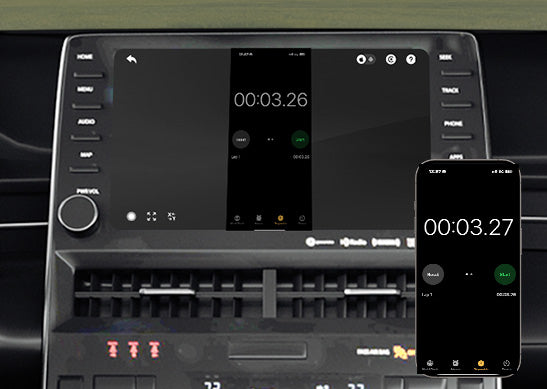
80ms कम विलंबता
100ms की सीमा जिसे मनुष्य महसूस कर सकते हैं।
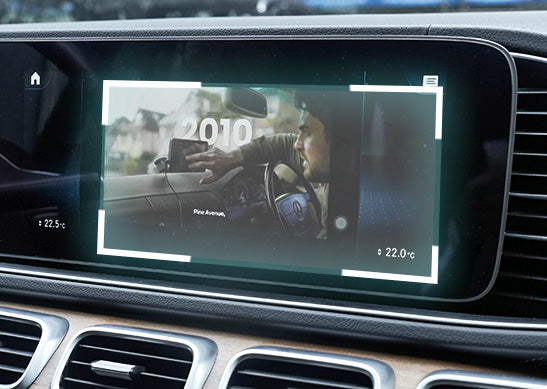
अल्ट्रा अनुकूलनीय
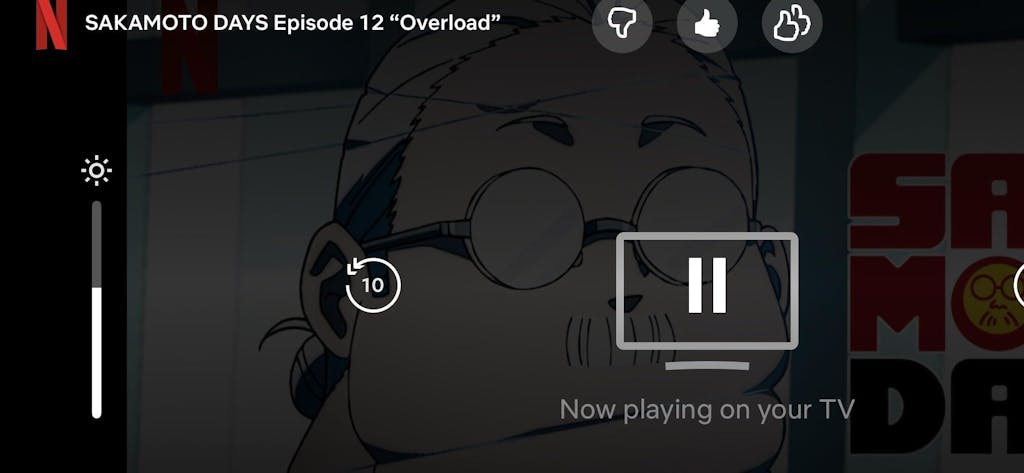
आपके अधिकांश ऐप्स की ओरिएंटेशन और मूल डिस्प्ले फीचर्स के अनुसार सहजता से अनुकूलित होता है
अधिक विशेषताएँ
Ottocast मिरर टच


मिरर और कंट्रोल पाने के तीन कदम
अक्सर पूछे जाने वाले प्रश्न
क्या यह Ottocast उत्पाद मेरी कार के साथ संगत है?
संगतता इस बात पर निर्भर करती है कि आप कौन सी सुविधा उपयोग करना चाहते हैं:
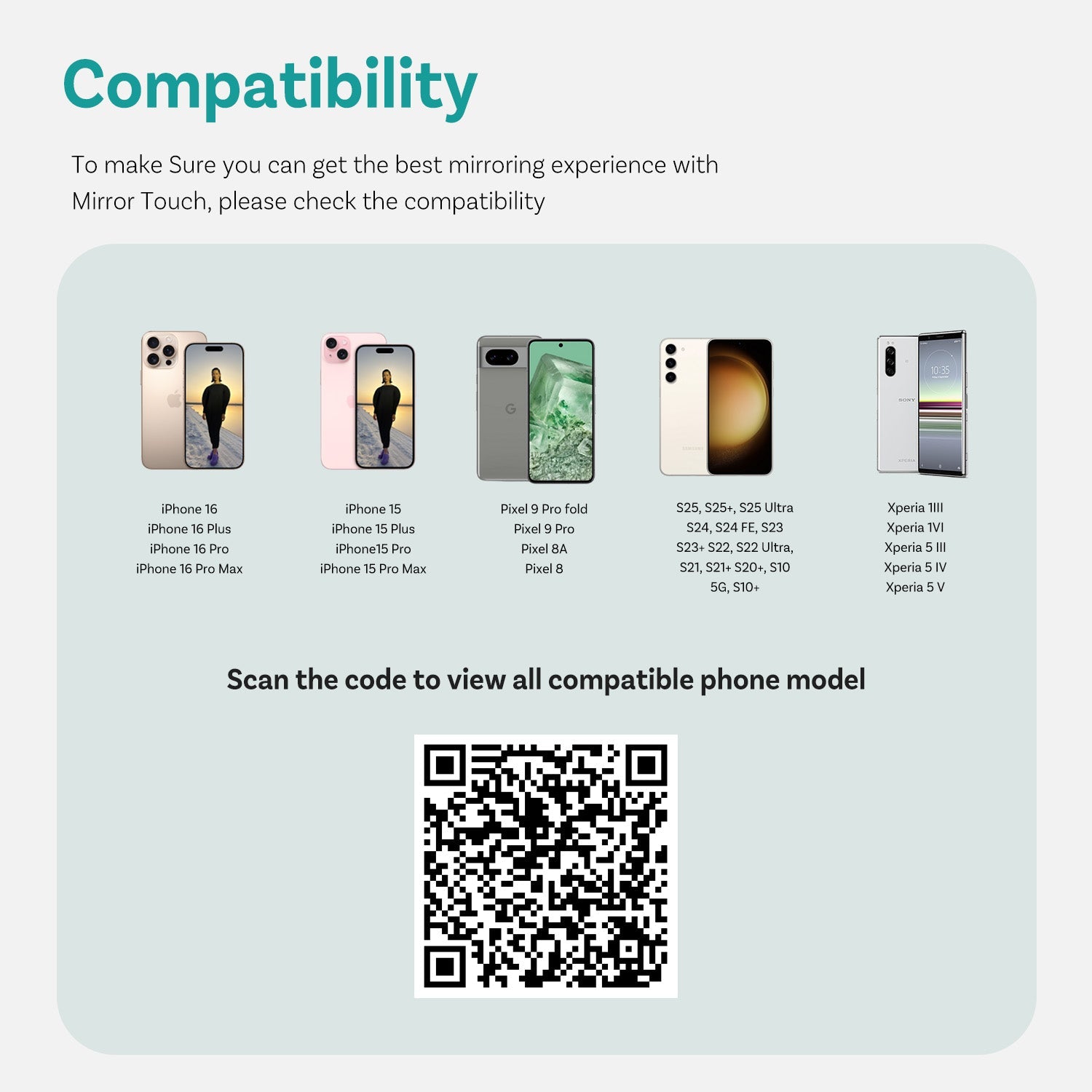
फोन मिररिंग
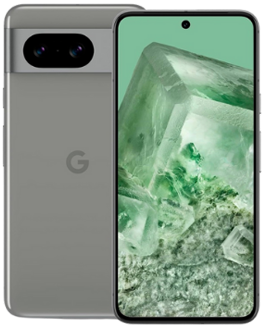
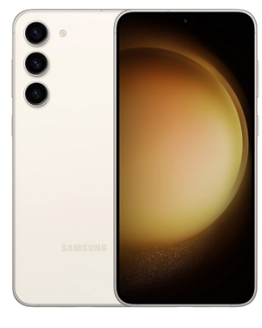
- DP स्क्रीन मिररिंग वाले एंड्रॉइड फोन का समर्थन करता है
- iPhone 15 और बाद के मॉडल को USB-C डिस्प्लेपोर्ट आउटपुट के माध्यम से समर्थन करता है
कृपया सुनिश्चित करें कि आपके फोन पर DP स्क्रीन मिररिंग सक्षम है।
👉 संगतता सूची
वायरलेस कारप्ले
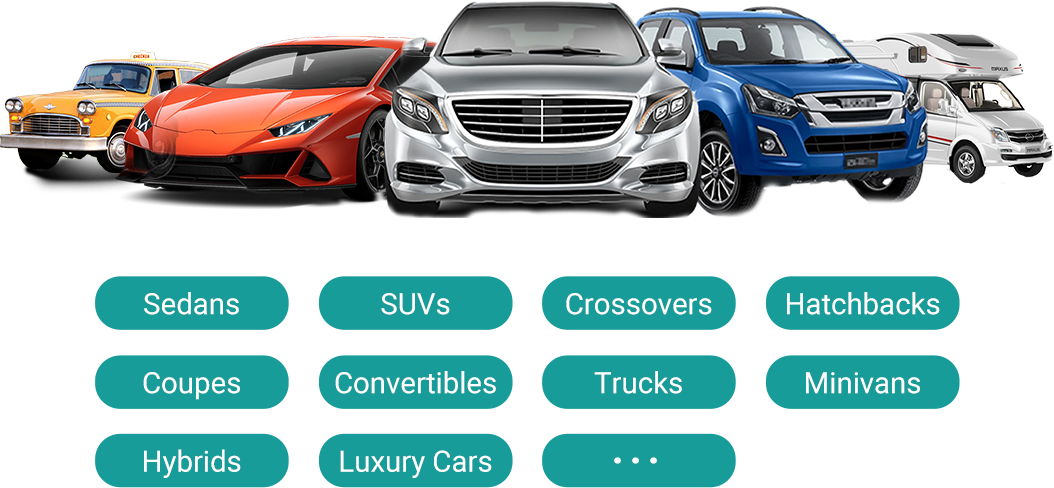
- 2016 या बाद के वाहन या मोटरसाइकिल जो फैक्ट्री वायरड Apple CarPlay के साथ आते हैं, उनके साथ काम करता है
- ❌ केवल Android Auto वाले वाहनों के साथ संगत नहीं है
मैं आपकी वेबसाइट पर संगतता कैसे जांच सकता हूँ?
उत्पाद पृष्ठ पर, “जांचें कि यह आपकी कार के लिए उपयुक्त है या नहीं” (जो “कार्ट में जोड़ें” के नीचे है) पर क्लिक करें, फिर अपना मेक / मॉडल / वर्ष चुनें ताकि परिणाम देख सकें।
क्या Ottocast उत्पादों के लिए कोई छूट कोड, कूपन, या वाउचर उपलब्ध हैं?
हाँ। नए ग्राहक Ottocast ईमेल की सदस्यता लेने पर स्वागत प्रस्ताव प्राप्त कर सकते हैं, और हम पूरे वर्ष सीमित समय के प्रचार चलाते हैं।
ताज़ा सक्रिय कोड के लिए, पृष्ठ के नीचे सदस्यता लें और हम अपडेट भेजेंगे।
यदि मैंने दो फोन जोड़े हैं, तो अगली बार यह किससे जुड़ेगा?
यदि कई जोड़े गए फोन पास में हों, तो Ottocast आमतौर पर अंतिम उपयोग किए गए फोन से फिर से जुड़ जाएगा।
डिवाइस बदलने के लिए, वर्तमान फोन पर CarPlay को डिस्कनेक्ट करें (या उसका ब्लूटूथ/वाई-फाई बंद करें), फिर दूसरे फोन से कनेक्ट करें।
कुछ मॉडल वन-टैप स्विचिंग या मैनुअल डिवाइस चयन का भी समर्थन करते हैं।
क्या मैं इसे दो कारों के बीच स्थानांतरित कर सकता हूँ?
हाँ। बस इसे अनप्लग करें और किसी अन्य संगत वाहन में उपयोग करें। नई कार में, आपको अपना फोन फिर से पेयर करना पड़ सकता है या एक त्वरित पहली बार सेटअप करना पड़ सकता है।
क्या मेरा फोन स्क्रीन मिररिंग फीचर का उपयोग कर सकता है?
यह इस बात पर निर्भर करता है कि आपका फोन वीडियो आउटपुट (DisplayPort / DP Alt Mode) का समर्थन करता है या नहीं।
- एंड्रॉइड: USB-C फोन पर DP Alt Mode के साथ समर्थित।
- आईफोन: आईफोन 15 और नए मॉडल पर समर्थित (USB-C DisplayPort आउटपुट)।
टिप: अपने फोन के स्पेक्स/सेटिंग्स जांचें ताकि पुष्टि हो सके कि DP Alt Mode समर्थित और सक्षम है।
अनुकूलता सूची: जांचने के लिए क्लिक करें
क्या मिररिंग और टच नियंत्रण के लिए केबल की आवश्यकता होती है?
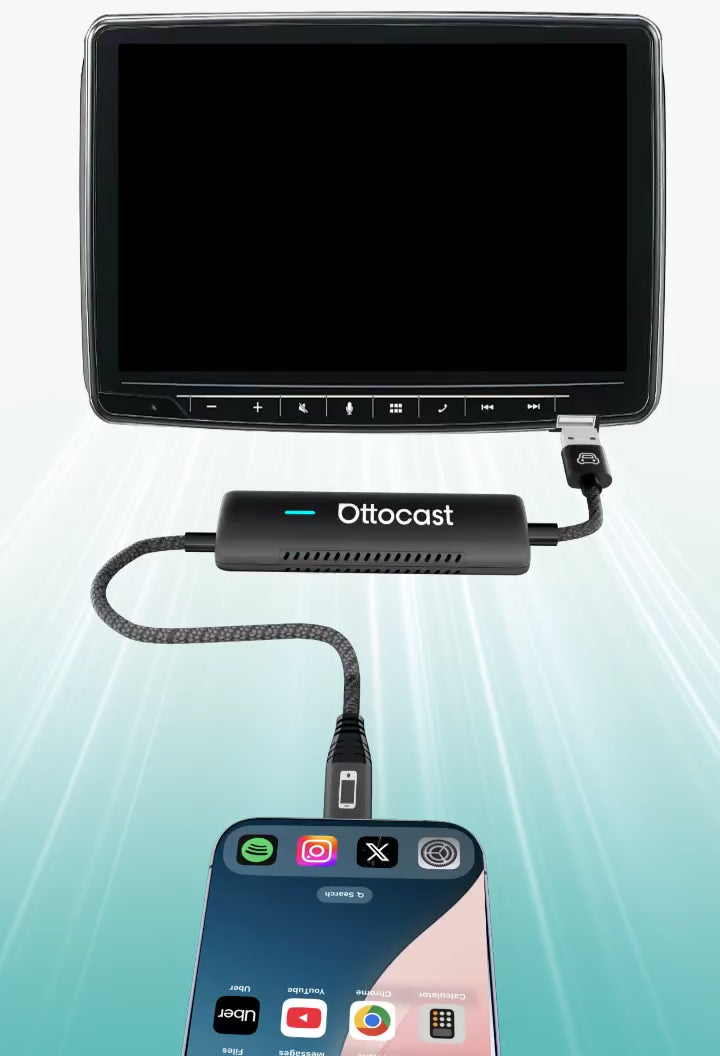
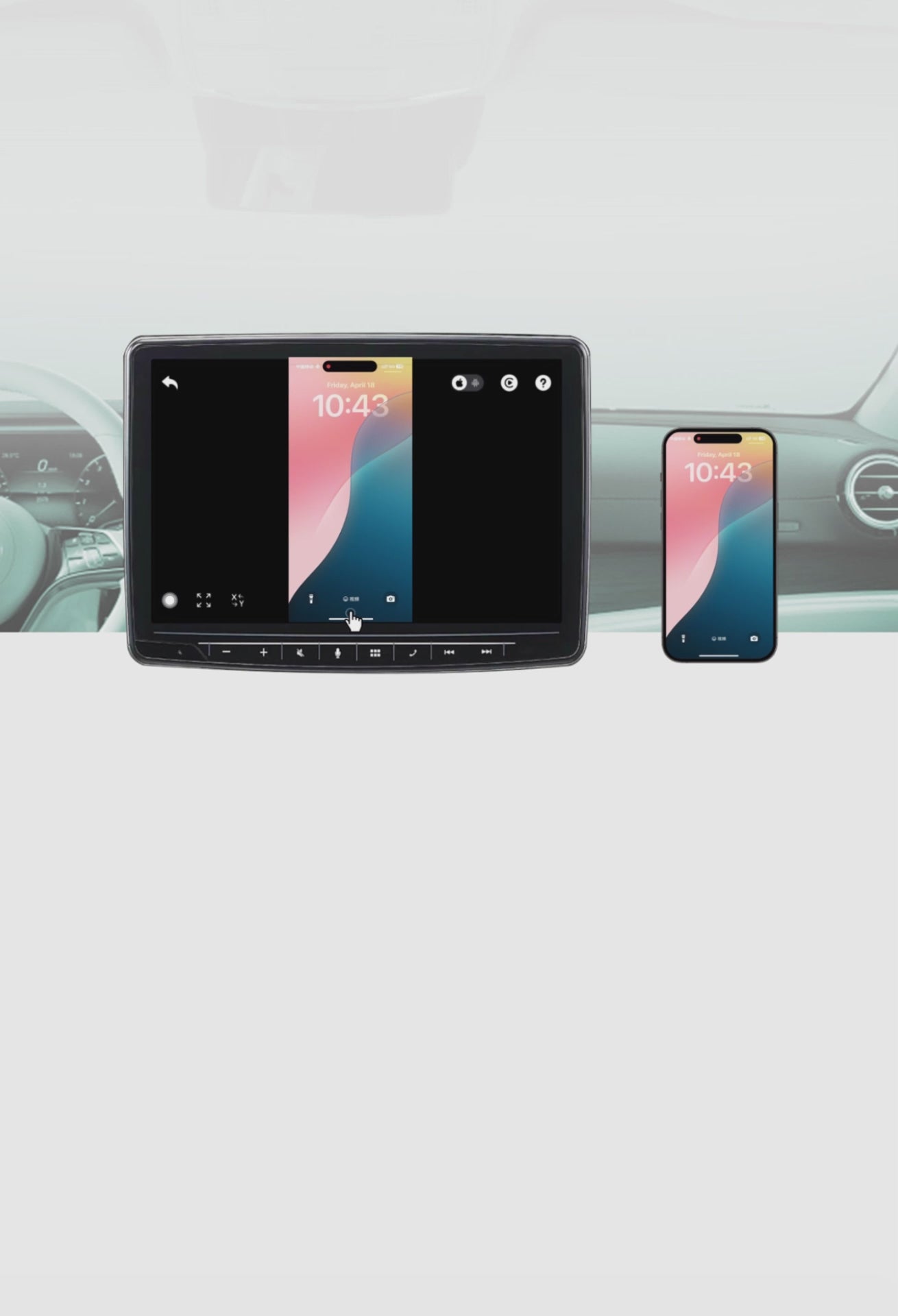
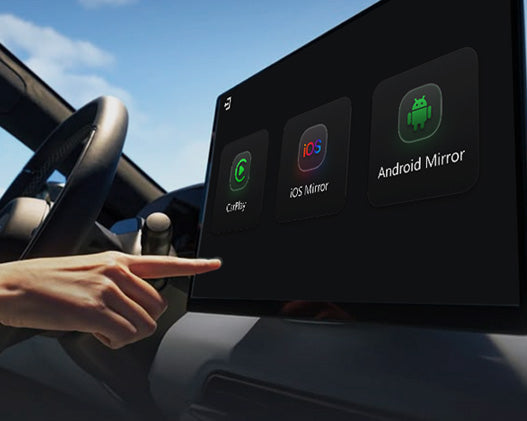
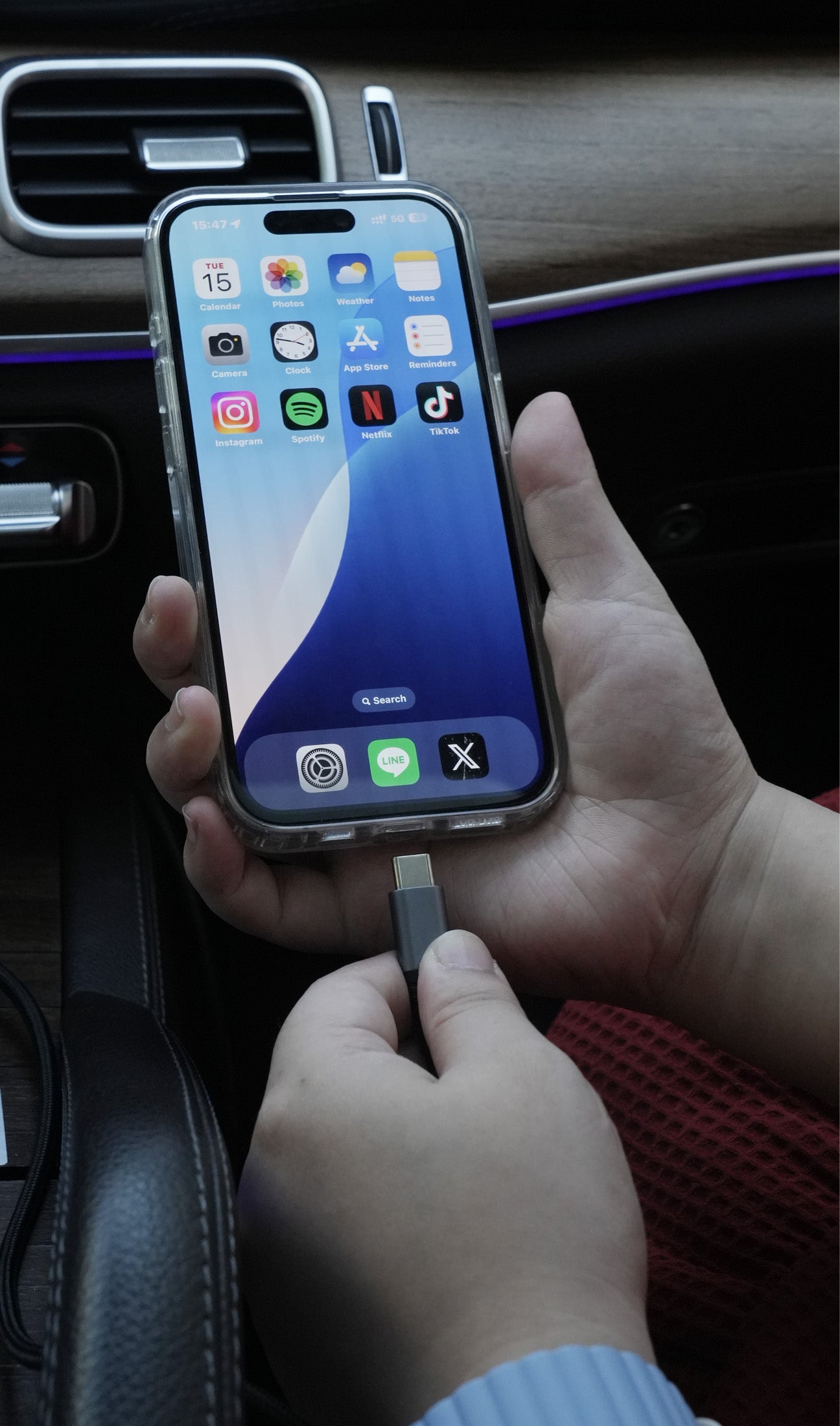
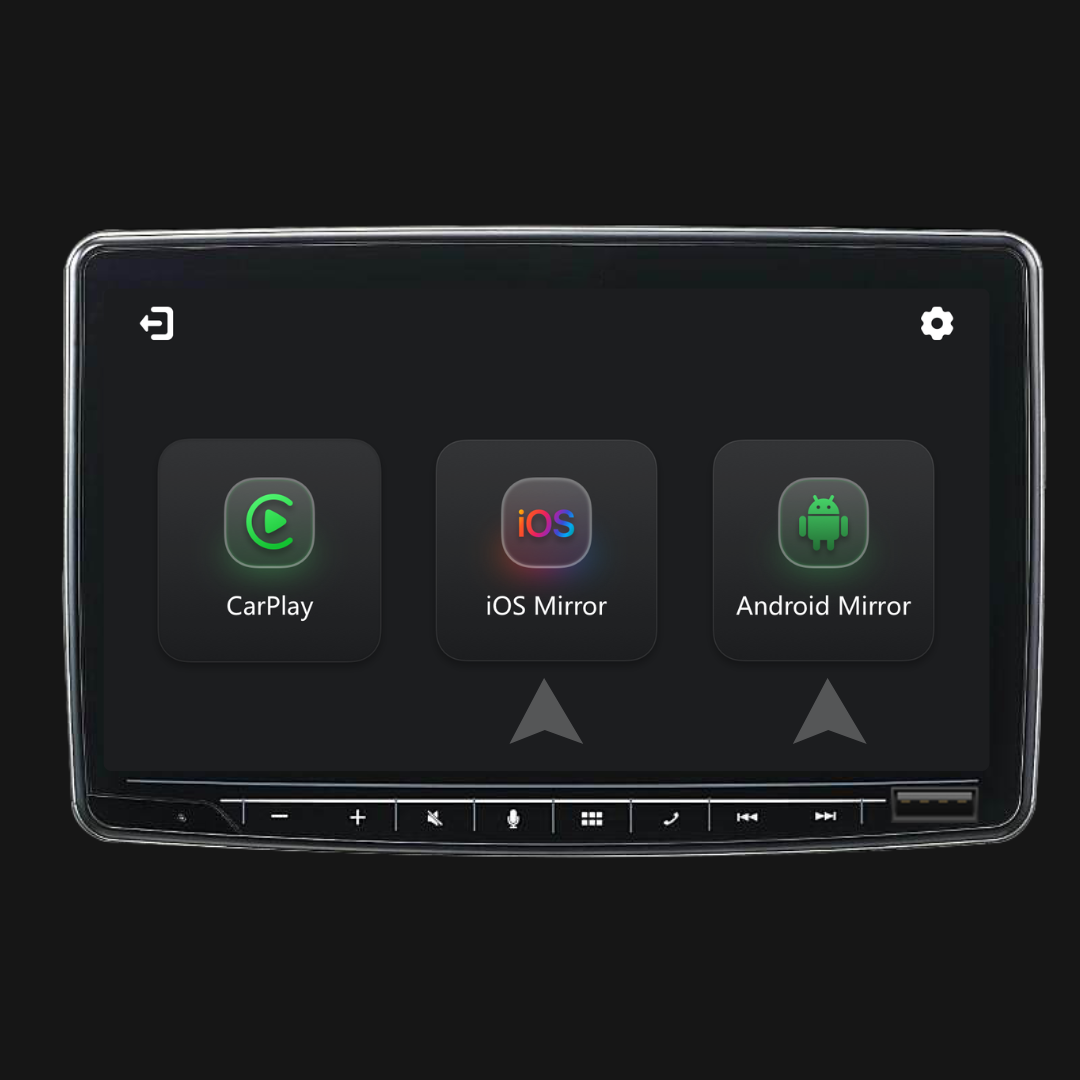
हाँ। स्क्रीन मिररिंग और टच नियंत्रण के लिए वायर्ड कनेक्शन आवश्यक है। अपने फोन को केबल से कनेक्ट करें, फिर शुरू करने के लिए स्क्रीन पर iOS कास्ट या Android कास्ट पर टैप करें।
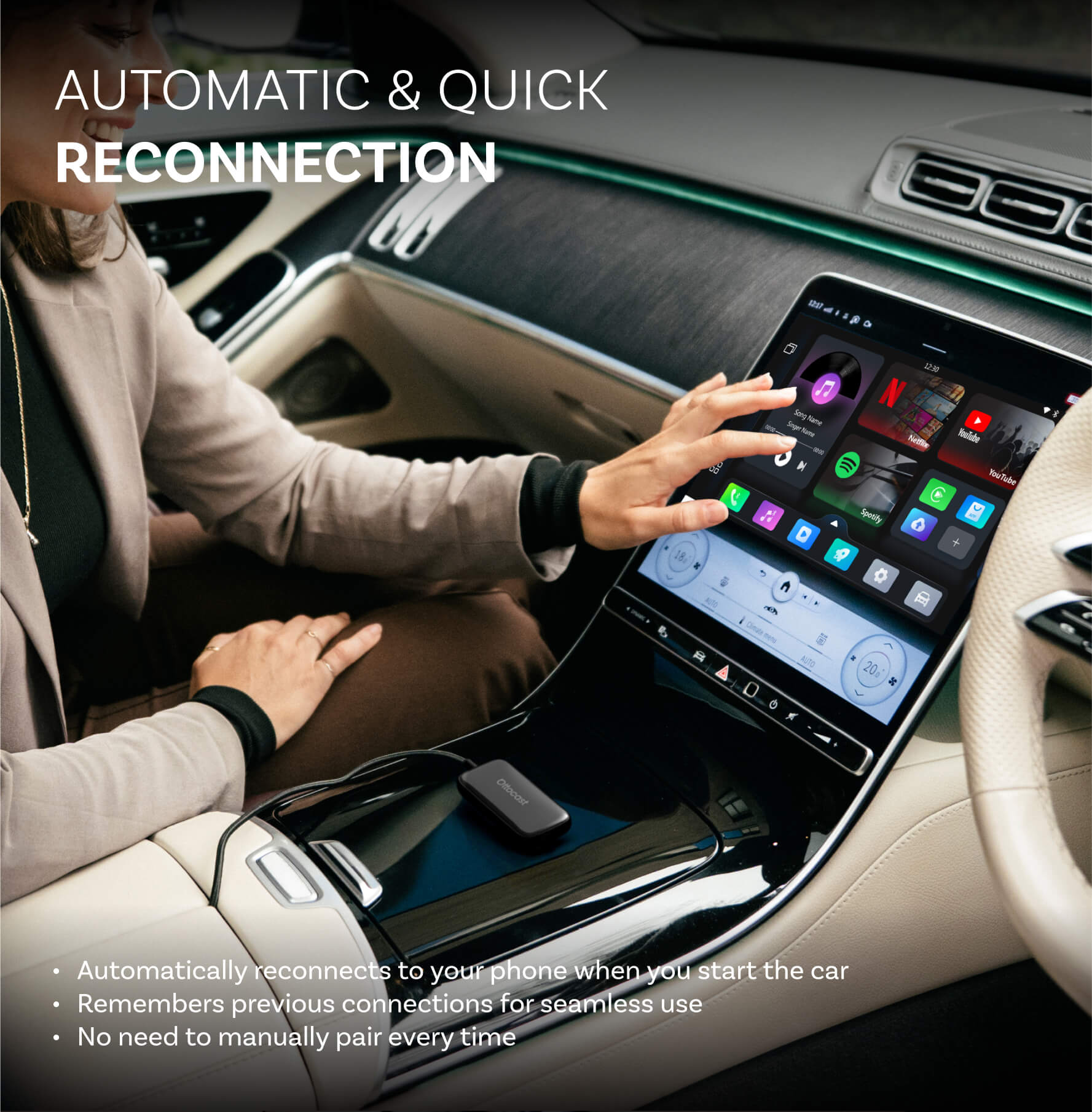
क्या मुझे हर बार कार में बैठते समय इसे सेट करना होगा?
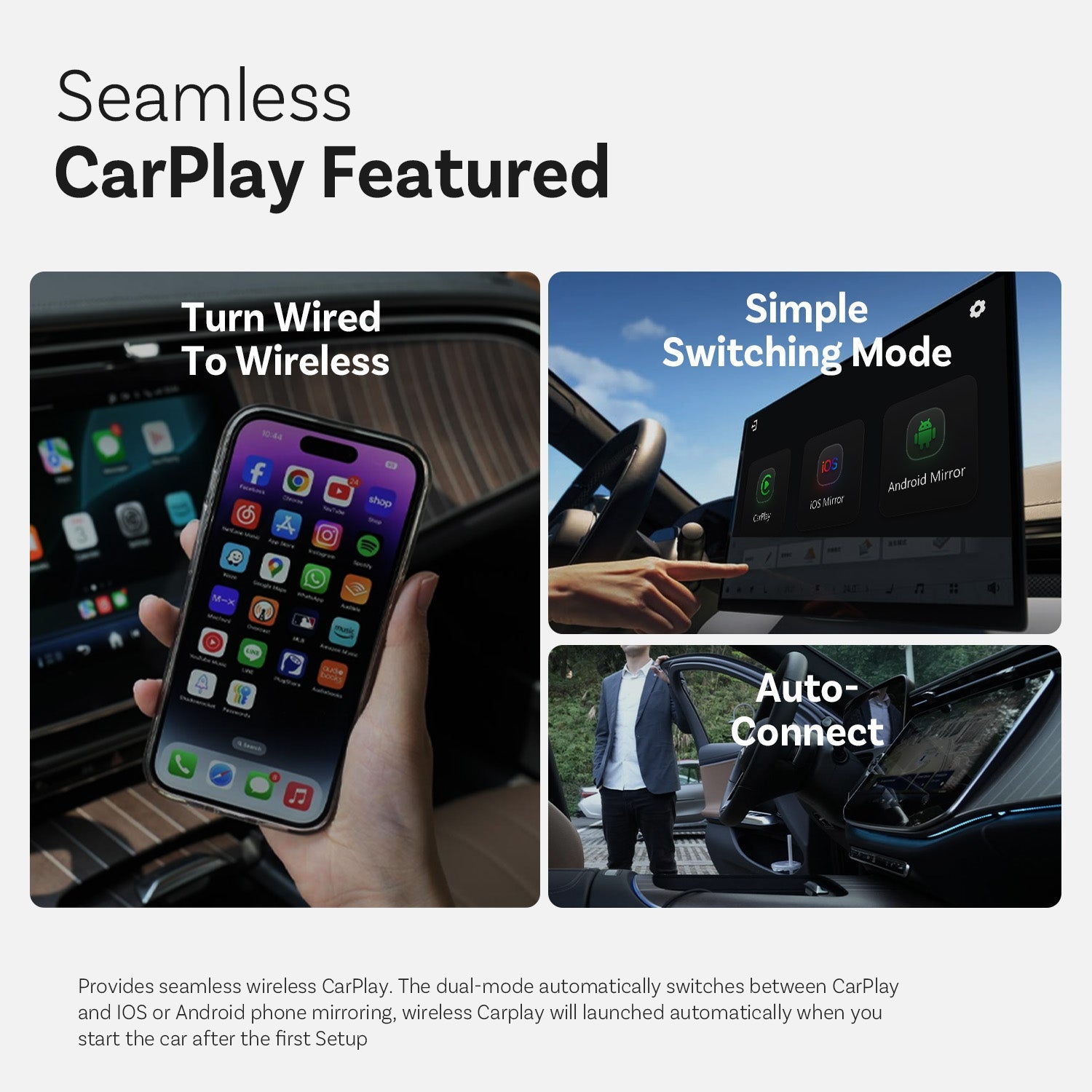
नहीं। पहली सेटअप के बाद, जब आप कार चालू करते हैं तो यह स्वतः कनेक्ट हो जाता है (जब तक आपके फोन का ब्लूटूथ/वाई-फाई चालू हो)। आप फिर कारप्ले और फोन मिररिंग (यदि समर्थित हो) के बीच स्विच कर सकते हैं।
खरीदने से पहले मुझे क्या पुष्टि करनी चाहिए?
कृपया इन 3 बिंदुओं की पुष्टि करें:
- मिररिंग/टच नियंत्रण के लिए फोन समर्थन:
- iPhone: iPhone 15+ (USB-C के साथ DisplayPort/DP वीडियो आउटपुट)
- Android: USB-C फोन जिसमें DP Alt Mode वीडियो आउटपुट हो
- कार की आवश्यकता: आपकी गाड़ी में फैक्टरी वायरड CarPlay का समर्थन होना चाहिए (आमतौर पर 2016+)।
- अनुकूलता जांच: अपने सटीक वाहन की पुष्टि के लिए उत्पाद पृष्ठ पर उपलब्ध अनुकूलता सूची/चेककर का उपयोग करें।
मिरर टच क्यों चुनें?
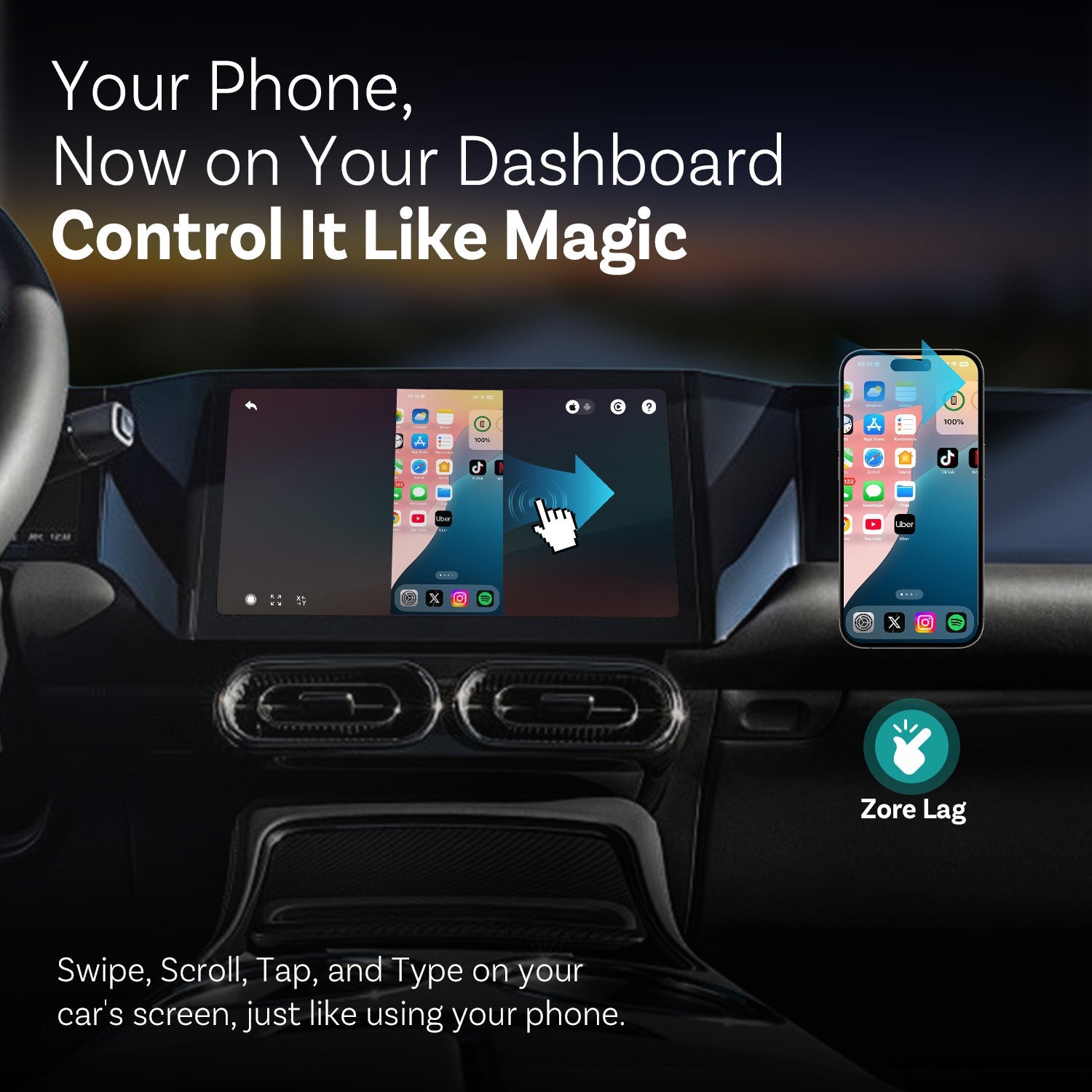
मिरर टच मानक वायरलेस कारप्ले को दो मुख्य विशेषताओं के साथ अपग्रेड करता है: फुल-स्क्रीन फोन मिररिंग और टच नियंत्रण—ताकि आप अपनी कार की स्क्रीन पर अपने फोन की तरह टैप, स्वाइप और टाइप कर सकें।
यह कम विलंबता के लिए डिज़ाइन किया गया है, और आपका डेटा/इतिहास आपके फोन पर ही रहता है।

आपको यह भी पसंद आ सकता है