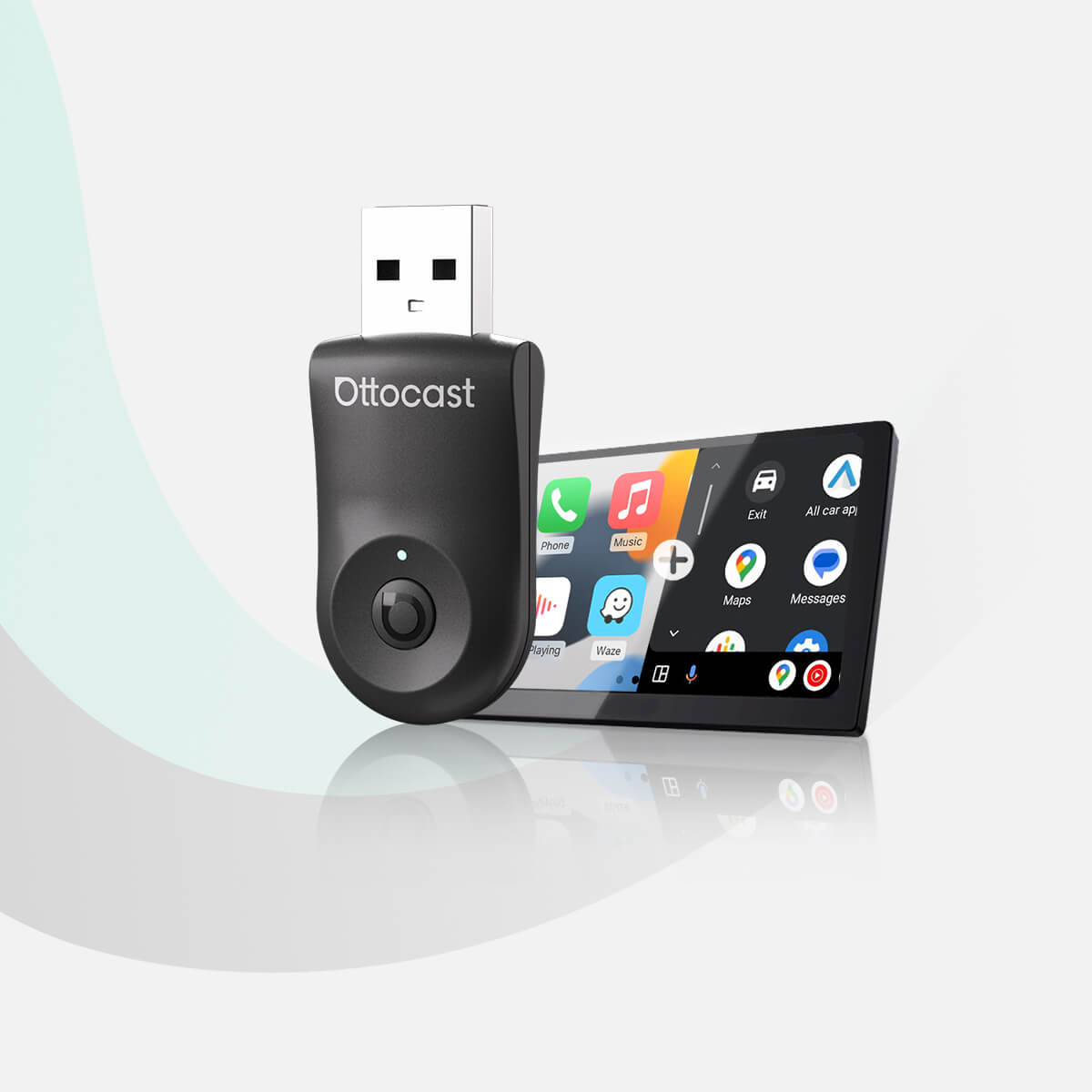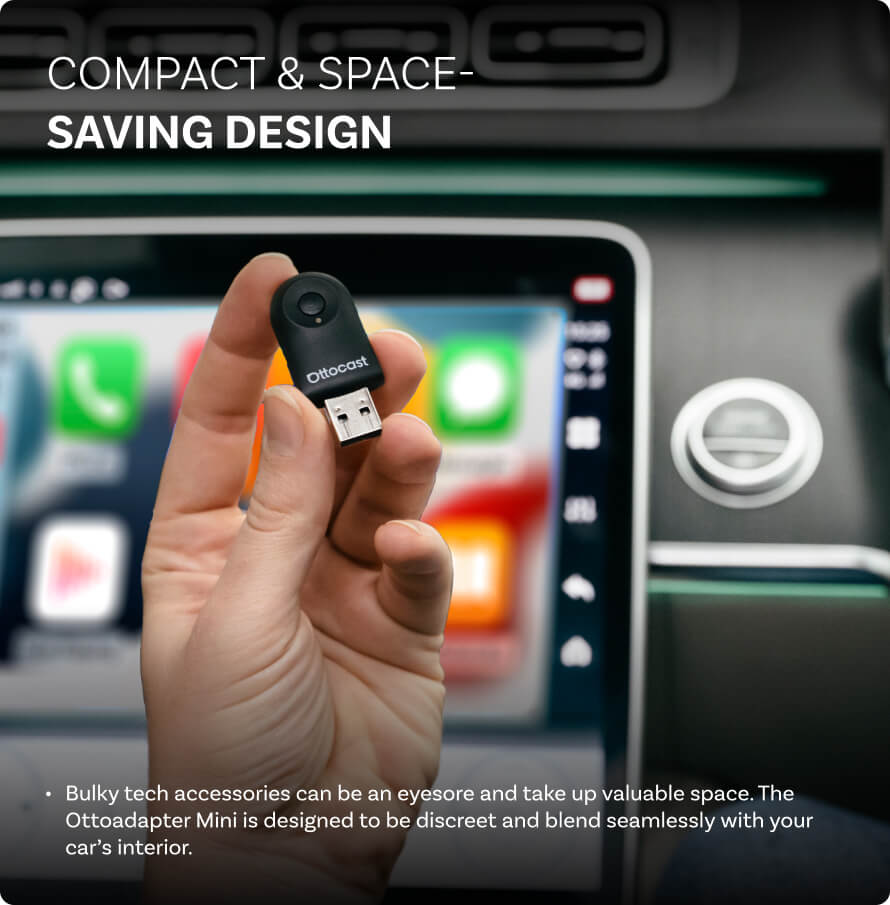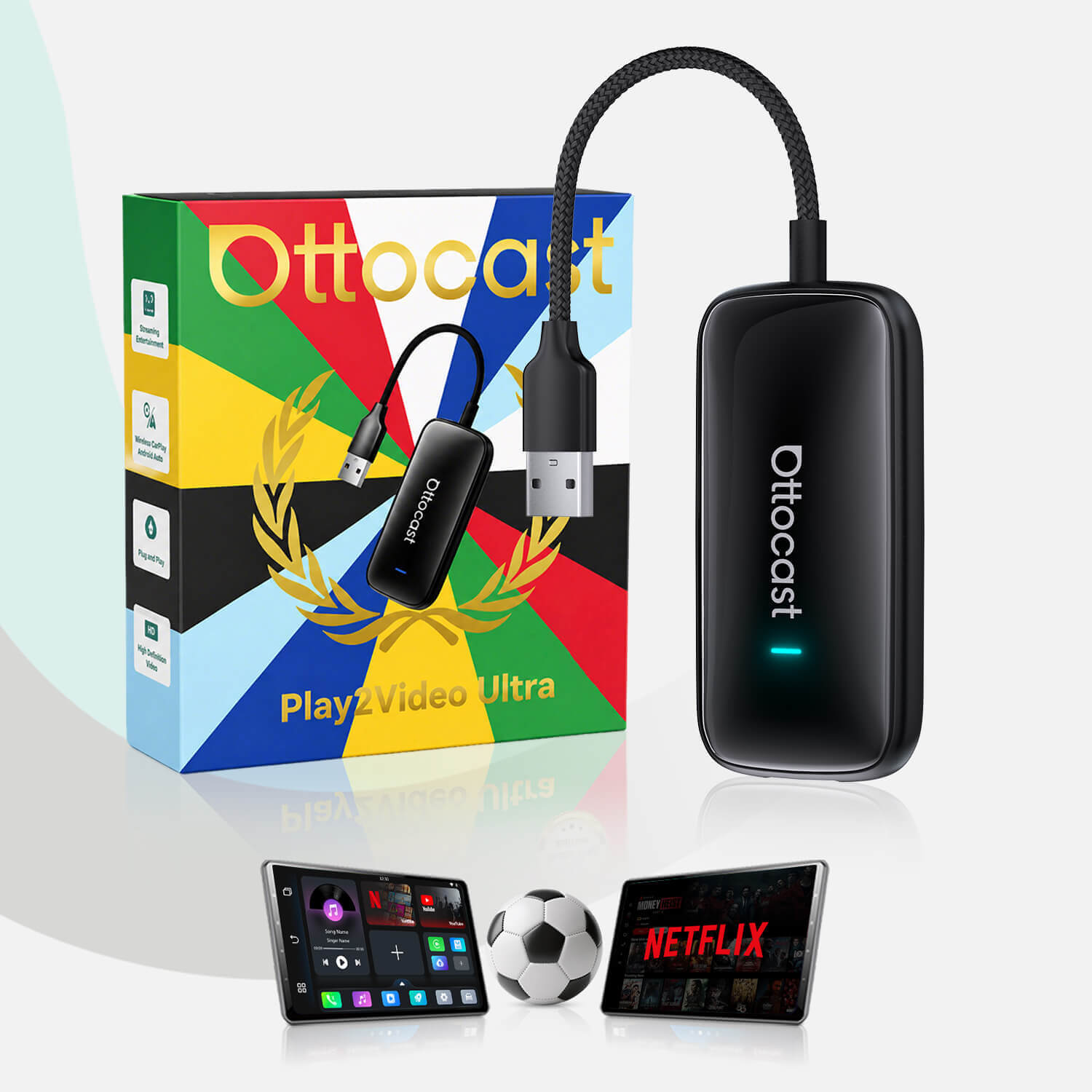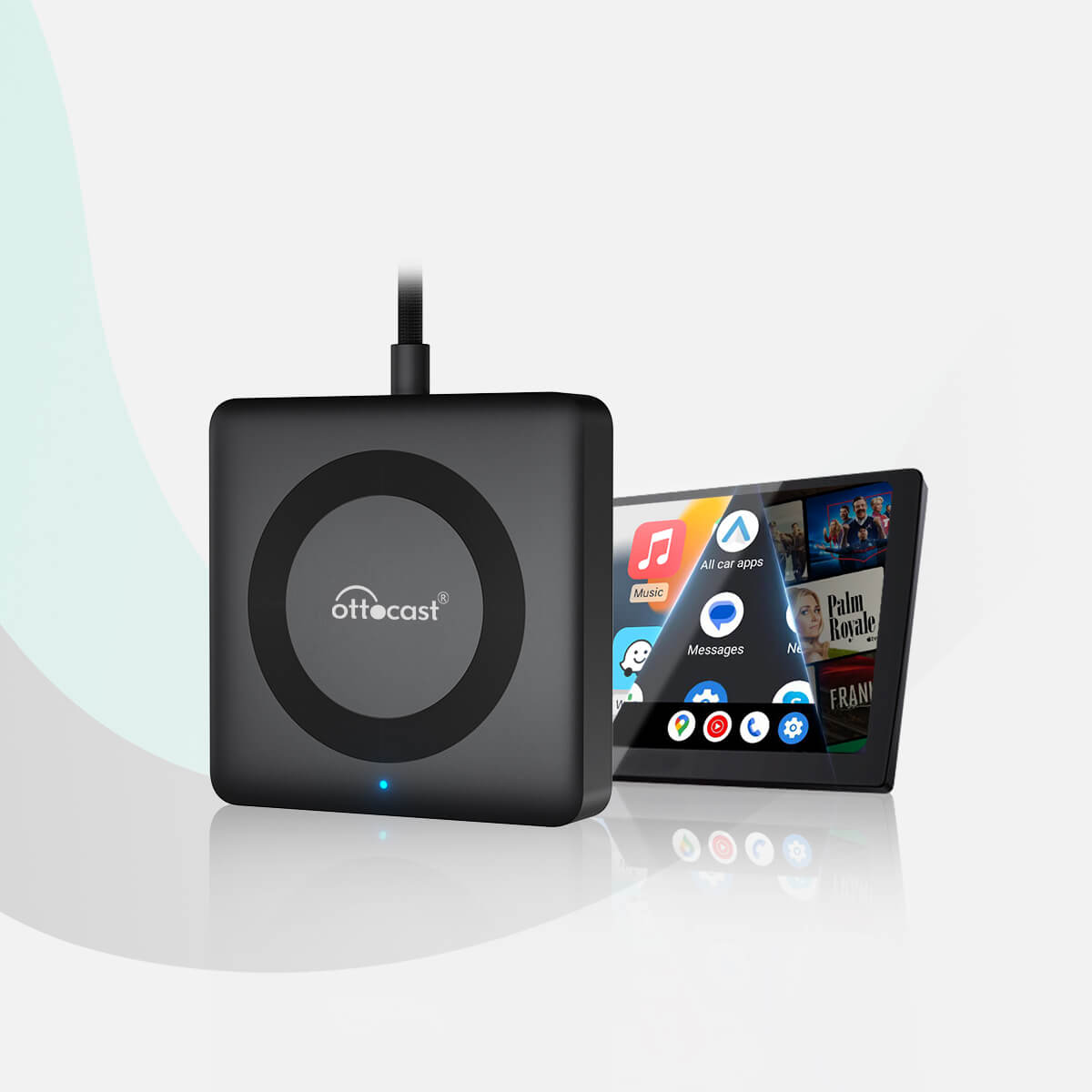


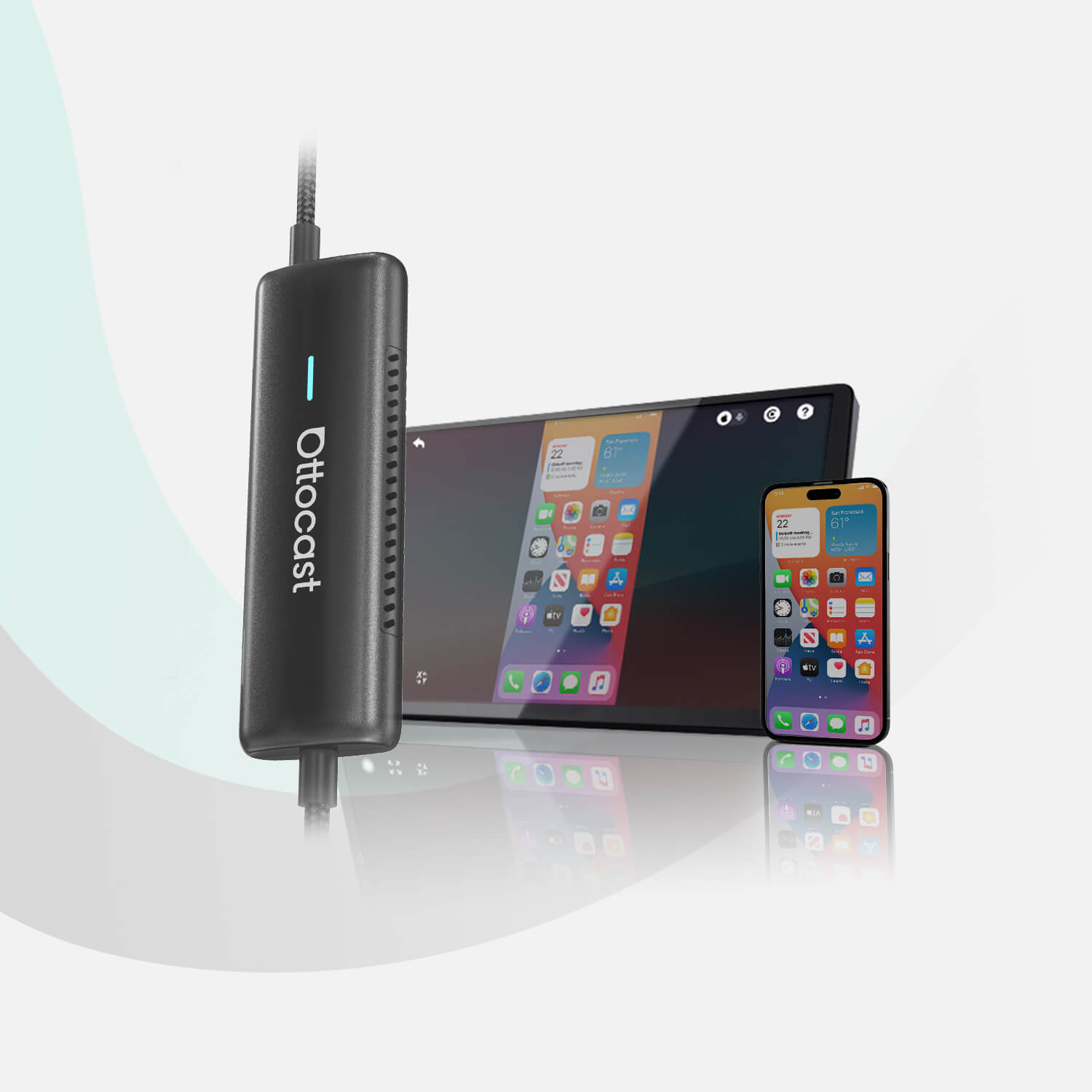
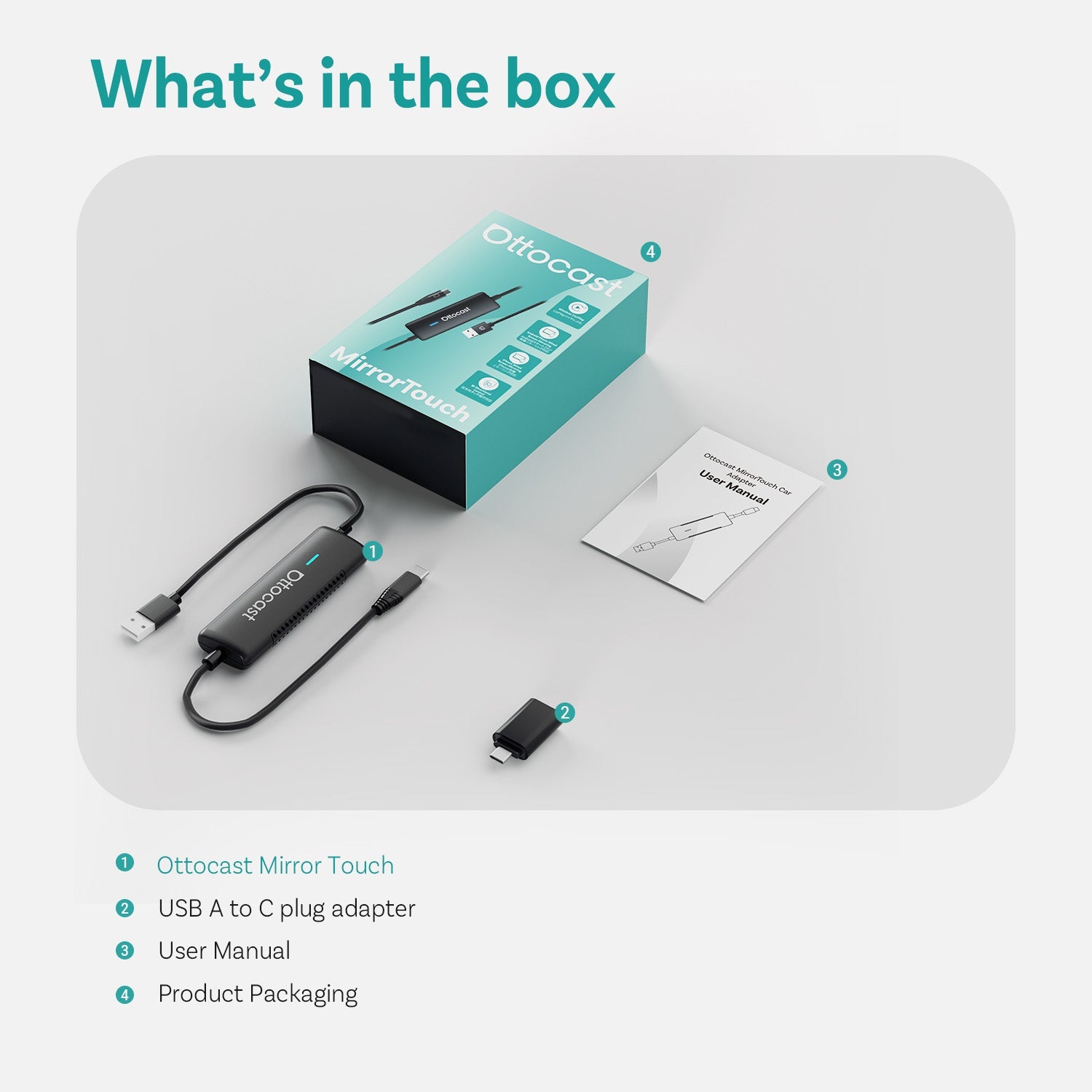
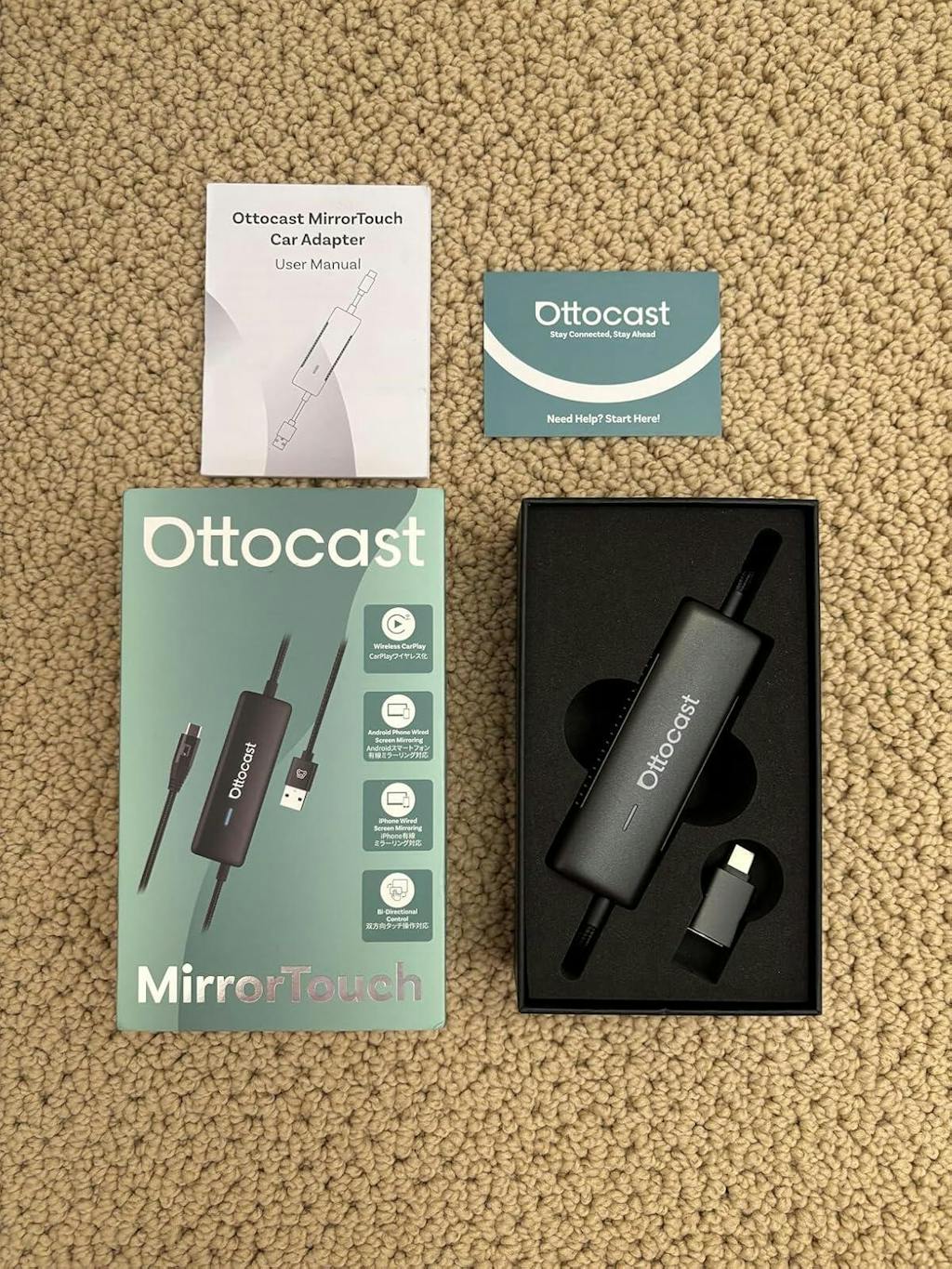
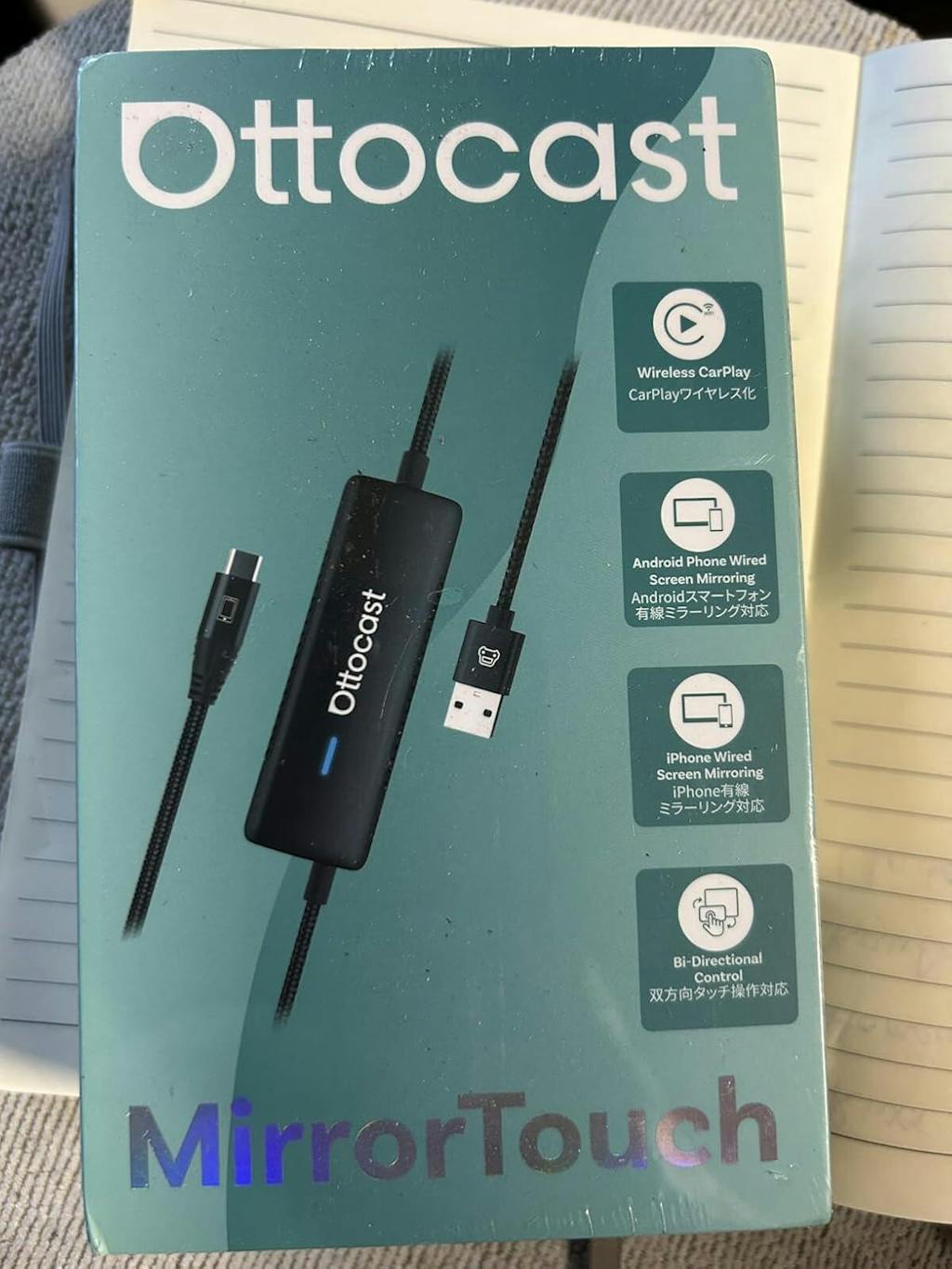
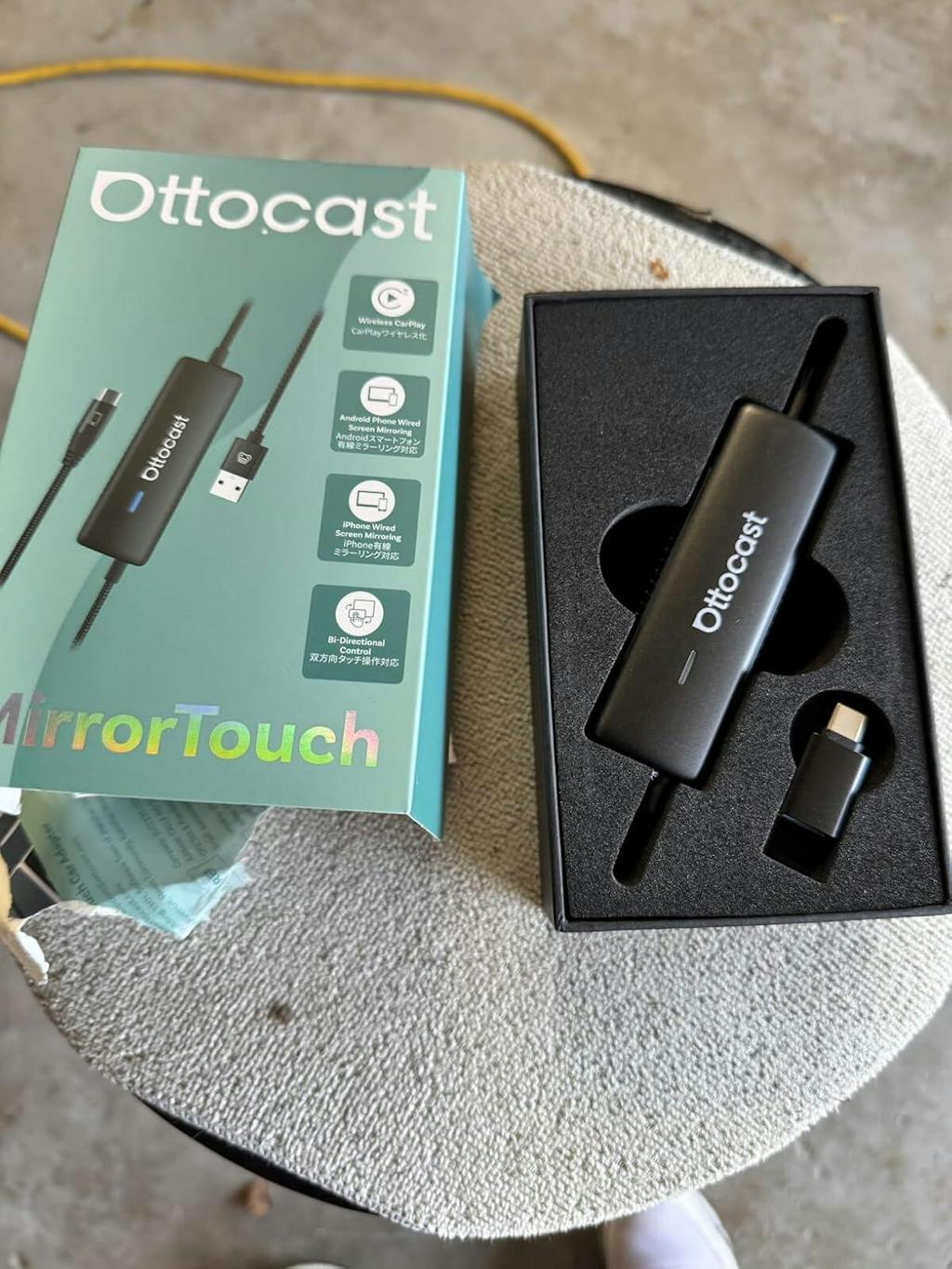
Adaptador inalámbrico Mirror Touch para CarPlay
PRICE
Productos adicionales
Productos con garantía
¡Solución encontrada para su vehículo!
VEHÍCULO SELECCIONADO
Audi A4, 2018
Hemos confirmado que su vehículo no cuenta con CarPlay de fábrica. ¡No se preocupe! El Ottoscreen AI que se muestra a continuación es la solución completa diseñada para llevar funciones inteligentes y CarPlay a pantalla completa a su automóvil de manera sencilla.
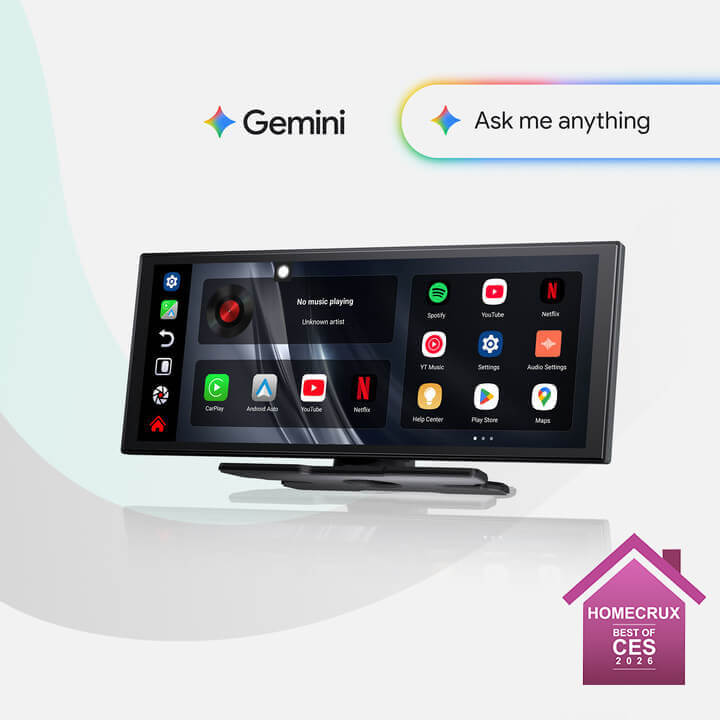
Ottoscreen IA
¡Combinación Perfecta!
VEHÍCULO SELECCIONADO
Audi A4, 2018
Su coche tiene CarPlay con cable, que está listo para nuestros productos. Continúe navegando para descubrir más.
Necesita confirmación
VEHÍCULO SELECCIONADO
Audi A4, 2018
Lo sentimos, su modelo no está en nuestra base de datos. Por favor, confirme un detalle crucial: ¿Su coche tiene Apple CarPlay con cable?
Vea el video guía a continuación o use una herramienta de inteligencia artificial (como Gemini o ChatGPT) para buscar rápidamente las características de su coche y confirmar. ¡Si tiene CarPlay con cable, nuestros productos son la opción perfecta!
CarPlay inalámbrico detectado
VEHÍCULO SELECCIONADO
Audi A4, 2018
Como ya tienes CarPlay inalámbrico, echa un vistazo a nuestro Ottoaibox i3 para ver videos en tu coche.

Caja AI OttoAibox i3 para BMW CarPlay
¡Combinación Perfecta!
VEHÍCULO SELECCIONADO
Audi A4, 2018
Tu coche es compatible — sigue navegando para descubrir más que te encantará.
Android Auto con cable detectado
VEHÍCULO SELECCIONADO
Audi A4, 2018
Detectamos que su vehículo solo admite Android Auto por cable, no CarPlay por cable. No es compatible con su automóvil. ¡No se preocupe! El Adaptador A2Air Pro que se muestra a continuación es la opción perfecta para usted.
Requires USB-C DisplayPort Phone + Factory Wired CarPlay
-
Vehicle:Your vehicle must have factory wired CarPlay.
-
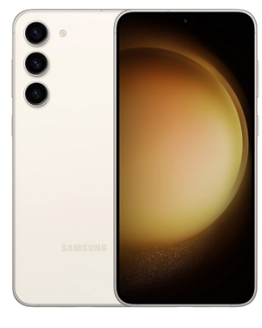
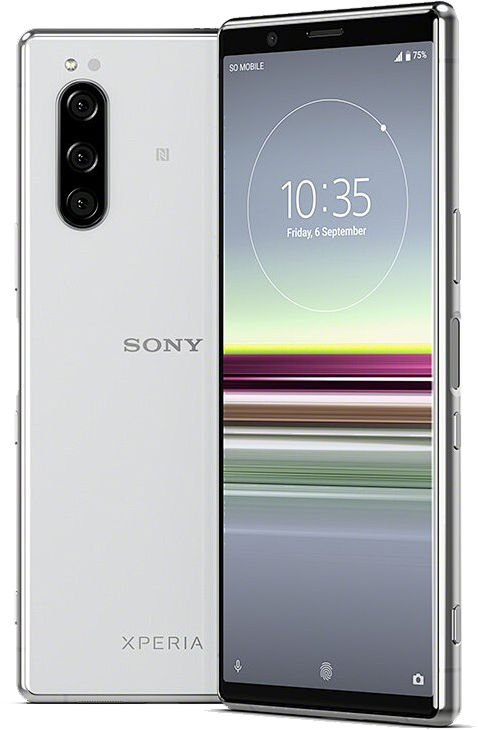
Phone:Android phones with DP (DisplayPort) screen mirroring supportiPhone 15 series and newer via USB-C DisplayPort output
Factory Wireless CarPlay Vehicles (e.g. some BMW models): Recommended Model: OttoAibox i3
How to Check Wired CarPlay / Android Auto Support
Política postventa

Devoluciones en 30 días

Garantía de 1 año

Soporte dedicado
Compartir
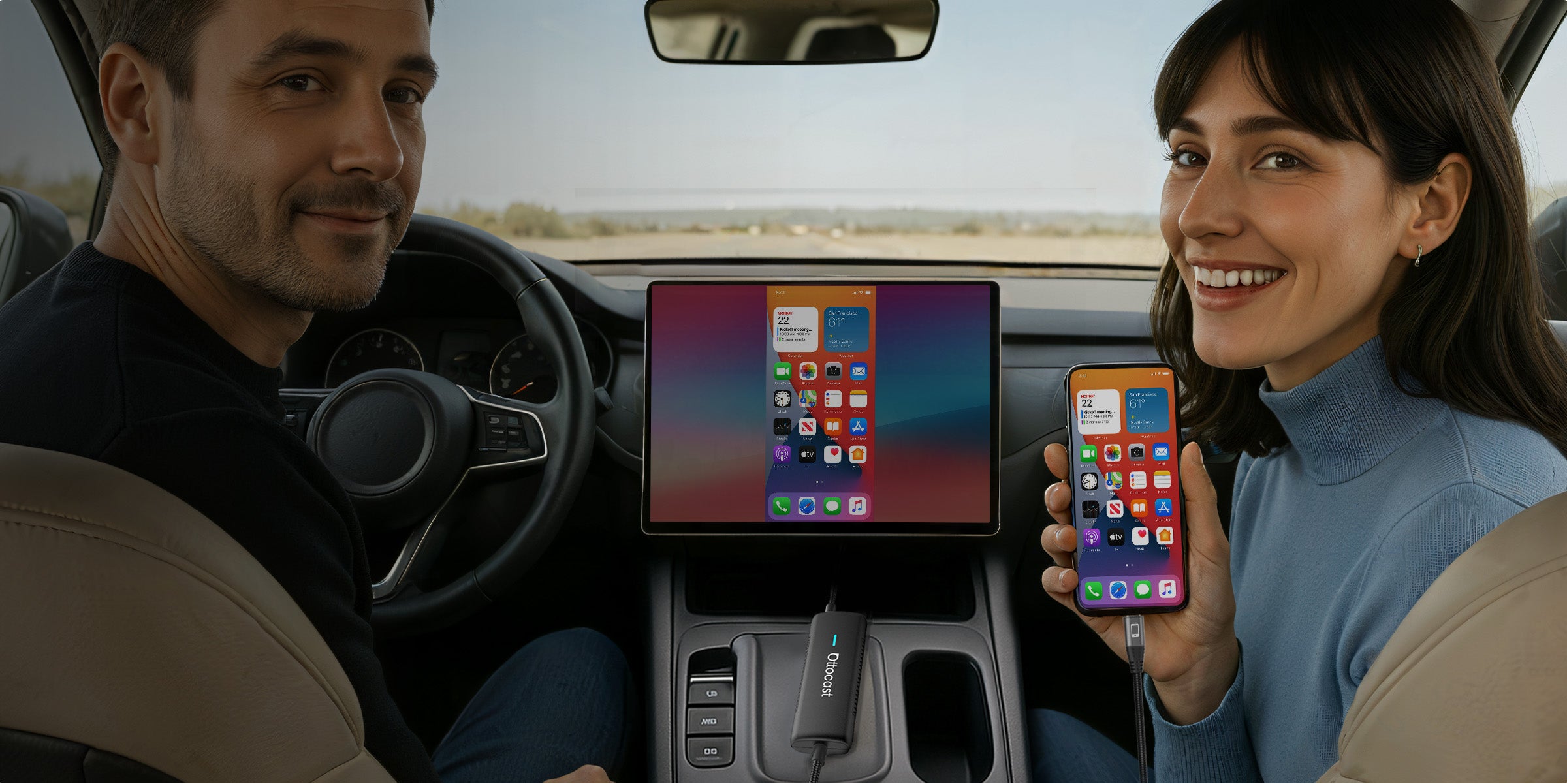
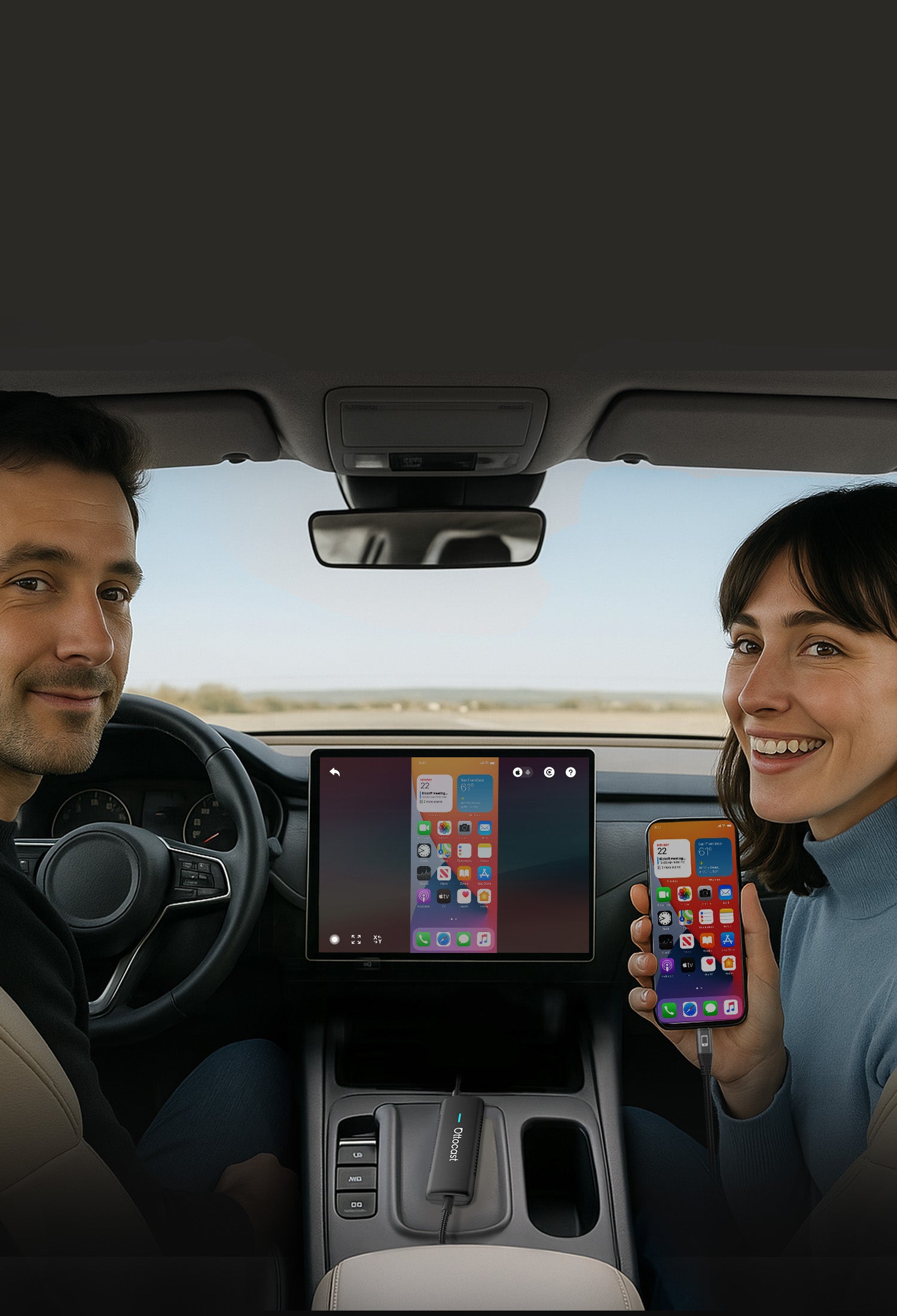


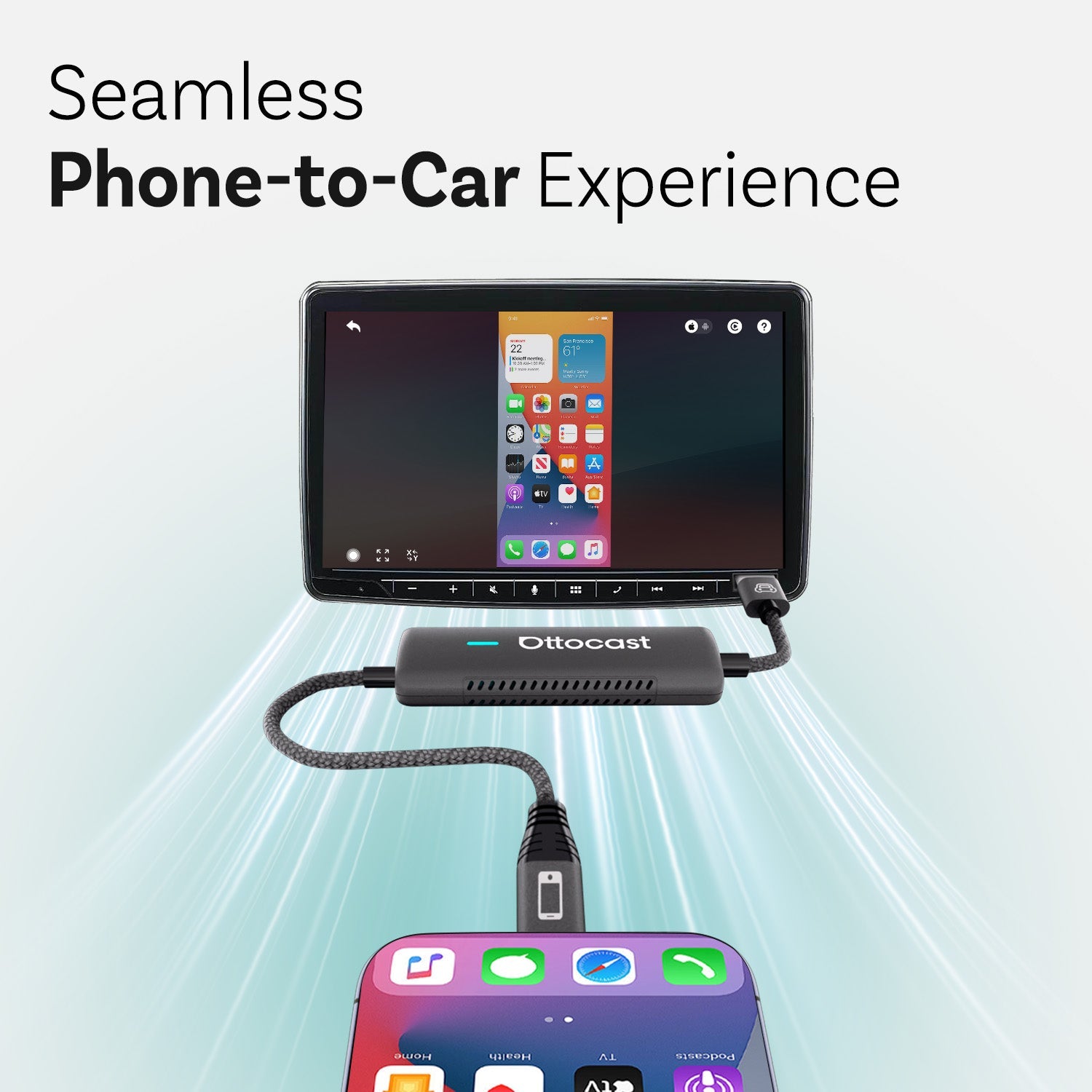
Experiencia sin interrupciones de teléfono a coche


Integra Todo el Sonido
al sistema de audio incorporado del coche
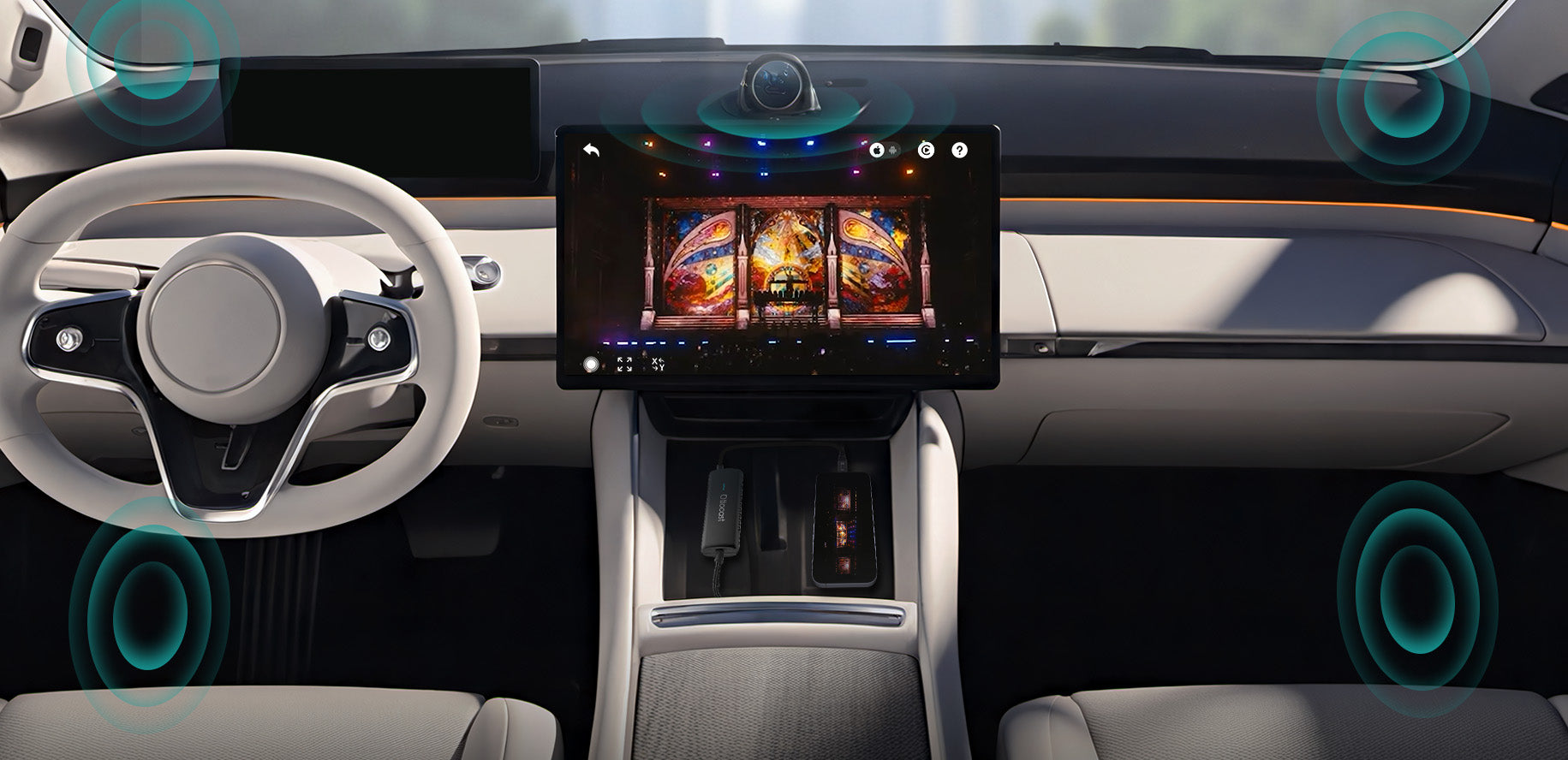
Haciendo tu viaje más inteligente y seguro
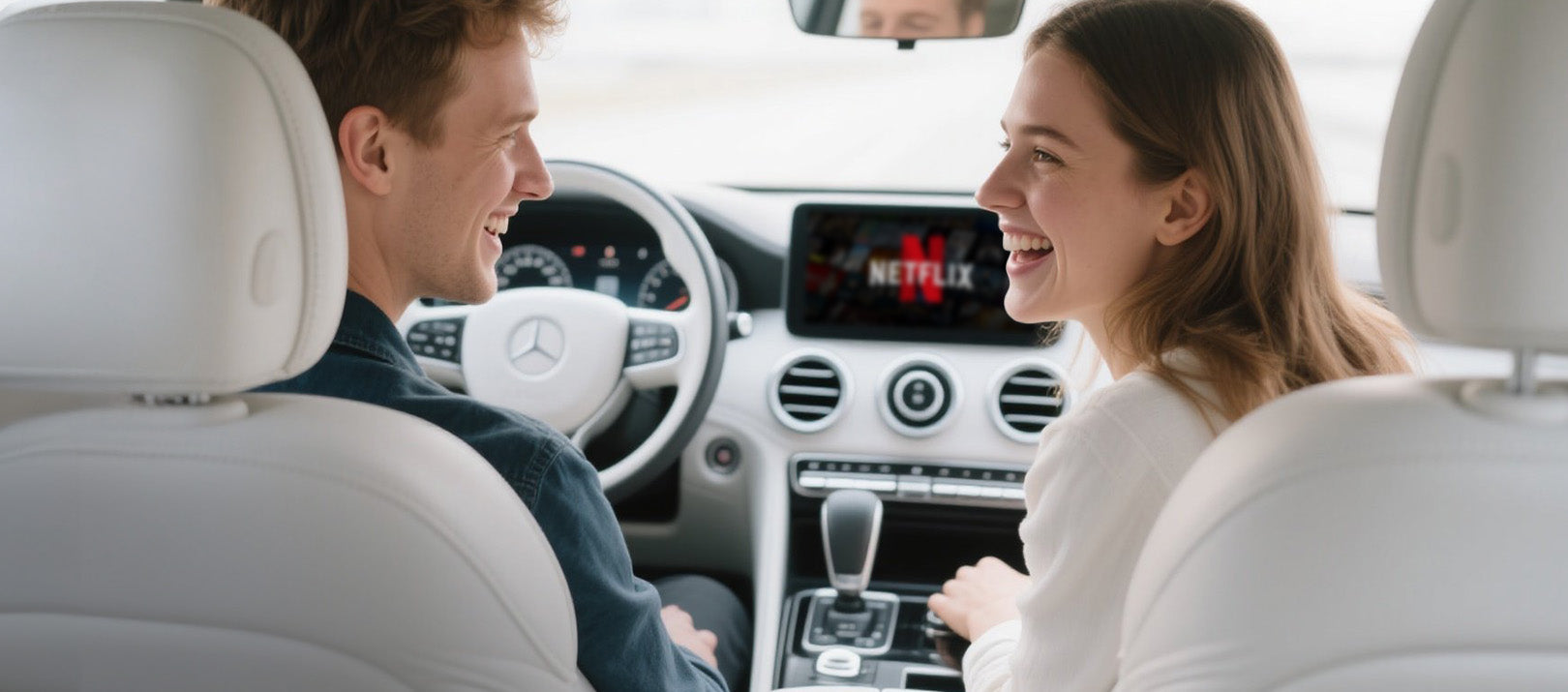

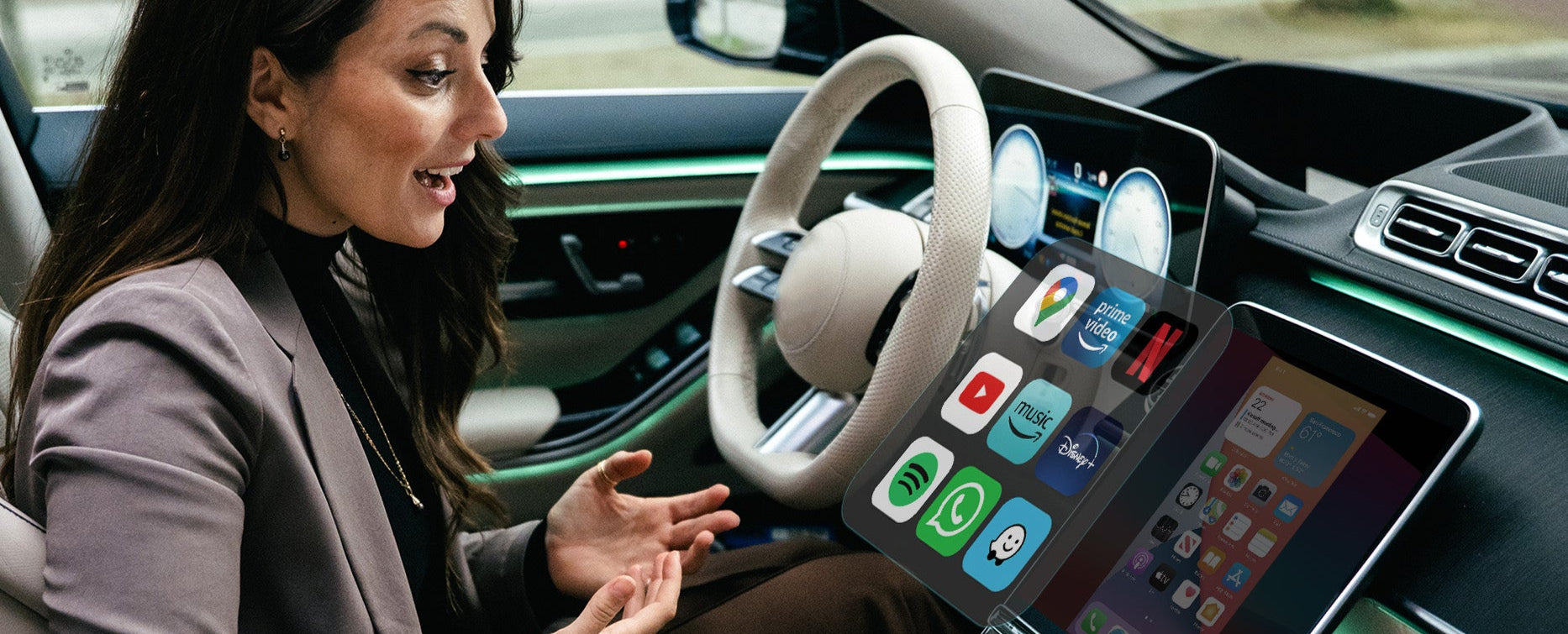
La pantalla de tu coche muestra todo lo que hay en tu teléfono al entrar
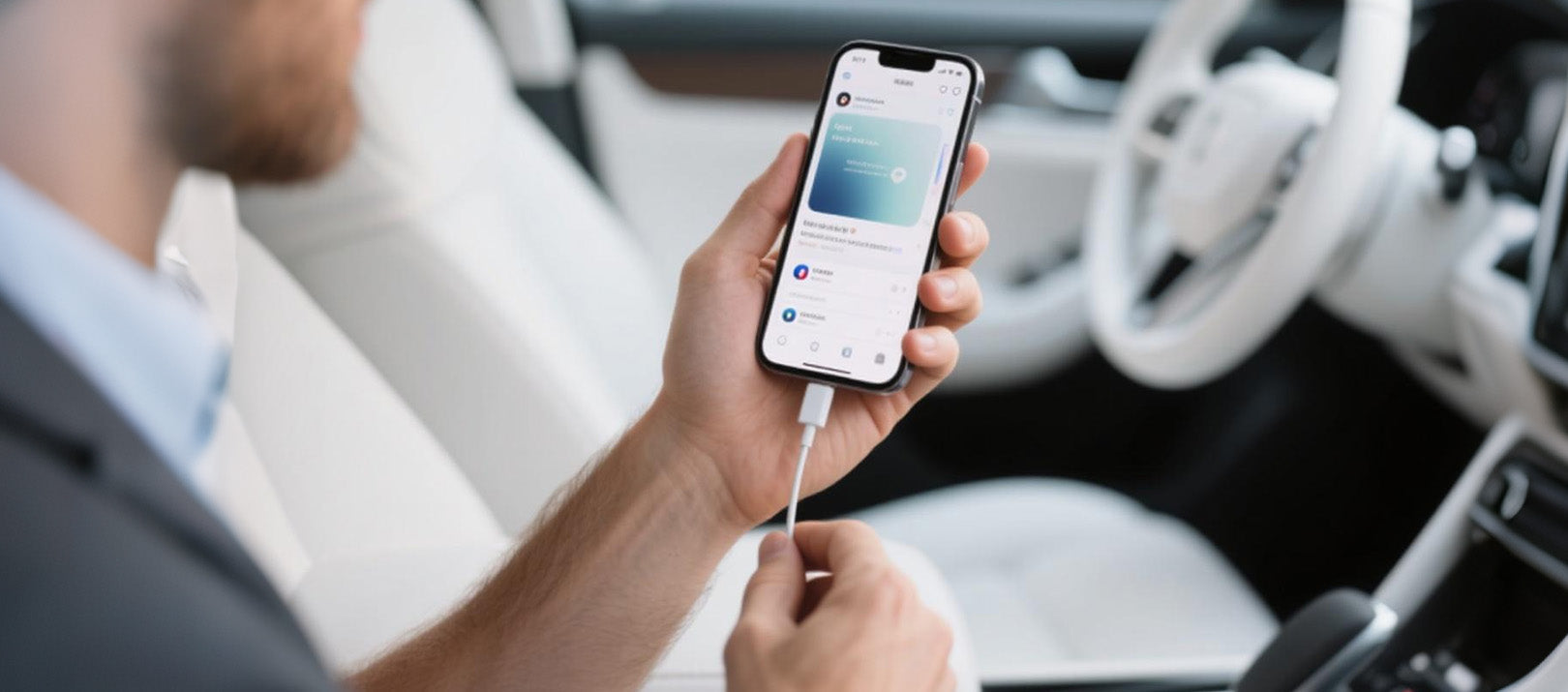

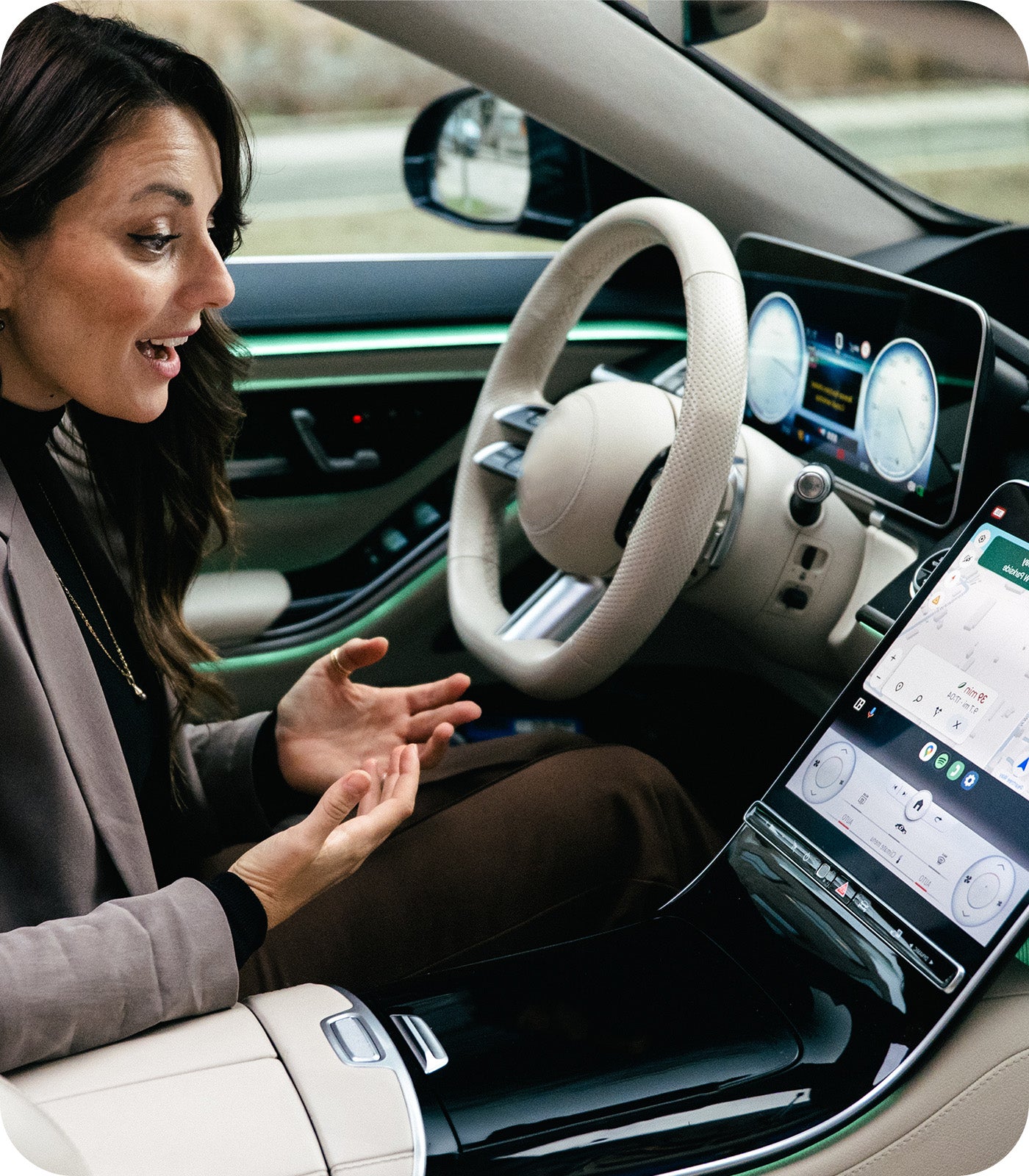
Mirror Touch ofrece un inicio verdaderamente fluido en cada viaje
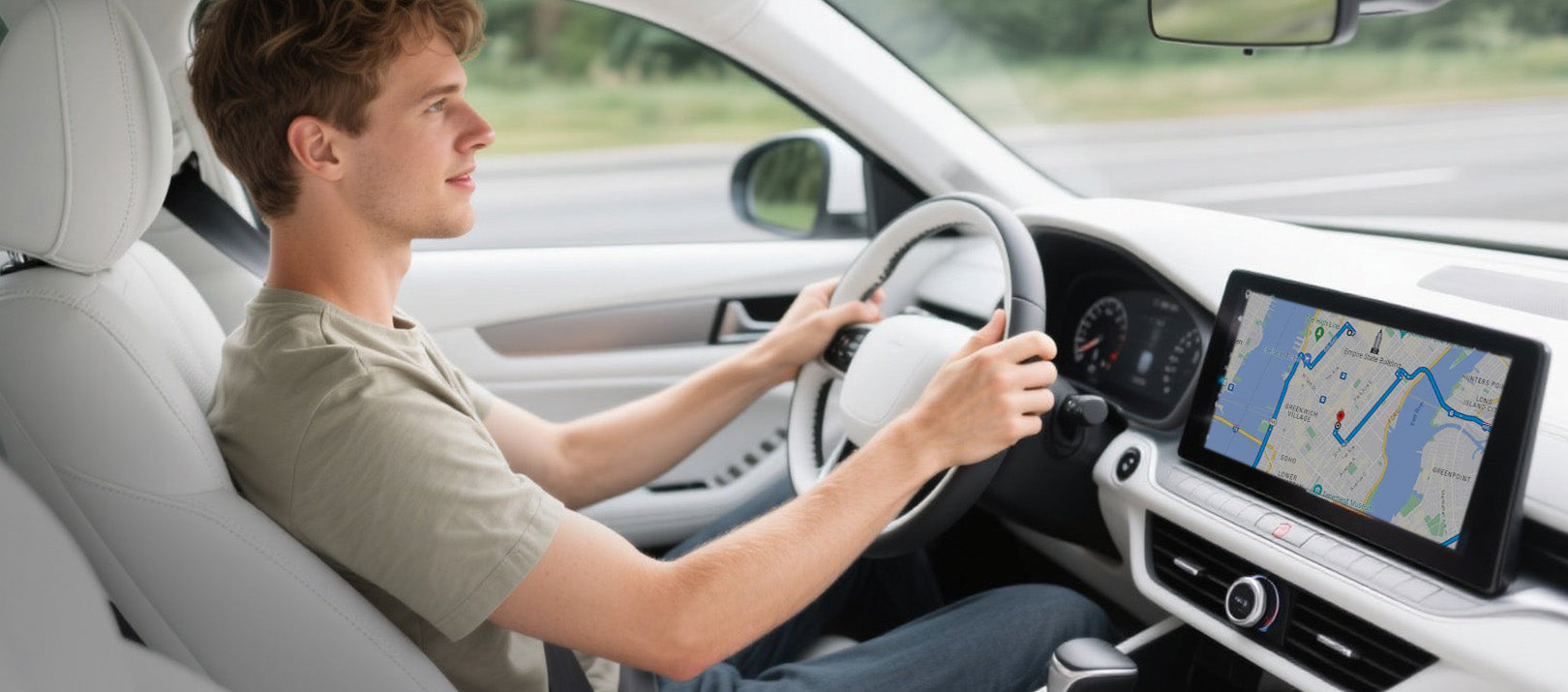

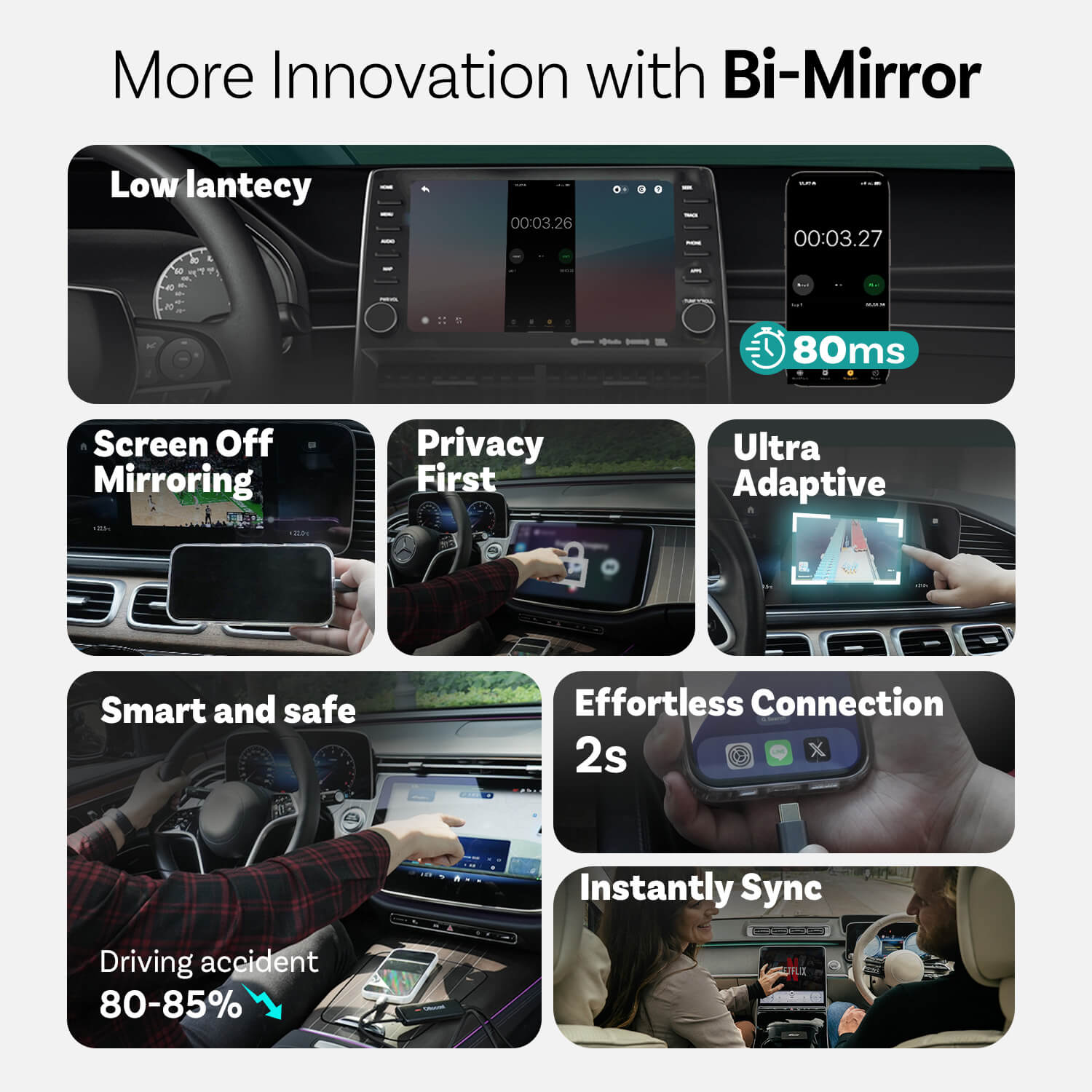
Usar el tablero en lugar del teléfono para reducir los accidentes de conducción en alrededor del 80-85%
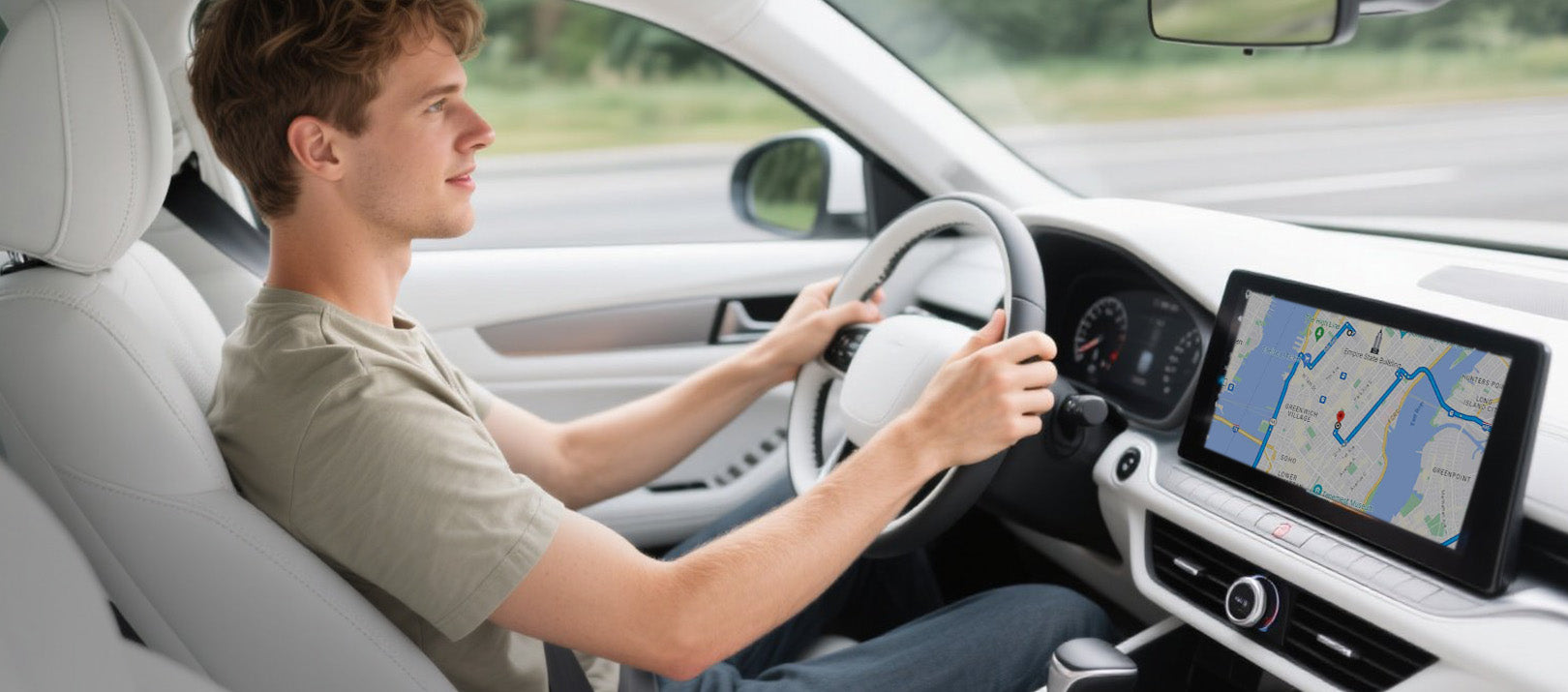
Conduce con más seguridad
Usar el tablero en lugar del teléfono reduce los accidentes de conducción en alrededor del 80-85%
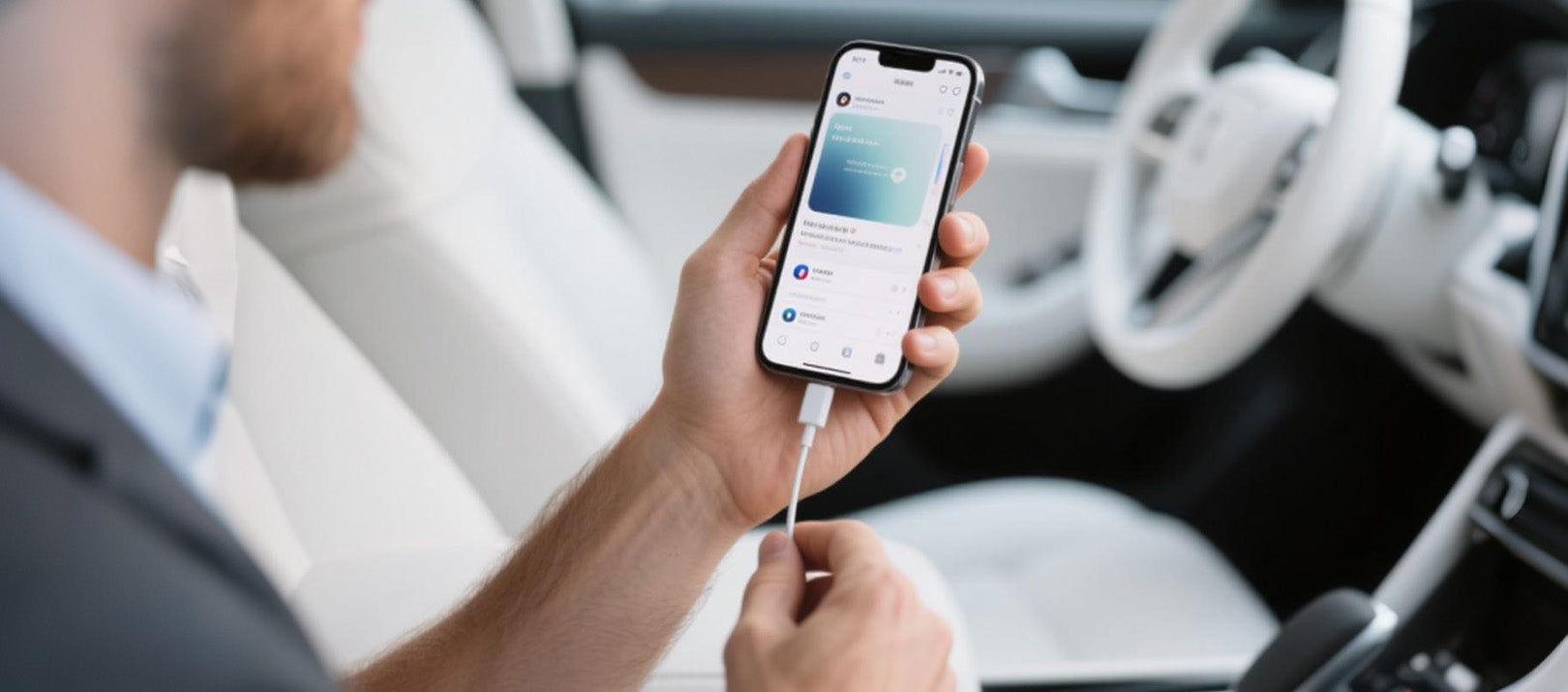
Conexión sin esfuerzo
Mirror Touch ofrece un inicio verdaderamente fluido en cada viaje
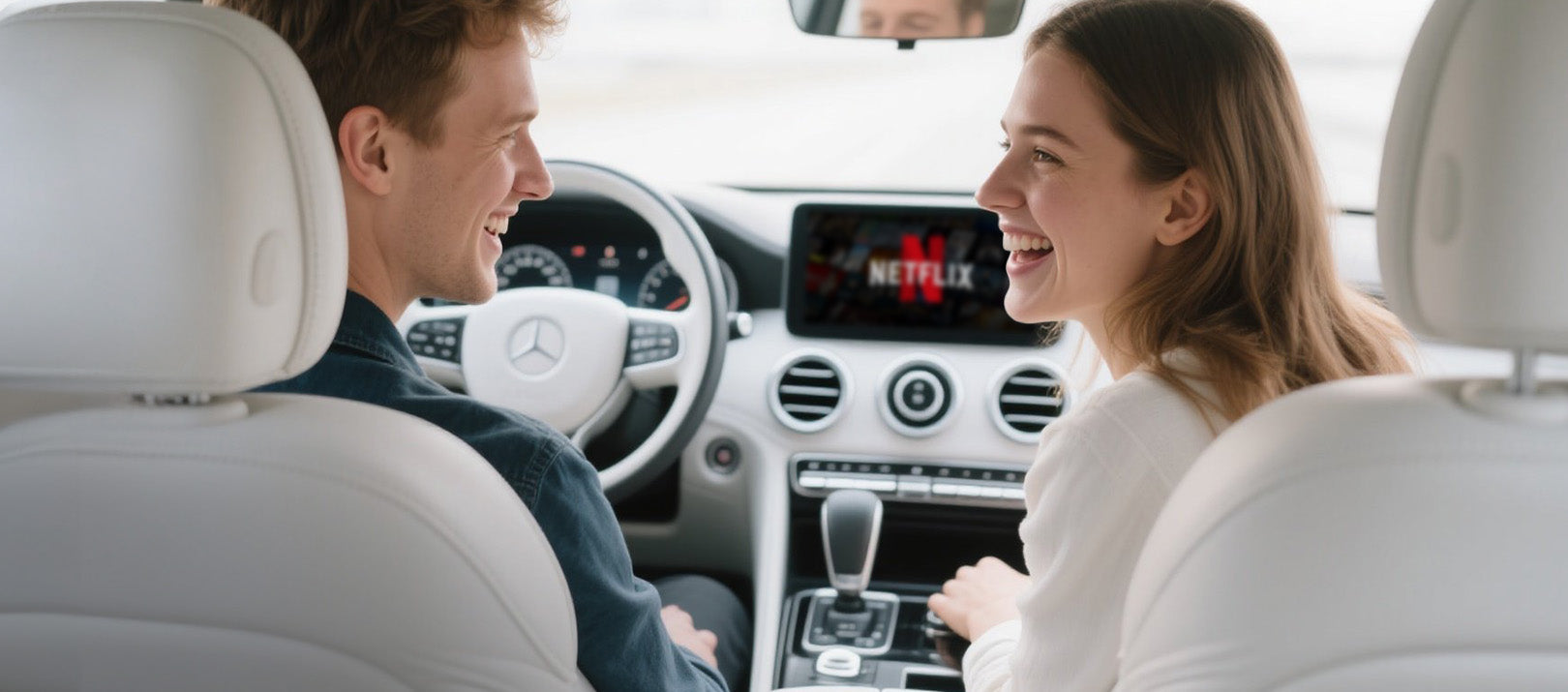
Sincronización instantánea
La pantalla de tu coche muestra todo lo que hay en tu teléfono al entrar
Innovaciones de Mirror Touch
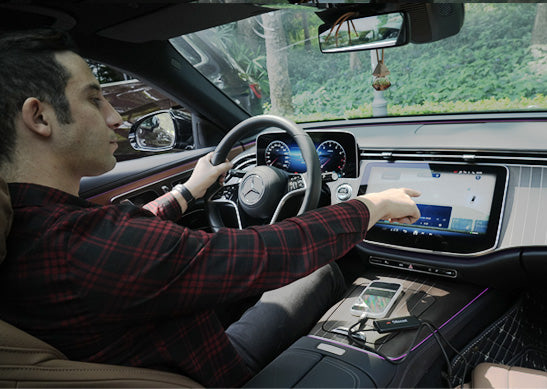
Privacidad ante todo
Tus mensajes, inicios de sesión e historial permanecen exclusivamente en tu teléfono.
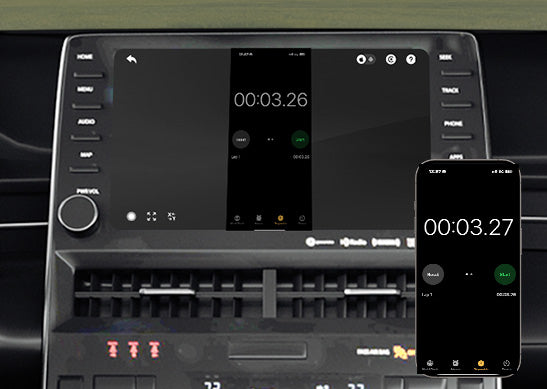
80 ms de baja latencia
Umbral de 100 ms que los humanos pueden percibir.
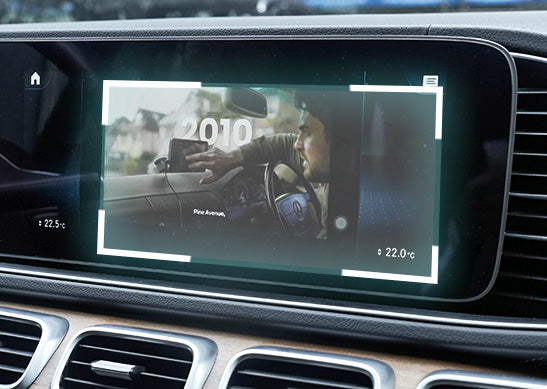
Ultra Adaptable
Se adapta sin esfuerzo a la orientación de la mayoría de tus aplicaciones y a las características nativas de la pantalla
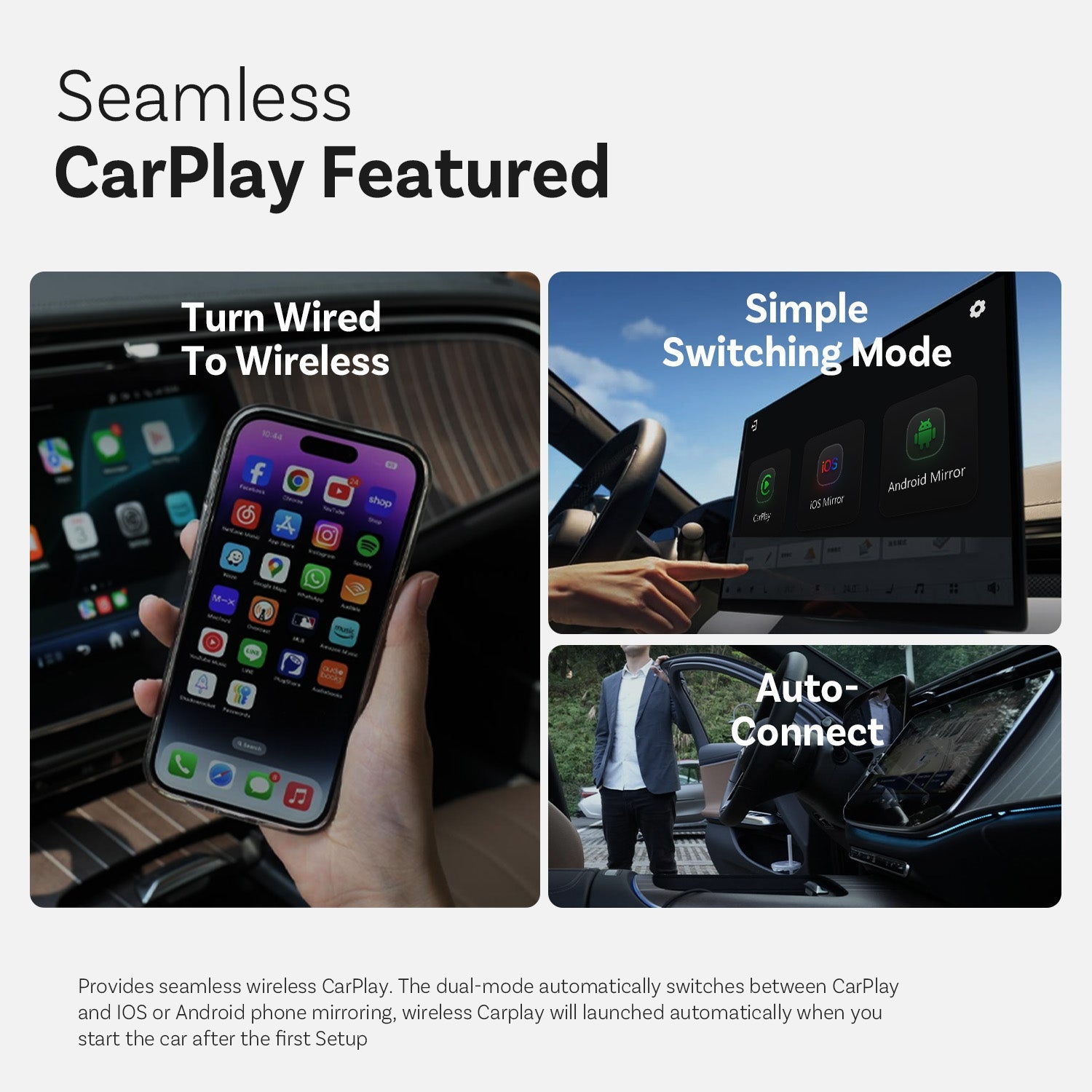
CarPlay sin interrupciones destacado
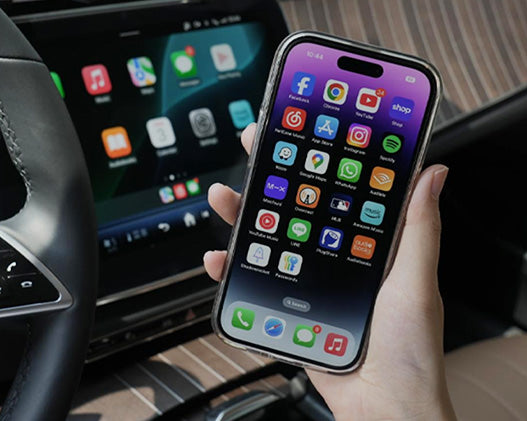
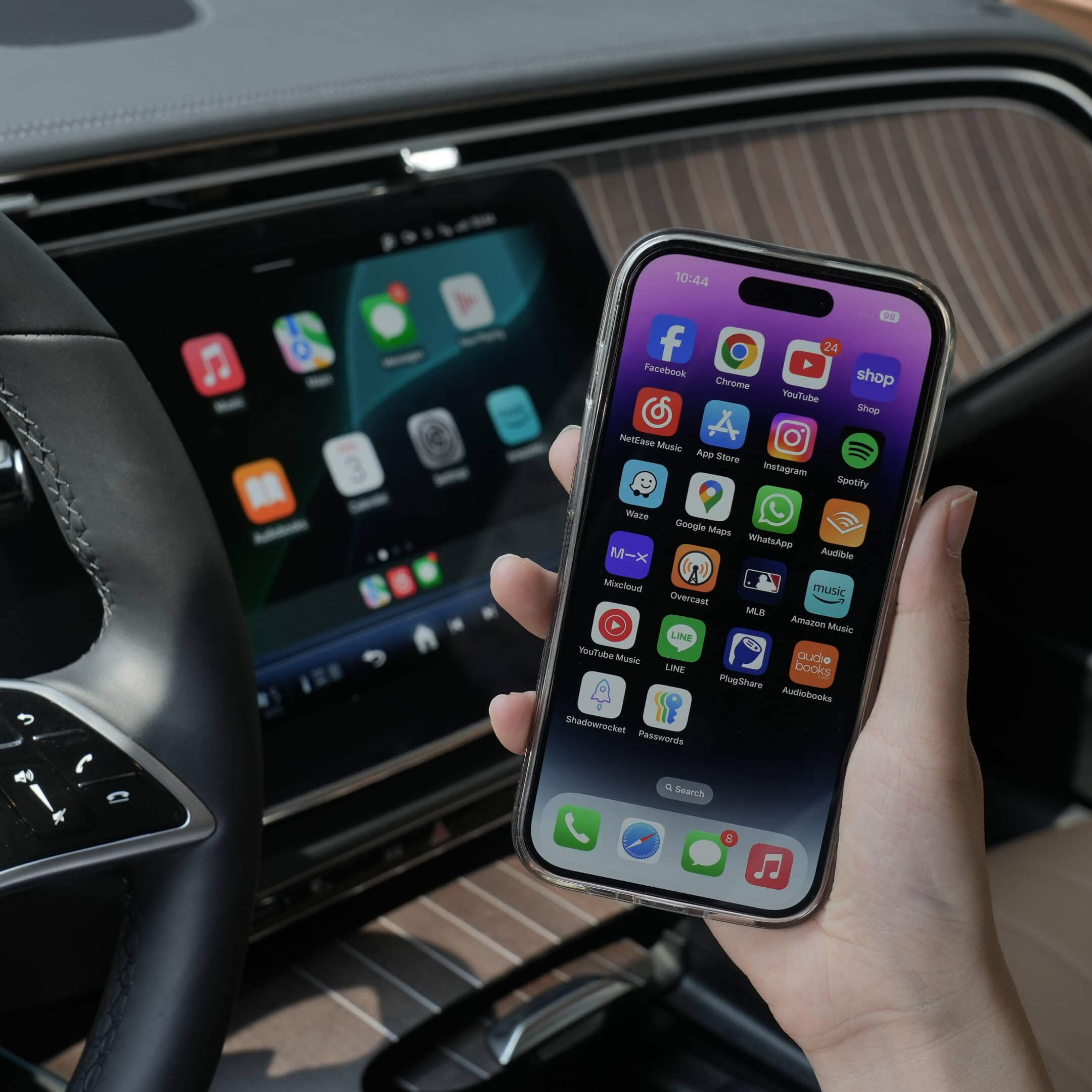
Cambiar de cableado a inalámbrico
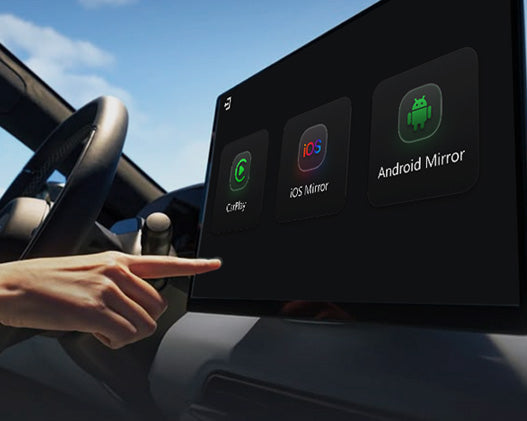
Modo de conmutación simple
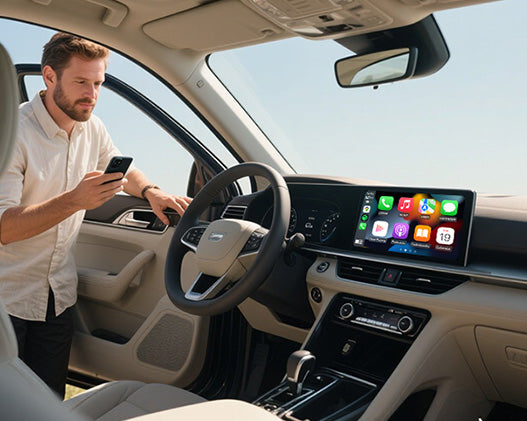
Auto-Conexión
Más Funciones
Ottocast Espejo Táctil


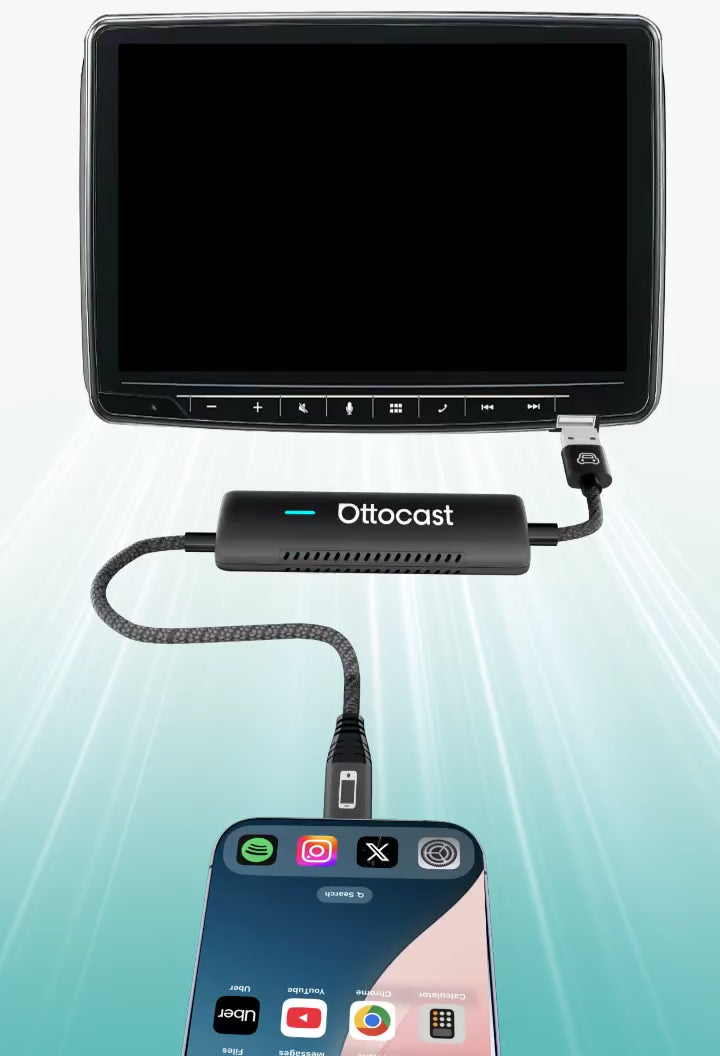
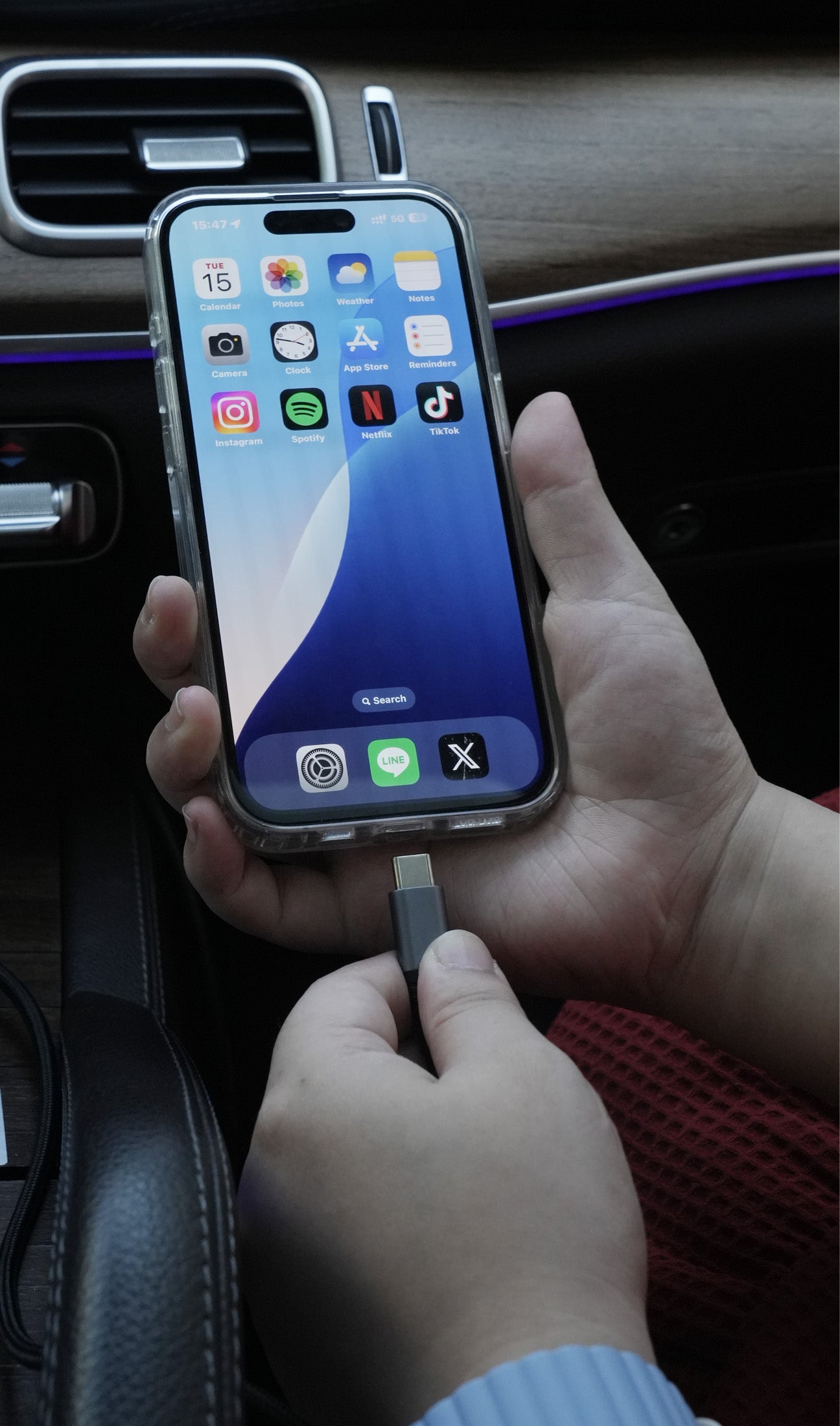
Tres pasos para obtener Espejo y Control
Preguntas frecuentes
¿Es este producto Ottocast compatible con mi coche?
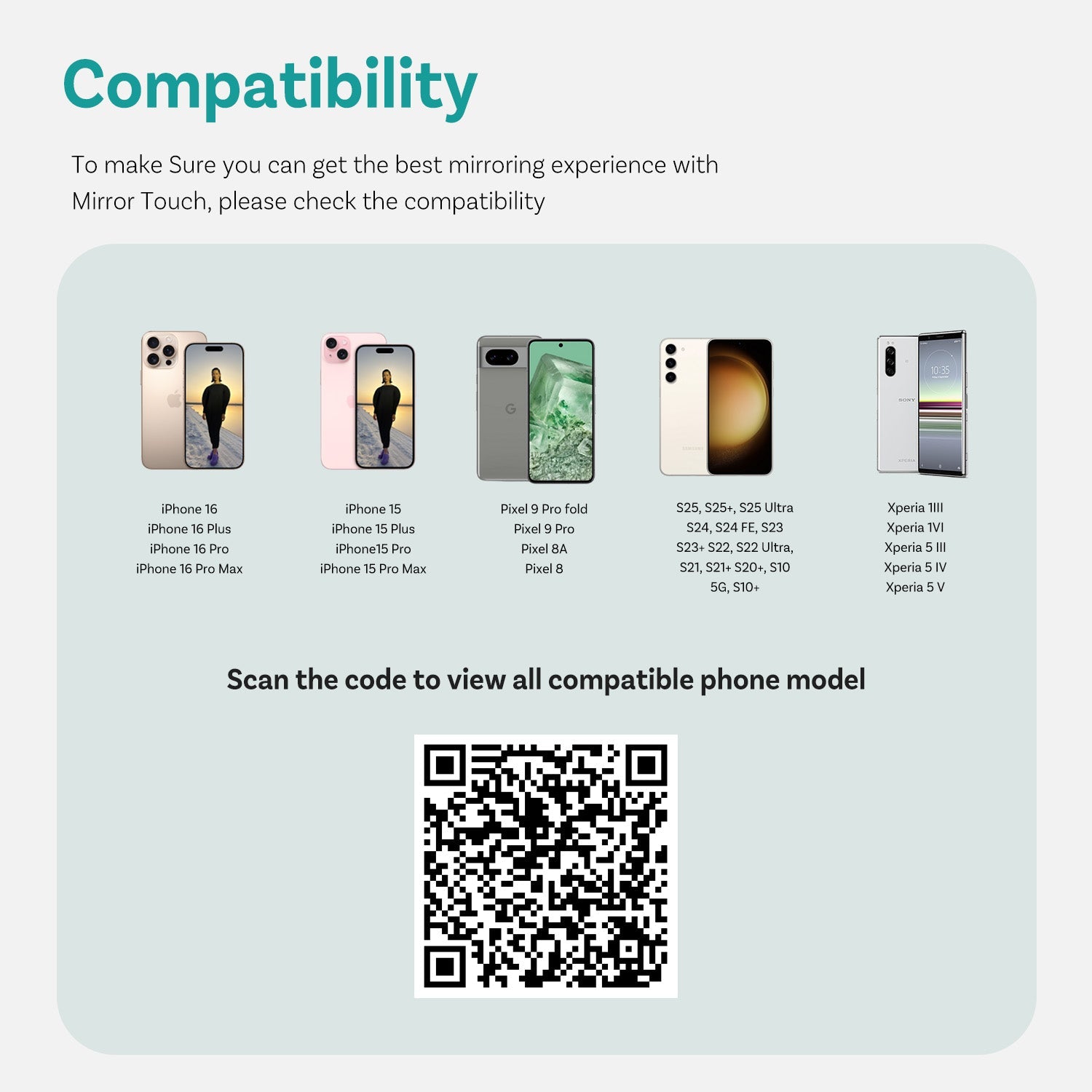
La compatibilidad depende de la función que desees usar:
Duplicación de pantalla del teléfono
- Compatible con teléfonos Android con duplicación de pantalla DP
- Compatible con iPhone 15 y posteriores mediante salida USB-C DisplayPort
Por favor, asegúrate de que la duplicación de pantalla DP esté activada en tu teléfono.
👉 Lista de compatibilidad
CarPlay inalámbrico
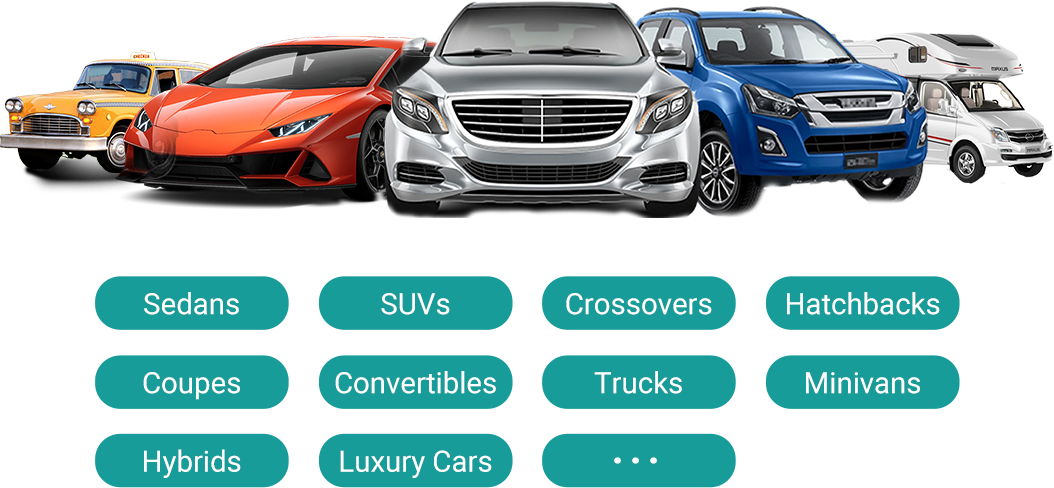
- Funciona con vehículos (2016 o posteriores) o motocicletas que tengan Apple CarPlay por cable de fábrica
- ❌ No compatible con vehículos solo Android Auto
¿Cómo puedo verificar la compatibilidad en su sitio web?
En la página del producto, haz clic en “Verificar si es compatible con tu coche” (debajo de “Añadir al carrito”), luego selecciona la marca / modelo / año para ver el resultado.
¿Hay códigos de descuento, cupones o vales para productos Ottocast?
Sí. Los nuevos clientes pueden recibir una oferta de bienvenida al suscribirse a los correos electrónicos de Ottocast, y realizamos promociones por tiempo limitado durante todo el año.
Para obtener los códigos activos más recientes, suscríbete al final de la página y te enviaremos actualizaciones.
Si he emparejado dos teléfonos, ¿a cuál se conectará la próxima vez?
Si hay varios teléfonos emparejados cerca, Ottocast generalmente se reconectará al teléfono usado por última vez.
Para cambiar de dispositivo, desconecta CarPlay en el teléfono actual (o apaga su Bluetooth/Wi-Fi), luego conéctate con el otro teléfono.
Algunos modelos también admiten cambio con un solo toque o selección manual del dispositivo.
¿Puedo moverlo entre dos coches?
Sí. Simplemente desconéctalo y úsalo en otro vehículo compatible. En el nuevo coche, es posible que necesites volver a emparejar tu teléfono o hacer una configuración rápida por primera vez.
¿Puede mi teléfono usar la función de duplicación de pantalla?
Depende de si tu teléfono soporta salida de video (DisplayPort / DP Alt Mode).
- Android: Compatible con teléfonos USB-C con DP Alt Mode.
- iPhone: Compatible con iPhone 15 y modelos posteriores (salida DisplayPort USB-C).
Consejo: Revisa las especificaciones/configuración de tu teléfono para confirmar que DP Alt Mode está soportado y activado.
Lista de compatibilidad: Haz clic para comprobar
¿El duplicado de pantalla y el control táctil requieren un cable?
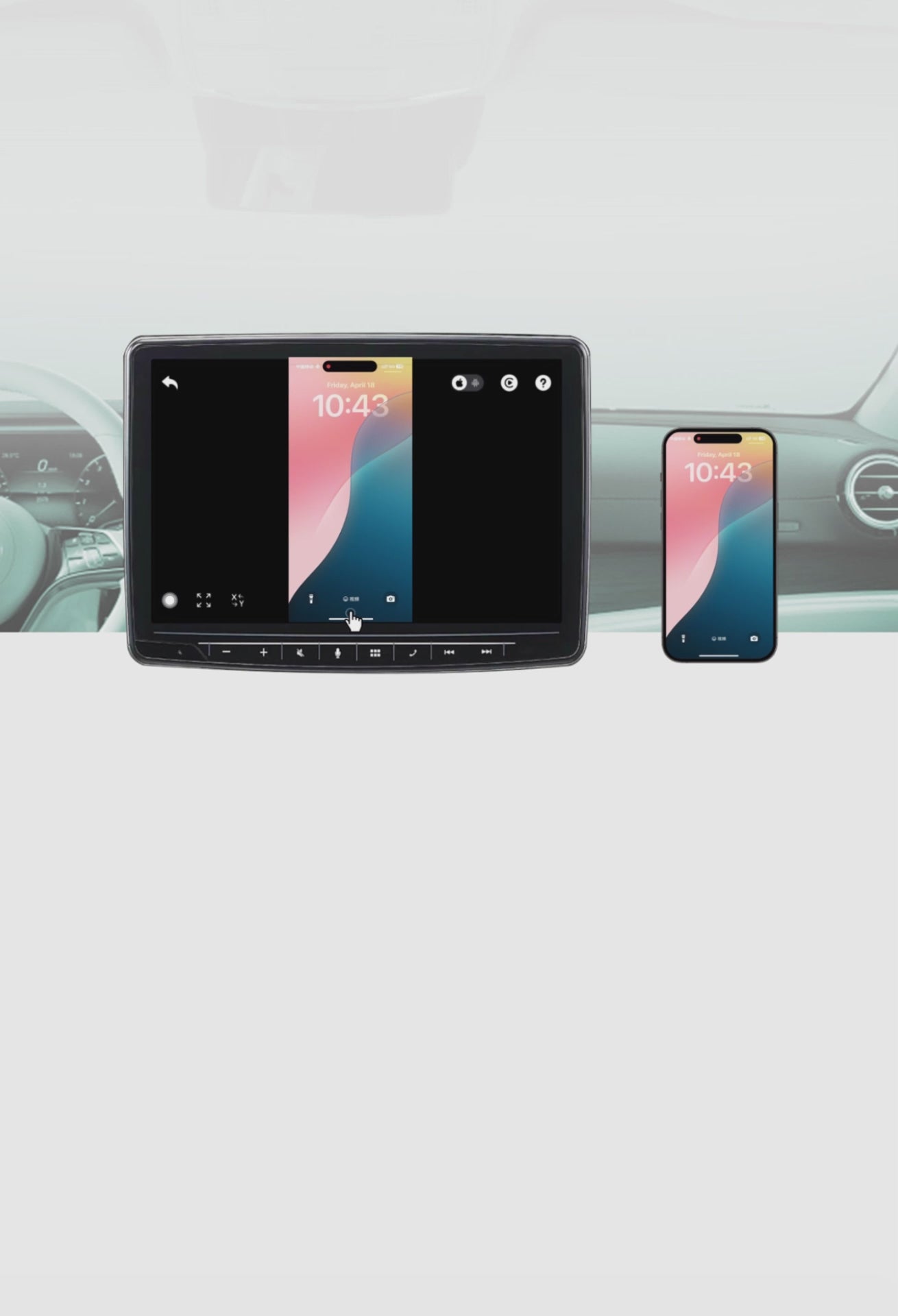
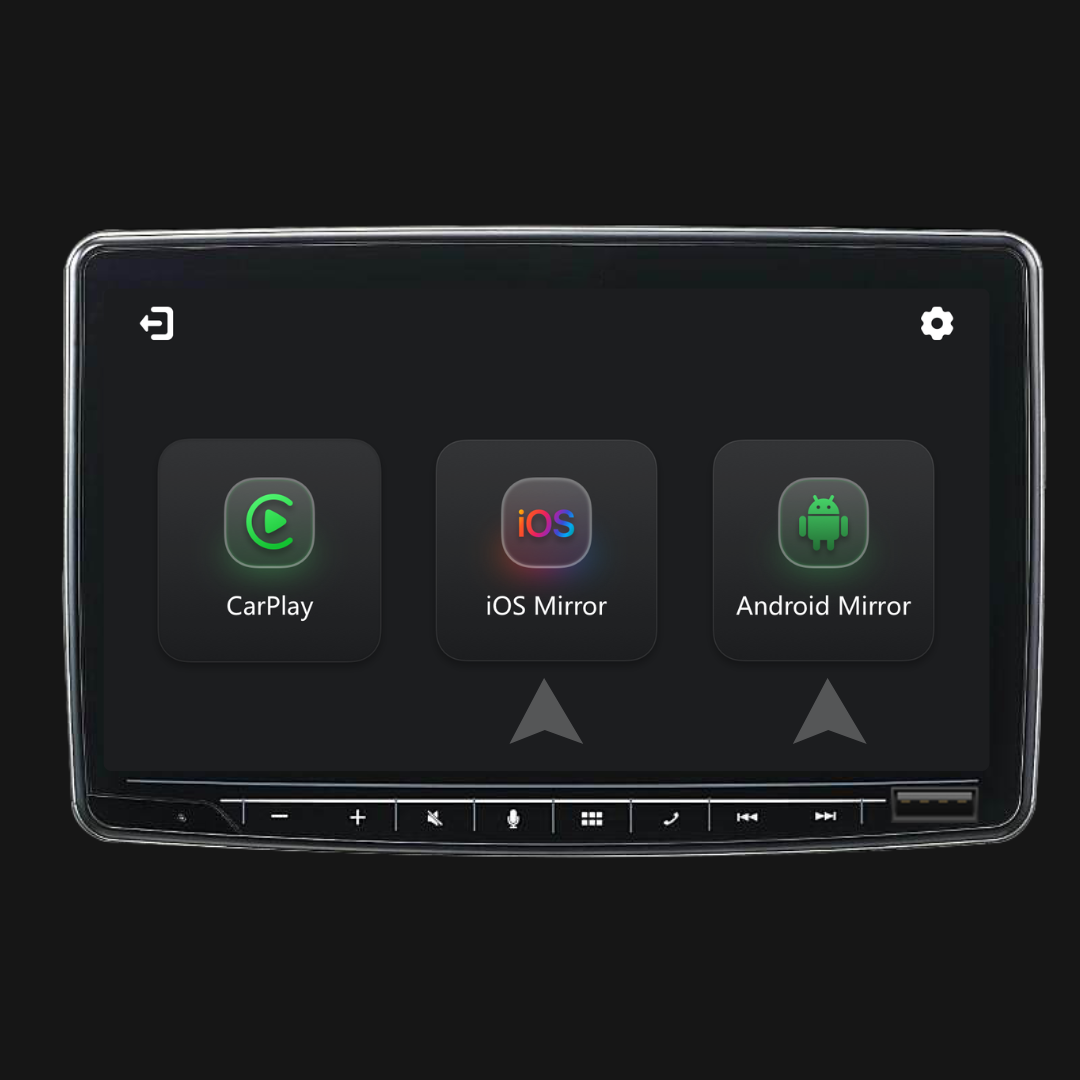
Sí. La duplicación de pantalla y el control táctil requieren una conexión por cable. Conecta tu teléfono con un cable, luego toca iOS Cast o Android Cast en la pantalla para comenzar.
¿Tengo que configurarlo cada vez que entro al coche?
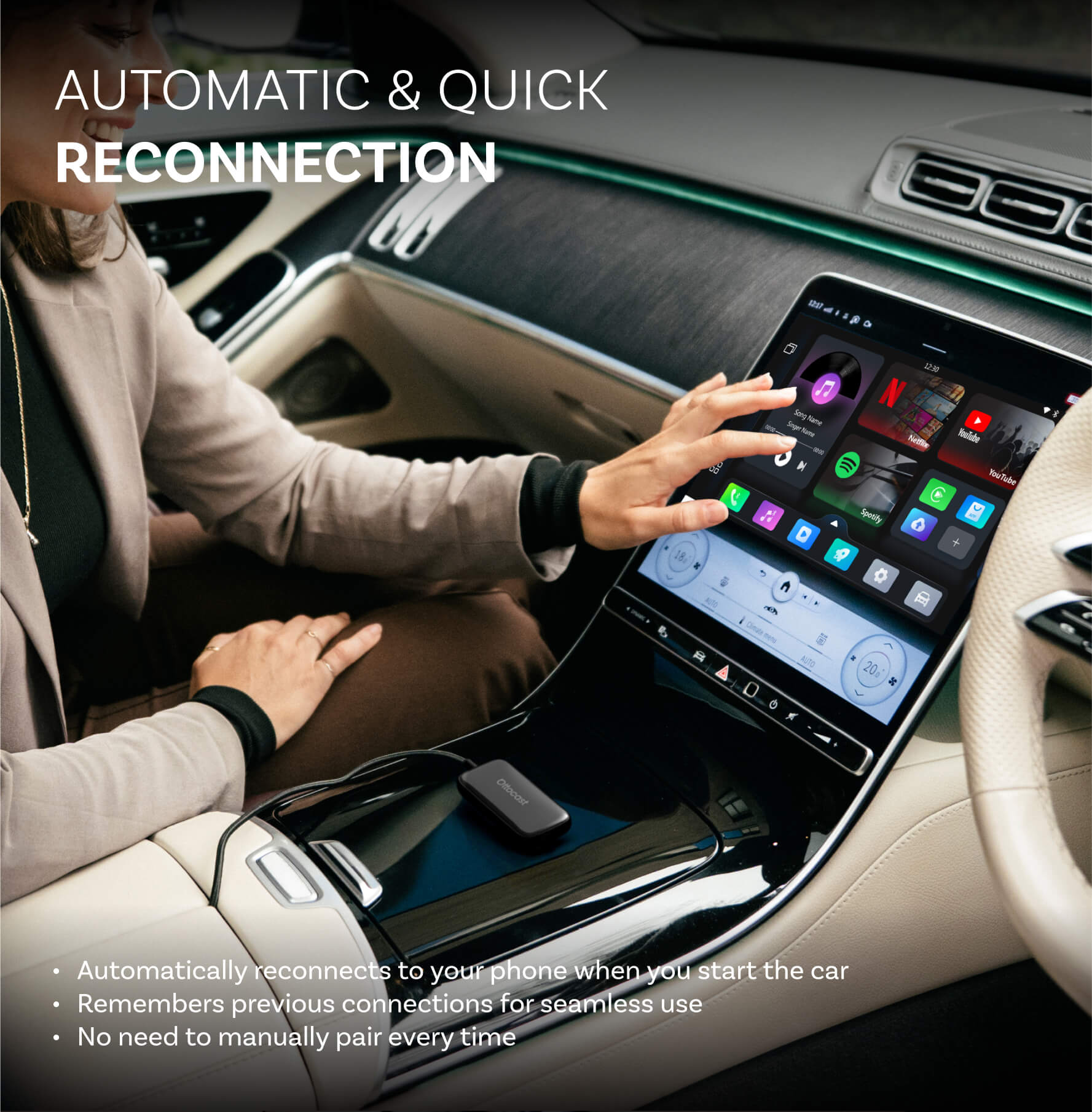
No. Después de la primera configuración, se conecta automáticamente cuando enciendes el coche (siempre que el Bluetooth/Wi-Fi de tu teléfono esté activado). Luego puedes cambiar entre CarPlay y duplicación de pantalla del teléfono (si está soportado).
¿Qué debo confirmar antes de comprar?
Por favor, confirme estos 3 puntos:
- Soporte telefónico para duplicación/control táctil:
- iPhone: iPhone 15+ (USB-C con salida de video DisplayPort/DP)
- Android: Teléfono USB-C con salida de video en modo alternativo DP
- Requisito del coche: Su vehículo debe soportar CarPlay cableado de fábrica (comúnmente 2016+).
- Verificación de compatibilidad: Use la lista/verificador de compatibilidad en la página del producto para confirmar su vehículo exacto.
¿Por qué elegir Mirror Touch?
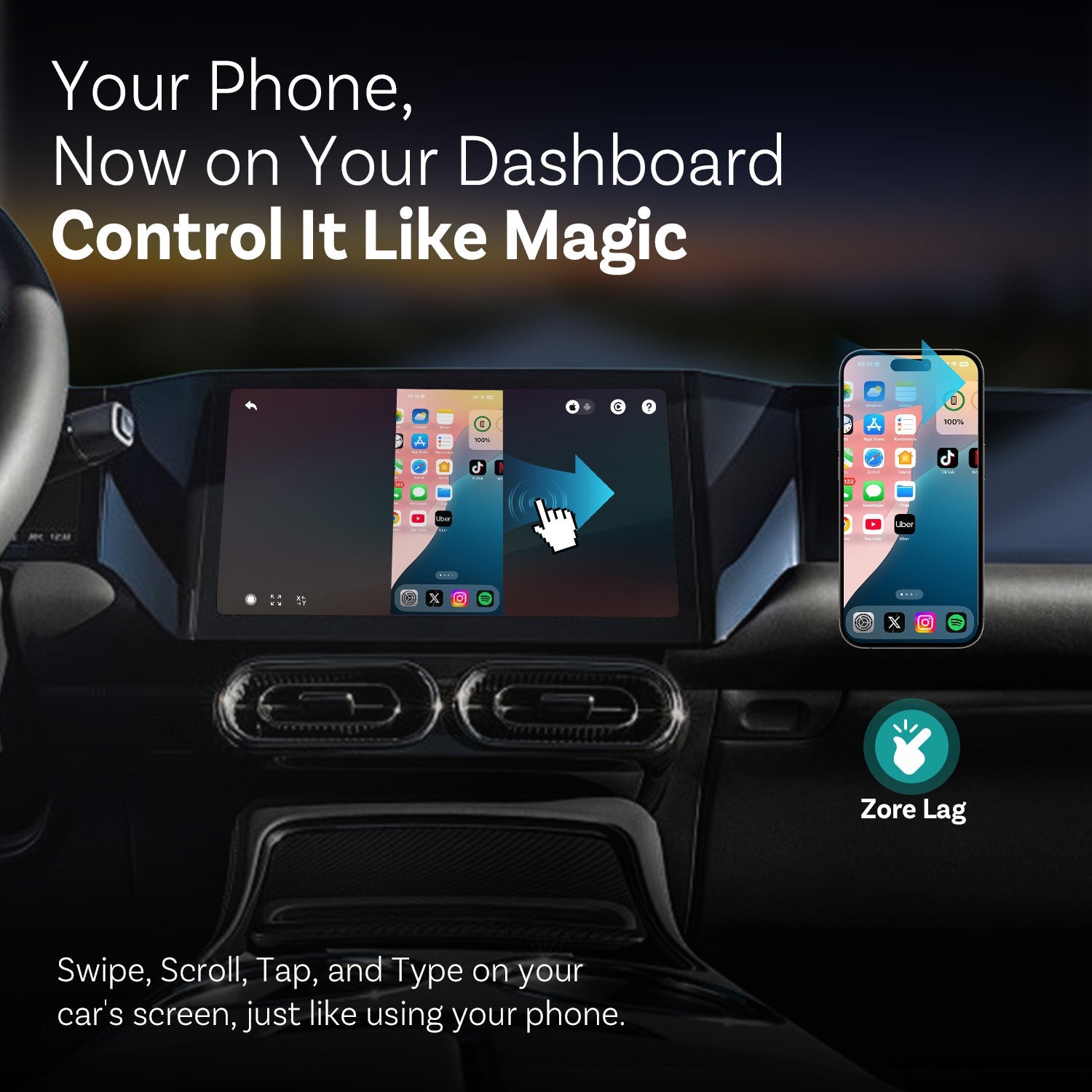
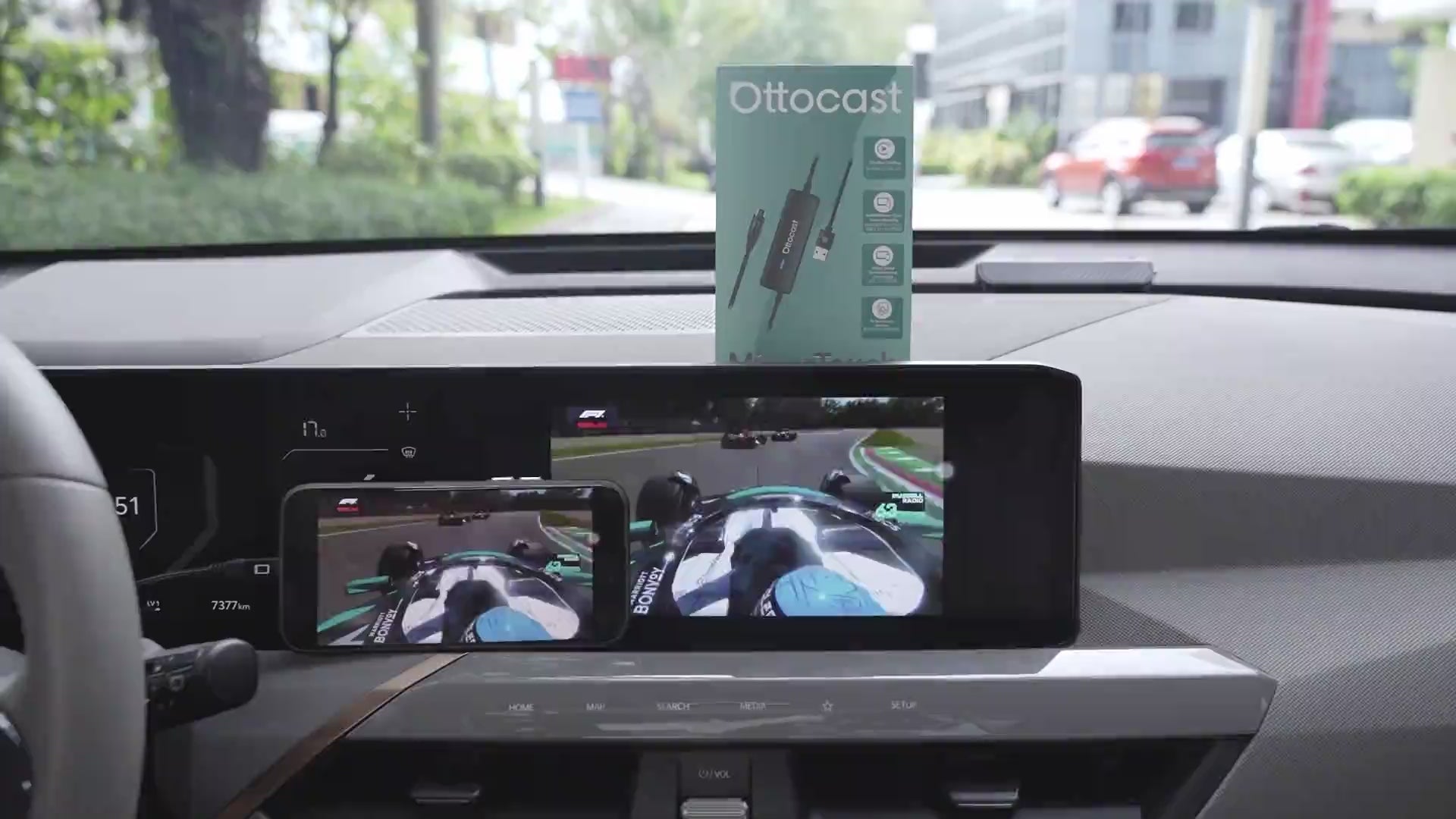
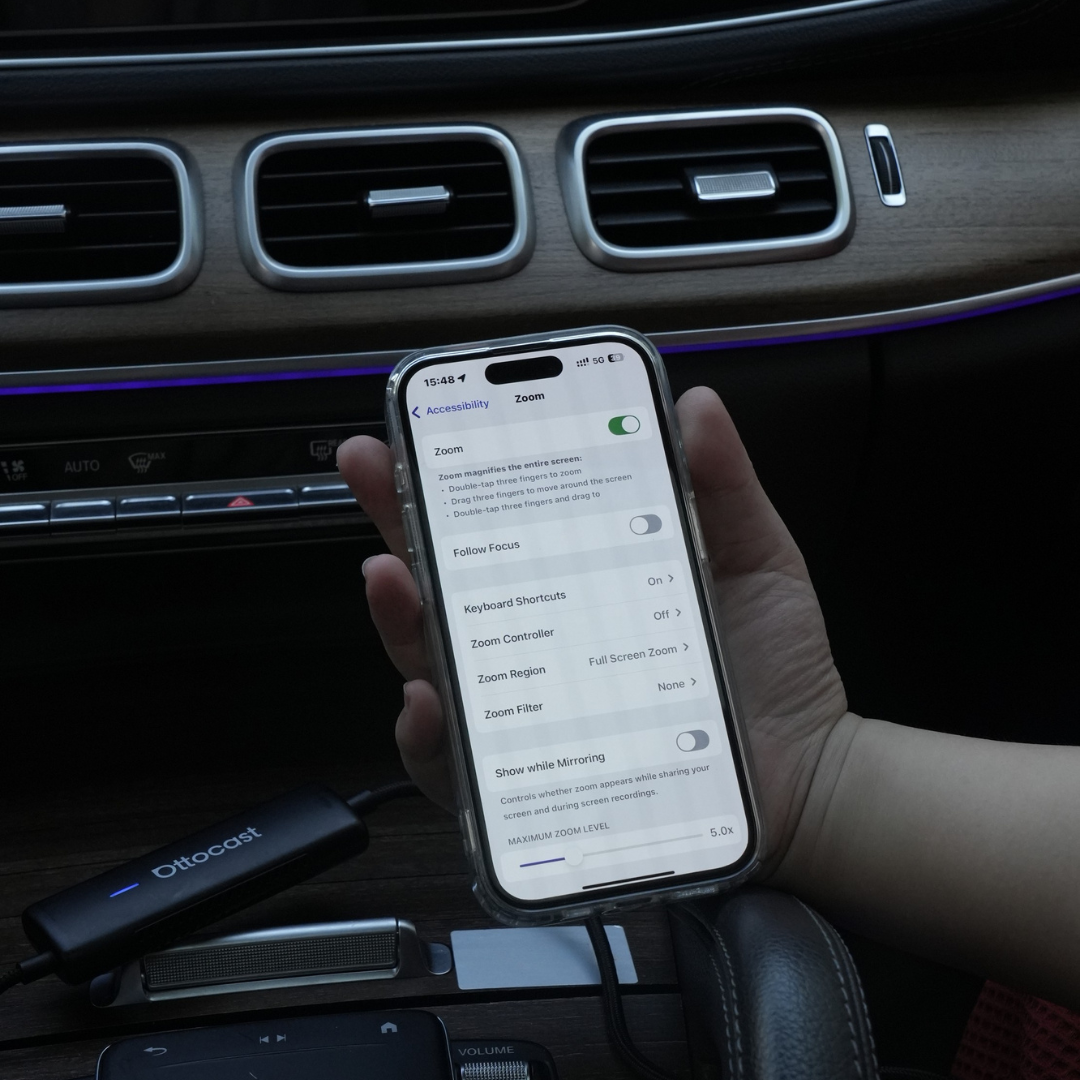
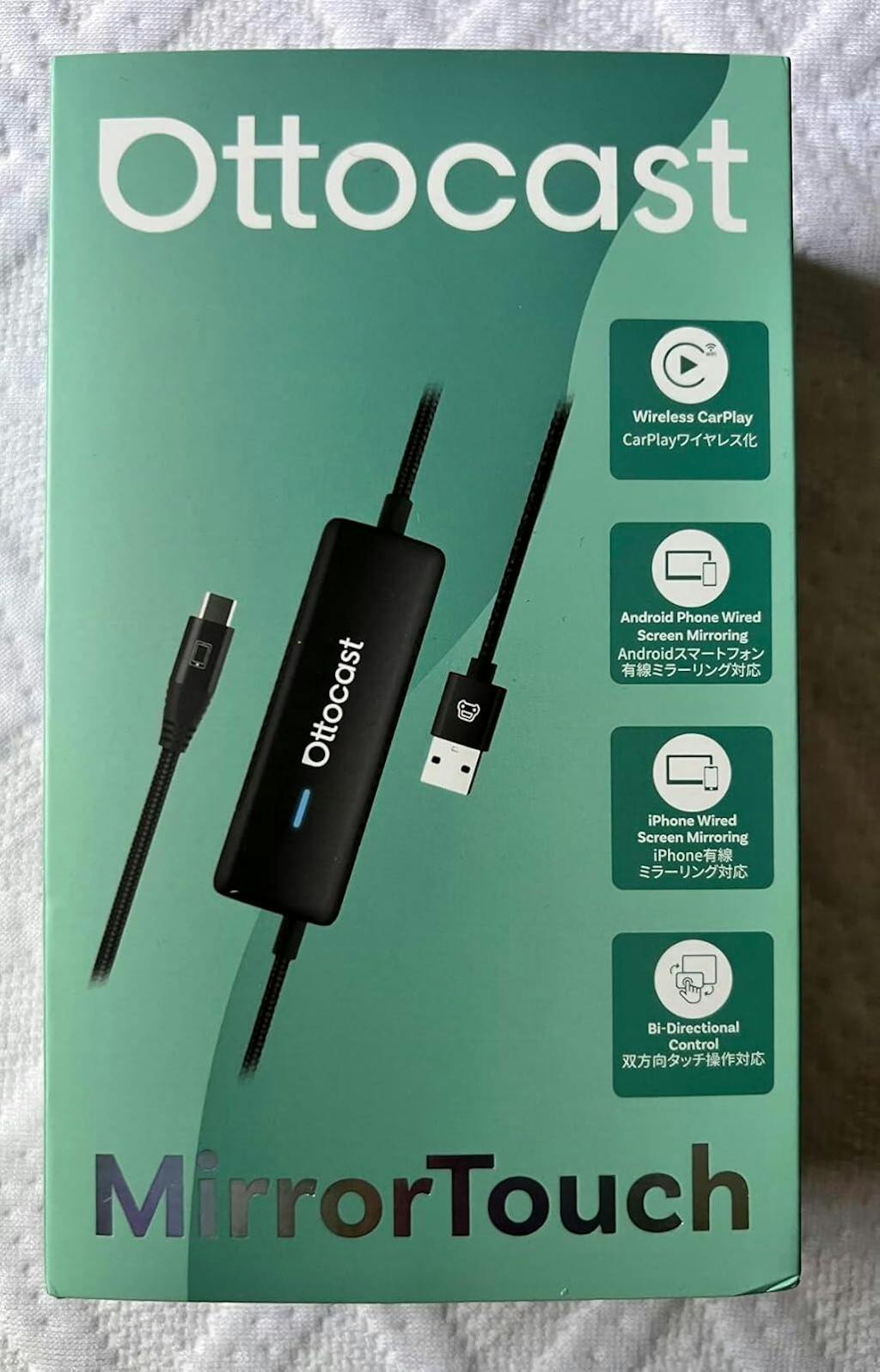
Mirror Touch mejora el CarPlay inalámbrico estándar con dos características clave: duplicación de pantalla completa del teléfono y control táctil, para que puedas tocar, deslizar y escribir en la pantalla de tu coche como en tu teléfono.
Está diseñado para baja latencia, y tus datos/historial permanecen en tu teléfono.

También te puede gustar