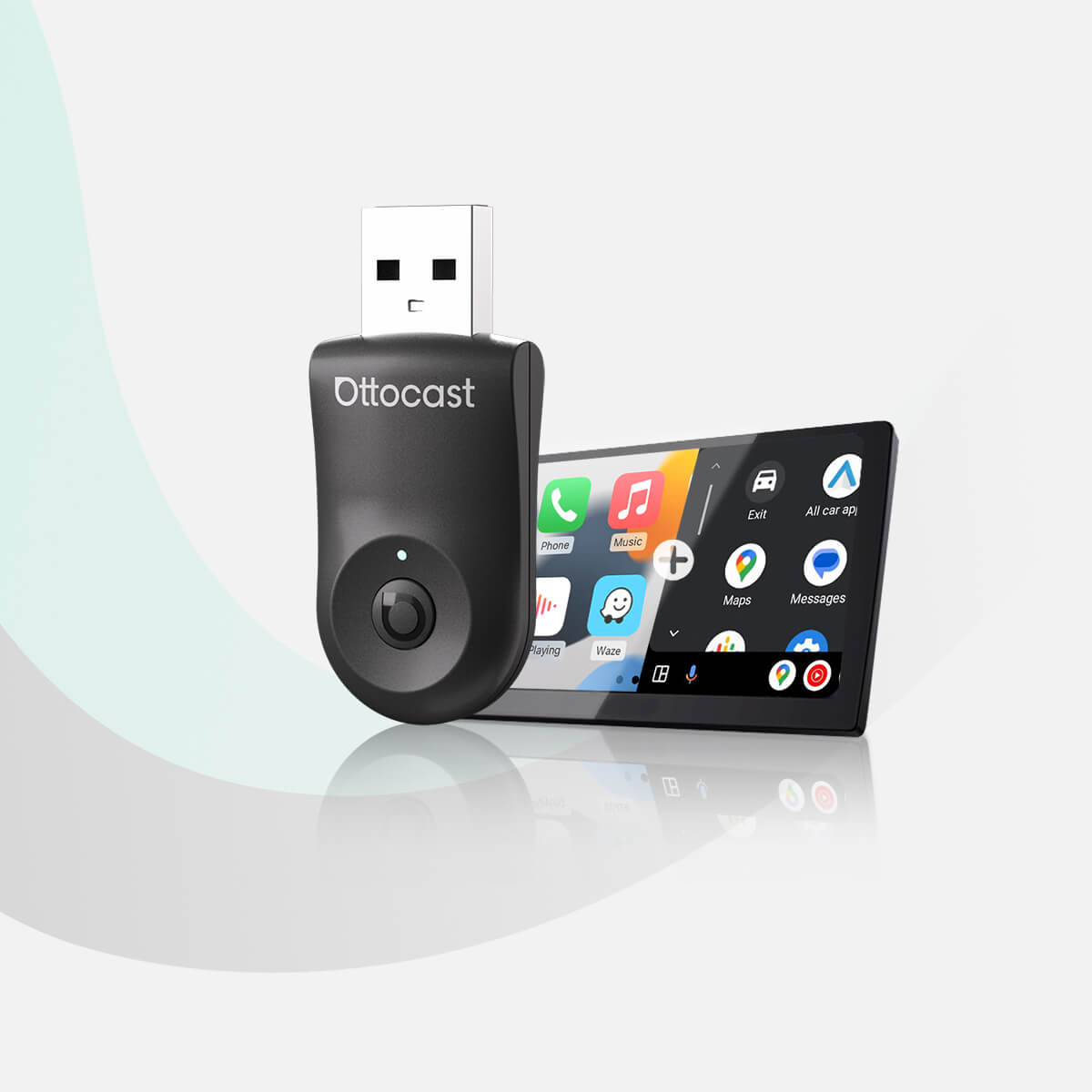


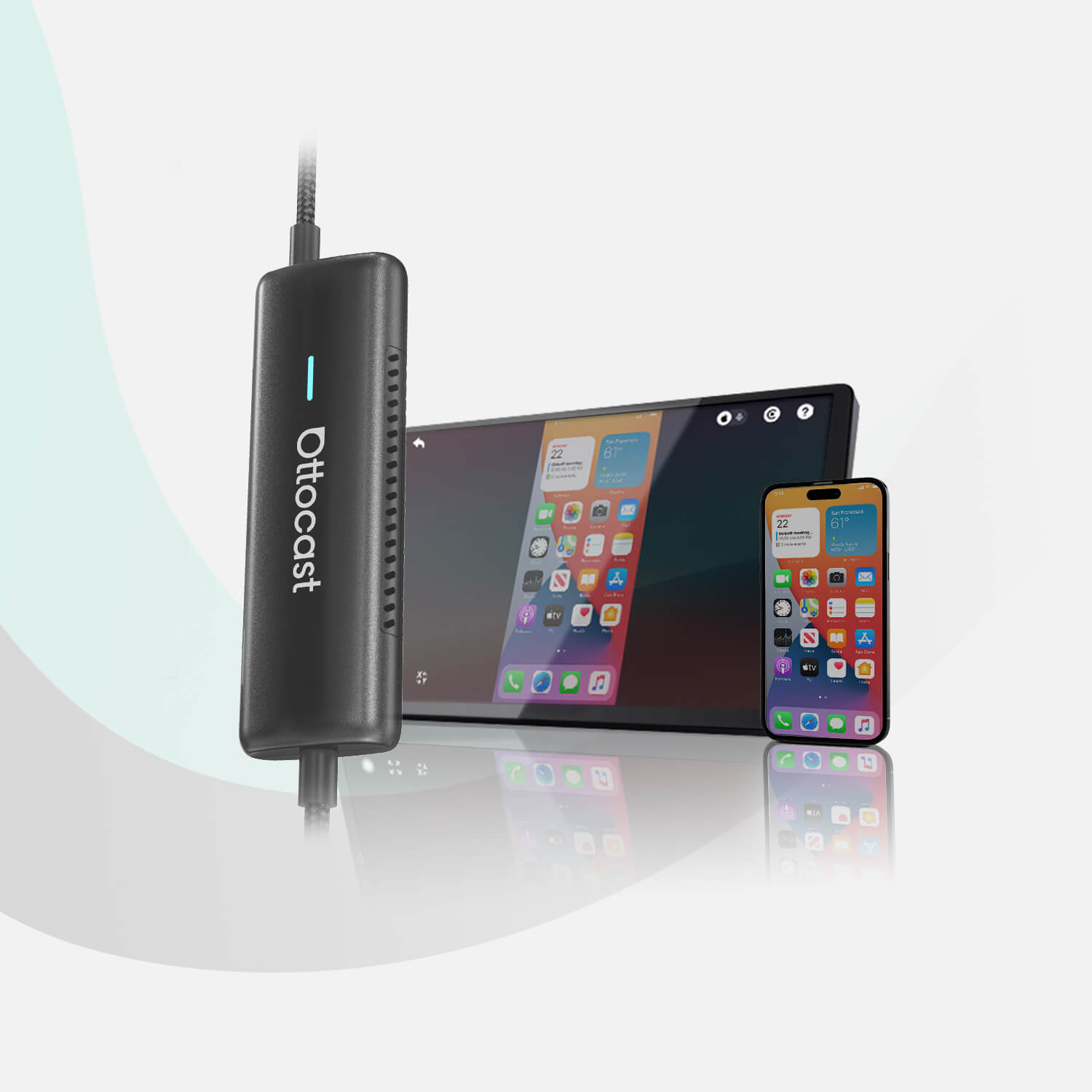
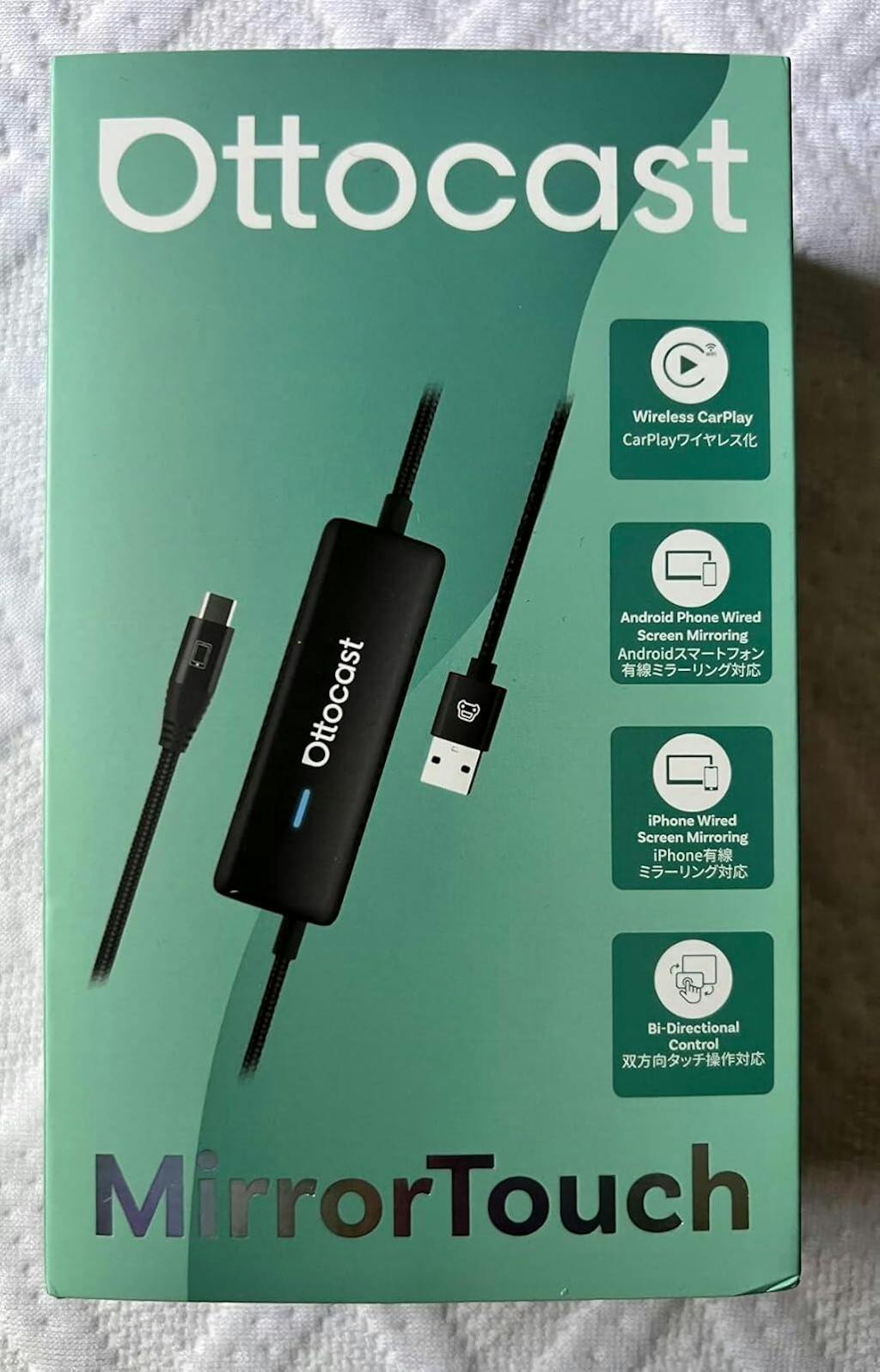
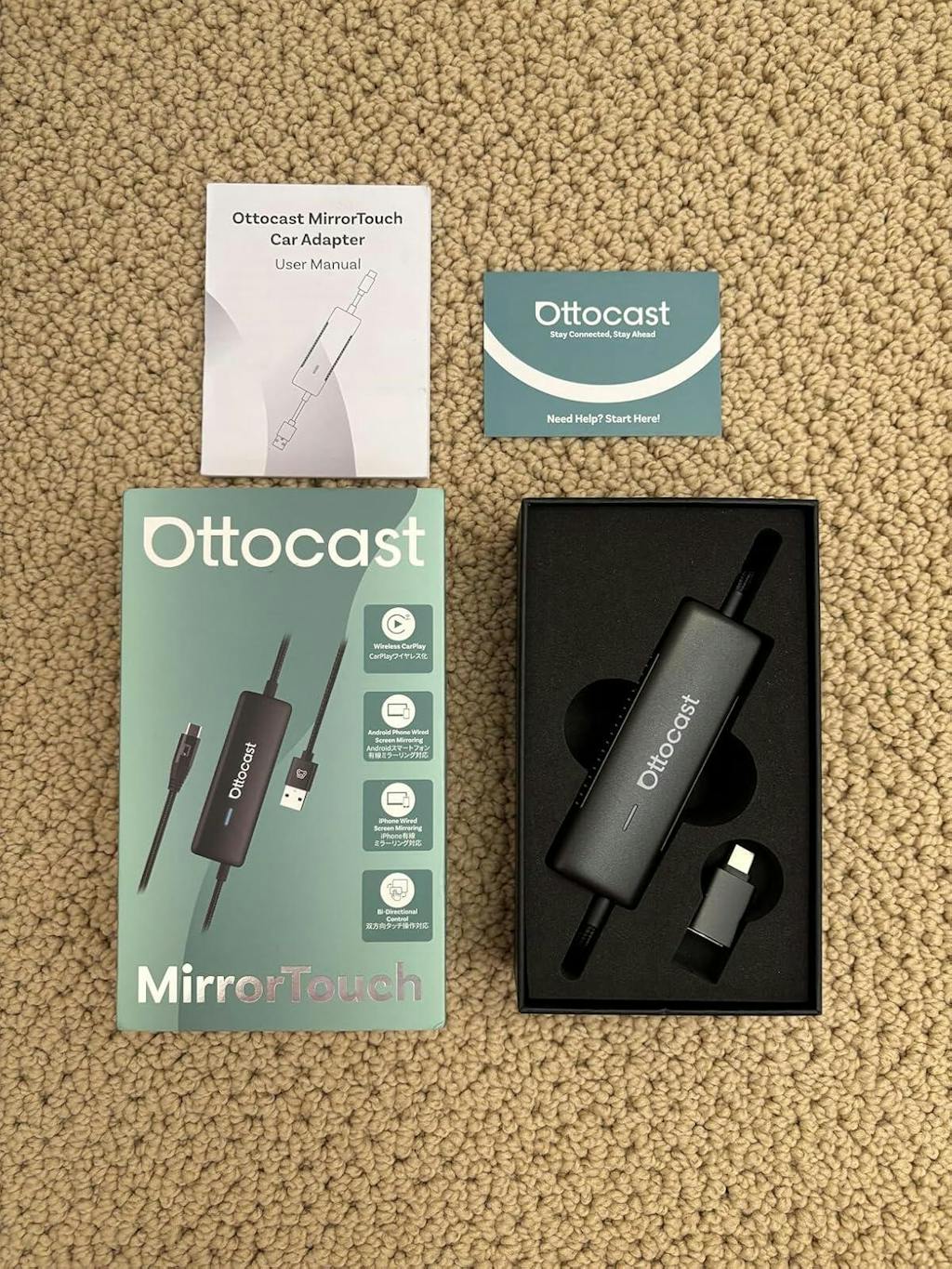
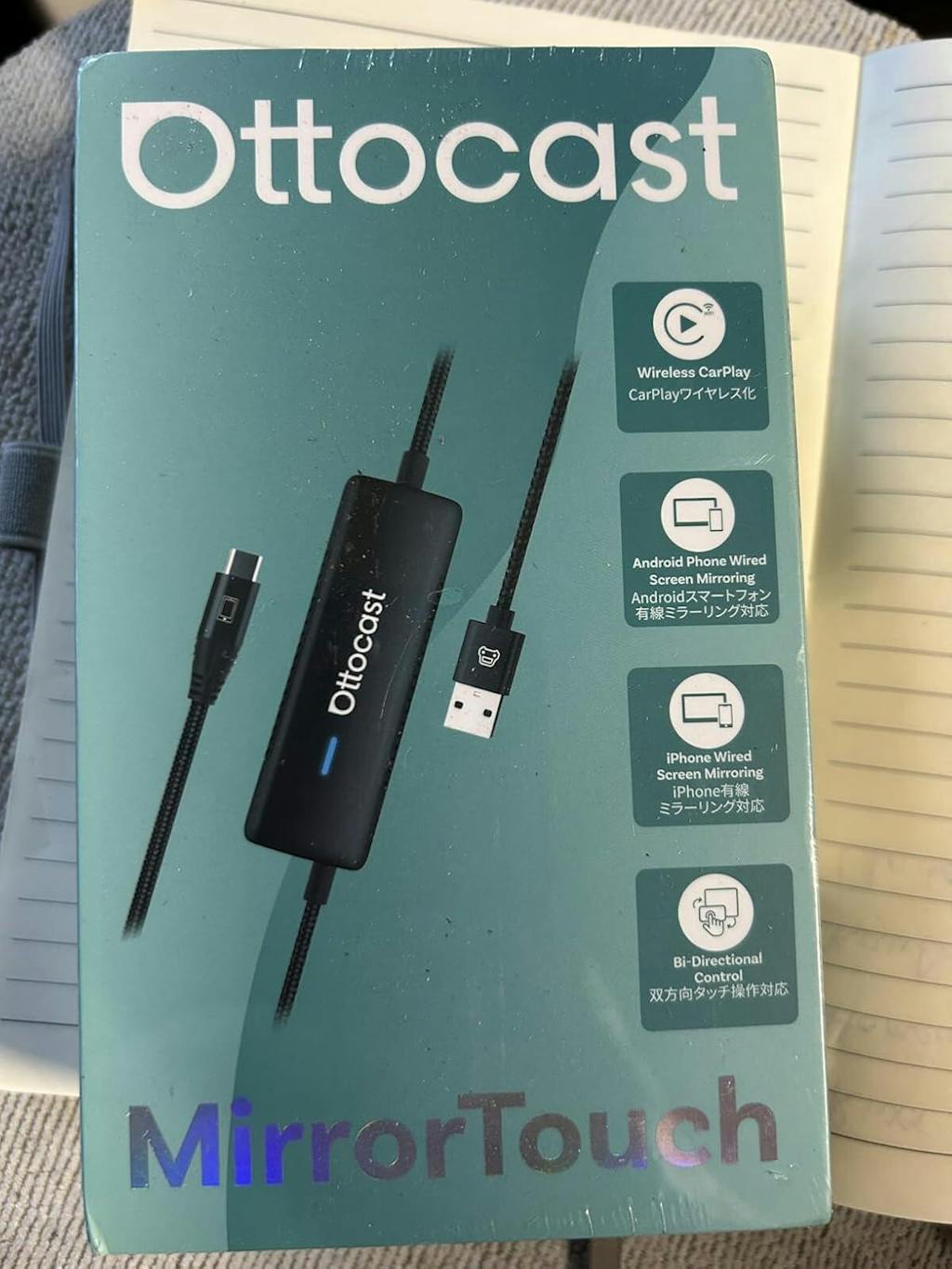
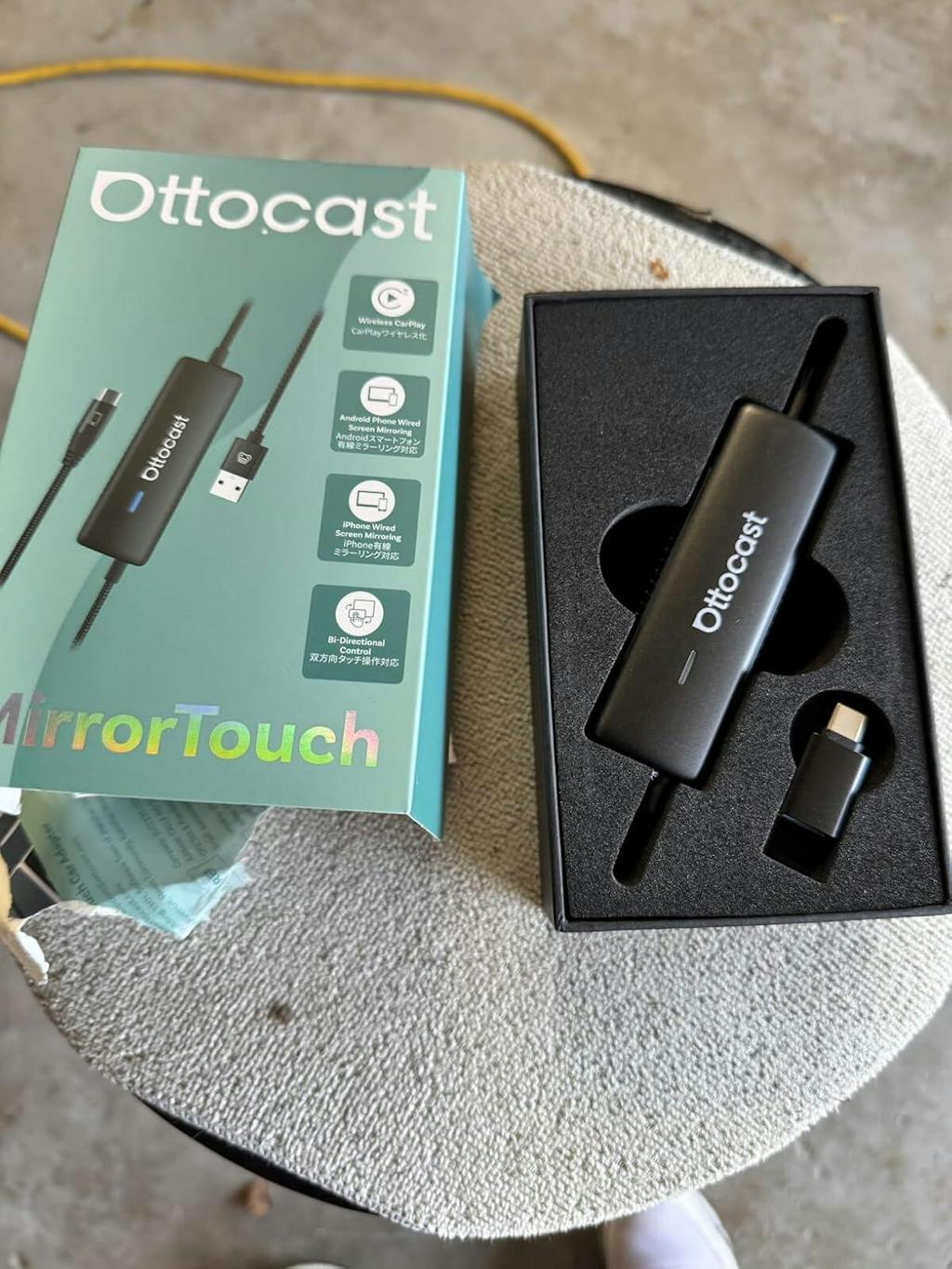
Spejl touch trådløs CarPlay adapter
PRICE
Offer Details & FAQ
1. How to use the discount code?
Copy the code PRIME10, then paste it into the "Discount code" box on the checkout page as shown below:

2. Can I use multiple codes?
Only one discount code can be applied per order. Please note that low-priced items are excluded from additional discounts.
3. Why isn't my code working?
Typical reasons include:
- The code has expired.
- The code was copied incorrectly.
- The code is not applicable to the current store.
Opgraderingsprodukter
Garanti produkter
Løsning fundet til dit køretøj!
KØRETØJ VALGT
Audi A4, 2018
Vi har bekræftet, at dit køretøj ikke har fabriksinstalleret CarPlay. Bare rolig! Ottoscreen AI, som vises nedenfor, er den komplette løsning designet til nemt at bringe smarte funktioner og fuldskærms CarPlay til din bil.
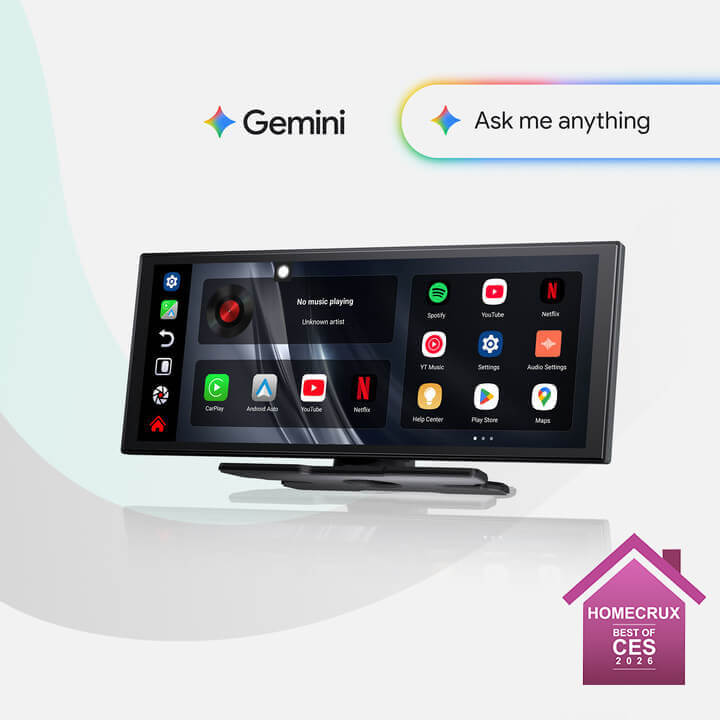
Ottoscreen AI
Perfekt match!
KØRETØJ VALGT
Audi A4, 2018
Din bil har kablet CarPlay, som er klar til vores produkter. Fortsæt med at browse for at opdage mere.
Behøver bekræftelse
KØRETØJ VALGT
Audi A4, 2018
Vi beklager, din model er ikke i vores database. Bekræft venligst en vigtig detalje: Har din bil kablet Apple CarPlay?
Se vejledningsvideoen nedenfor eller brug et AI-værktøj (som Gemini eller ChatGPT) til hurtigt at søge efter din bils funktioner og bekræfte det. Hvis den har kablet CarPlay, er vores produkter det perfekte valg!
Trådløs CarPlay registreret
KØRETØJ VALGT
Audi A4, 2018
Da du allerede har trådløs CarPlay, så tjek vores Ottoaibox i3 for at se videoer i din bil.

OttoAibox i3 BMW CarPlay AI-boks
Perfekt match!
KØRETØJ VALGT
Audi A4, 2018
Din bil er kompatibel — fortsæt med at browse for at opdage mere, du vil elske.
Kablet Android Auto registreret
KØRETØJ VALGT
Audi A4, 2018
Vi har opdaget, at dit køretøj kun understøtter kablet Android Auto, ikke kablet CarPlay. Det er ikke kompatibelt med din bil. Bare rolig! A2Air Pro Adapteren vist nedenfor er det perfekte valg for dig.
Requires USB-C DisplayPort Phone + Factory Wired CarPlay
-
Vehicle:Your vehicle must have factory wired CarPlay.
-
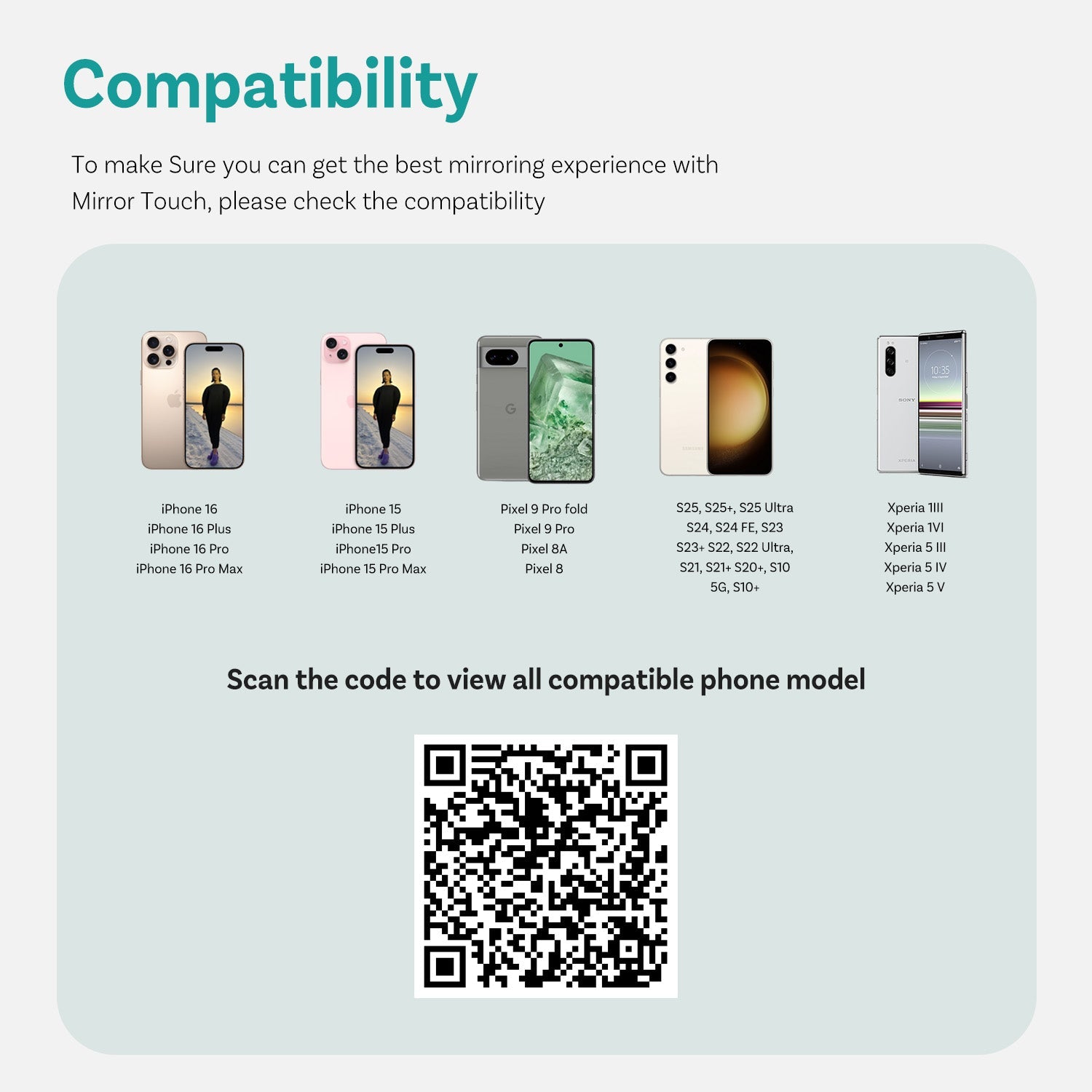
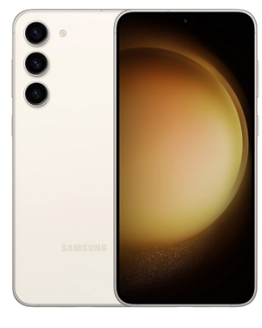
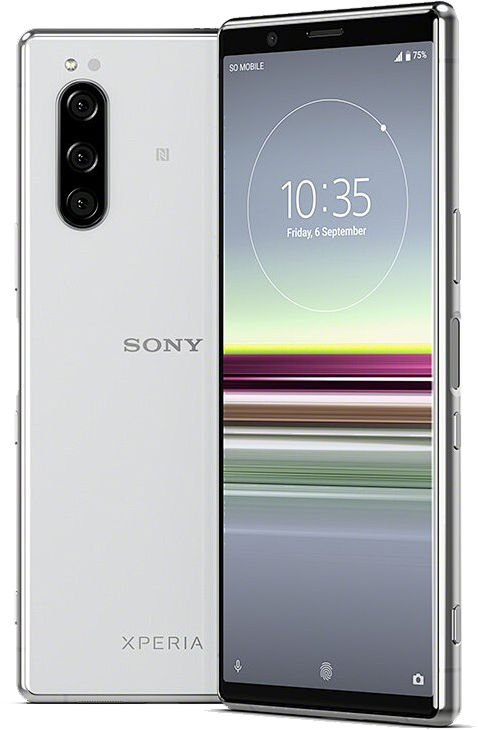
Phone:Android phones with DP (DisplayPort) screen mirroring supportiPhone 15 series and newer via USB-C DisplayPort output
Factory Wireless CarPlay Vehicles (e.g. some BMW models): Recommended Model: OttoAibox i3
How to Check Wired CarPlay / Android Auto Support
Efter salgs-politik

30 dages returret

1-års garanti

Dedikeret support
Del
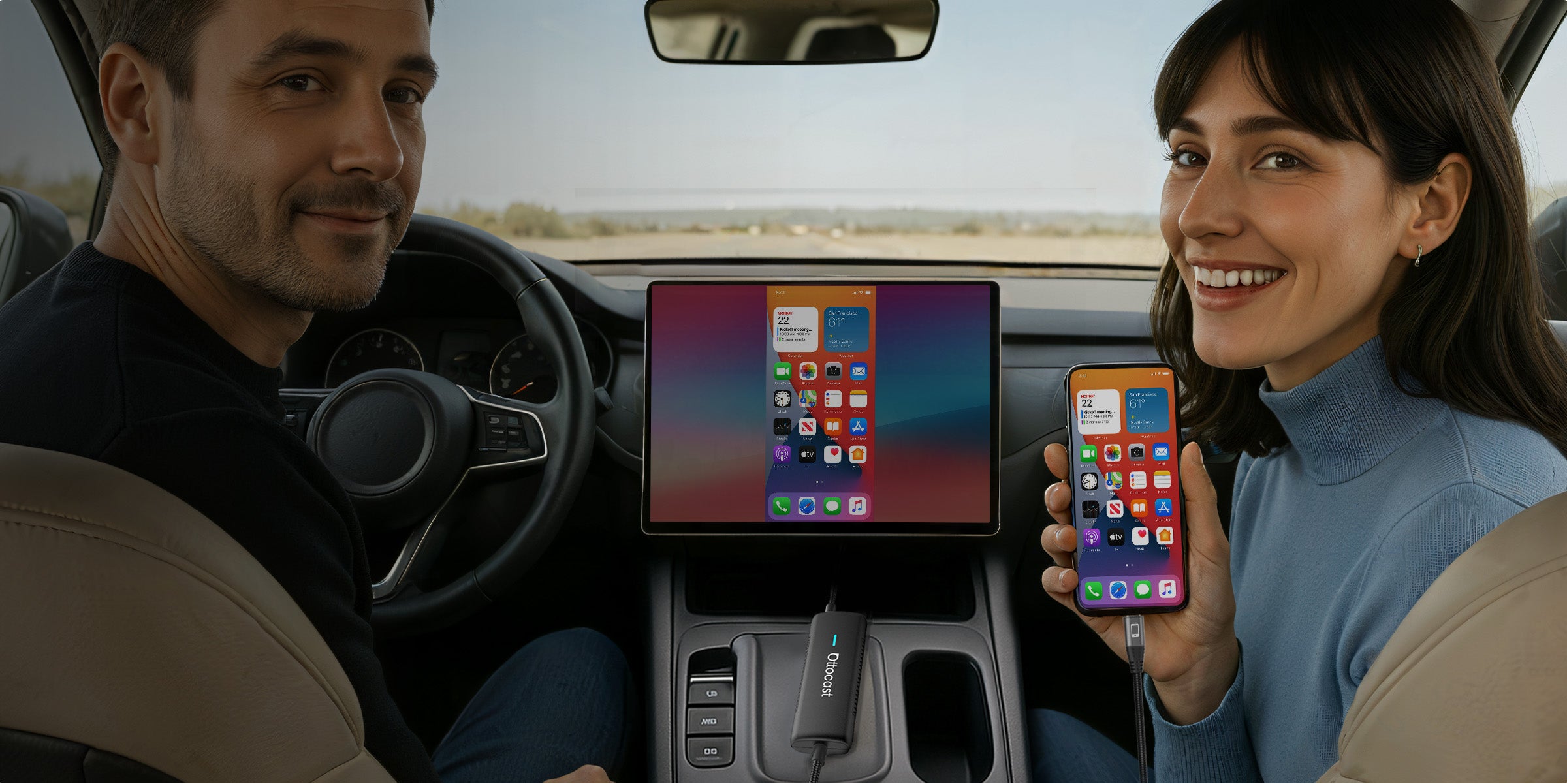
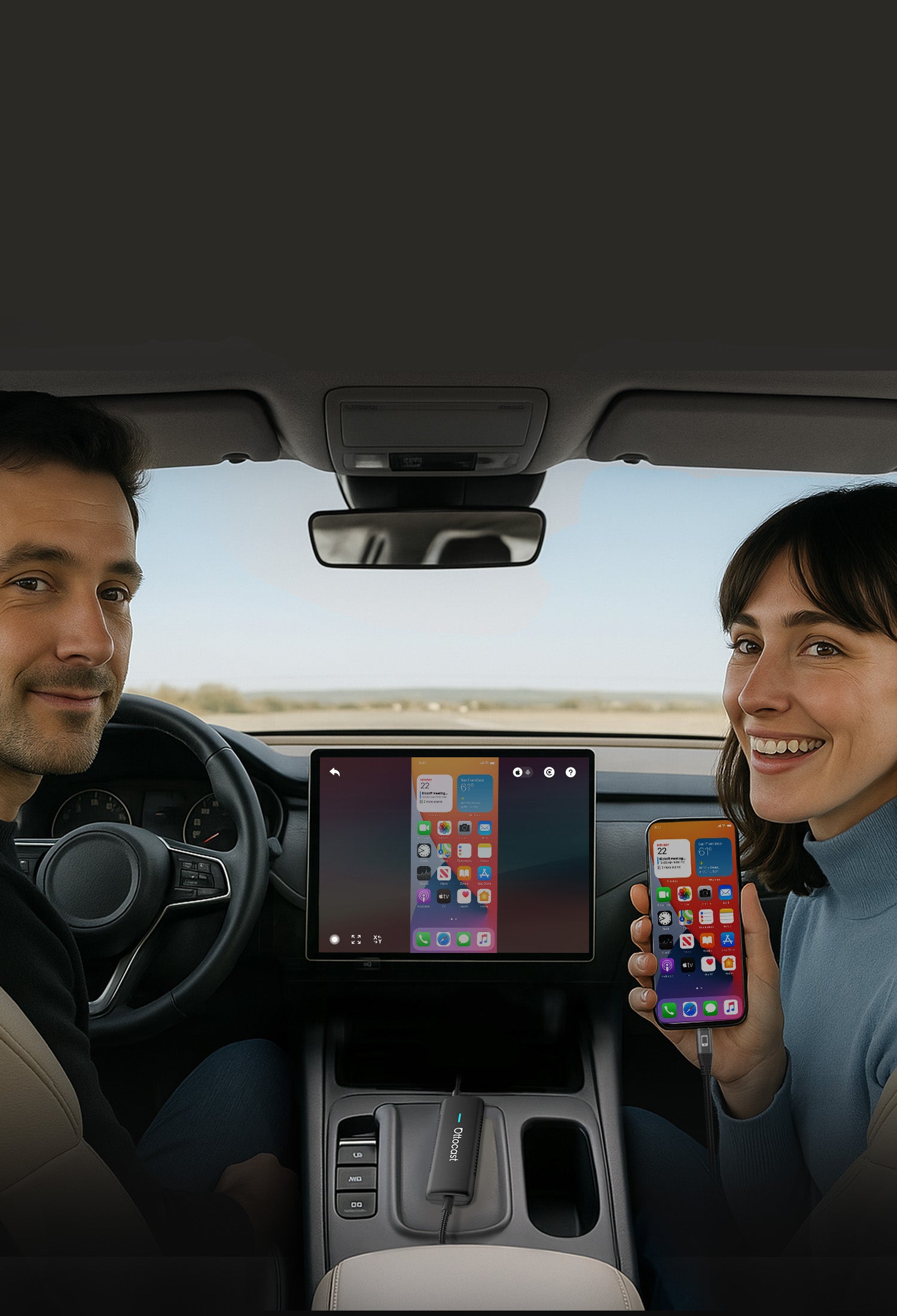


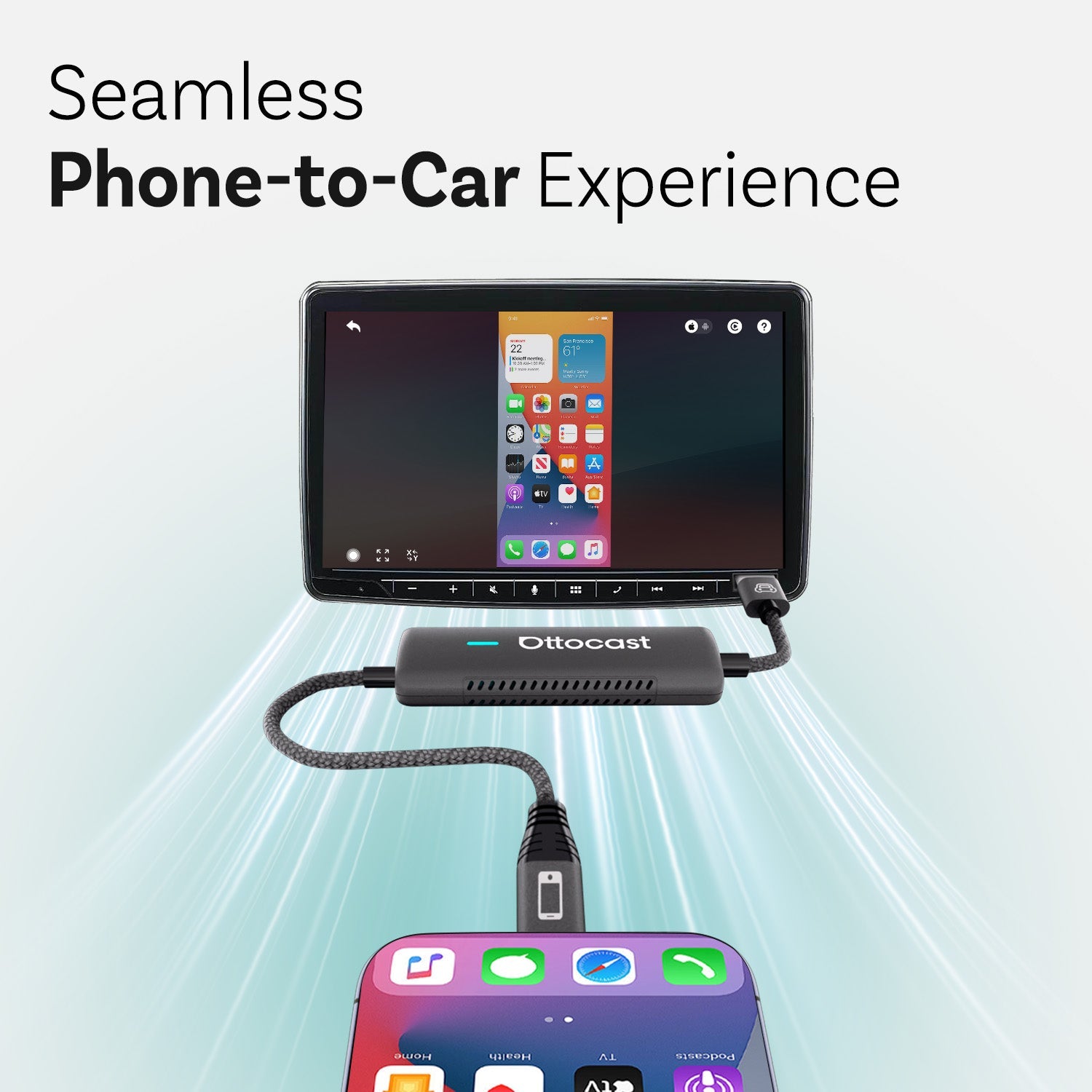
Problemfri Telefon-til-Bil Oplevelse
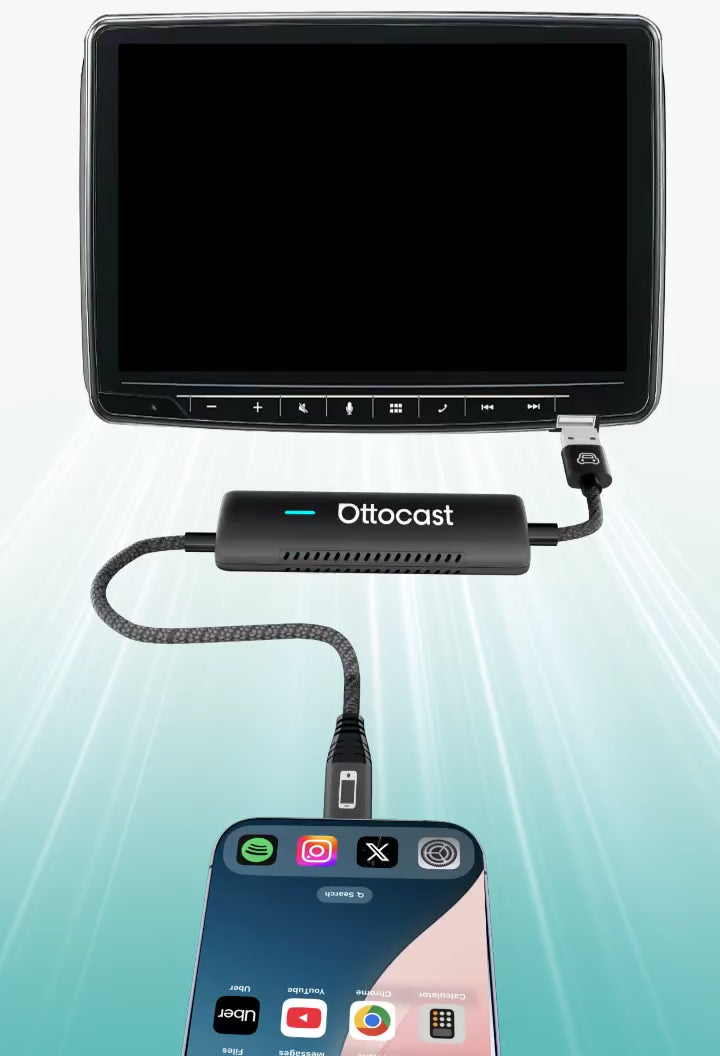


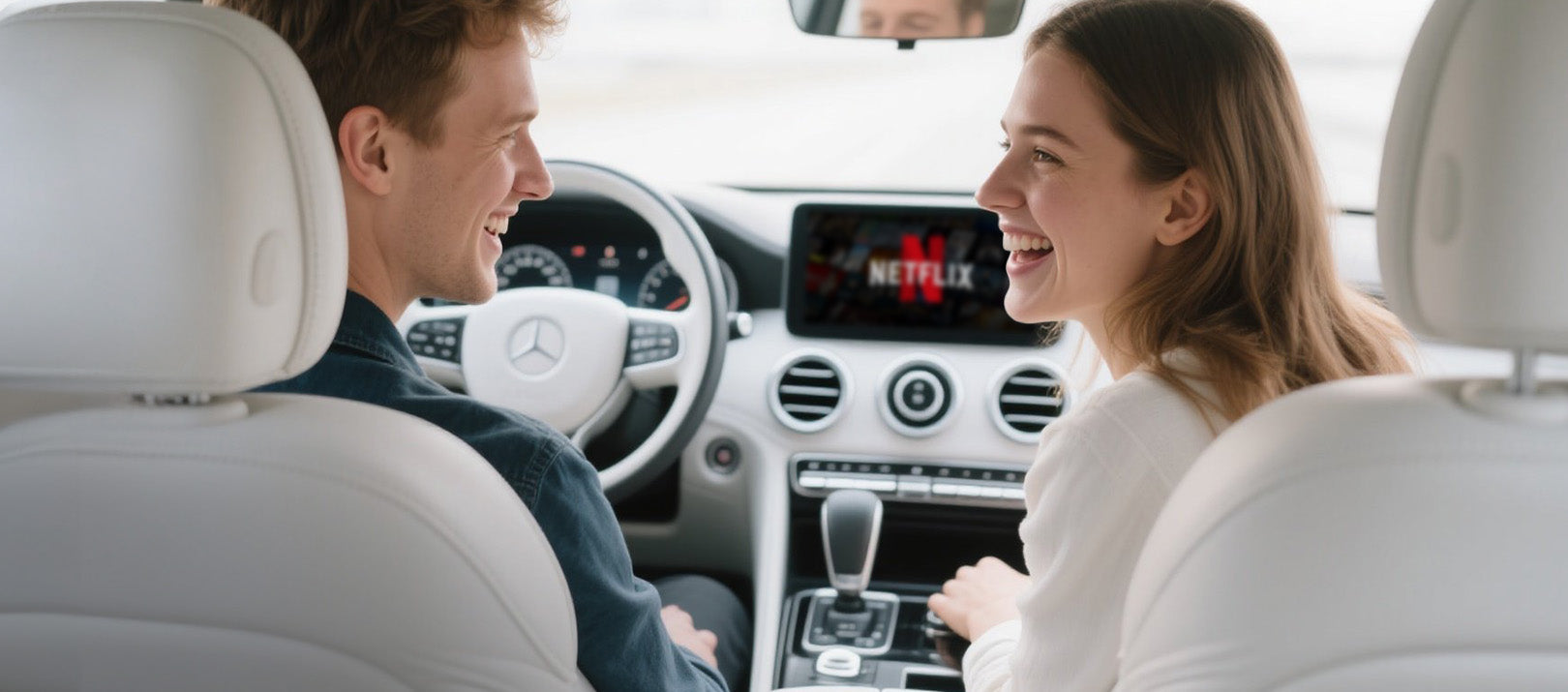
Integrer al lyd
til bilens indbyggede lydsystem
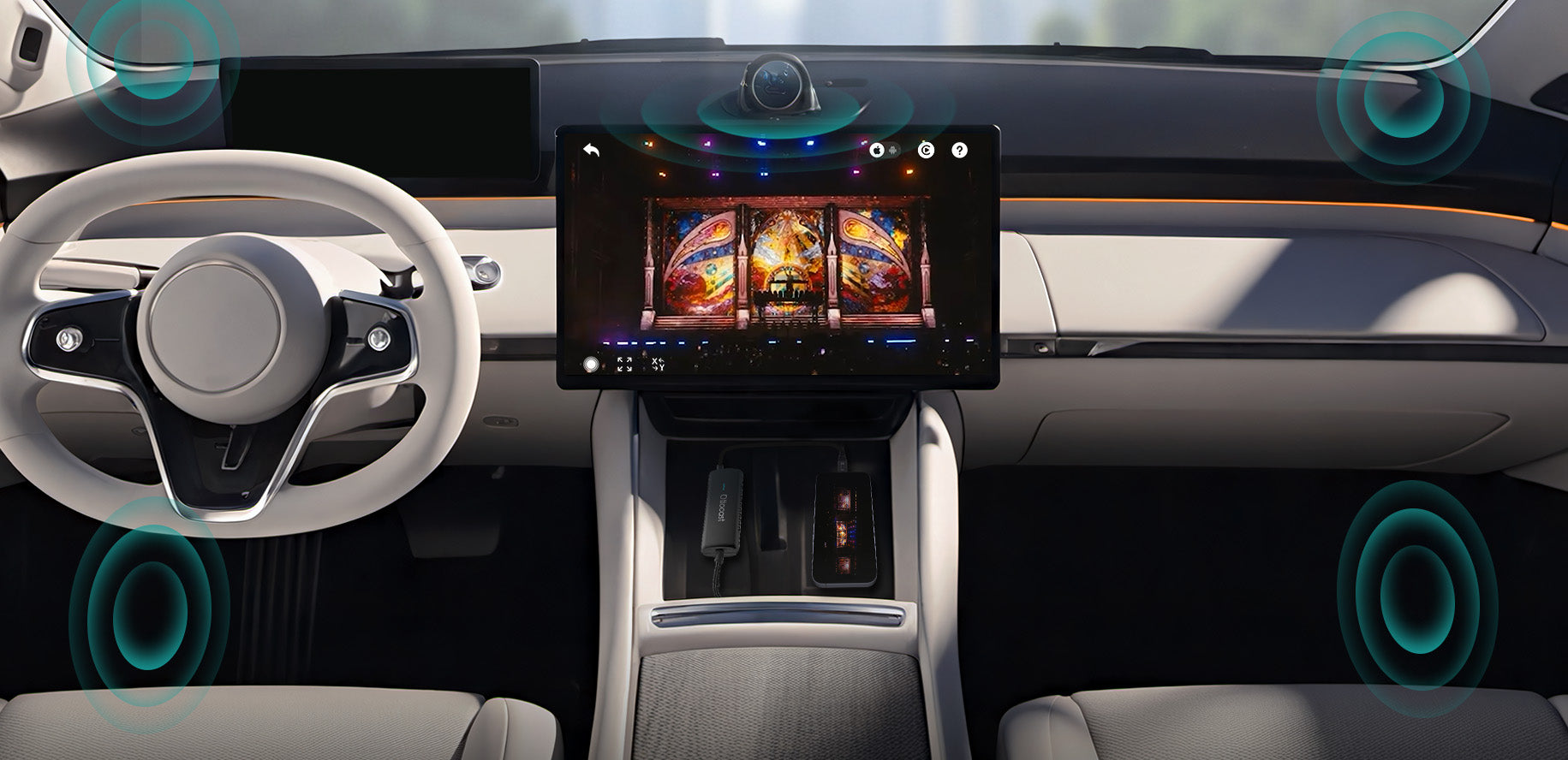
Gør din rejse smartere og sikrere
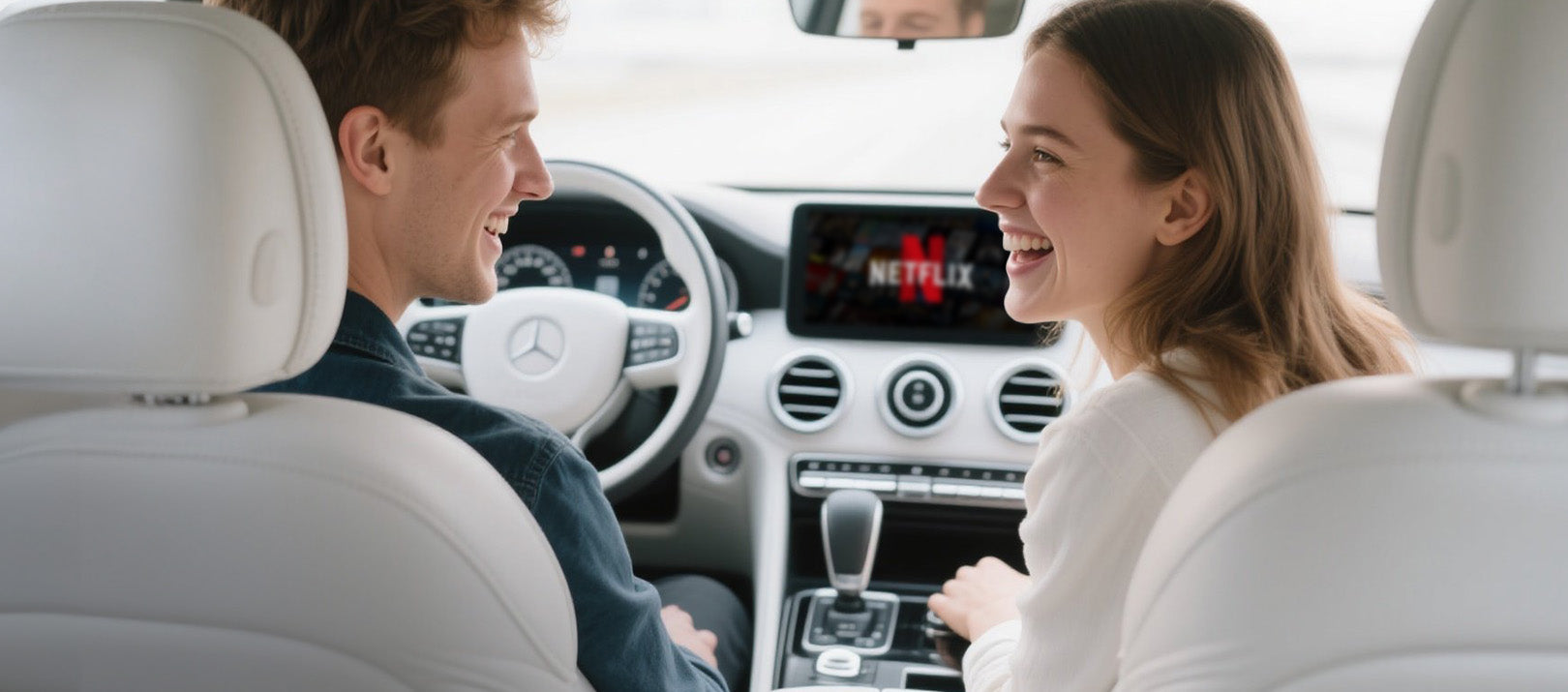

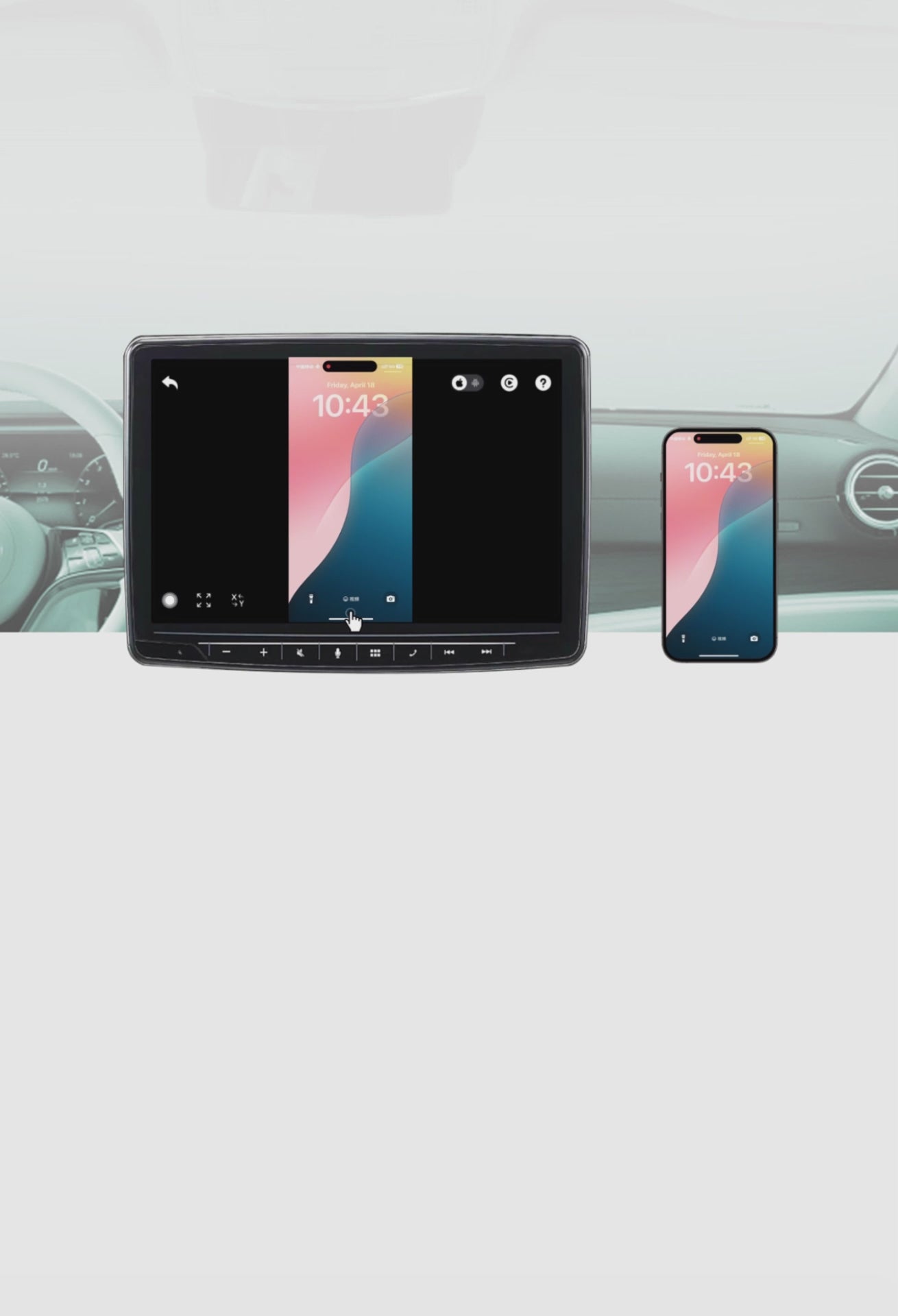
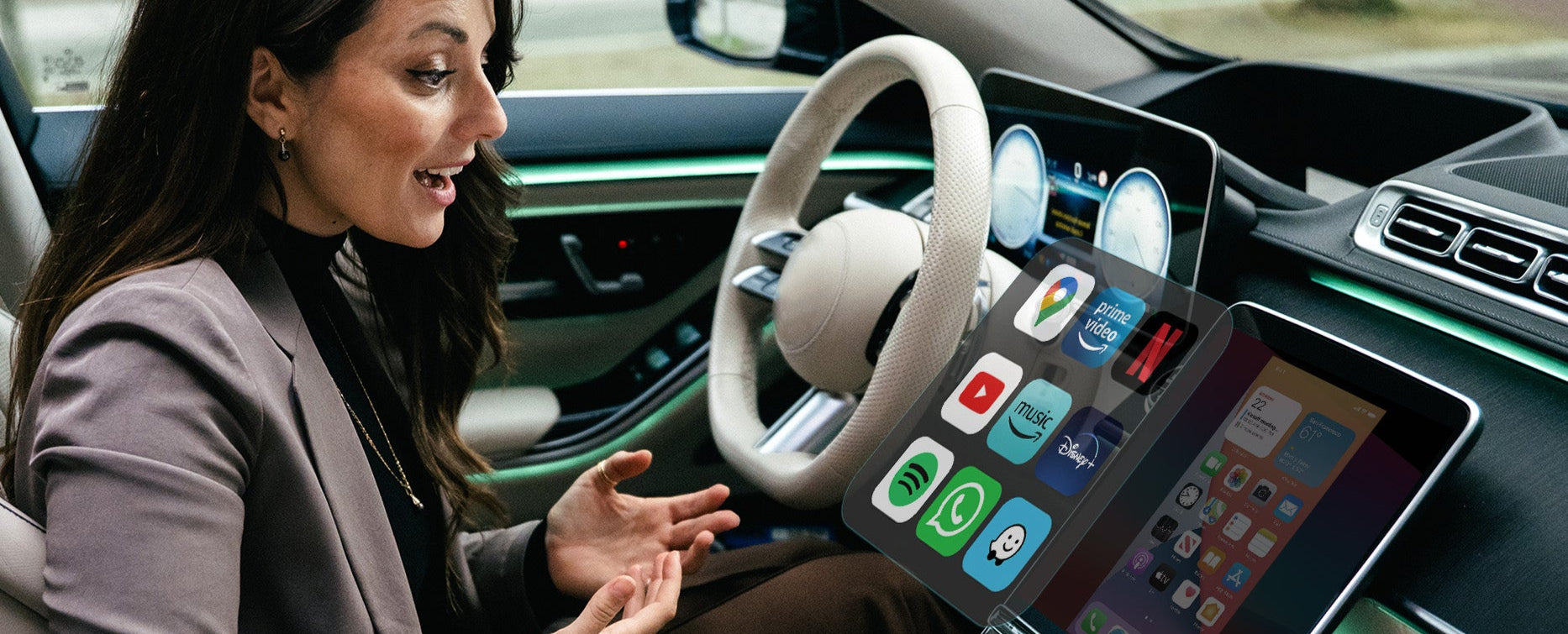
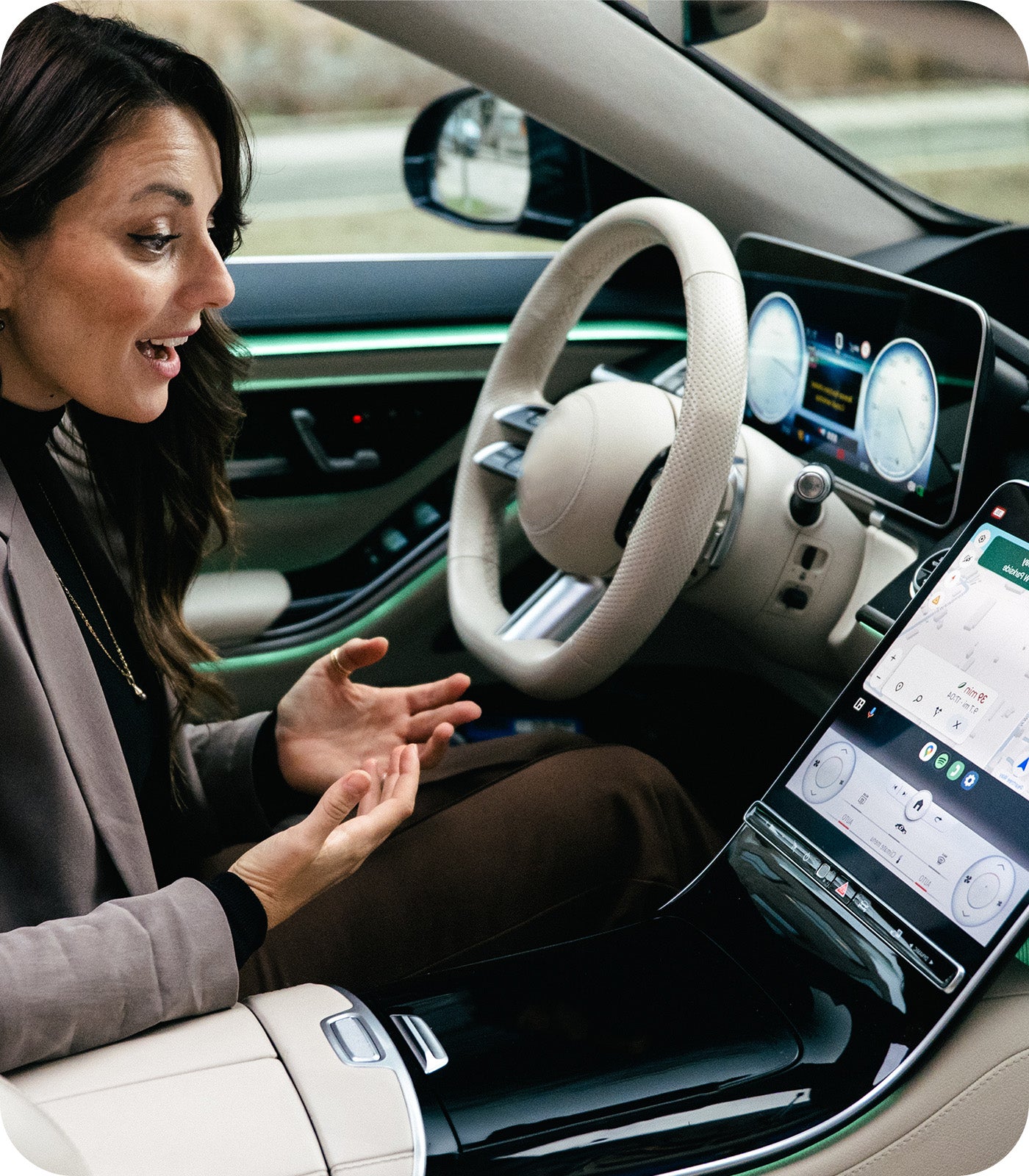
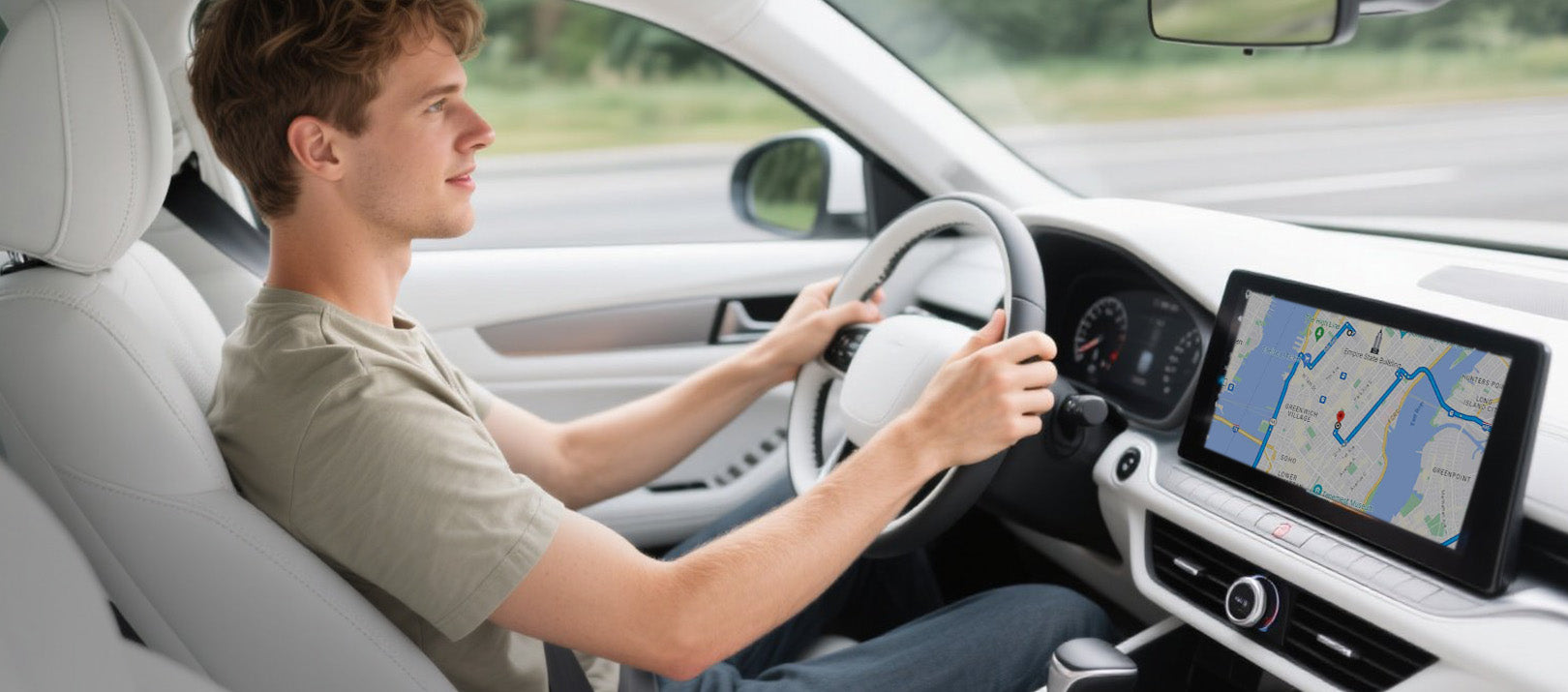
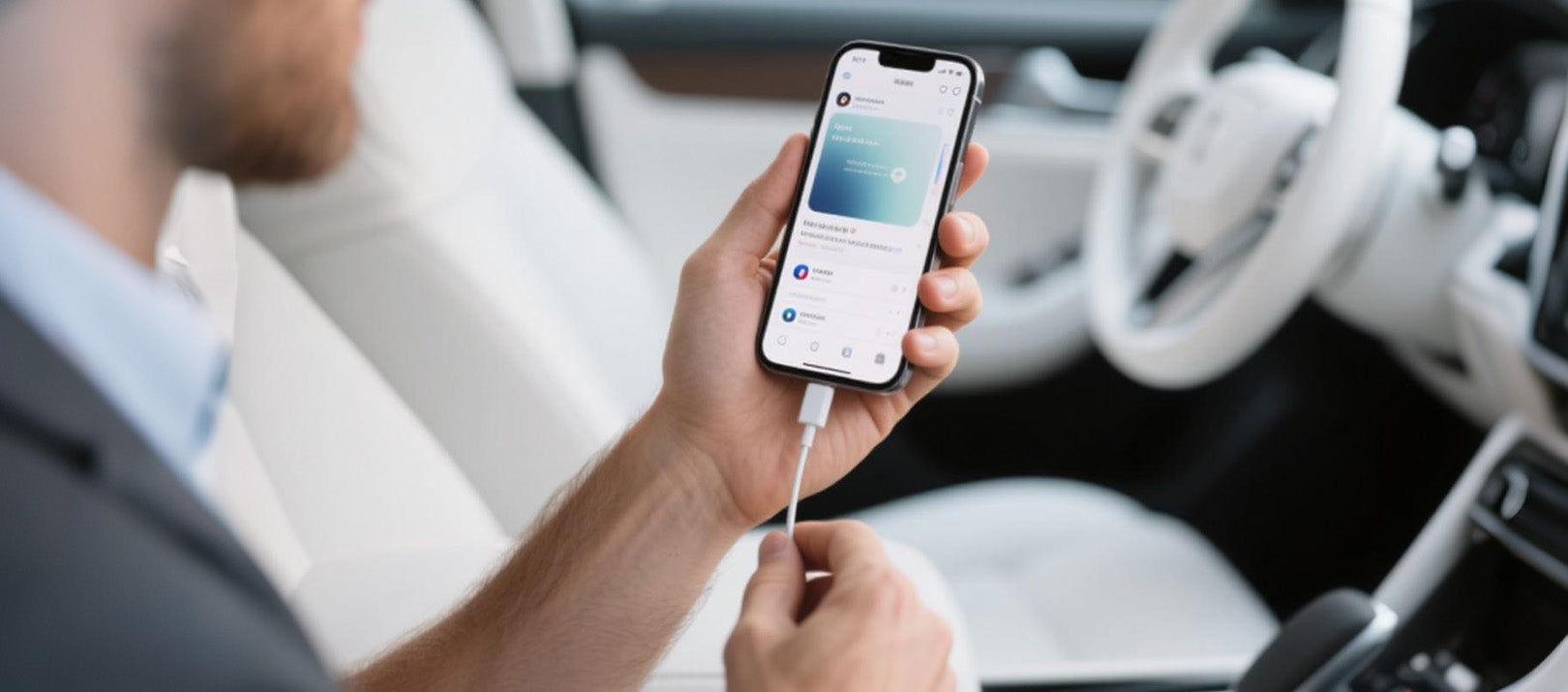
Din bilskærm viser alt fra din telefon, når du sætter dig ind
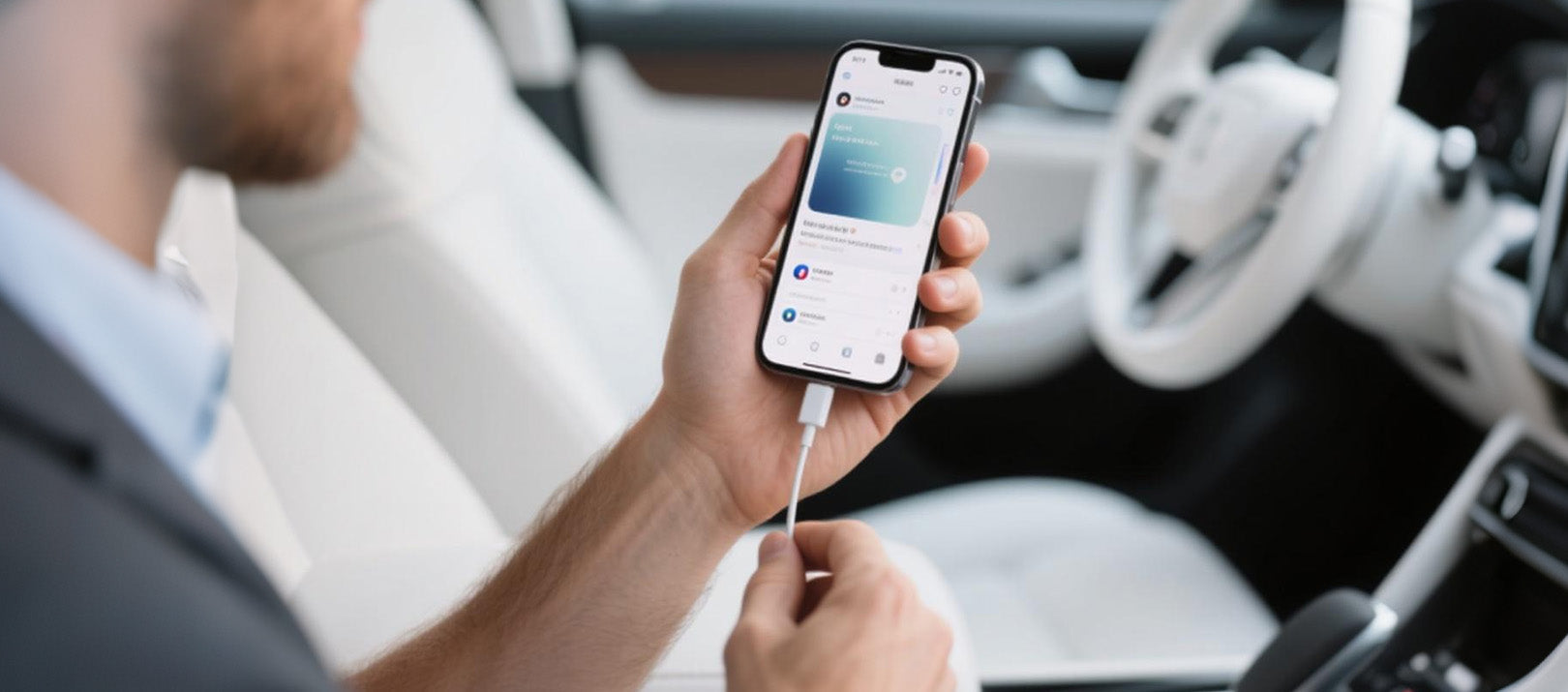

Mirror Touch giver en virkelig problemfri start på hver tur
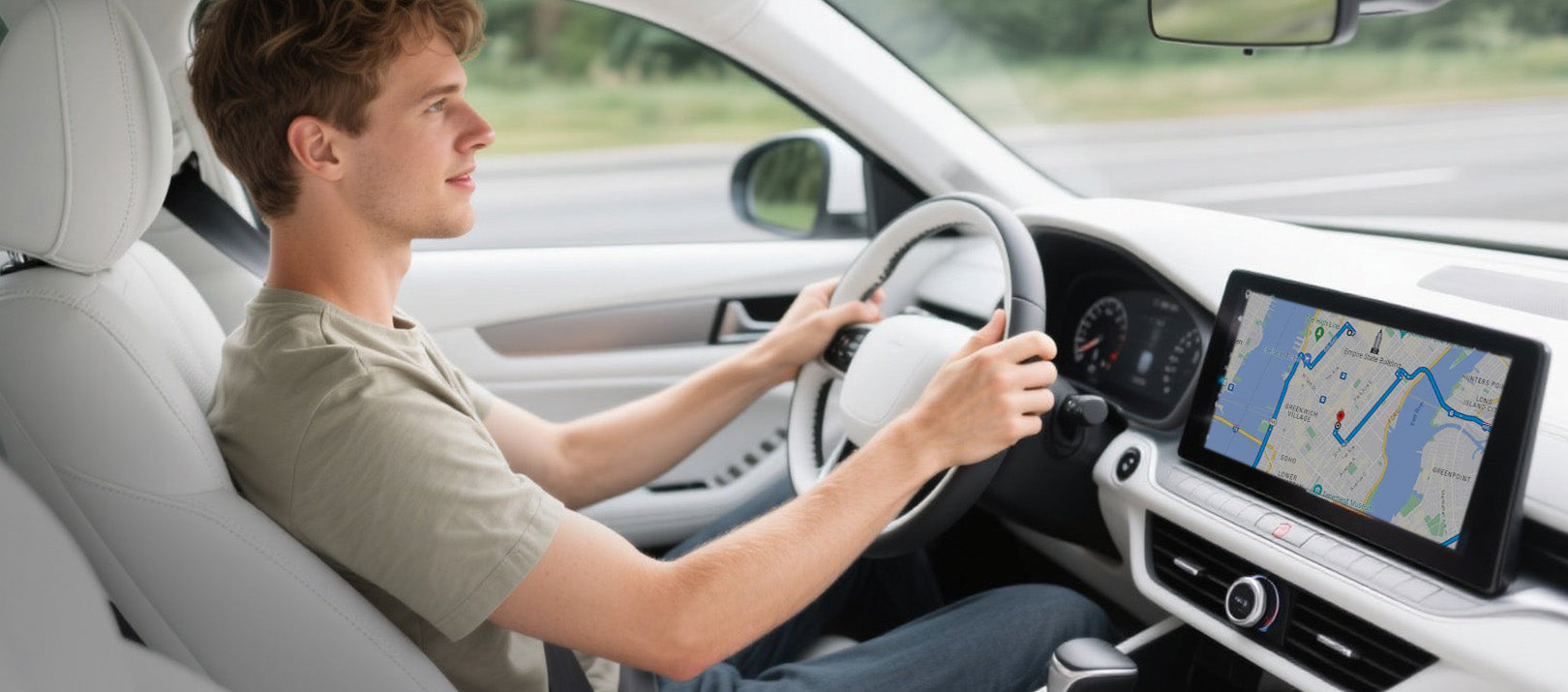

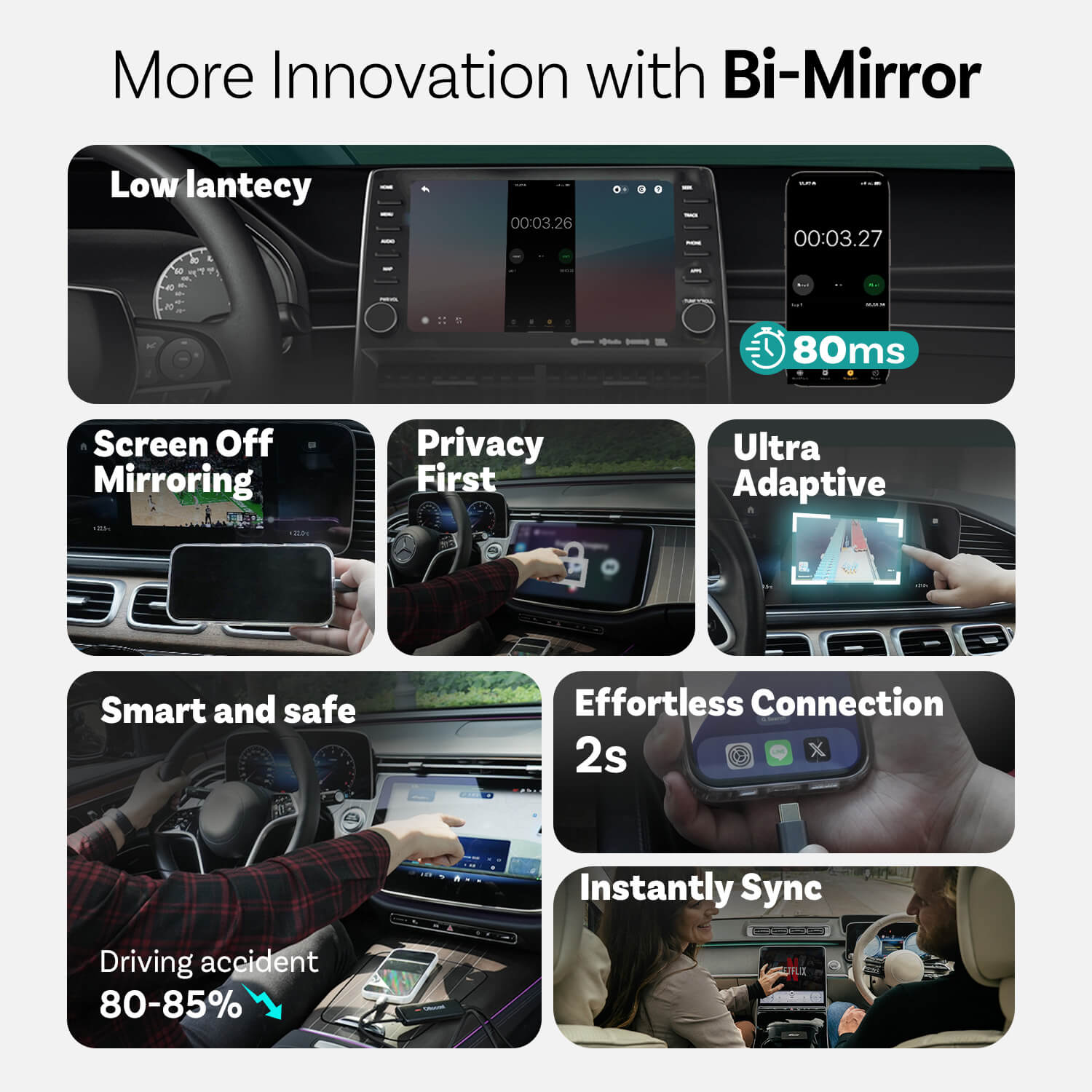
Brug af dashboard i stedet for telefon for at reducere trafikulykker med omkring 80-85%
Innovationer fra Mirror Touch
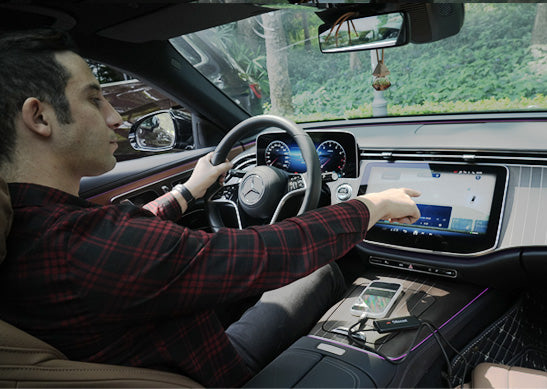
Privatliv først
Dine beskeder, loginoplysninger og historik forbliver udelukkende på din telefon.
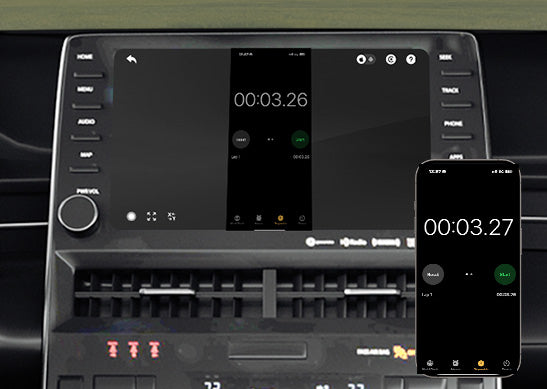
80 ms lav latenstid
100 ms tærskel, som mennesker kan opfatte.
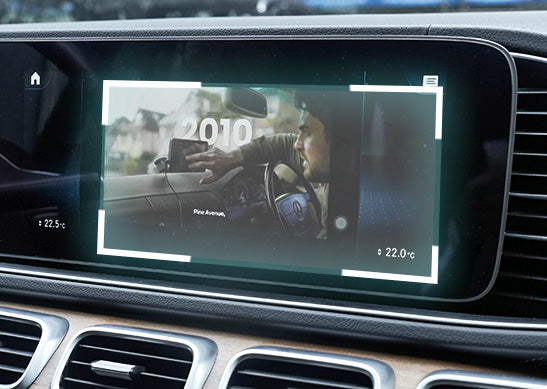
Ultra Adaptiv
Tilpasser sig ubesværet til de fleste af dine appes orientering og native skærmfunktioner
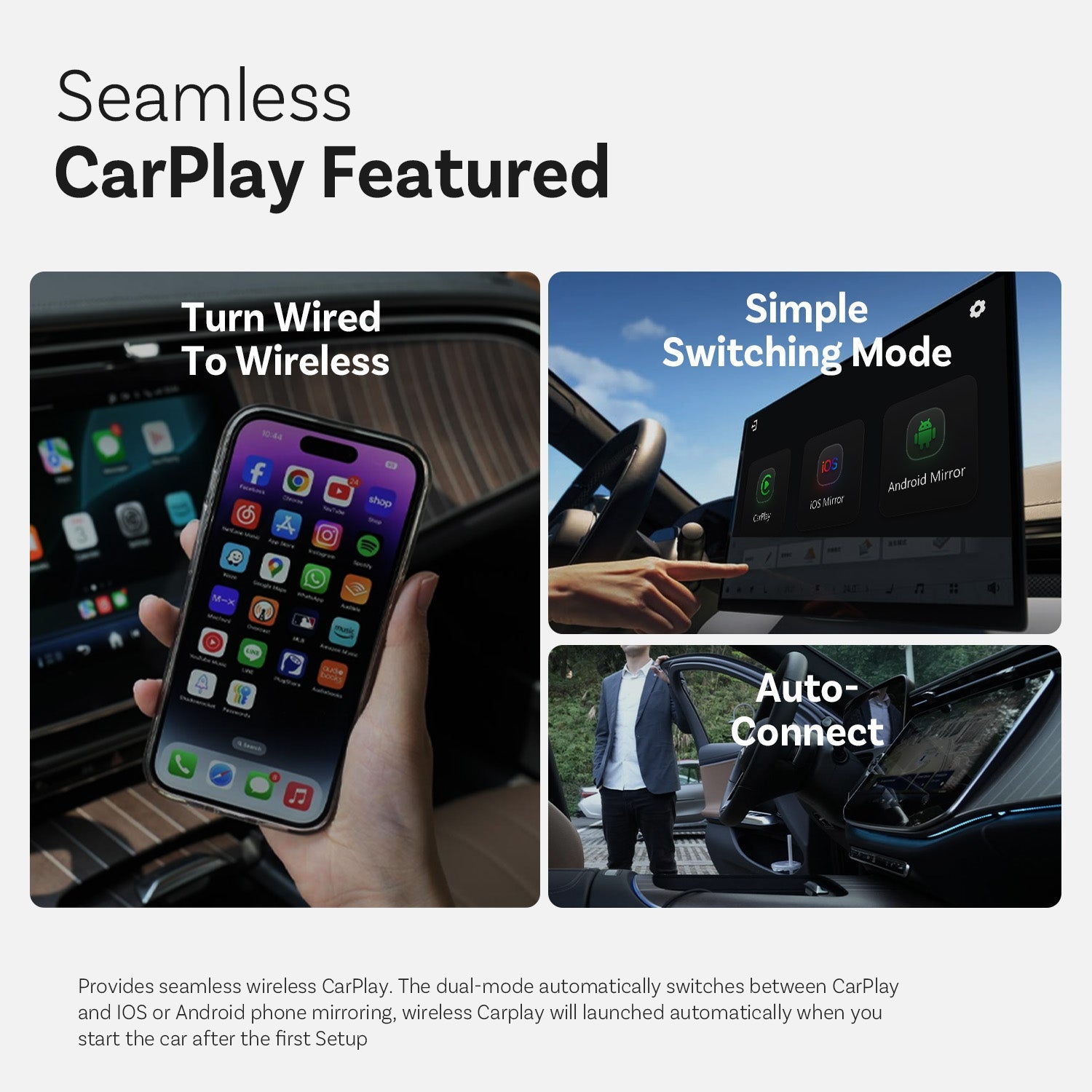
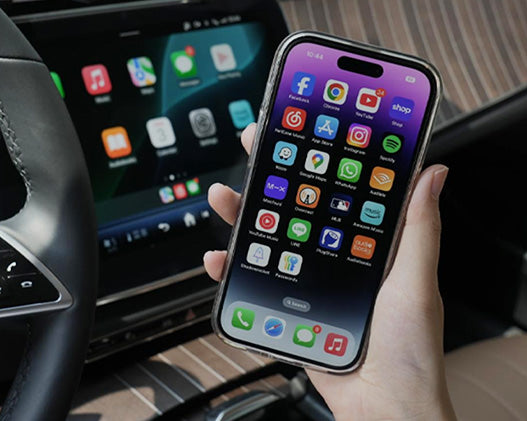
Funktion med problemfri CarPlay
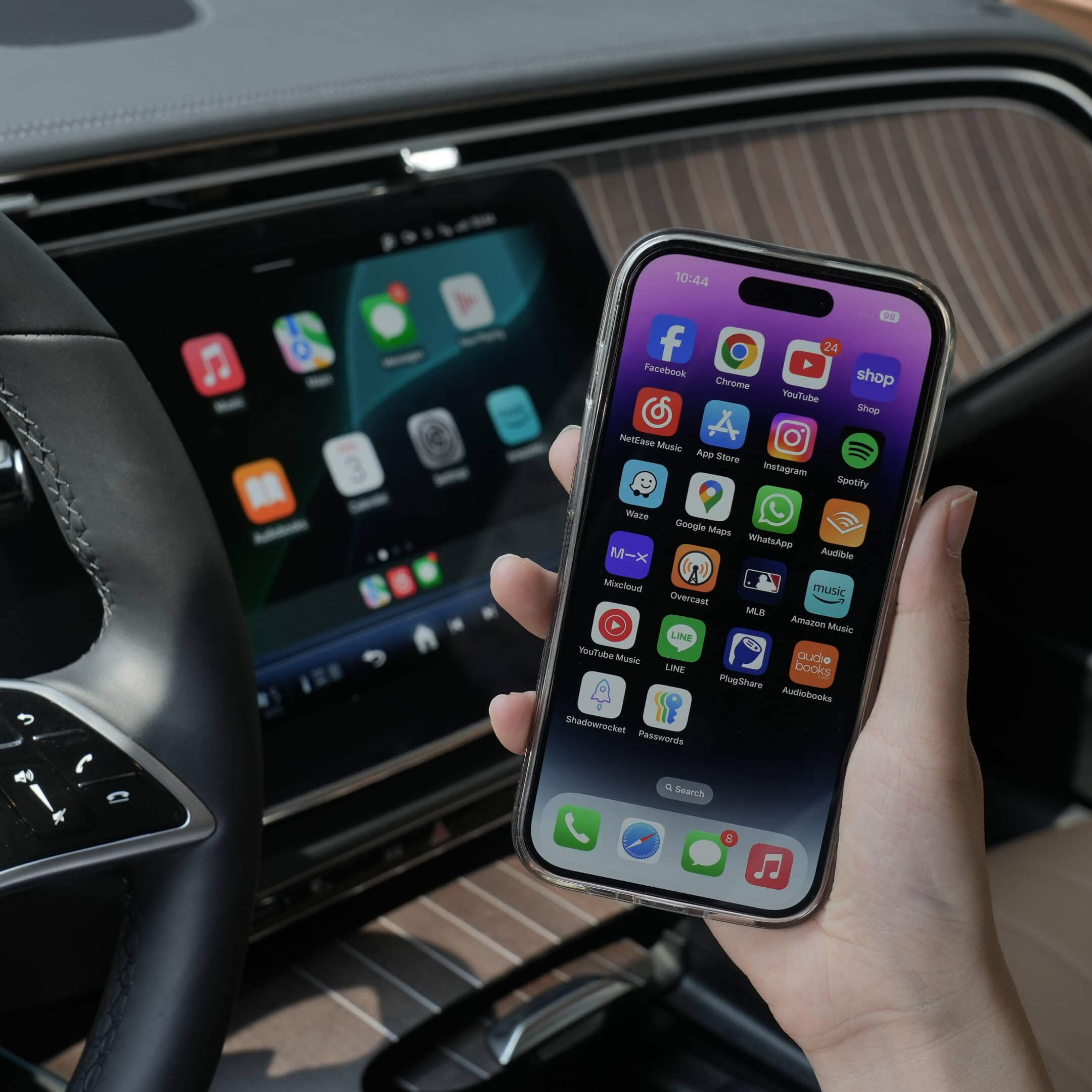
Skift fra kablet til trådløs
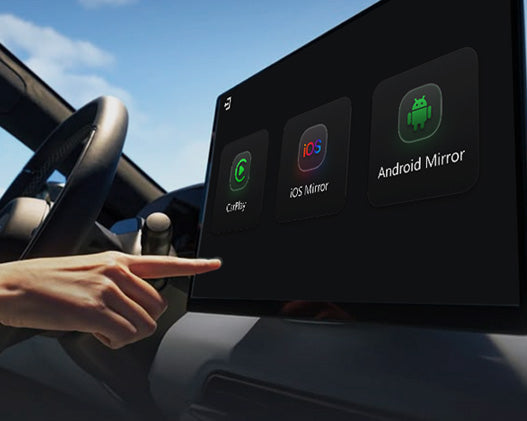
Simpel skiftemodus
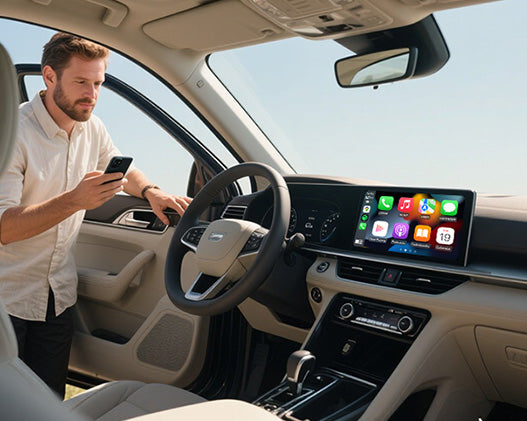
Automatisk forbindelse
Flere funktioner
Ottocast Mirror Touch


Tre trin til at få spejl og kontrol
Ofte stillede spørgsmål
Er dette Ottocast-produkt kompatibelt med min bil?
Kompatibilitet afhænger af, hvilken funktion du ønsker at bruge:
Telefon Spejling
- Understøtter Android-telefoner med DP-skærmspejling
- Understøtter iPhone 15 og nyere via USB-C DisplayPort output
Sørg for, at DP-skærmspejling er aktiveret på din telefon.
👉 Kompatibilitetsliste
Trådløs CarPlay
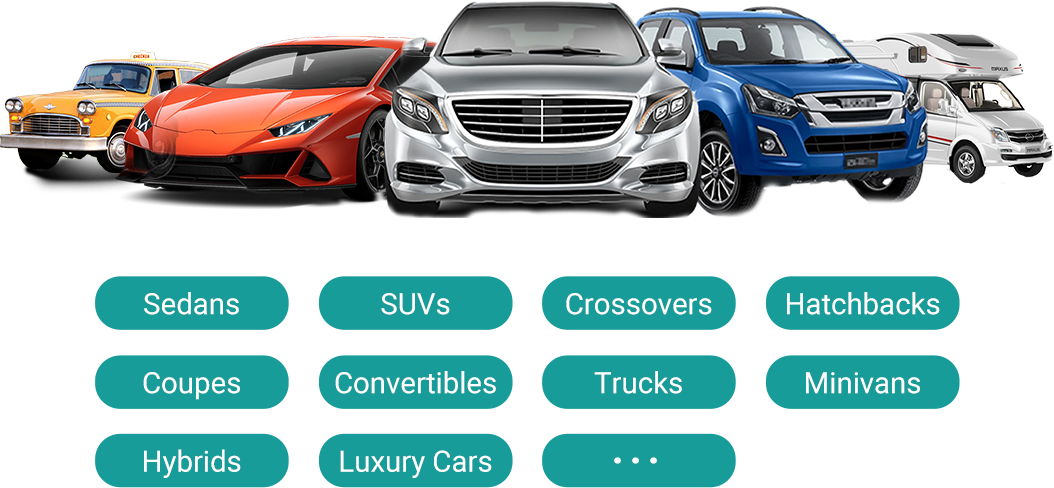
- Fungerer med køretøjer (2016 eller nyere) eller motorcykler, der har fabriksmonteret kablet Apple CarPlay
- ❌ Ikke kompatibel med køretøjer, der kun understøtter Android Auto
Hvordan kan jeg tjekke kompatibilitet på jeres hjemmeside?
På produktsiden skal du klikke på “Tjek om det passer til din bil” (under “Læg i kurv”), og derefter vælge dit mærke / model / årgang for at se resultatet.
Findes der nogen rabatkoder, kuponer eller vouchers til Ottocast-produkter?
Ja. Nye kunder kan modtage et velkomsttilbud, når de tilmelder sig Ottocast-mails, og vi kører tidsbegrænsede kampagner gennem hele året.
For de seneste aktive koder, tilmeld dig nederst på siden, så sender vi opdateringer.
Hvis jeg har parret to telefoner, hvilken vil den så forbinde til næste gang?
Hvis flere parrede telefoner er i nærheden, vil Ottocast normalt genoprette forbindelsen til den sidst brugte telefon.
For at skifte enhed skal du afbryde CarPlay på den nuværende telefon (eller slukke for dens Bluetooth/Wi-Fi) og derefter oprette forbindelse til den anden telefon.
Nogle modeller understøtter også et-tryk-skift eller manuel enhedsvalg.
Kan jeg flytte det mellem to biler?
Ja. Tag det bare ud, og brug det i et andet kompatibelt køretøj. I den nye bil kan det være nødvendigt at parre din telefon igen eller foretage en hurtig opsætning første gang.
Kan min telefon bruge skærmspejlingsfunktionen?
Det afhænger af, om din telefon understøtter videooutput (DisplayPort / DP Alt Mode).
- Android: Understøttes på USB-C-telefoner med DP Alt Mode.
- iPhone: Understøttes på iPhone 15 og nyere (USB-C DisplayPort-output).
Tip: Tjek dine telefonspecifikationer/indstillinger for at bekræfte, at DP Alt Mode er understøttet og aktiveret.
Kompatibilitetsliste: Klik for at tjekke
Kræver spejling og touch-kontrol et kabel?
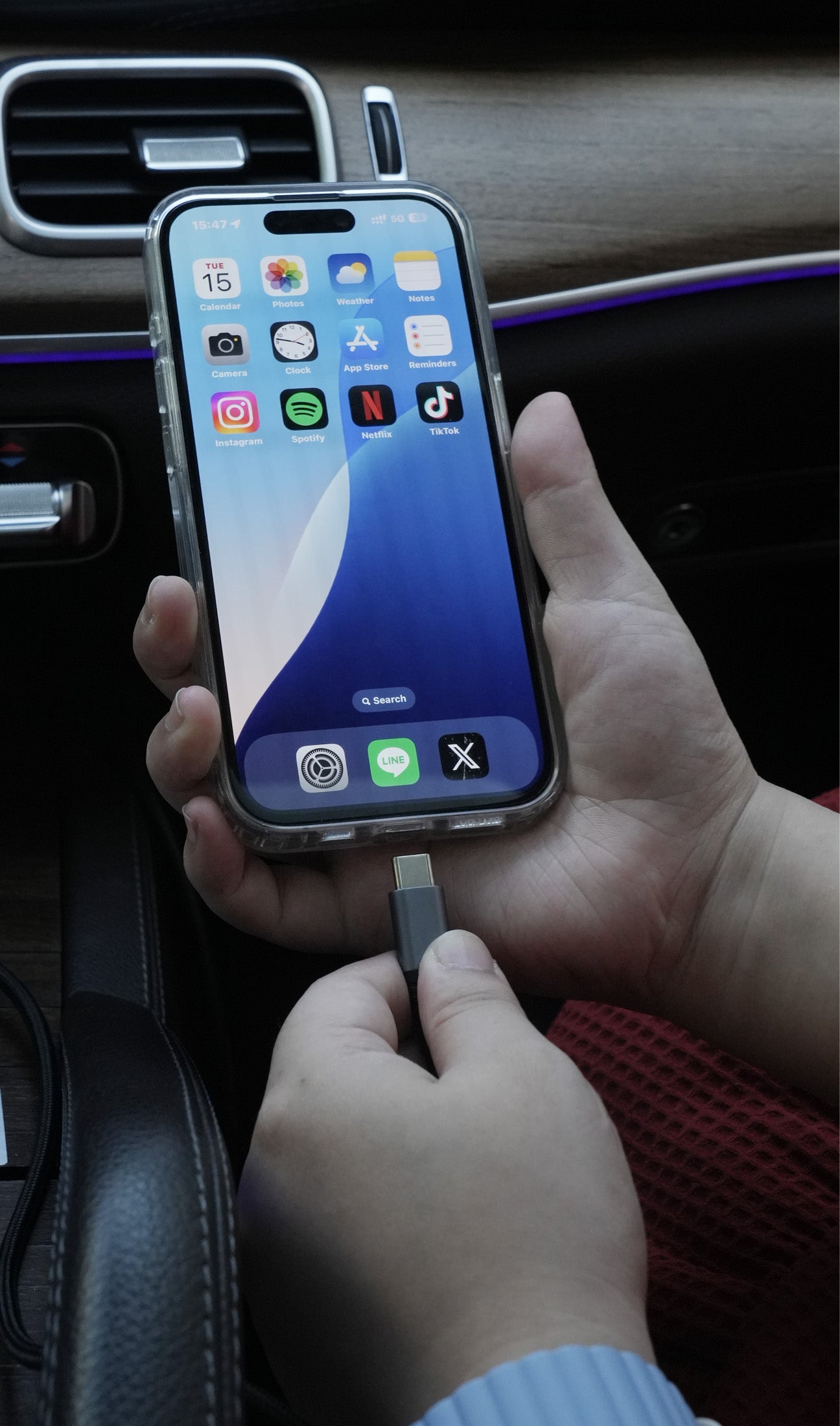
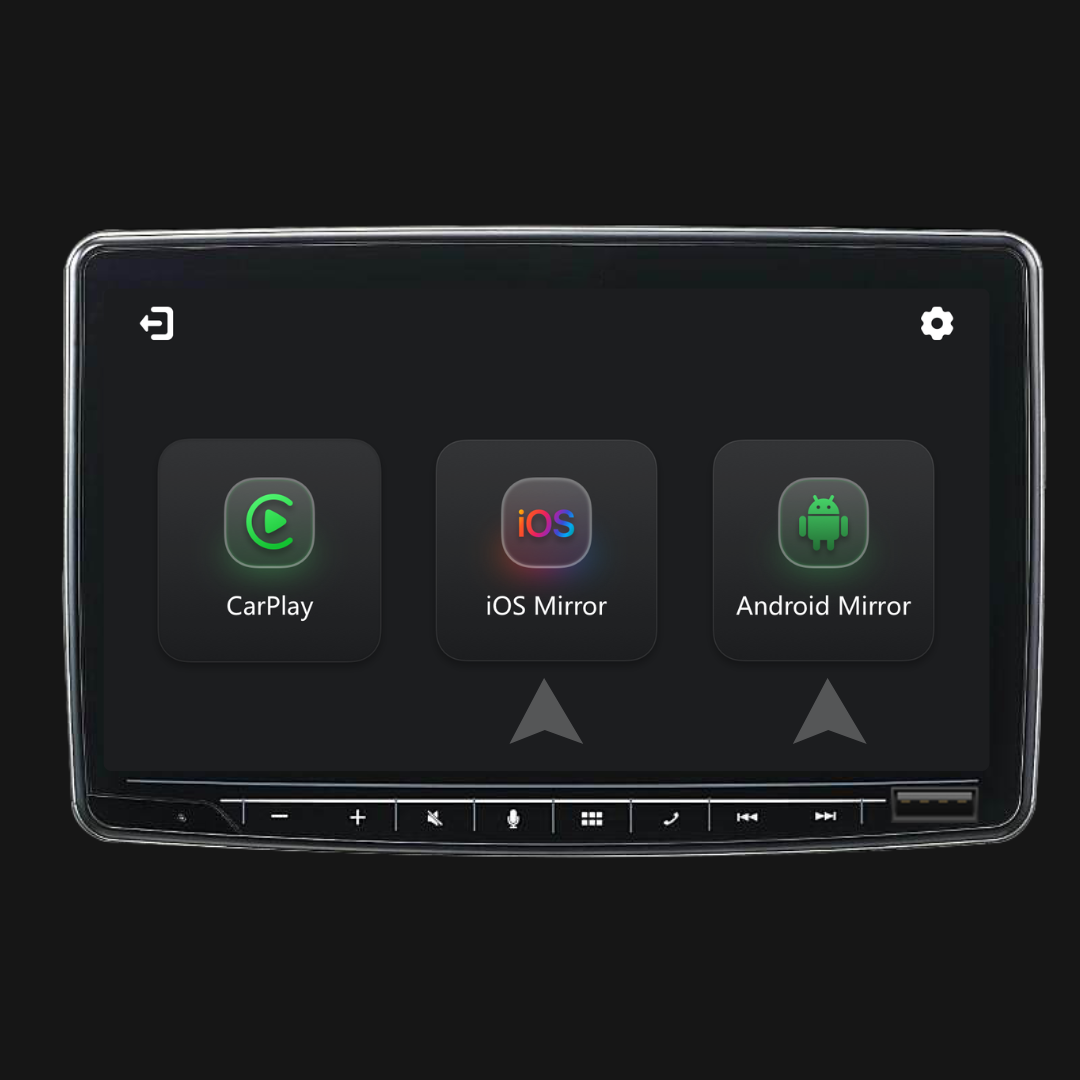
Ja. Skærmspejling og touch-kontrol kræver en kablet forbindelse. Tilslut din telefon med et kabel, og tryk derefter på iOS Cast eller Android Cast på skærmen for at starte.
Skal jeg indstille det hver gang, jeg sætter mig ind i bilen?
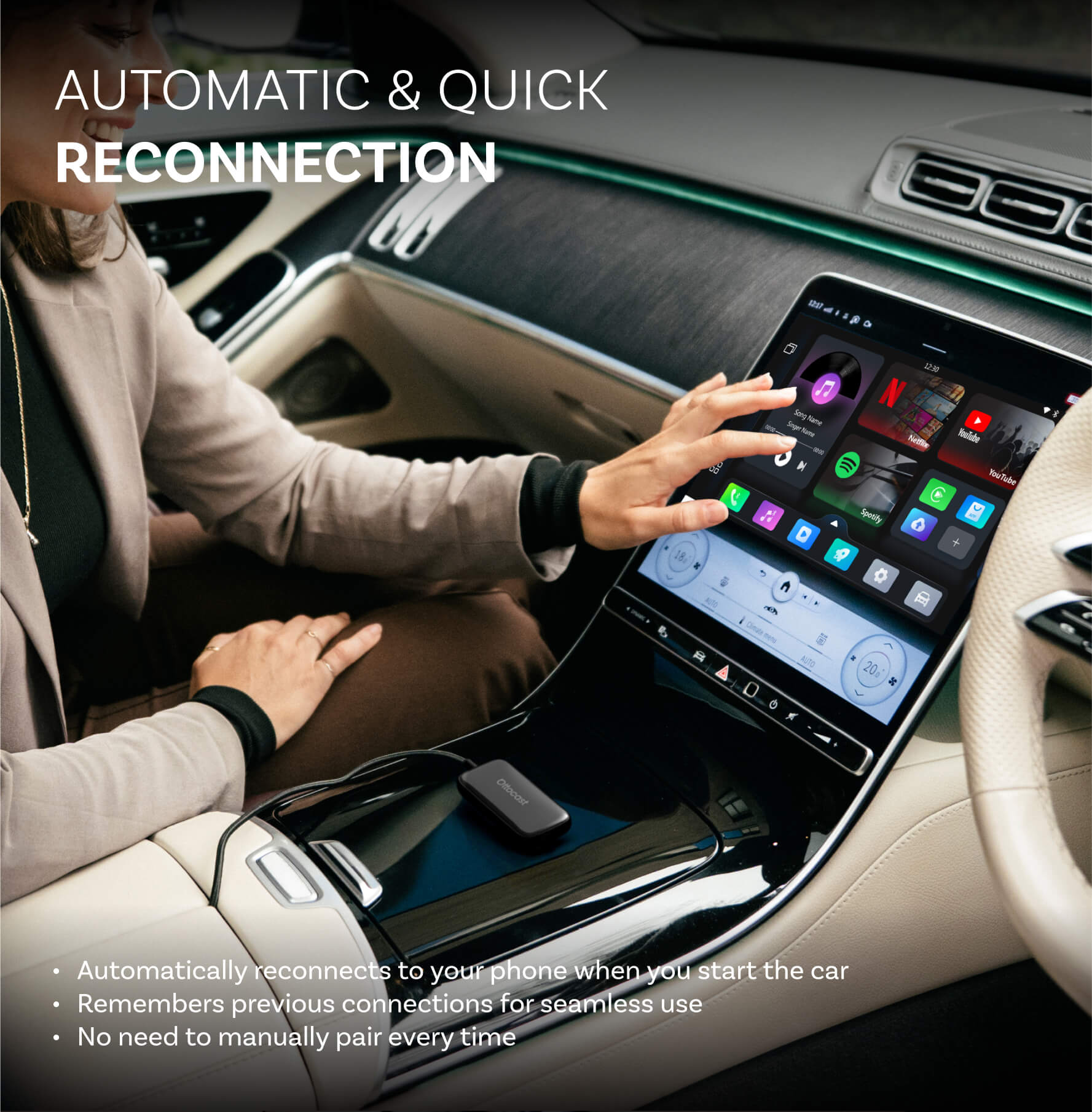
Nej. Efter den første opsætning opretter den automatisk forbindelse, når du starter bilen (så længe din telefons Bluetooth/Wi-Fi er tændt). Du kan derefter skifte mellem CarPlay og telefon-spejling (hvis det understøttes).
Hvad skal jeg bekræfte, før jeg køber?
Bekræft venligst disse 3 punkter:
- Telefonunderstøttelse til spejling/touch-kontrol:
- iPhone: iPhone 15+ (USB-C med DisplayPort/DP videooutput)
- Android: USB-C-telefon med DP Alt Mode videooutput
- Krav til bilen: Dit køretøj skal understøtte fabriksmonteret CarPlay med kabel (typisk 2016+).
- Kompatibilitetskontrol: Brug kompatibilitetslisten/-tjekkeren på produktsiden for at bekræfte dit præcise køretøj.
Hvorfor vælge Mirror Touch?
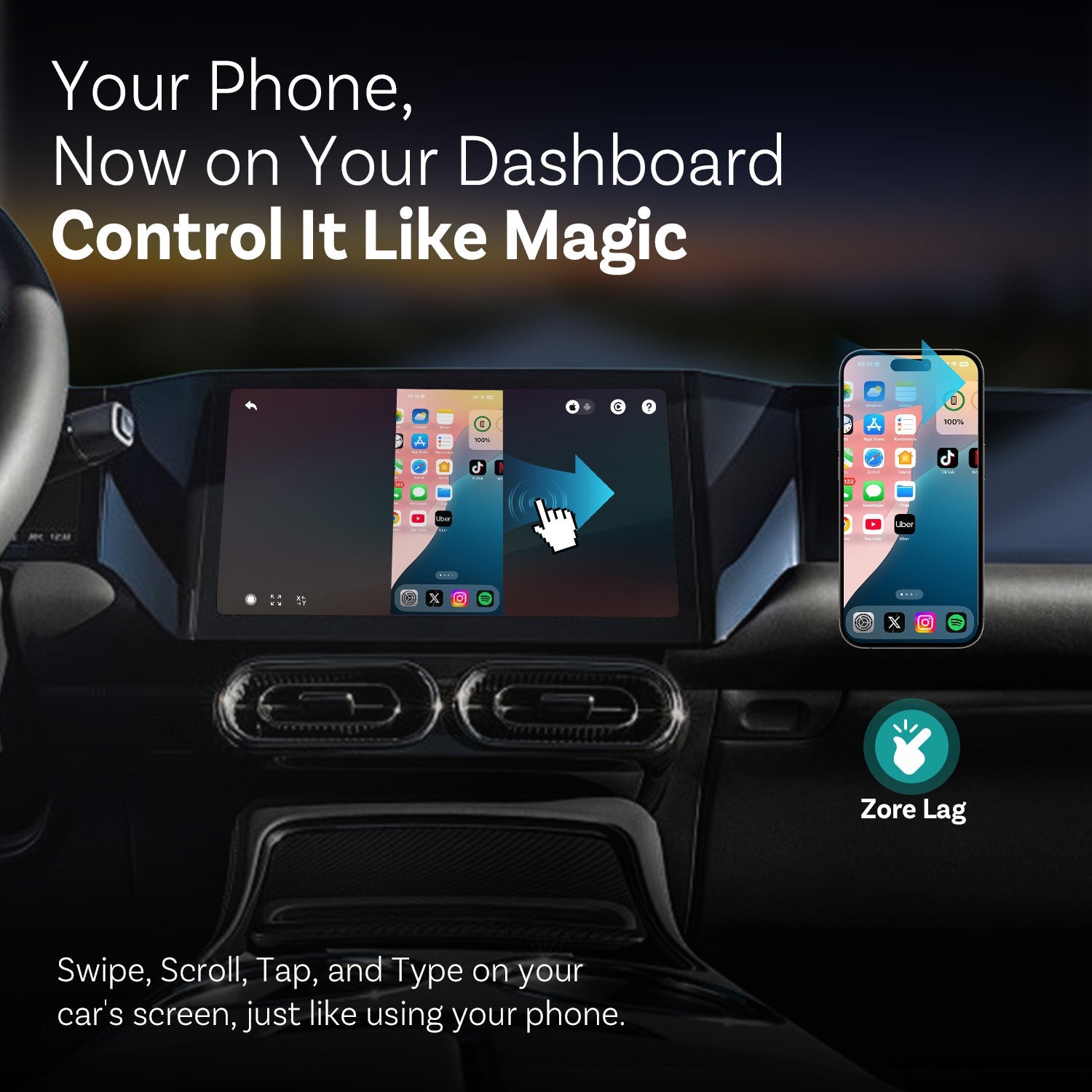
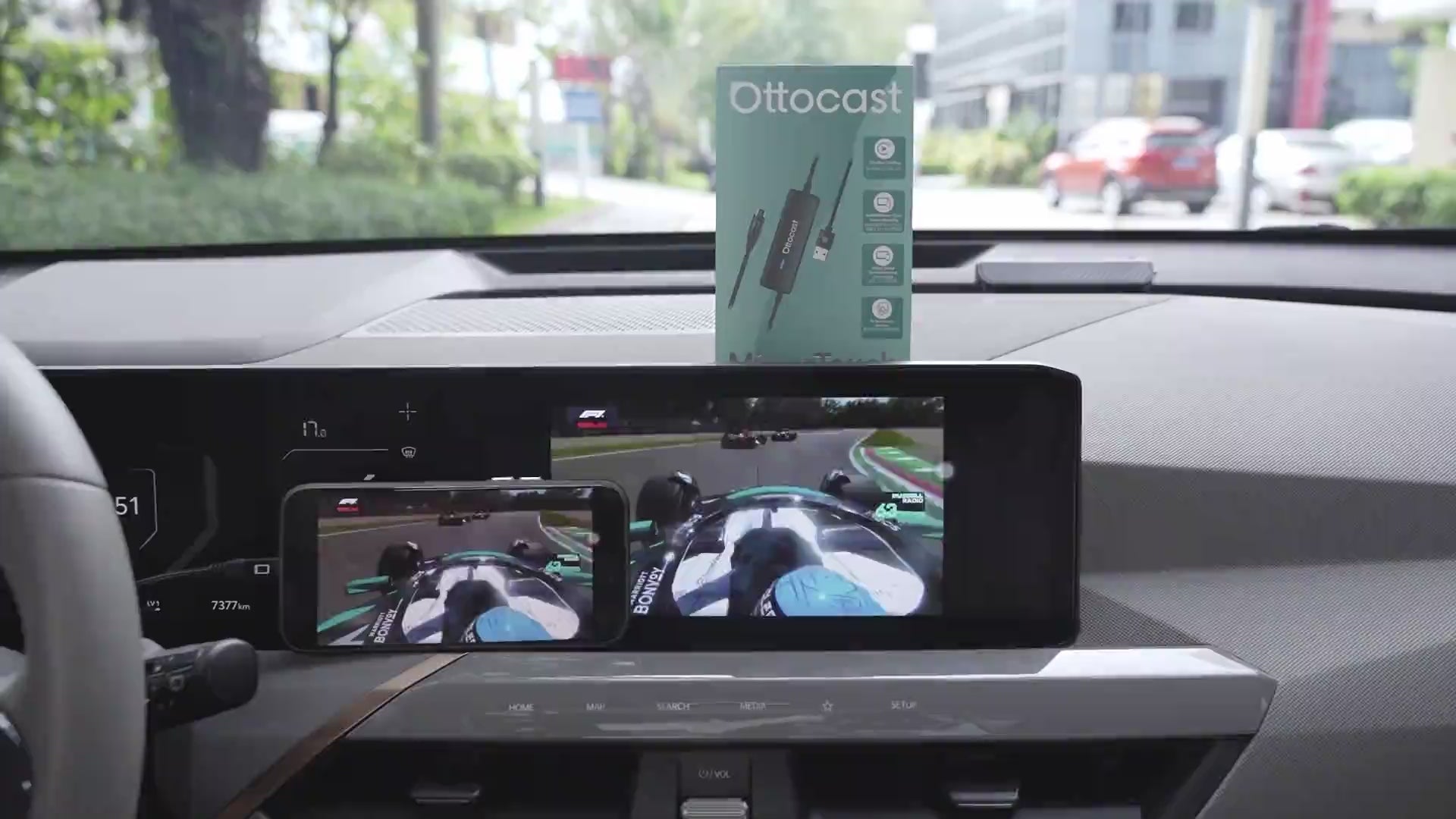
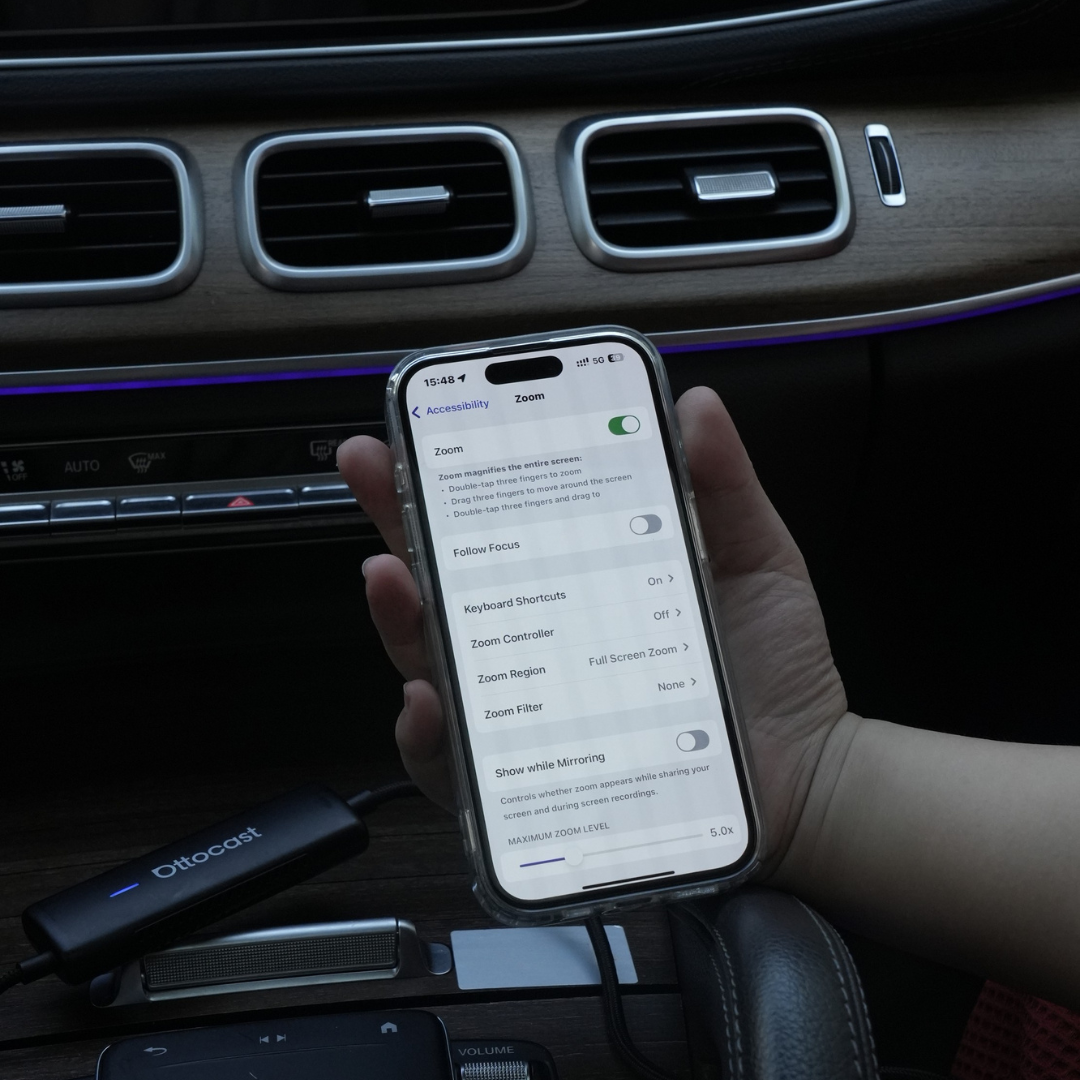
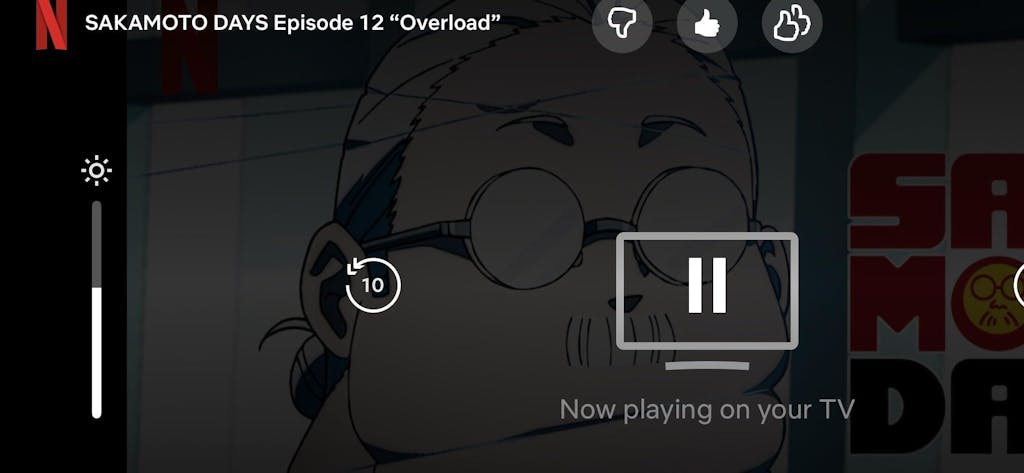
Mirror Touch opgraderer standard trådløs CarPlay med to nøglefunktioner: fuldskærms spejling af telefonen og berøringskontrol—så du kan trykke, swipe og skrive på bilens skærm som på din telefon.
Den er designet til lav latenstid, og dine data/historik forbliver på din telefon.

Du vil måske også kunne lide