


Plugging your iPhone into your car used to feel like a small price to pay for navigation, music, and hands-free messaging. In 2026, it feels like unnecessary friction. Drivers expect their phone to connect instantly, just like their earbuds or smartwatch. They don’t want cable hunting, worn-out connectors, and they certainly don’t want to keep remembering to unplug when they park.
Wireless CarPlay has shifted from a premium convenience to a default expectation, yet many vehicles on the road today still ship with wired-only Apple CarPlay, even in relatively new models. That gap has fueled a fast-growing aftermarket built around one idea.
Go wireless with CarPlay without replacing your car, and without falling behind the next wave of in-car tech.
How Wireless CarPlay Actually Works (Quick Technical Primer)

Wireless CarPlay does not replace or modify Apple’s platform in any way, shape, or form. It simply changes how your iPhone connects to the car.
Here’s a quick breakdown that shows the difference between wired and wireless CarPlay.
| Feature | Wired CarPlay | Wireless CarPlay |
|---|---|---|
| Physical cable | Required | Not required |
| Initial pairing | USB | Bluetooth |
| Data transfer | USB | Wi-Fi Direct |
| App behavior | Identical | Identical |
| Stability factors | Cable + port quality | Hardware + thermal control |
And, here’s what happens behind the scenes:
Bluetooth handles the initial handshake to pair your iPhone with the car or adapter.
Wi-Fi Direct handles heavy data streams like maps, audio, and UI rendering.
After pairing, CarPlay behaves exactly the same as it did before pairing. On the surface, nothing changes. The apps don’t change. The interface doesn’t change.
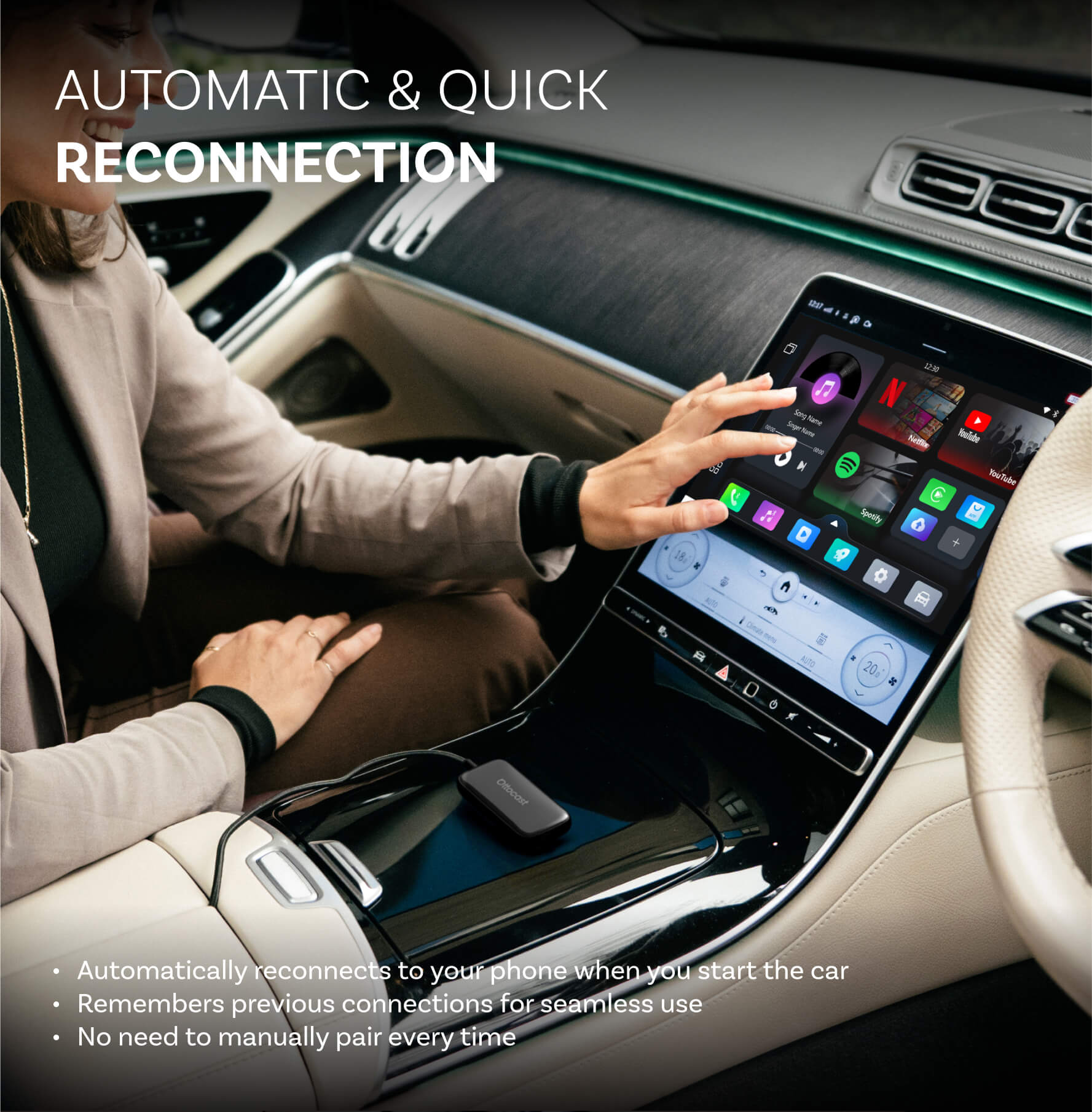
What does change is the experience. The moment you start the engine, your phone connects automatically, maps pick up where you left off, and your cabin stays clean and cable-free. That seamless startup is what separates modern wireless systems from early-generation adapters.
For Apple’s own overview of how CarPlay should work, you should check out Apple’s official CarPlay documentation.
Types of Aftermarket Wireless CarPlay Solutions

There are three main ways drivers go wireless in 2026.
1. Wireless CarPlay Adapters (Plug-and-Play)
These are the most popular options by far.
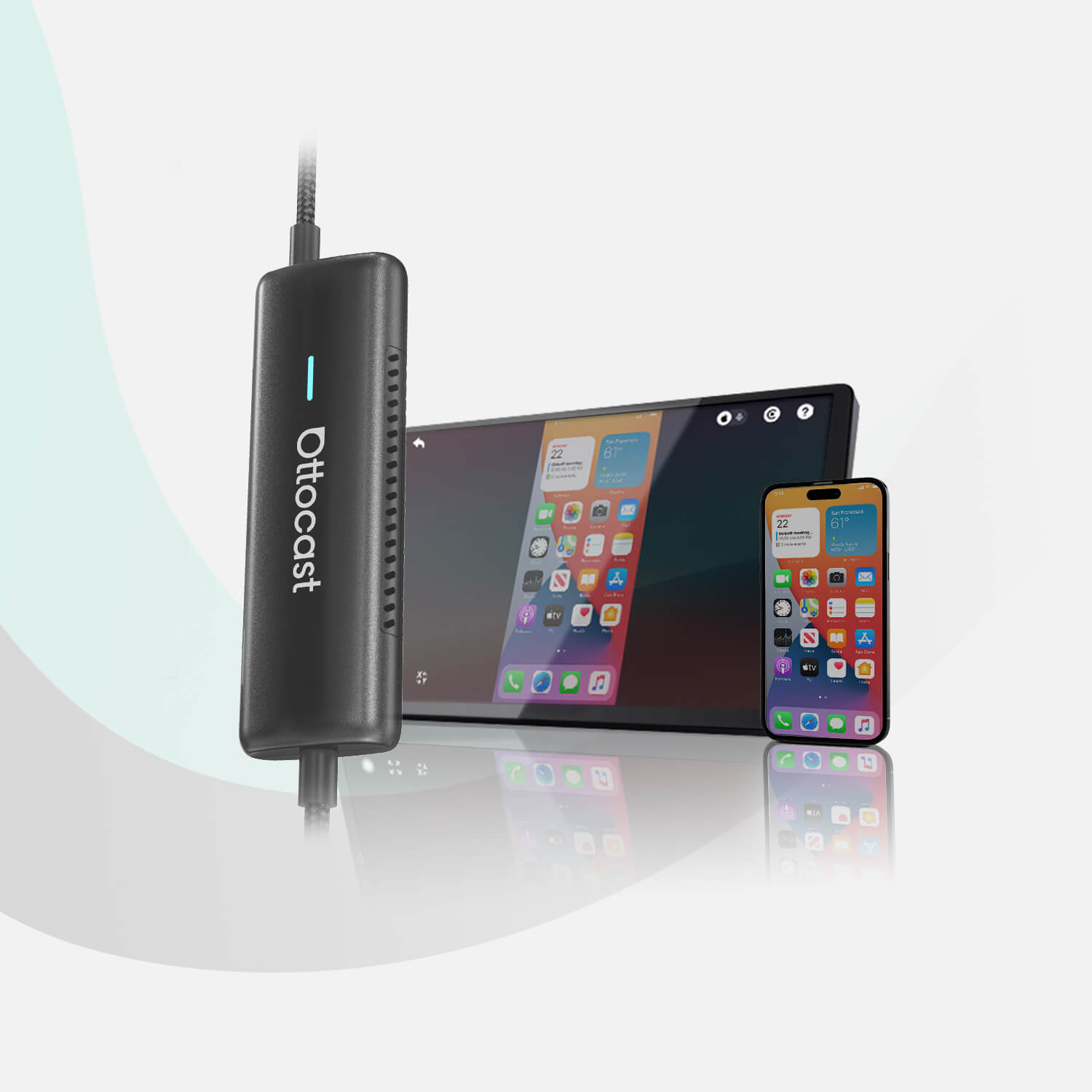
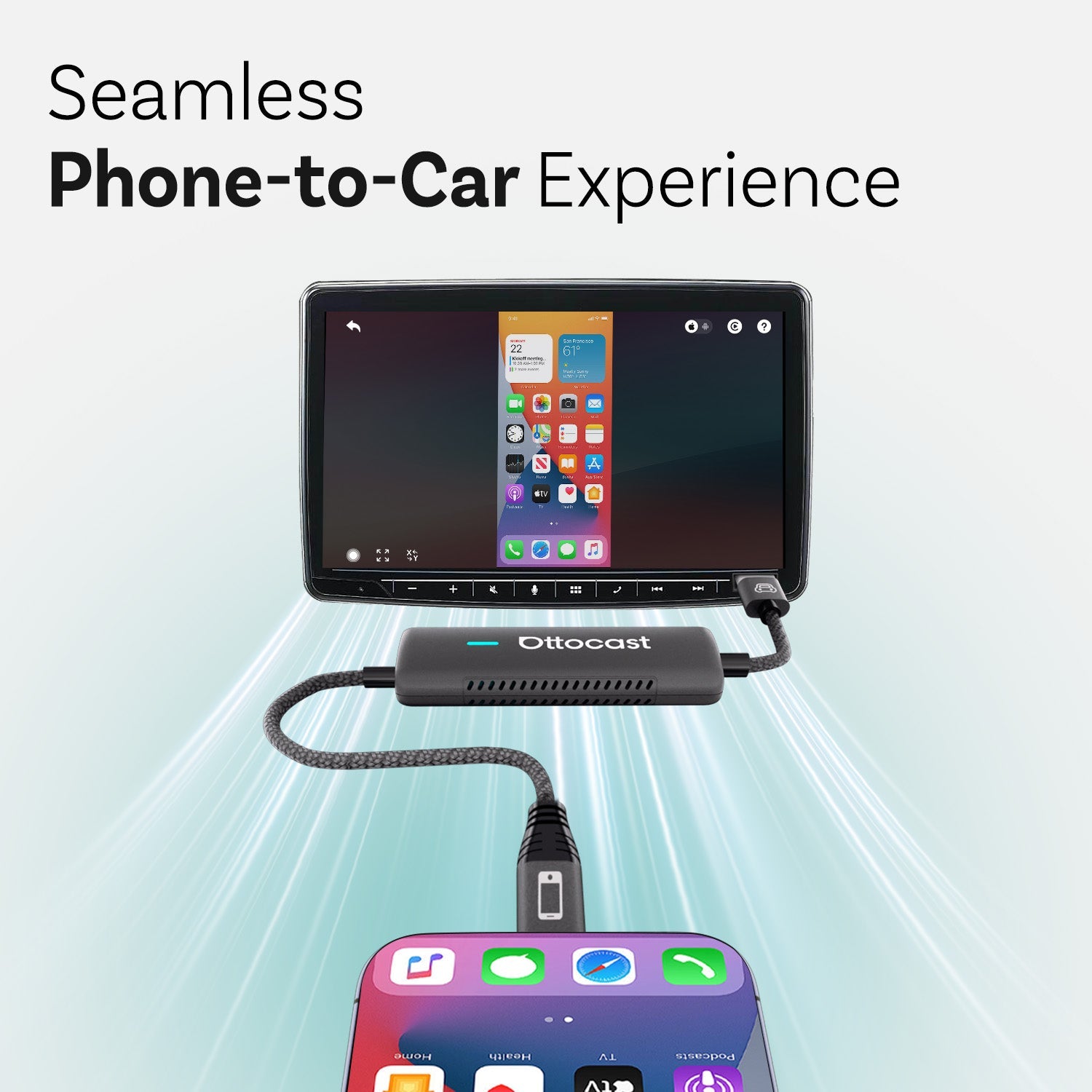
Wireless adapters plug into the car’s USB port and act as a bridge between wired CarPlay hardware and wireless iPhone connectivity.
Pros
- You don’t have to remove the dashboard
- You can install it in minutes
- It works with factory CarPlay
- It’s easy to move between vehicles
Cons
- The overall performance depends on steady USB power
- There are cheap adapters that can overheat or disconnect
It’s best for drivers who already have factory CarPlay and want a fast, reversible wireless upgrade.
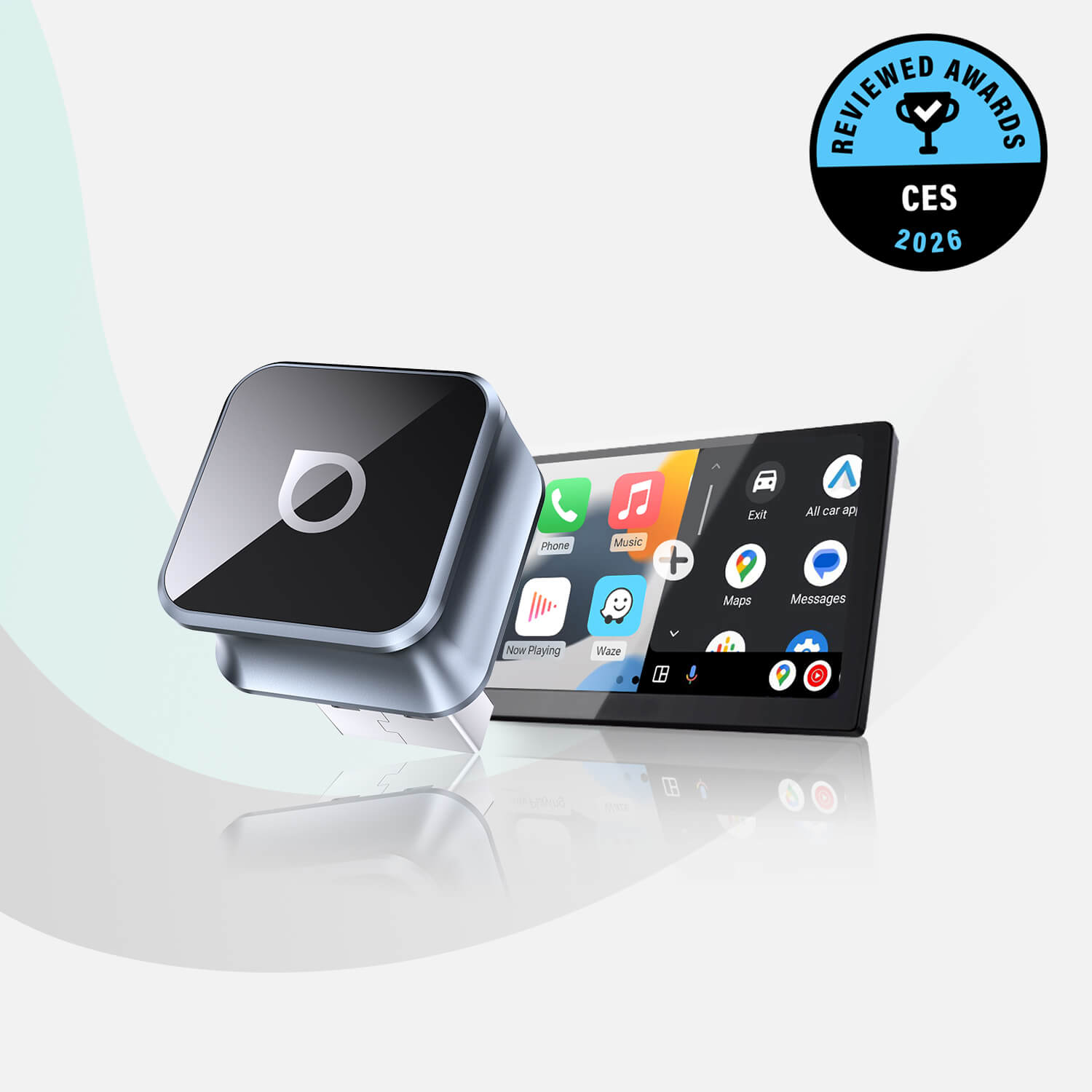
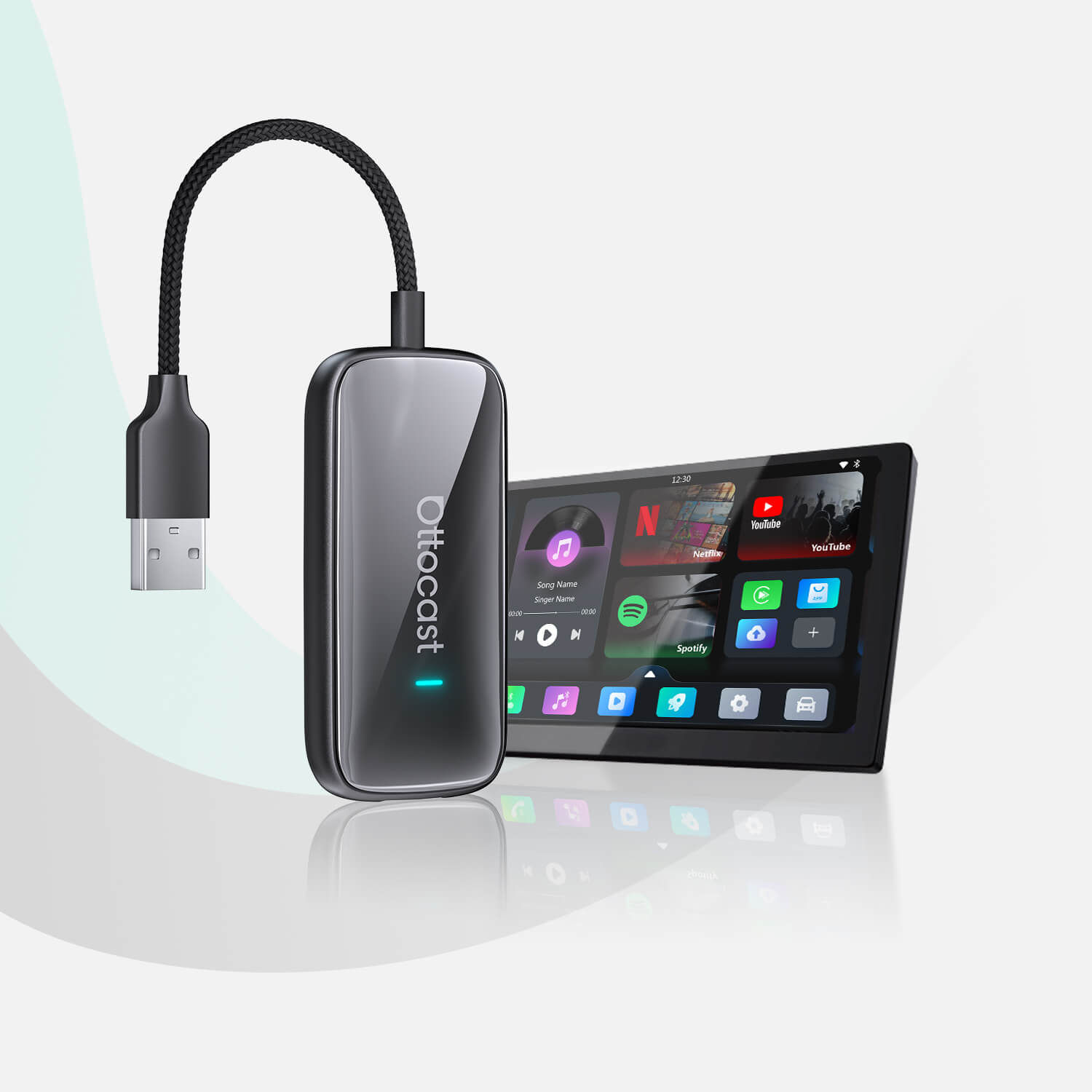
This category includes plug-and-play devices, such as wireless CarPlay adapters from Ottocast, that are designed to eliminate cables without modifying your car’s infotainment system.
2. Aftermarket Head Units with Built-In Wireless CarPlay
These products are installed in the car, and they replace the entire infotainment system.
Pros
- Wireless CarPlay is integrated into the system
- You can get larger screens and better UI design
- They offer a cleaner, cable-free setup
Cons
- Higher costs
- It’s difficult to install
- There are some vehicle compatibility issues
It’s best for older vehicles that don’t have factory CarPlay or owners who are planning a full infotainment upgrade.
3. Advanced Multimedia Interfaces & OEM Integration Modules
These are special systems you integrate behind the dashboard, and they are designed to imitate factory behavior.
Pros
- You get an OEM-style experience
- The owner retains stock controls and displays
Cons
- It can be very expensive
- You need professional installation
- There are some model-specific limitations
It’s best for drivers who have premium or imported vehicles and want an authentic, factory-like wireless CarPlay experience with proper support.
What to Look for in a Wireless CarPlay Solution (2026 Buyer Criteria)

Not all wireless CarPlay solutions are created equal. In 2026 and the years to come, whether a product is reliable will come down to a few hardware fundamentals. Here’s what you need to look for when purchasing an aftermarket CarPlay solution.
- Connection Stability: Wireless CarPlay should reconnect automatically every time you start your car.
- Boot Time and Reconnection Speed: The best adapters will reconnect in seconds. If you’re waiting for a whole minute, you’re waiting too long.
- Power Efficiency and Heat Management: Overheating causes serious issues like lags and disconnects. This is very frustrating, especially if you are on a long drive.
- Firmware Updates, Long-Term Support, and iOS compatibility: iOS updates can sometimes influence compatibility, and not in a good way. That’s why you need ongoing firmware support. It should have confirmed support for all current and upcoming iOS versions.
- Physical Size and Cable Clutter: Smaller adapters won’t strain your USB ports, and they’ll keep everything neat.
- Future-Proof Features: In 2026, CarPlay is evolving toward larger displays, full-screen layouts, AI-assisted navigation, and deeper vehicle integration. Choosing hardware with modern chipsets and active development ensures your system can support upcoming features rather than become obsolete.
The key takeaway here is that wireless CarPlay isn’t unreliable. Cheap hardware is.
Best Wireless CarPlay Adapters in 2026

Adapters dominate the aftermarket in 2026 because they offer the best balance of cost, flexibility, and performance. Early-generation adapters tend to struggle with slow boot times, overheating, frequent disconnects, and similar issues.
Modern designs have improved a lot, focusing on efficient chipsets, thermal control, and faster reconnections.
Compact options like the Ottocast Mini Pico Wireless CarPlay Adapter focus on faster boot times, lower heat output, and stable wireless performance. These are the three areas where early adopters struggled.
The fact is that this category is no longer experimental. Today’s high-quality adapters are built with automotive-grade chipsets, improved thermal design, and fast wake-up times. This is the kind of hardware improvements car tech enthusiasts actually care about.
Wireless CarPlay Adapters vs Built-In Systems: Which Is Better?
For this section, we went with a quick comparison table. It puts these two systems next to each other, and you can easily compare the most important factors.
| Factor | Wireless Adapter | Built-In Head Unit |
|---|---|---|
| Cost | Lower | Higher |
| Installation | Easy, plug-and-play | You need a professional installation |
| Flexibility | Very high | Low |
| Upgradeability | Easy | Limited |
| Vehicle changes | Transferable | Fixed |
Wireless CarPlay is moving toward full-screen adoption (often called AI CarPlay or next-generation CarPlay), where navigation, widgets, and media can use the entire display rather than a split layout.
At the same time, electric and new-energy vehicles are pushing for deeper integration. This means aftermarket hardware requires sufficient processing power and reliable connectivity to keep up with increasingly data-intensive interfaces.
Common Problems with Aftermarket Wireless CarPlay (And How to Avoid Them)

Here are some of the most common problems you can encounter if you go the aftermarket wireless CarPlay route, but don’t worry, we’ll also give you tips on how to avoid them.
- Issue 1: Random disconnects
To avoid this, you should use quality adapters and avoid using weak or worn-out USB ports.
- Issue 2: Audio lag
This is often caused by overheating or slow chipsets. Try a different port, or consider an upgrade.
- Issue 3: Overheating
This is a common issue, but again, if you go with compact and well-ventilated designs, you shouldn’t have to worry.
- Issue 4: USB power instability
Some vehicles can supply inconsistent USB power. You might need to have an electrician check your carburetor.
- Issue 5: iOS update issues
Make sure that your software and firmware are always updated and supported.
Reliability isn’t just about convenience; it’s also about safety, and very much so. A disruption in the infotainment system can increase the electrical load in the entire car, which is why organizations like Consumer Reports emphasize driver distraction and infotainment safety.
Who Should Choose a Wireless CarPlay Adapter? (Use-Case Breakdown)
- Daily commuters: Automatic connection saves time and reduces friction.
- Ride-share drivers: No cables to manage between trips.
- Road-trippers: Cleaner cabins and faster stops.
- Company car users: Non-invasive, reversible solution.
- Lease vehicle drivers: No permanent modifications.
The key takeaway is that adapters shine when flexibility matters more than permanence.
So, Is Wireless CarPlay Worth It in 2026?
We have to give a balanced verdict here. There is no one answer to this question, but we can give you this:
- The answer is yes if you value convenience, a clean cabin, and fast daily use.
- But, it’s a no if your vehicle’s USB power is unstable or you rarely use CarPlay.
Wireless CarPlay has matured over the years, and it will only continue to grow. Generally speaking, expectations just need to match reality and hardware quality.
Final Thoughts: Cutting the Cord Without Compromising Reliability
Going wireless with CarPlay is no longer experimental or fragile. In 2026, it’s a practical upgrade, but only if the hardware is right.
The best aftermarket solutions focus on stability, heat control, and long-term compatibility rather than flashy features. Choosing quality over the cheapest option makes the difference between a seamless experience and daily frustration.
If you’re ready to cut the cord, this guide to the best wireless CarPlay adapters in 2026 breaks down which solutions deliver convenience without sacrificing stability.
You may also like