

 Are you one of those drivers who is in love with their cars, but you somehow feel stuck with your outdated infotainment system? You are not alone. There are many awesome, but older vehicles that often don’t have modern features like real-time navigation, voice messaging, seamless music streaming, and other cool functionalities.
That’s where Apple CarPlay comes in.
It creates a safe and rounded iPhone experience on your dashboard, and so it’s easier and safer to use maps, take calls, send messages, and control media while you’re on the road. Instead of relying on built-in systems that can feel slow or limited, you get a familiar, smartphone-powered interface.
Now, if you don’t have CarPlay, you might have heard about retrofitting CarPlay, but you don’t know what it is or whether it’s worth the cost and effort. In all honesty, the answer depends on your car model, your budget, and how long you plan to keep the car.
So, let’s go deeper. We’ll break down retrofit options, real costs, and we’ll teach you when upgrading makes sense, plus some alternatives that can help you get the same benefits for less.
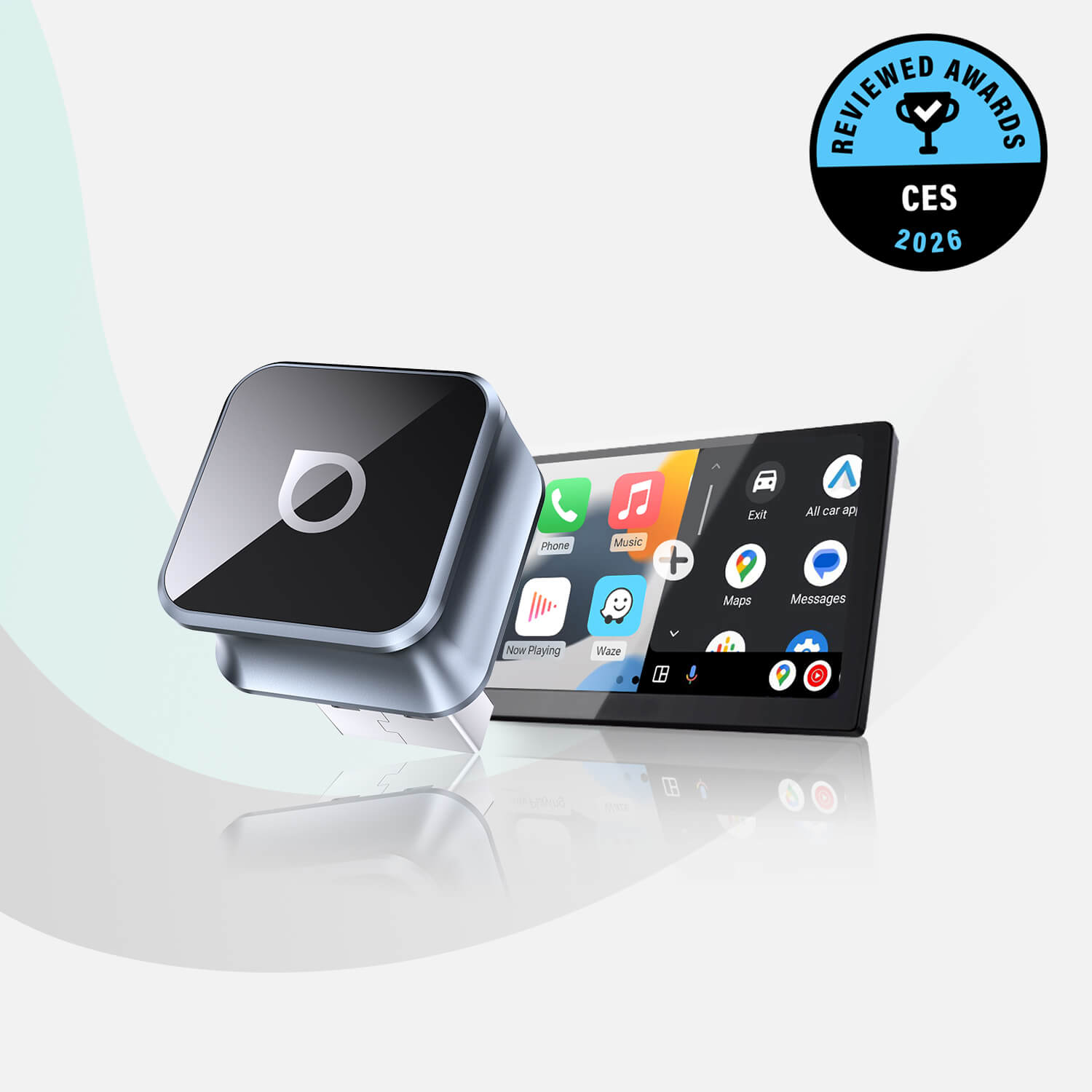
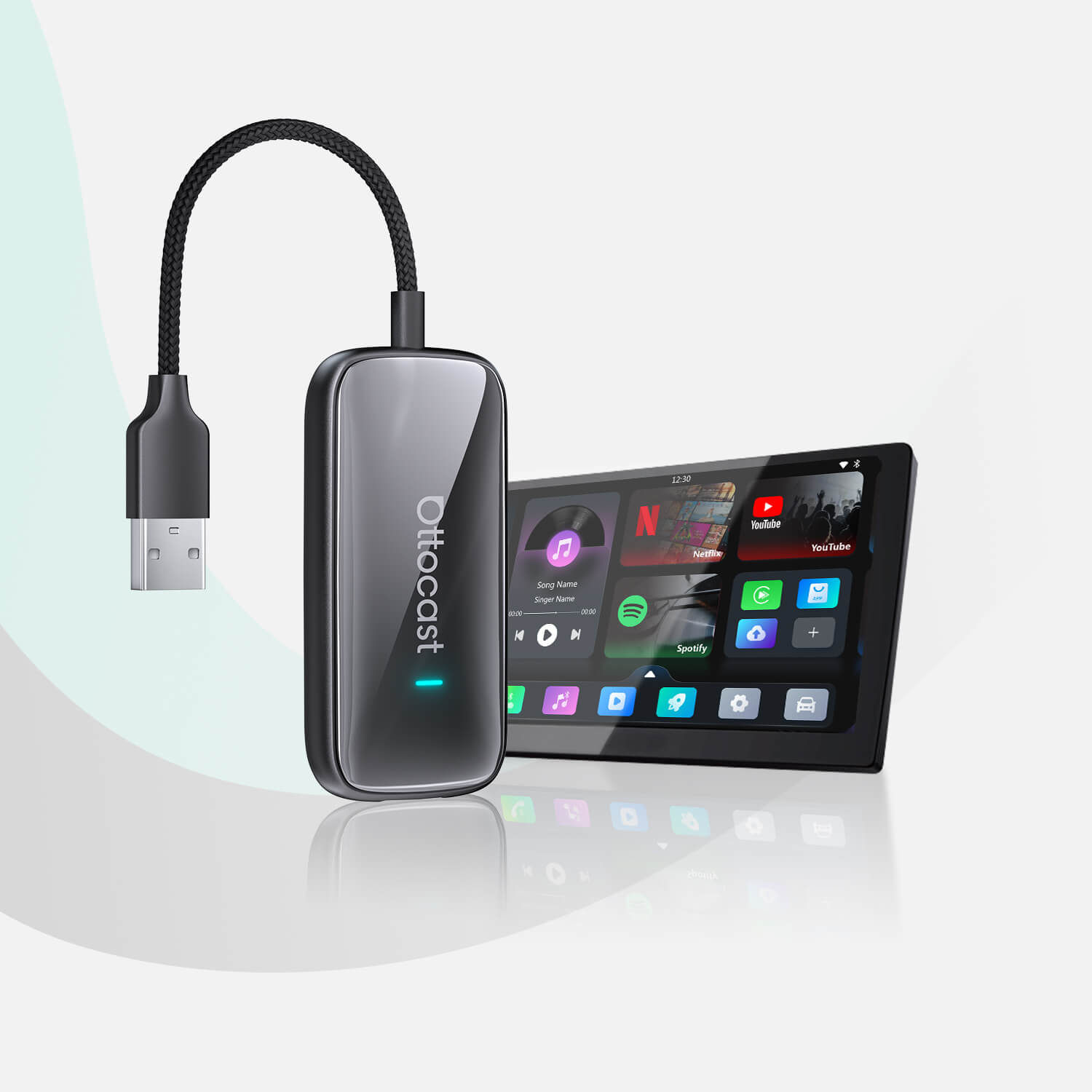
Before you dig in, make sure to check out a few Ottocast CarPlay solutions at awesome prices if you’re considering an upgrade.
What Does “Retrofitting CarPlay” Actually Mean?

Retrofitting CarPlay is, by definition, the process of adding Apple CarPlay functionality to a car that didn’t come with such functionality from the factory. It basically means improving an existing system to make it modern and more convenient.
You can choose one out of two paths.
Path 1: You can add CarPlay to a car that doesn’t have it, which typically involves installing a new head unit or a retrofit interface that will enable CarPlay on your existing screen.
Path 2: You can simply upgrade your existing CarPlay system. Your car might already support wired CarPlay, but without wireless. If that’s your scenario, the entire “retrofit” process implies simply upgrading everything rather than replacing hardware.
At this point, you should know the category your car falls into. This is very important because the overall cost and complexity of the upgrade can vary significantly.
Take a look at our Otto Screen collection for new hardware, or check out our wireless adapters for an easy upgrade.
The Real Benefits (and What Doesn’t Change)
So, we have established that retrofitting CarPlay can improve everyday driving by a significant margin. To that end, here’s a short list of key benefits,
- Real-time navigation through Apple Maps, Google Maps, Waze…
- Voice control with Siri for calls, messages, music…
- Access to streaming apps, podcasts, audiobooks…
- A cleaner, more intuitive interface than many factory systems.
- Added resale value for older vehicles.
If you commute every workday or rely on navigation, these upgrades can make your car feel a whole lot more modern.
However, on the other side of the coin, retrofitting doesn’t improve absolutely everything.
Your vehicle’s audio quality depends on your existing speakers and amplifier. Installing CarPlay won’t automatically enhance sound performance. The screen resolution and responsiveness also depend on the hardware, especially if you go for aftermarket units.
In addition to that, you will find it impossible to remove some factory limitations, like slow startup times, restricted display layouts, and so on.
Manage your expectations. Understand that retrofitting improves connectivity and usability, but it won’t completely transform the underlying car electronics.
What Retrofit Options do You Have?
Pick the Right Path
Option A: Aftermarket Head Unit
The Best “Full Upgrade”
Replacing the factory stereo with an aftermarket head unit is probably what you’d consider the most complete retrofit solution. If you have an older car that only has a basic radio or a small display, this is what you should look into.
Modern head units offer a lot. Large touchscreens, fast performance, wireless CarPlay support, improved interface responsiveness, and that’s just scratching the surface. Many also include Android Auto and backup camera support, and some also give you expanded audio controls.
The downside here, however, is how complex the installation process can be. You will need tools like dash kits, wiring harnesses, adapters, and a lot of other things to keep your steering wheel controls functioning.
If you are not a mechanic, you should take your car to someone who is a professional.
This option works best for drivers who are planning to keep their car for the long term, but they also want a full technological refresh.
Option B: OEM/Factory Retrofit
Get That “Stock” Feel
You should check with your car manufacturer because some manufacturers offer official CarPlay upgrades for certain models. That’s what a factory retrofit is all about. You get everything installed in the most natural way.
The biggest advantage here, of course, is a seamless, factory appearance that gets you full compatibility. Everything will work as intended, including steering wheel controls and vehicle settings.
But here, upgrades can be expensive, and you might find out that this option isn’t even available for your car. And, to get it done, you need to go straight to the dealership. Also, the price varies widely depending on your car model.
This option is best if your car actually supports it and you want a completely original look.
Option C: Add-On Retrofit Module or Interface
Keep Your Factory Screen
If your car already has a display, but you cannot set up CarPlay, then an interface module could be your best bet. These systems will add all CarPlay functionalities, and you get to keep the original screen and controls.
The installation process is far less invasive than replacing the entire head unit, and the factory appearance that you’re used to will stay unchanged.
Here, however, the issue is that quality varies by brand. Some modules could have slower startup times or occasional connection issues, so picking a reliable option is important.
Now, before you decide on a retrofit path, you might want to check Apple’s official CarPlay vehicle compatibility list.
You should also check out Ottoscreen AI for an easy and budget-friendly upgrade for any car.
Cost Breakdown: What You’ll Actually Pay
 Okay! Let’s get down to brass tax, as they say. The cost of retrofitting CarPlay in your car depends heavily on the approach you choose.
Aftermarket Head Unit
Hardware: $300 to $900
Installation: $100 to $300
Total: $400 to $1,200+
OEM Factory Retrofit
Cost: often $500 to $1,500, depending on the vehicle.
NOTE: This is usually the most expensive option.
Interface Module
Hardware: $150 to $500
The installation cost varies depending on complexity.
Additional Costs
Additional costs can include dash kits, wiring adapters, professional labor, firmware updates, etc. These extras can add anywhere from $50 to $200 to the total.
So, before you actually commit, consider once more how long you plan on keeping the car. For older vehicles with lower resale value, a full retrofit is not always the best and most cost-effective choice.
“Worth It” Decision Checklist
Here’s a quick checklist for you. If you answer “Yes” to most of these questions, you should definitely consider some form of retrofitting.
- Do you plan to keep the car for at least two more years?
- Do you drive daily or commute regularly?
- Do you rely heavily on navigation or streaming audio?
- Is your current infotainment system slow, outdated, or frustrating?
- Would improved hands-free control make driving safer?
There’s also one more important, bonus question that many drivers overlook. Does your car already support wired CarPlay? If the answer to this one is yes, then you probably don’t need a retrofit at all. You just need a wireless CarPlay adapter.
If Your Car Already Has Wired CarPlay… Do This Instead
 If your vehicle already supports wired CarPlay, good news. You don’t need to replace any hardware. Instead, you can simply upgrade your experience by converting to wireless.
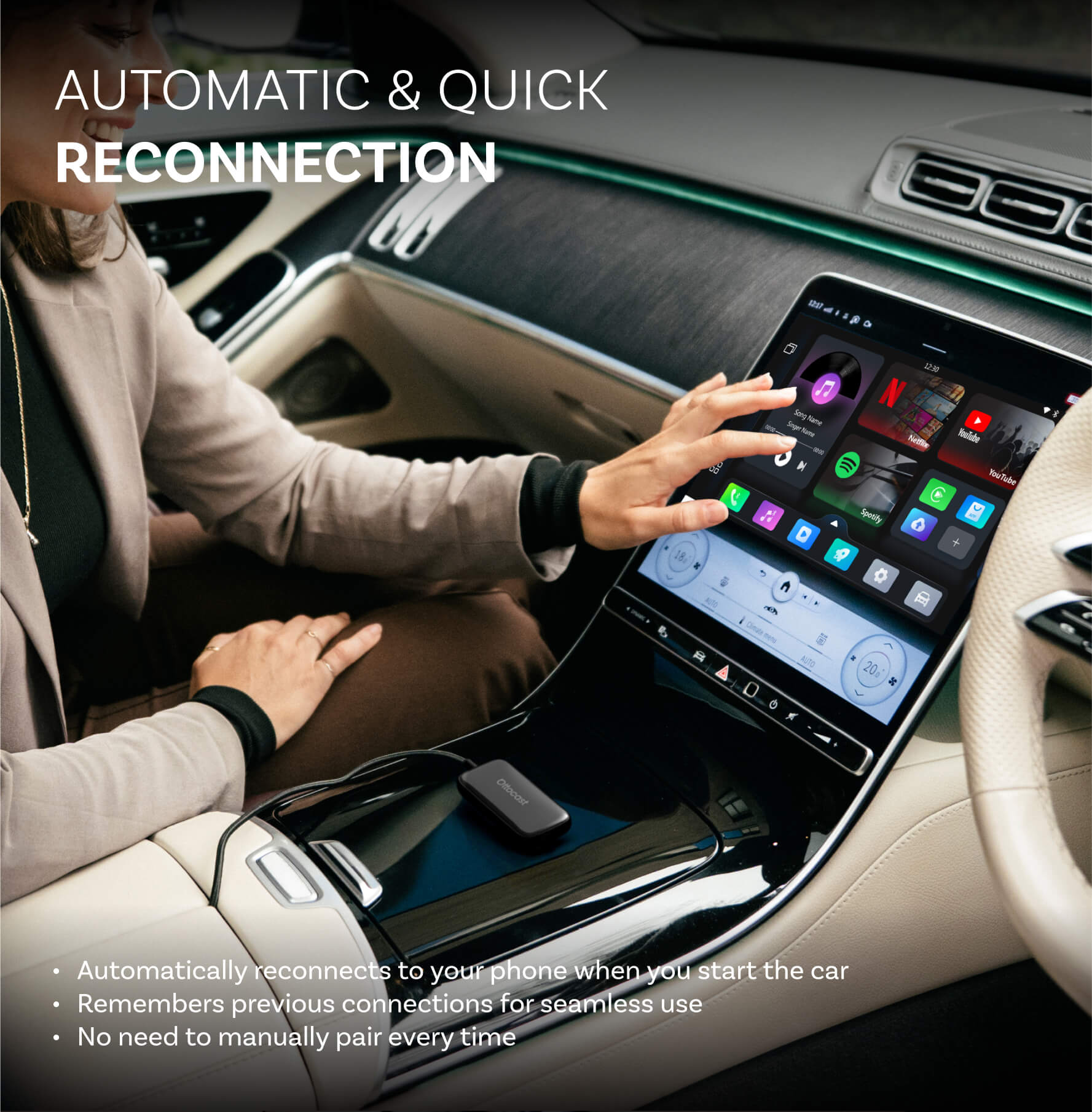
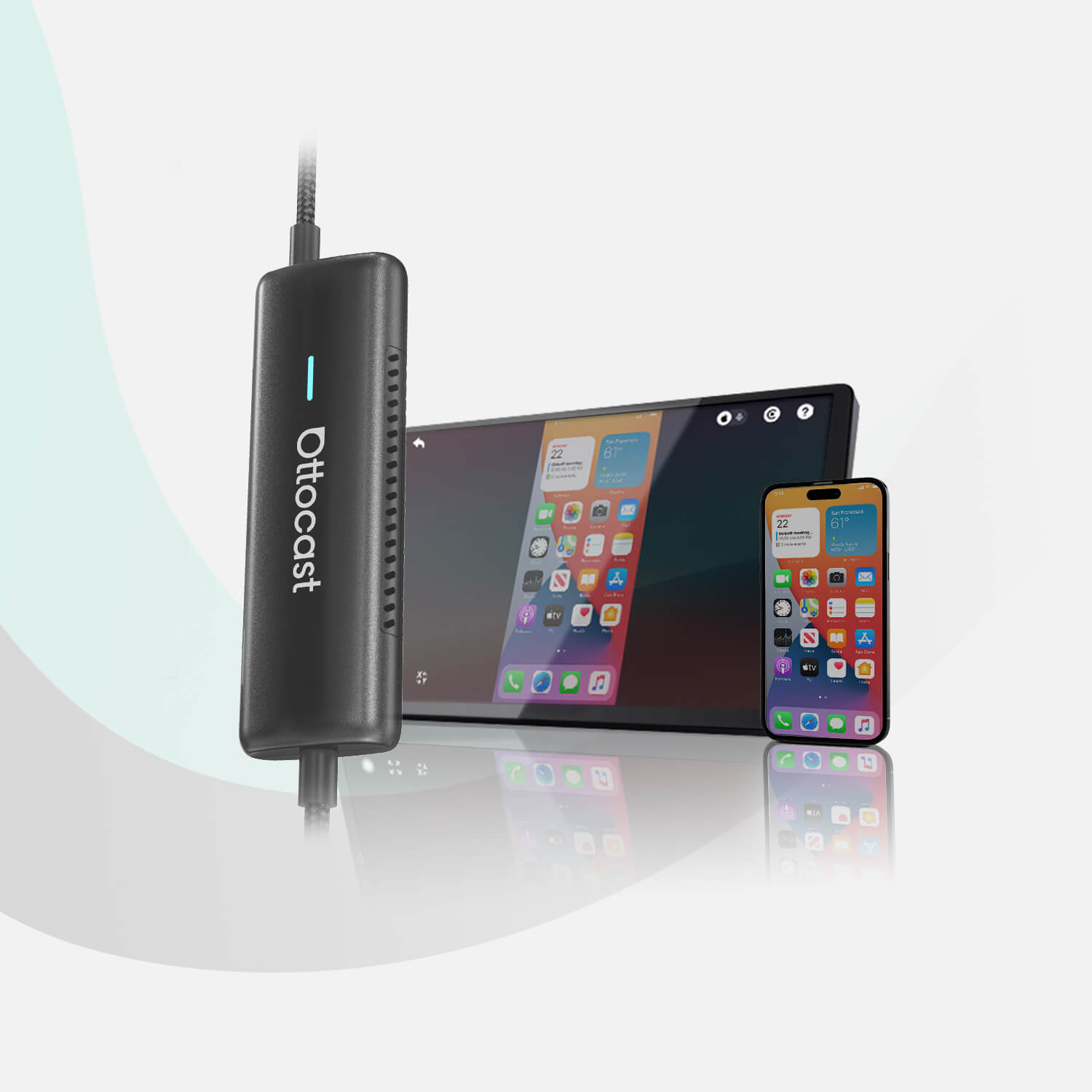
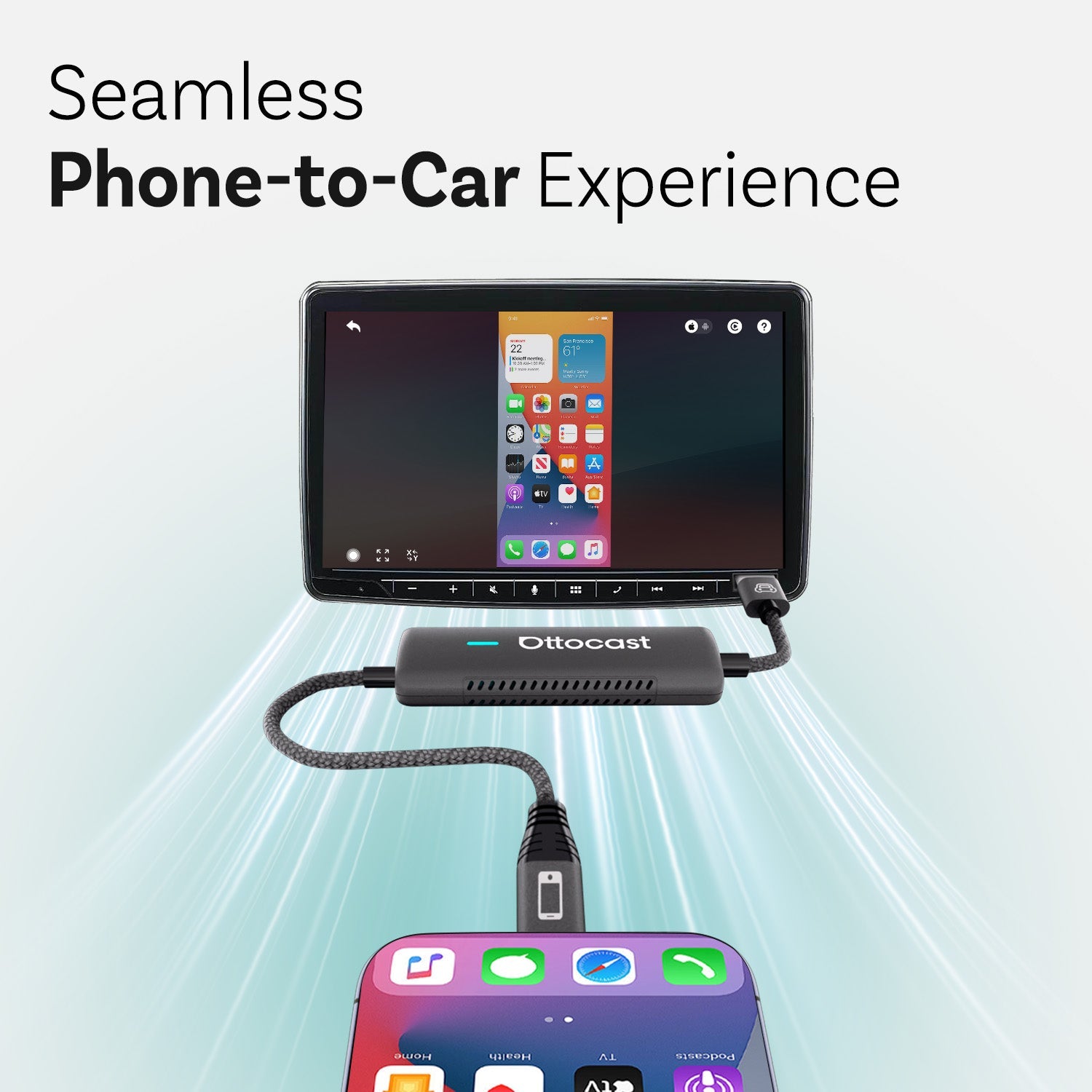
Wireless adapters connect to the existing USB CarPlay port, and they allow your phone to pair with your car automatically via Bluetooth and Wi-Fi. How neat is that?
This option will give you the most modern, cable-free experience, which is probably what you already want, and you don’t have to think about the cost or complexity of a full retrofit.
It’s also a very practical solution for short trips, or if you are a rideshare driver, or if you simply want a cleaner dashboard.
There are differences between wireless and wired CarPlay, but if you are set on going wireless, you should check out the Ottocast Mini Cube 3.0 Wireless CarPlay/Android Auto Adapter.
A Few Safety and Legal Notes
It’s great that you're considering upgrading your car’s interior, but if you are expecting to watch your favorite show while you drive, think again. That would be illegal. Apple CarPlay is designed to reduce distractions by simplifying controls and encouraging voice interactions. Even so, make sure to always set your destination and prepare your playlist before you start your car.
According to distracted driving statistics, visual distractions significantly increase the risk of an accident.
Therefore, make sure to always use CarPlay responsibly and avoid interacting with the screen while driving.
FAQs
When is a wireless CarPlay adapter the best choice?
If your car already has wired CarPlay but you hate plugging in your phone every drive, a wireless adapter is typically the simplest upgrade. No dashboard teardown, minimal risk, and you keep your factory screen, controls, and features.
My car isn’t on your compatibility list—can it still work?
Possibly. Compatibility lists can’t cover every trim and model year. The key requirement is stable wired CarPlay via the factory USB port. If wired CarPlay works consistently, a wireless adapter often works. If there’s no CarPlay, it won’t.
Can I store multiple phones and switch between them?
Many setups can remember more than one phone, but auto-connect behavior depends on your car and adapter logic. If two phones are present, the system may connect to the last-used device or whichever responds first. Disable Bluetooth on one to switch.
Will an aftermarket CarPlay retrofit keep my steering wheel controls and backup camera?
Often yes, but not automatically. Retaining factory features depends on using the right harnesses, CAN-bus interfaces, and correct configuration. Before installation, confirm the shop or product explicitly supports your exact trim’s steering controls, camera, sensors, and amplifiers.
Why does my phone keep “stealing” CarPlay from another driver?
If two paired iPhones are in the car with Bluetooth enabled, the system may connect to whichever phone appears first or was last connected. To prevent this, disable Bluetooth/Wi-Fi on the non-driver phone, or remove the vehicle pairing from that phone.
You may also like